


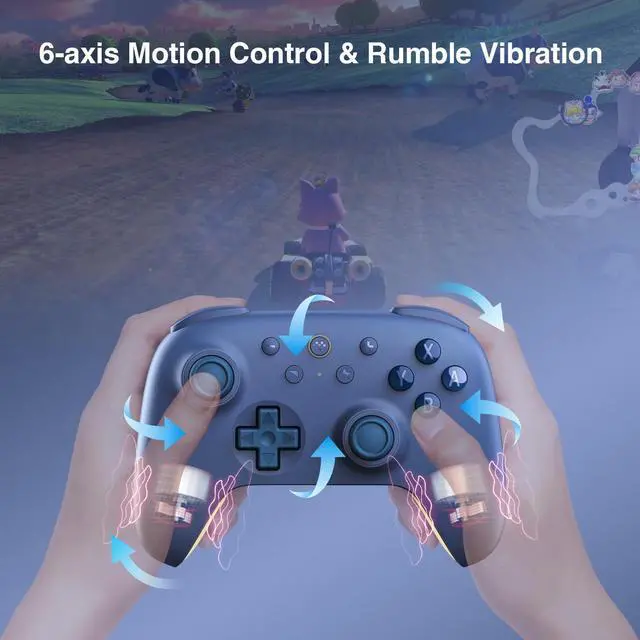


How to connect the Ultimate 2C Bluetooth Controller to Switch console via wired USB?
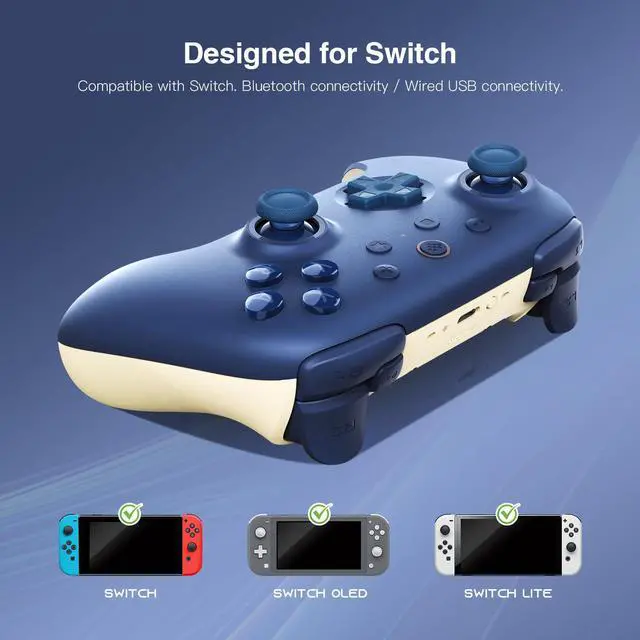
1. Go to Switch’s “System Settings”-”Controllers and Sensors”- “Pro Controller Wired Communication”. Ensure that the option is set to "Enabled.”
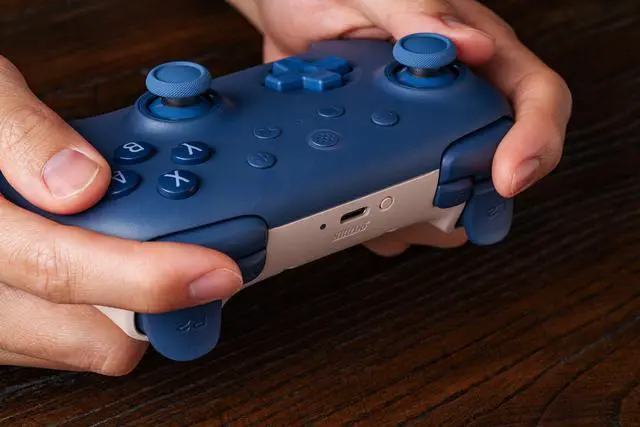
2. Connect the controller to your Switch console via a USB cable.
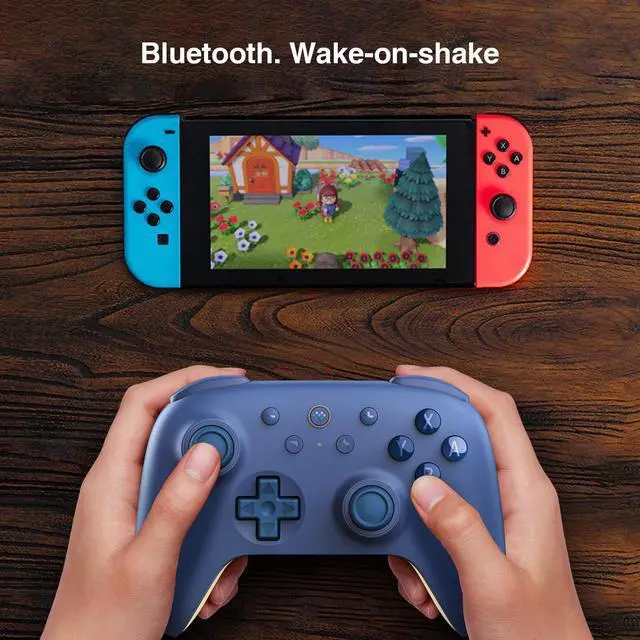
How to wake up my Switch with the Ultimate 2C Bluetooth Controller?
1. Please ensure the controller is already paired with the Switch console.
2. Press the Home button to turn on the controller.
3. Shake the controller to wake up the Switch console from sleep mode and automatic reconnection.
Is it compatible with Switch 2?
Yes, but you must ensure the firmware is updated to the latest version. Please click Support - More - Upgrade Tool to update the firmware.
Does this product use macros? Does it support 8Bitdo Software V2?
We're very sorry, but neither is supported.


8Bitdo is a premier 3rd party video game hardware company with a special focus on retro themed game controllers.
Renowned for producing the highest quality retro controllers on the market,
8Bitdo’s controller line has been referred to as, “a range of excellent retro-style game controllers” by The Verge.
8Bitdo’s goal is to produce premium quality game controllers with ultra-compatibility at economical prices.
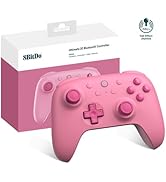
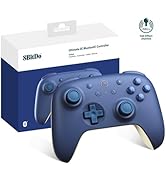
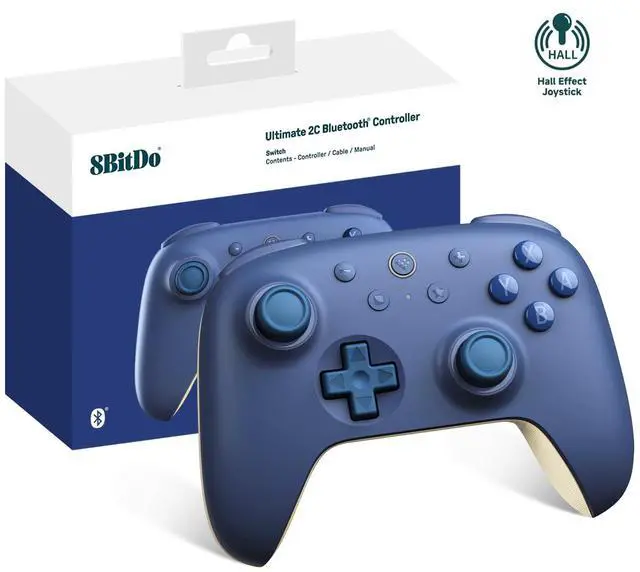
8Bitdo Ultimate 2C for Switch
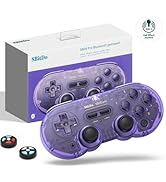
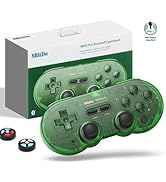
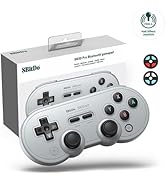
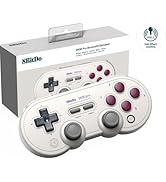
8Bitdo SN30 Pro Controller
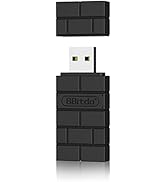
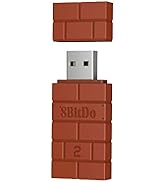
Top Recommend
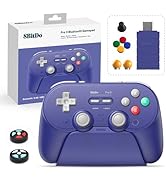
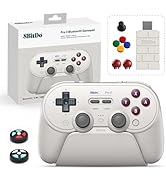
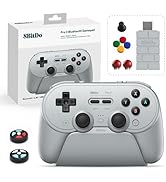
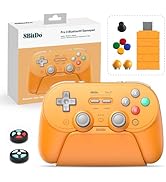
8Bitdo Pro 3 Controller
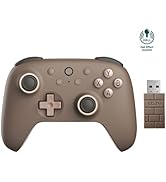
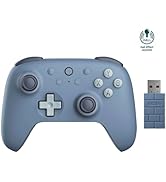
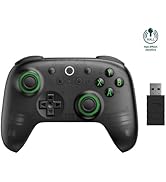
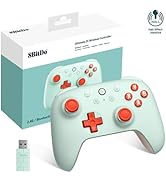
8BitdoUltimate2C for PCAndorid
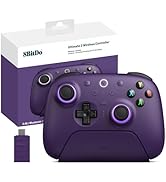
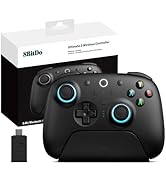
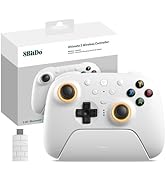
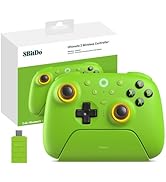
8Bitdo Ultimate 2
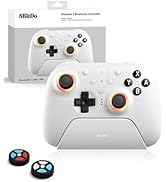
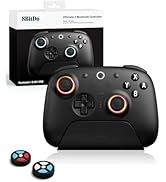
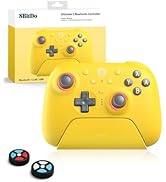
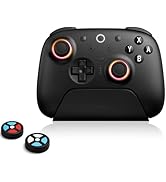
8Bitdo Ultimate 2 for Switch
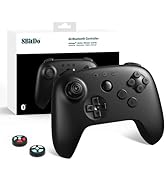
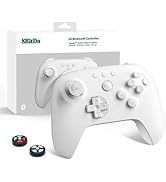
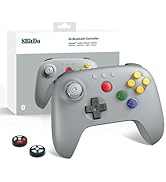
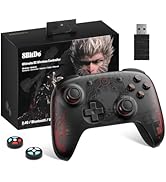
8Bitdo Controller

At RunSnail, our mission is simple: to bring joy to every gamer. As an official authorized distributor of 8BitDo, we are proud to deliver not only authentic, high-performance gaming gear, but also a shopping experience that’s reliable and satisfying. We believe that great games deserve great controllers—and we’re here to make that connection happen for players around the world.
8Bitdo is a premier 3rd party video game hardware company with a special focus on retro themed game controllers.
Renowned for producing the highest quality retro controllers on the market,
8Bitdo’s controller line has been referred to as, “a range of excellent retro-style game controllers” by The Verge.
8Bitdo’s goal is to produce premium quality game controllers with ultra-compatibility at economical prices.
8Bitdo Ultimate 2C for Switch
8Bitdo SN30 Pro Controller
Top Recommend
8Bitdo Pro 3 Controller
8BitdoUltimate2C for PCAndorid
8Bitdo Ultimate 2
8Bitdo Ultimate 2 for Switch
8Bitdo Controller
At RunSnail, our mission is simple: to bring joy to every gamer. As an official authorized distributor of 8BitDo, we are proud to deliver not only authentic, high-performance gaming gear, but also a shopping experience that’s reliable and satisfying. We believe that great games deserve great controllers—and we’re here to make that connection happen for players around the world.


How to connect the Ultimate 2C Bluetooth Controller to Switch console via wired USB?
1. Go to Switch’s “System Settings”-”Controllers and Sensors”- “Pro Controller Wired Communication”. Ensure that the option is set to "Enabled.”
2. Connect the controller to your Switch console via a USB cable.
How to wake up my Switch with the Ultimate 2C Bluetooth Controller?
1. Please ensure the controller is already paired with the Switch console.
2. Press the Home button to turn on the controller.
3. Shake the controller to wake up the Switch console from sleep mode and automatic reconnection.
Is it compatible with Switch 2?
Yes, but you must ensure the firmware is updated to the latest version. Please click Support - More - Upgrade Tool to update the firmware.
Does this product use macros? Does it support 8Bitdo Software V2?
We're very sorry, but neither is supported.