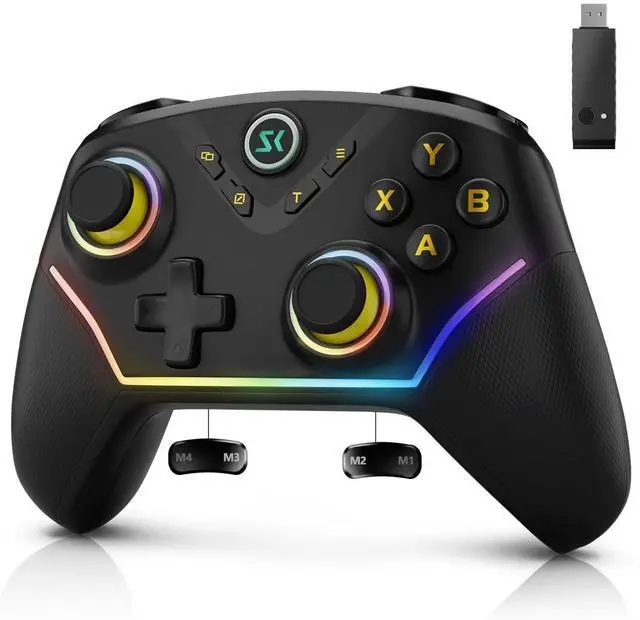
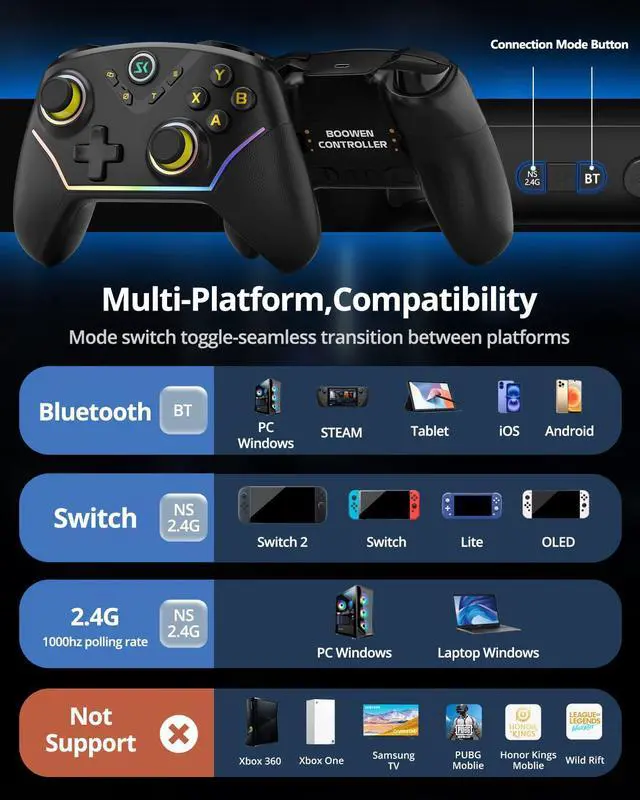
Multi-Device ConnectionFor bluetooth (PC/iOS/Android), Hold "BT" for 2s until the light flashes green, Select the controller in your device's Bluetooth settings,A vibration and solid green light confirm connection; for 2.4G Wireless (PC), Hold "NS.2.4G" for 2s until the pink light flashes, Plug the receiver into a USB port and press its button, Auto-pairing is confirmed by a solid light; for Nintendo Switch (Switch/OLED/Lite), Hold "NS.2.4G" for 2s until the pink light flashes, On the console, enter "Change Grip/Order" and press LB/RB, Vibration and a solid pink light indicate successful linking.
Multi-Platform Wireless ControllerThis wireless PC controller is your ultimate all-in-one gaming key. It seamlessly connects to PC (Windows 7/8.1/10/11), Switch/OLED/Lite, iOS, and Android devices. Enjoy versatile connectivity via Bluetooth 5.0, low-latency 2.4GHz wireless (receiver included), or wired USB-C. Switch between platforms and play your way, anytime. (Not support for Xbox)
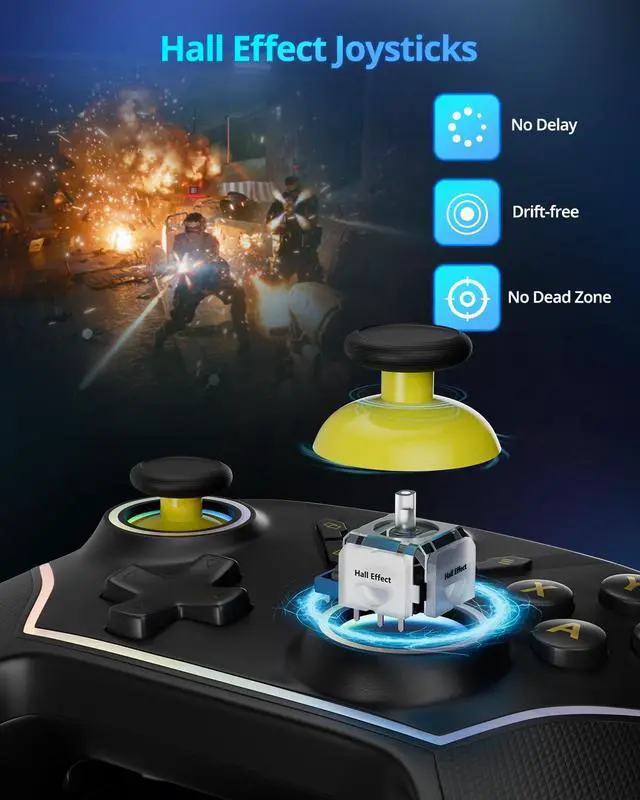
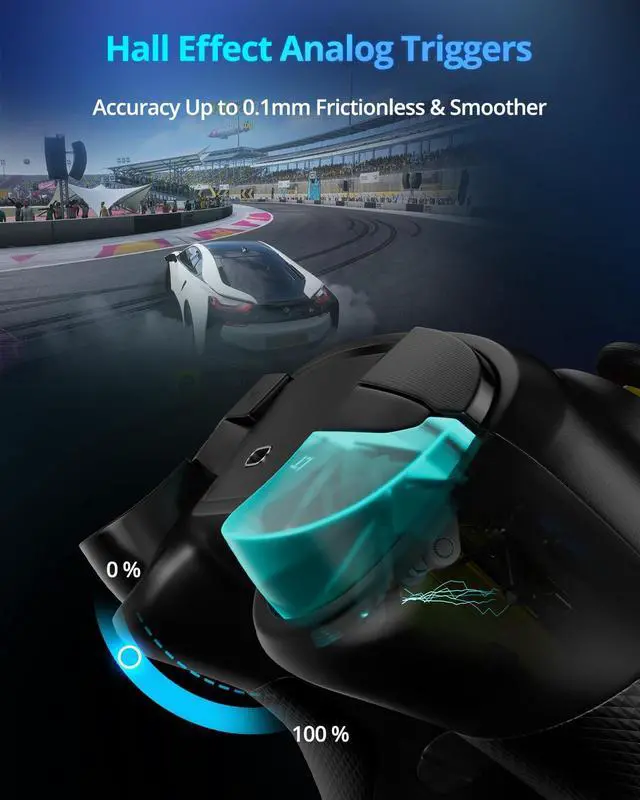
Hall Effect Joysticks & Triggers for Ultimate PrecisionEquipped with advanced magnetic Hall Effect sensors, this PC game controller eliminates stick drift and delivers flawless, lifelong accuracy. The triggers offer silky-smooth, linear feedback for perfect control in racing and shooting games. Experience pixel-perfect aim and unparalleled durability that far surpasses traditional potentiometer-based controllers.
+
+
Overview
Specs
Reviews
Any questions? Our AI mode will help you find out quickly.
Try me now
Wireless PC Gaming Controller
Merchant Video
Wireless PC Gaming Controller
Merchant Video
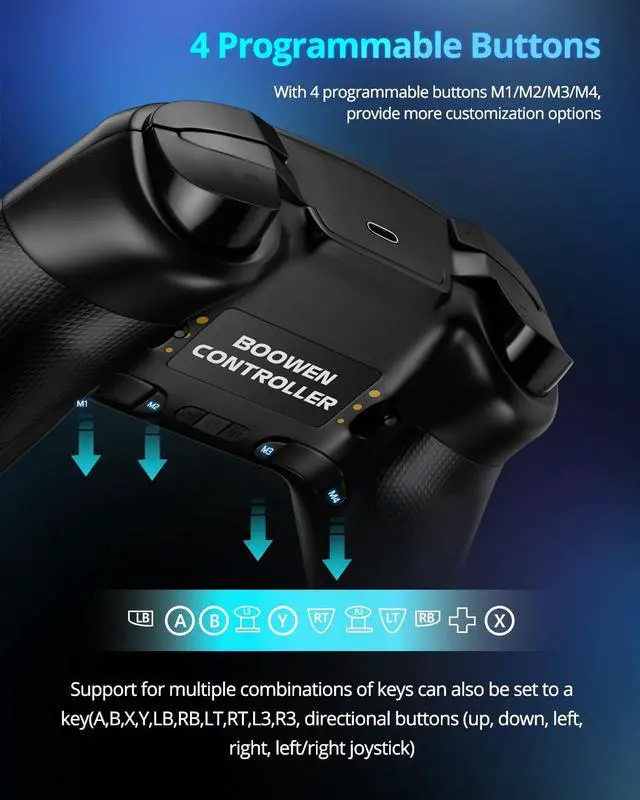
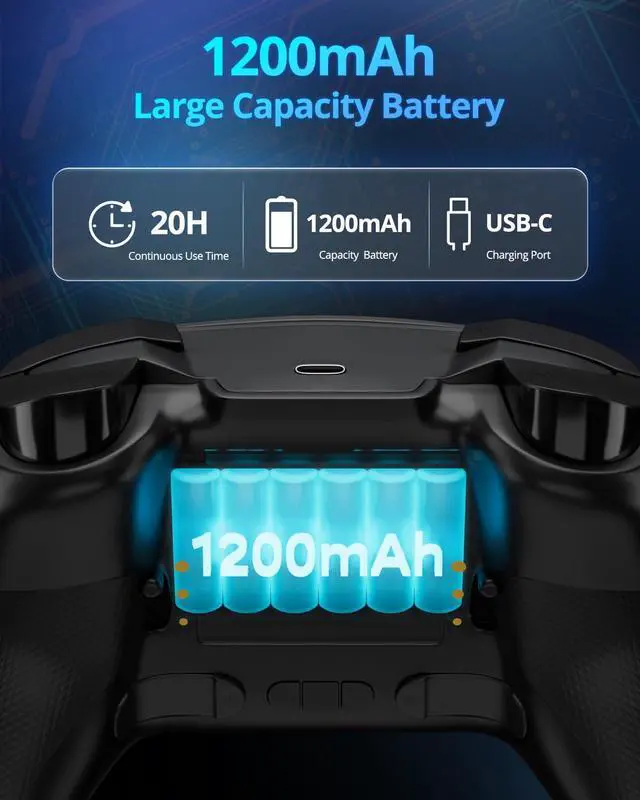
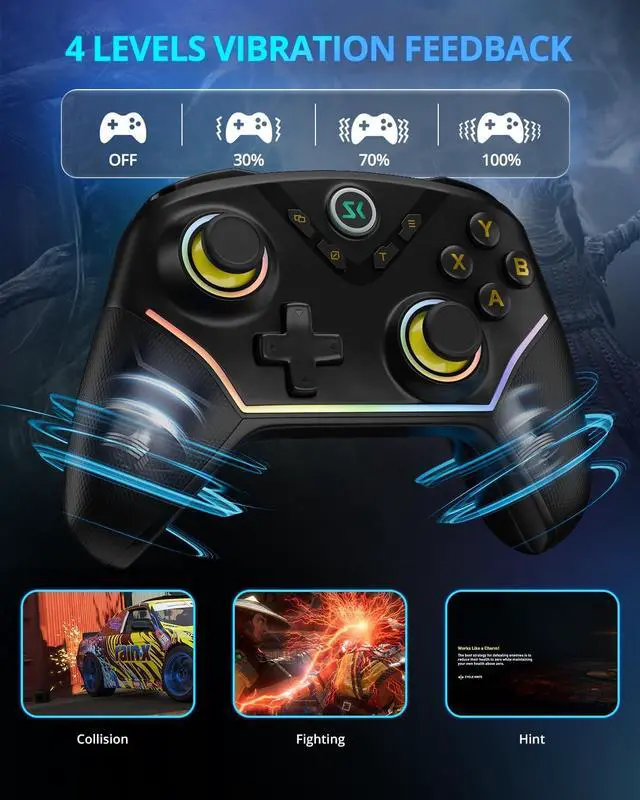
Multi-platform wireless controller. Hall joysticks & triggers, 2.4G adapter. 1200mAh, RGB, 4 programmable buttons. For Windows, Switch, iOS, Android, Steam
Learn more about the Detailed Specifications
Model
Brand
Boowen
Details
Color
Black
Type
Gamepad
System Requirement
, , ,
Features
Features
14, Gamepad,
Dimensions & Weight
Dimension
2 L x 2 W x 3 H inches
Additional Information
First Listed on Newegg
April 19, 2026
There are no reviews yet.
Do you own this product?
Warranty & Returns
Warranty, Returns, And Additional Information
Warranty
Please contact the Seller directly for warranty information. Warranty information may also be found on the Manufacturer's website.