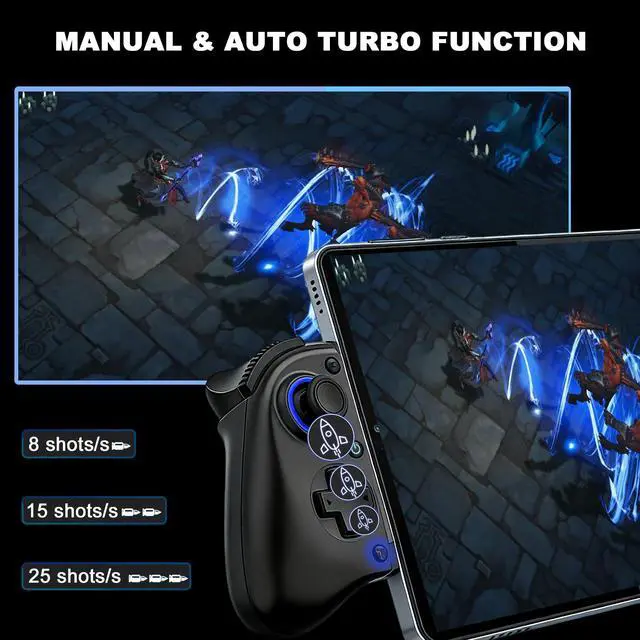
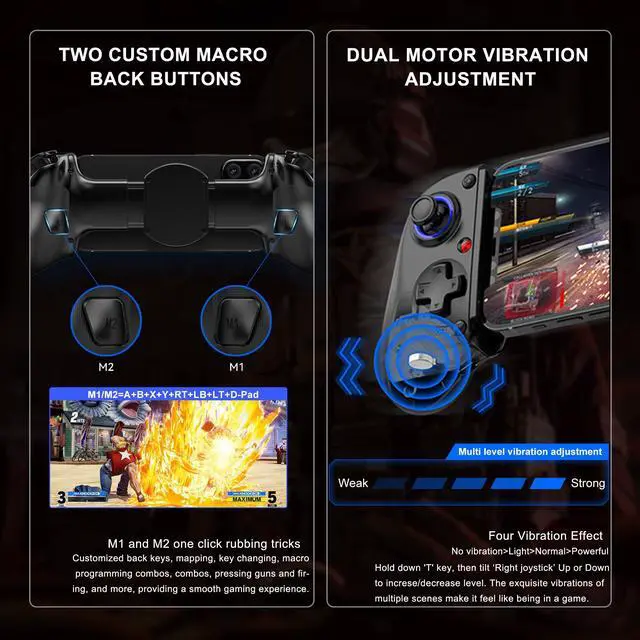
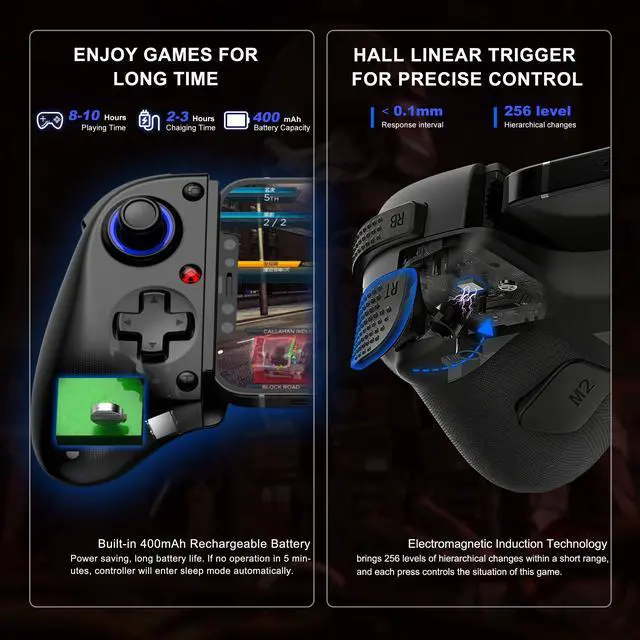
Connection Guide: 1. Pre-Connection check: make sure controller is off; 2. Bluetooth magic: enable Bluetooth on your device: for iOS & Android (1st mode), press 'RB + Home' on controller, the cyan indicator turns on and flashes swiftly, then select Bluetooth 'Xbox Wireless Controller'; For Android (2nd mode), press 'X + Home' on controller, the orange indicator turns on and flashes swiftly, then select Bluetooth 'BSP-D10'
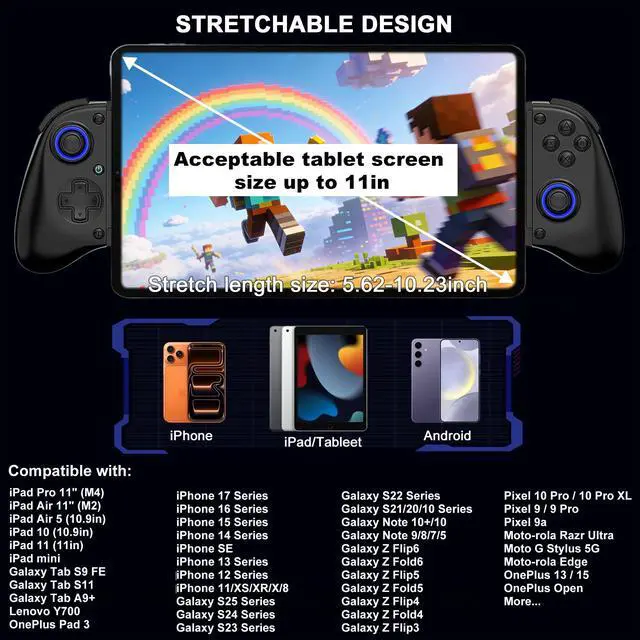
Stretch Enough For iPad/Tablet: Megadream iPhone controller with stretch length of 5.62~10.23inch, suitable for any size mobile, and iPad/Tablet which under 11in. for iPhone 15/14/13/11/X series, Galaxy S23/S23 Ultra/S23+/S22/S22 Ultra/S22+/S21/S21 Ultra/S21+, Google Pixel, TCL, LG, iPad Pro 11 inch 4/3/2, iPad Air 11in, iPad 10/9/8, iPad mini 6/5/4, Galaxy Tab S9 FE/S9/S8/A9+/A8, Le-novo Legion Y700 etc [NOT for iPad Pro 12.9inch/iPad Air 13in/Galaxy Tab S 12-15inch tablet/Legion Y900]
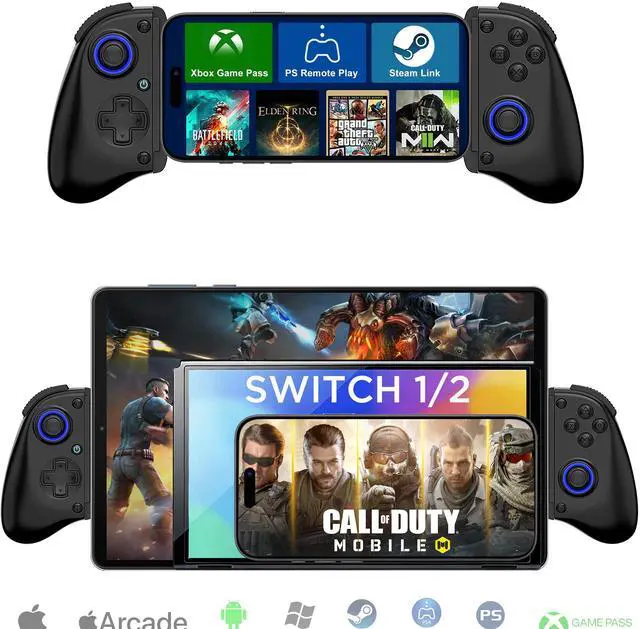
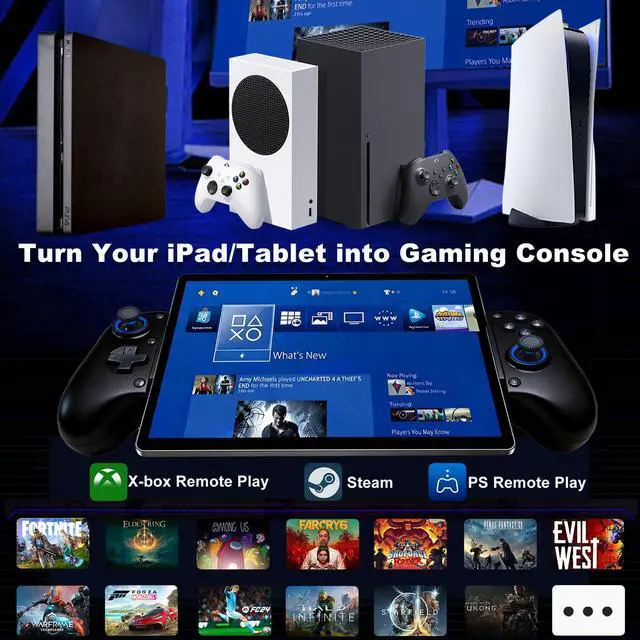
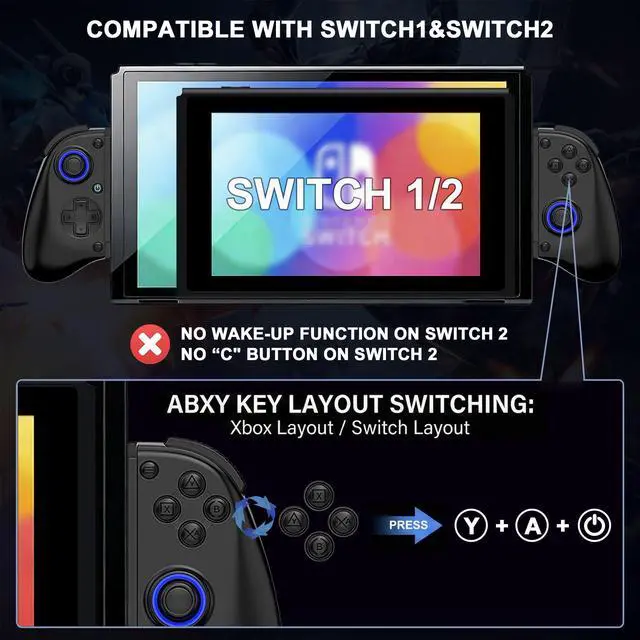
Play Any Game That Supports Controllers: The wireless iOS controller can directly play hundreds of controller-enabled games on iPhone/Android/PC/NS-Switch/PS3/PS4, such as Call of Duty, Roblox, Minecraft, Genshin Impact, Diablo Immortal and more. Supports virtually all cloud-based gaming services including GeForce Now, Netflix, Xbox Game Pass, Luna, MFi A-pple Arcade. Also supports streaming on Play-station/Xbox/PC via Remote Play App [PS5 ONLY support streaming, not support direct connect]
+
+
Overview
Specs
Reviews
Any questions? Our AI beta will help you find out quickly.