

Your Browsing History
- Free 30-day Returns
$38.99


Meet Your Seller

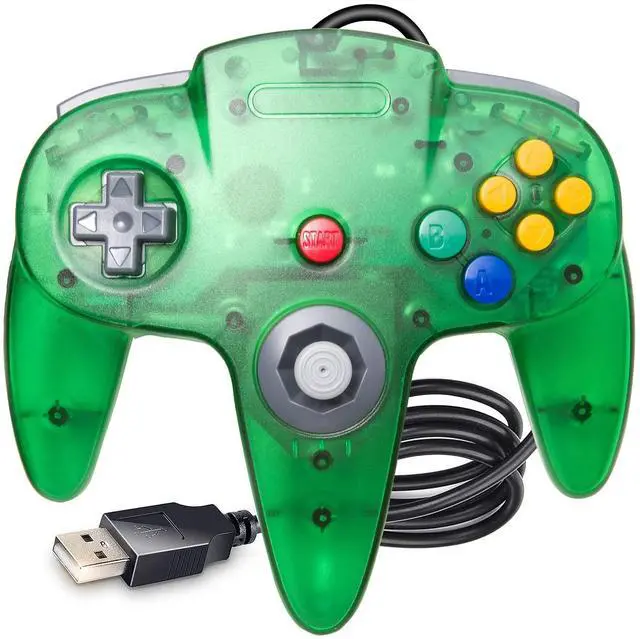
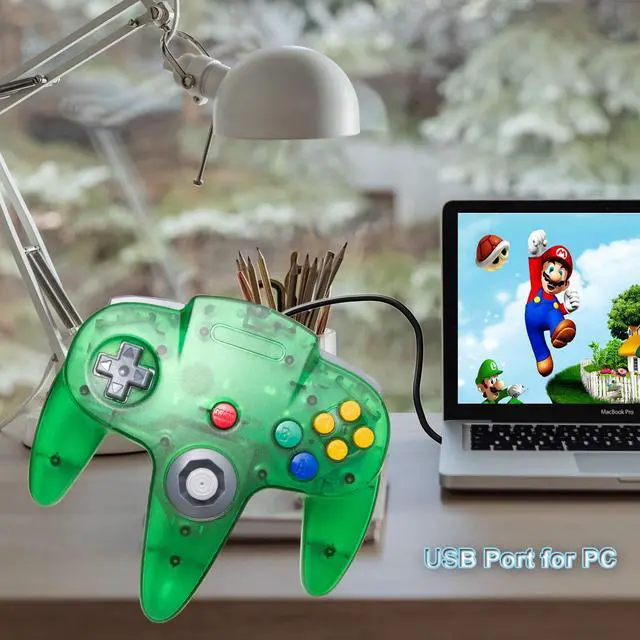
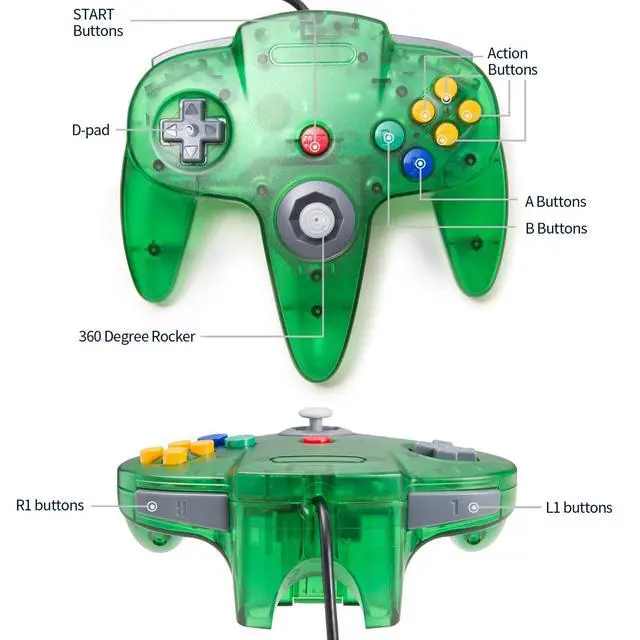
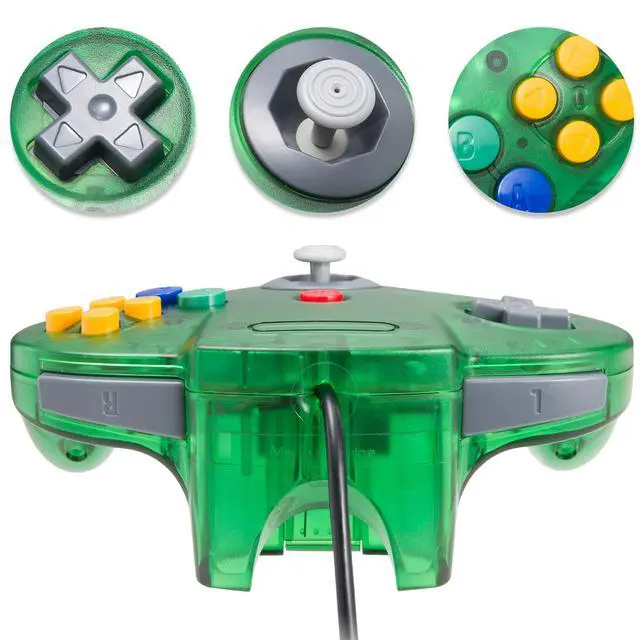


Classic N64 USB Controller, N64 Remote Wired USB Game Joystick Controller for Windows PC & MAC & Raspberry Pi Clear Green
- Wired N64 Controller for Windows PC on Computer or MAC Laptop(USB version, not for switch), specially designed for N64 classic emulated games on pc/mac or Raspberry Pi. It works with any emulator you wish to download and use.Such as Project 64,OpenEmu,MegaN64,Mupen64,Mupen 13 Beta,Mupen64Plus FZ,RetroArch,ClassicBoy and SixtyForce etc.
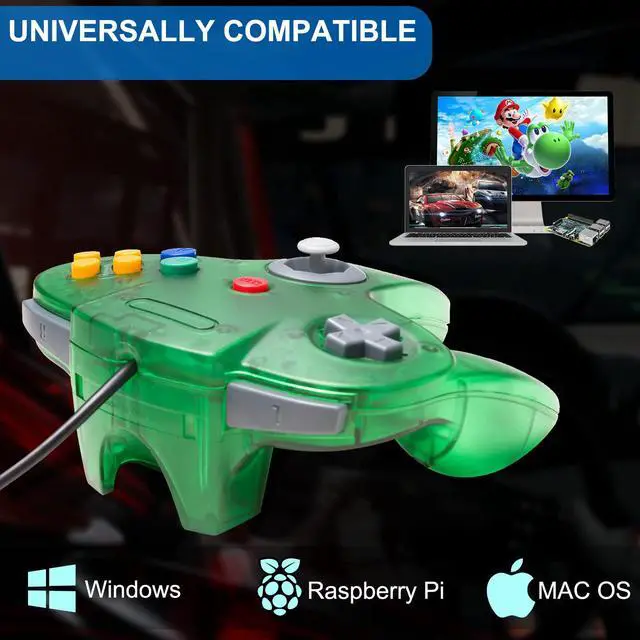
- Compatible with Windows and Mac OS X, running Windows 98/2000/ ME/XP/Vista/Win 7/8/8.1/10 or later,or Mac running OS X,Mac OS X and macOS.
- No external power required,requires you to download the game emulator. The cord is approx. 1.7 meters (6ft). Notice: please download the emulator first before start the games, you can download the emulator Project64 on PC and OpenEmuon MAC.
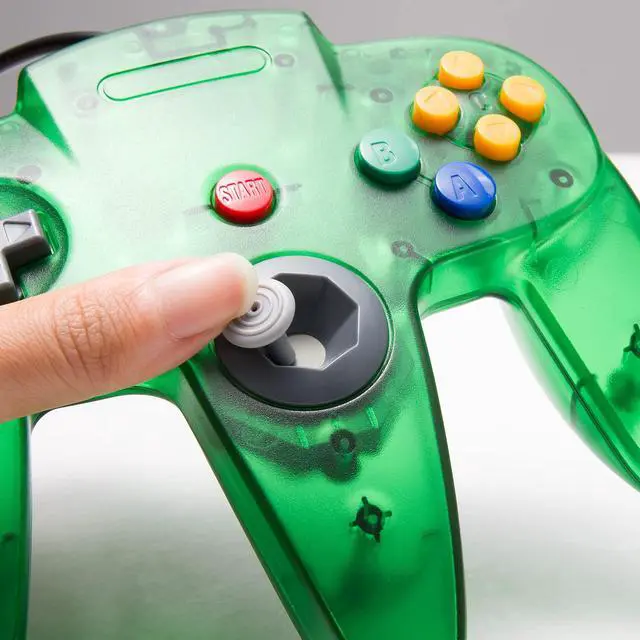
- Tight and accurate analog control, the controller features 10 function buttons (including Left and Right shoulder functions and Z-trigger). The "M" shape is designed to fit the contour of your hands, small span of buttons, easy and comfortable to hold and control.
- Third party N64 controller, there are no connectors to use a "rumble pack". But you can play N64 games on the computer very well with your friends and family, such as Super Smash Bros,Mario Kart, Perfect Dark, Zelda,Racing Games and many other classic N64 games. If the controller can't successfully recognized on your device, please turn off the firewall on the computer.
+
+
Overview
Specs
Reviews

Any questions? Our AI beta will help you find out quickly.
Try me now
Supported game device with usb port:
PC Computer, Notebook/Laptop Computer
Raspberry Pi ,Raspberry Pi 1 Model B, Model A, Raspberry Pi 1 Model B+, Raspberry Pi 2,Raspberry Pi OS, Raspberry Pi 3 Model B+, Raspberry Pi 3, Raspberry Pi Zero.
Support game Emulator:
Project 64,OpenEmu,MegaN64,Mupen64,Mupen64Plus FZ,RetroArch,ClassicBoy and SixtyForce etc.
1)Mupen64Plus FZ is one of the newer N64 emulators.
2)RetroArch is one of the better N64 emulators
3)SixtyForce is the best option for emulating the N64 console natively in Mac OS X.
How to use the controller?
Connecting Controller (Controller Testing)
Please plug the controller to the USB interface of the computer. And then the computer will indentify the controller in seconds.
Fit For Windows System: Download the "Project 64" emulator, then define the Buttons for the N64 games
Fit For Mac OS System: Download the "OpenEmu" emulator, then define the Buttons for the N64 games
Specification:
Connection: USB port
8-Way directional Pad,precise 3D analog stick
Compatible with all versions Windows and Mac OS X system
Approximately 6ft. cable
NOT Compatible with Android Box and Steam games
Package included:
1* N64 USB controller
Note: If you can't successfully use the controller on your device,please contact the seller for support. 24-hour worry-free service from kiwitata.
Warranty & Returns
Warranty, Returns, And Additional Information
Warranty
- Please contact the Seller directly for warranty information. Warranty information may also be found on the Manufacturer's website.
- CONTACT
Return Policies
- Return for refund within: 30 days
- Return for replacement within: 30 days
- This item is covered by BestGifts Store Return Policy
Manufacturer Contact Info
- For a directory of all our manufacturers, please click below.
- Manufacturers Directory
LOADING...