




The Controller can be not connected to the Console.
Pair it with the console first. Make sure the Console has correctly set up to communicate using aUSB cable connection . Verify that the USB Controller has correctly connected to the TYPE C USBport on the Console.
The Controller has connected to the console but has no function.
When connecting multiple Controller, confirm that the Player#1 Controlleris being used.
RGB Function Setting?
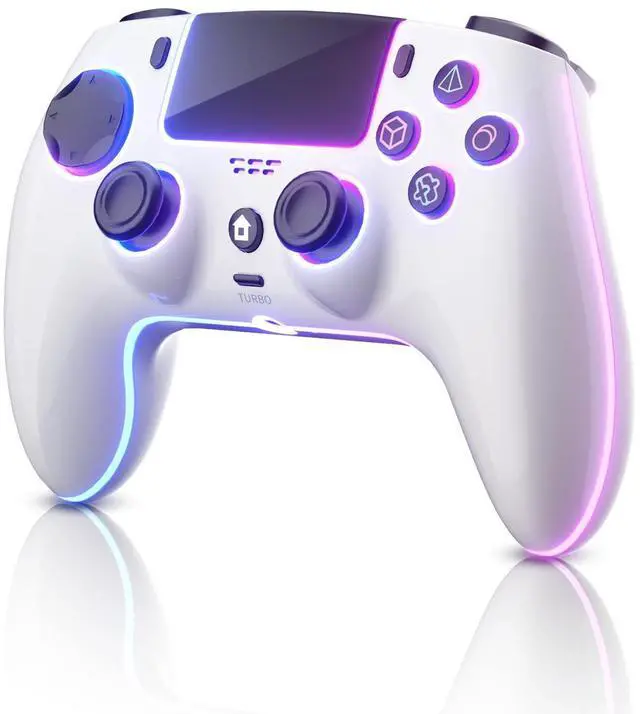
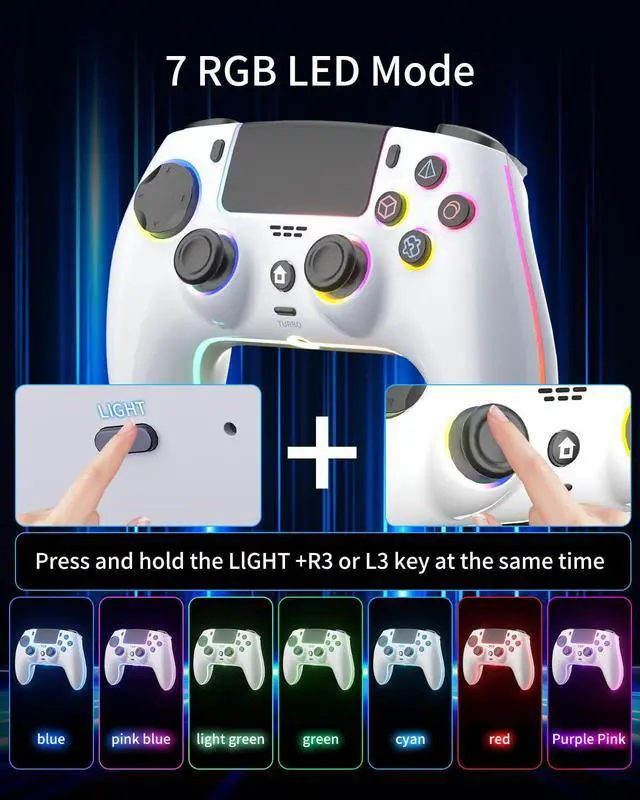
Press and hold the LlGHT +R3 or L3 key at the same time (the joystick push down, Controller vibrate once) to switch the coleof the light ( The Color are: pink blue, blue, light green, green, cyan, purple, pink
red).
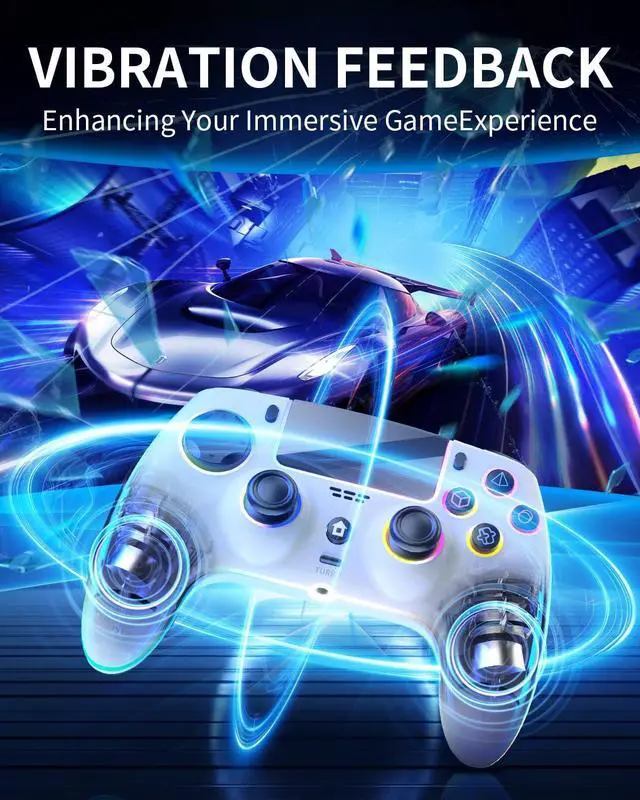
Motor vibration strenath Adfustment.
Press and hold the TURBO+ left 3D joystick push up: increase the matorvibration strength ; TURBO + left 3D joystick push down: reduce the mato!vibration strength; 100%-75% 50%-0%, 4 gears strength adjustable.
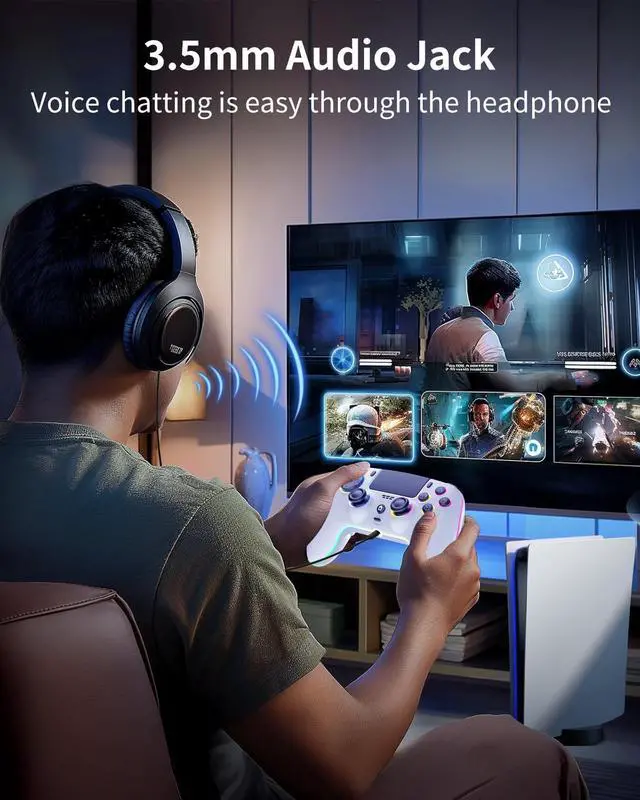
3.5mm Audio Jack

Voice chatting is easy through your headphone.
RGB Function Setting

Press and hold the LlGHT +R3 or L3 key at the same time (the joystick push down, Controller vibrate once) to switch the coleof the light ( The Color are: pink blue, blue, light green, green, cyan, purple, pink, red).

First time connecting to the console, it first needs to use a USB cable to connect the Controller with PS-5 console. In the process of connection, the program automatically match codethen unplug the USB cable, press the HOME key, the Controller will beconnected wireless by Bluetooth with the Console
Wireless Controller for PS5
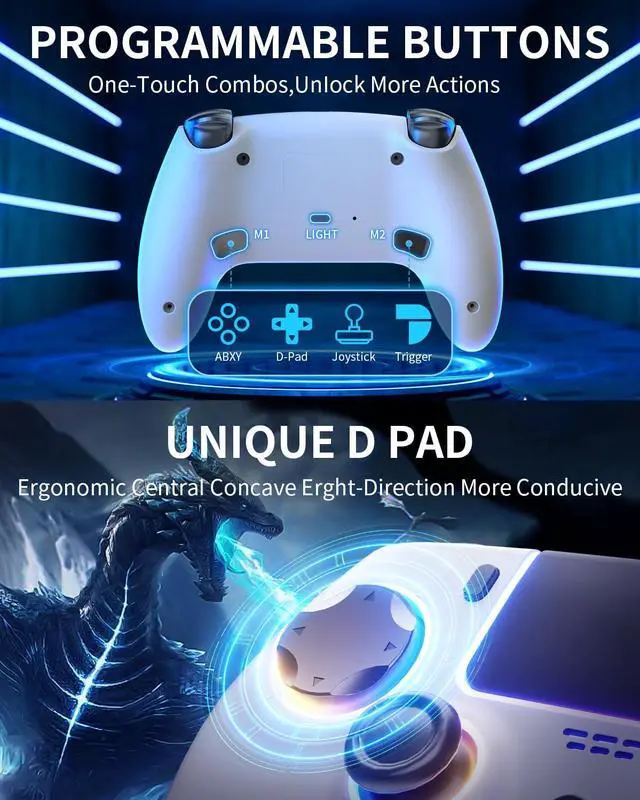
Merchant VideoWhen using for PS-5 Console, the Controller is support Audio, Axis Sensorfunctions, support two-point capacitance induction Touchpad.
The Controller can be not connected to the Console.
Pair it with the console first. Make sure the Console has correctly set up to communicate using aUSB cable connection . Verify that the USB Controller has correctly connected to the TYPE C USBport on the Console.
The Controller has connected to the console but has no function.
When connecting multiple Controller, confirm that the Player#1 Controlleris being used.
RGB Function Setting?
Press and hold the LlGHT +R3 or L3 key at the same time (the joystick push down, Controller vibrate once) to switch the coleof the light ( The Color are: pink blue, blue, light green, green, cyan, purple, pink
red).
Motor vibration strenath Adfustment.
Press and hold the TURBO+ left 3D joystick push up: increase the matorvibration strength ; TURBO + left 3D joystick push down: reduce the mato!vibration strength; 100%-75% 50%-0%, 4 gears strength adjustable.
3.5mm Audio Jack

Voice chatting is easy through your headphone.
RGB Function Setting

Press and hold the LlGHT +R3 or L3 key at the same time (the joystick push down, Controller vibrate once) to switch the coleof the light ( The Color are: pink blue, blue, light green, green, cyan, purple, pink, red).

First time connecting to the console, it first needs to use a USB cable to connect the Controller with PS-5 console. In the process of connection, the program automatically match codethen unplug the USB cable, press the HOME key, the Controller will beconnected wireless by Bluetooth with the Console
Wireless Controller for PS5
Merchant VideoWhen using for PS-5 Console, the Controller is support Audio, Axis Sensorfunctions, support two-point capacitance induction Touchpad.