


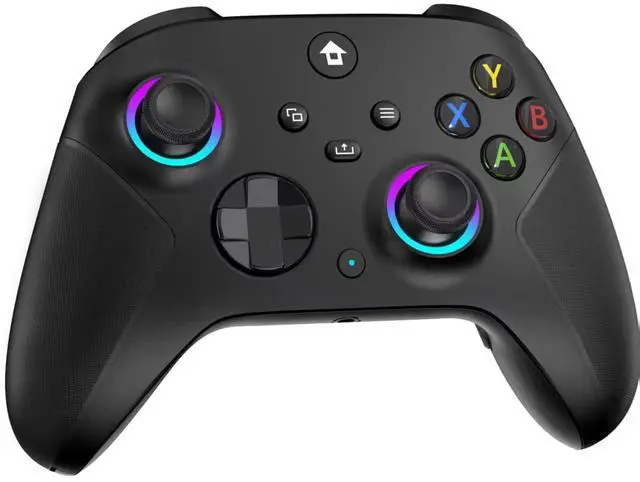
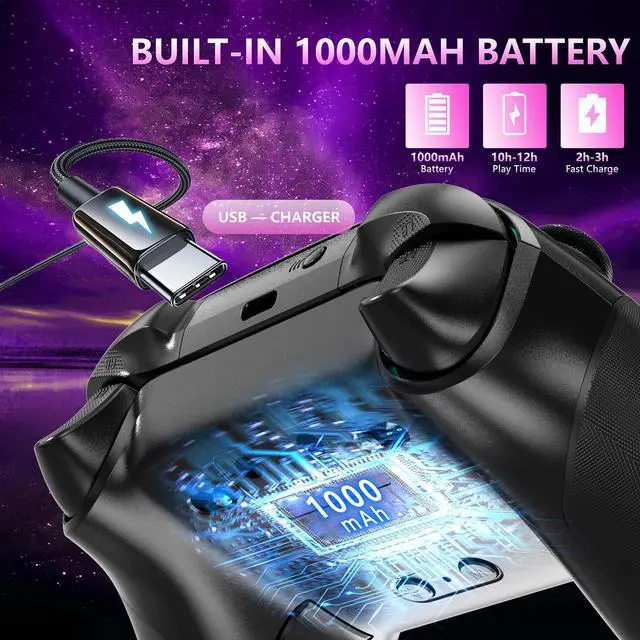


2.4GHZ Wireless Xbox Controller with 7 Colors RGB Light
2.4GHz Wireless Controller for Xbox Controller
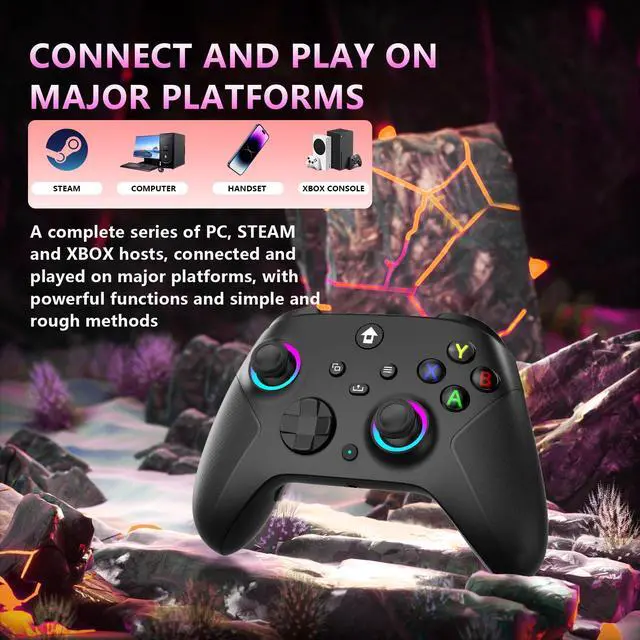
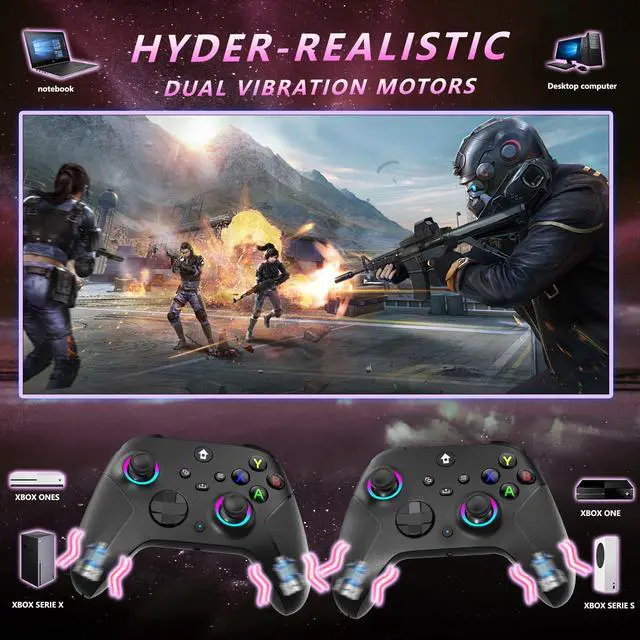
Merchant VideoFor Xbox, Xbox One, Series X|S, Consoles, Steam, PC Windows 10 and above

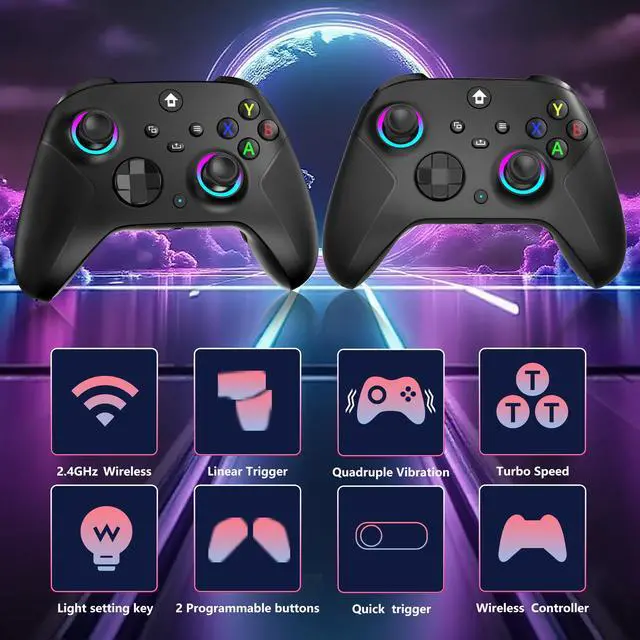
TURBO and AUTO TURBO Function

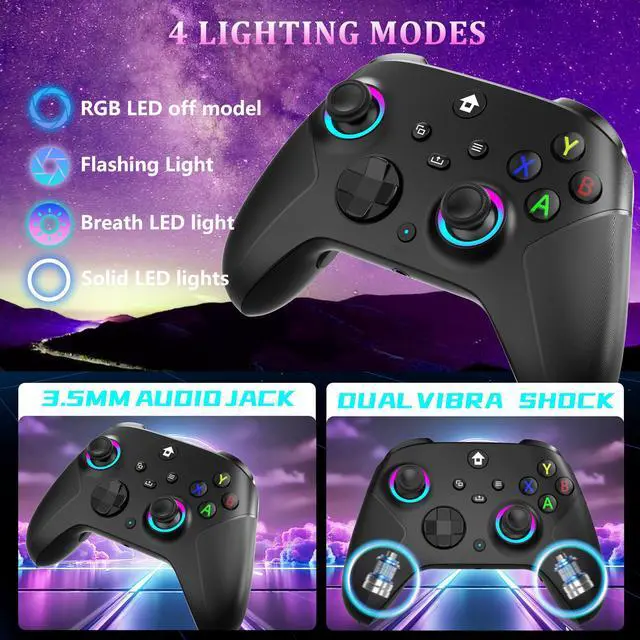
3.5mm Stereo Jack , Type-C Charging Cable

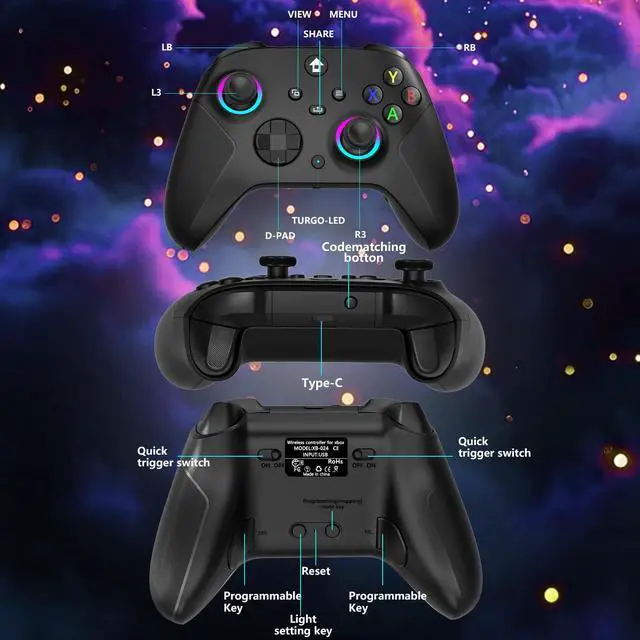
4 RGB Lighting Modes, 2 Programmable Keys

Wired and Wireless Connections ,Dual Vibration

1.What I Get?
1. 2.4GHz Xbox controller * 1
2. 2.4GHz wireless adapter * 1
3. USB-C cable * 1
4. 2.4GHz Xbox controller User manual * 1
2.Why does the joystick drift?How should I solve it?
The joystick cannot be moved before turning on, which will affect the positioning of the center point. Simply turn off the controller and reconnect it.
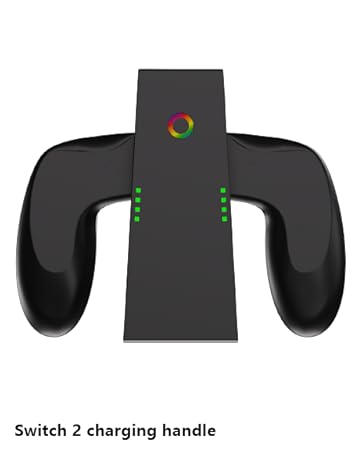
3.Why is the charging handle damaged?
Fast charging cannot be used, it can be rated for 5v1a charging. You directly connect data cable to USB interface of computer for charging. Excessive voltage during fast charging can cause chip damage, so it should be avoided to use fast charging.
4.Why does it disconnect when I plug in my earphones after connecting the controller?
You need to plug in the headphones first and then connect the controller. Ensure that the earphones are plugged in before connecting the handle. This will not cause your controller to disconnect.
5.If I encounter a situation where my controller cannot charge or shut down. How should I solve it?
If such an extremely special situation arises. You can use a needle or toothpick to poke the reset hole on the back of the controller. Then try again to use it normally.


YUYIU has been committed to the research and development of switch 2 controller for more than ten years. Committed to improving good game experience and good products for game lovers.As a controller experience the explorer, we focus on each detail, break through the boundary, combine technology and experience, play more pattern.
Why chooseYUYIU?
1.High-quality products give you the best user experience.
2.We have a strong R&D team, master the core technology
Why do we love what we do?
YUYIU Brand is a group of technologies and game enthusiasts created.Our goal is to make excellent quality products, provide ultimate shopping experience and creating a pleasant life for customers.
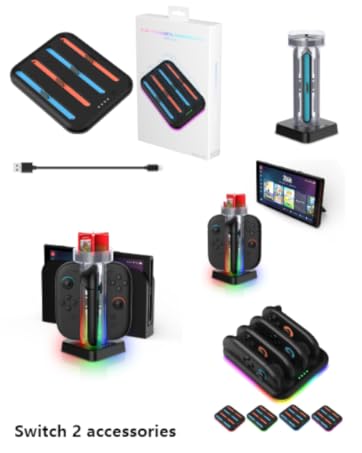
YUYIU has been committed to the research and development of switch 2 controller for more than ten years. Committed to improving good game experience and good products for game lovers.As a controller experience the explorer, we focus on each detail, break through the boundary, combine technology and experience, play more pattern.
Why chooseYUYIU?
1.High-quality products give you the best user experience.
2.We have a strong R&D team, master the core technology
Why do we love what we do?
YUYIU Brand is a group of technologies and game enthusiasts created.Our goal is to make excellent quality products, provide ultimate shopping experience and creating a pleasant life for customers.
2.4GHZ Wireless Xbox Controller with 7 Colors RGB Light
2.4GHz Wireless Controller for Xbox Controller
Merchant VideoFor Xbox, Xbox One, Series X|S, Consoles, Steam, PC Windows 10 and above

TURBO and AUTO TURBO Function

3.5mm Stereo Jack , Type-C Charging Cable

4 RGB Lighting Modes, 2 Programmable Keys

Wired and Wireless Connections ,Dual Vibration

1.What I Get?
1. 2.4GHz Xbox controller * 1
2. 2.4GHz wireless adapter * 1
3. USB-C cable * 1
4. 2.4GHz Xbox controller User manual * 1
2.Why does the joystick drift?How should I solve it?
The joystick cannot be moved before turning on, which will affect the positioning of the center point. Simply turn off the controller and reconnect it.
3.Why is the charging handle damaged?
Fast charging cannot be used, it can be rated for 5v1a charging. You directly connect data cable to USB interface of computer for charging. Excessive voltage during fast charging can cause chip damage, so it should be avoided to use fast charging.
4.Why does it disconnect when I plug in my earphones after connecting the controller?
You need to plug in the headphones first and then connect the controller. Ensure that the earphones are plugged in before connecting the handle. This will not cause your controller to disconnect.
5.If I encounter a situation where my controller cannot charge or shut down. How should I solve it?
If such an extremely special situation arises. You can use a needle or toothpick to poke the reset hole on the back of the controller. Then try again to use it normally.