




Unlock Seamless Gaming Across Platforms

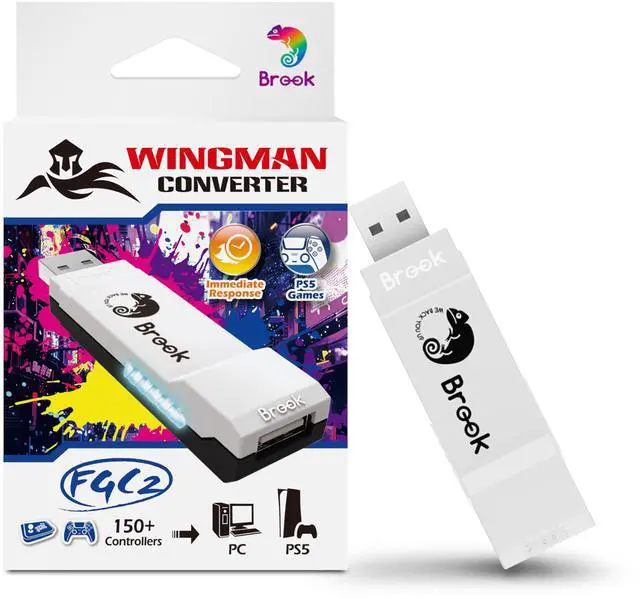
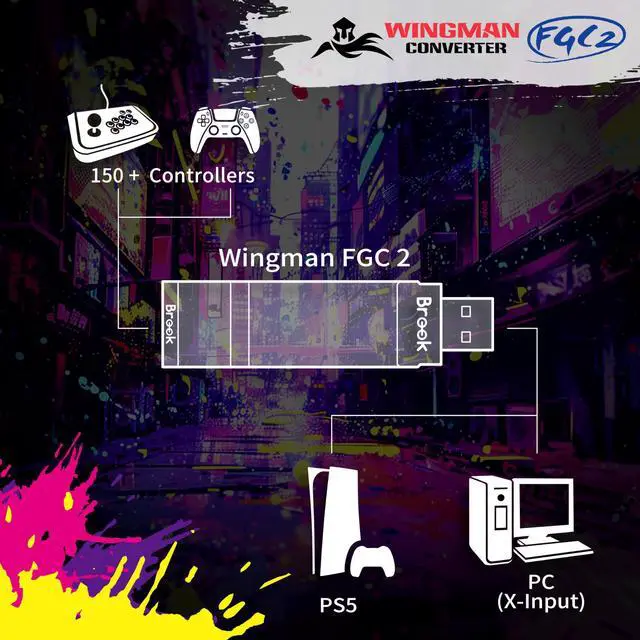
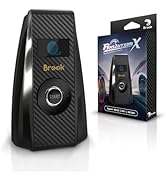
Experience the ultimate gaming converter with the Brook Wingman FGC2. Enjoy high-precision, low-latency gameplay on PS5 and PC with compatibility for over 150 wired controllers. Customize your gaming experience with remapping, macros, and multiple profiles.
Brook Got Your Back
Brook Wingamn FGC2
Merchant VideoWINGMAN FGC2 CONVERTER
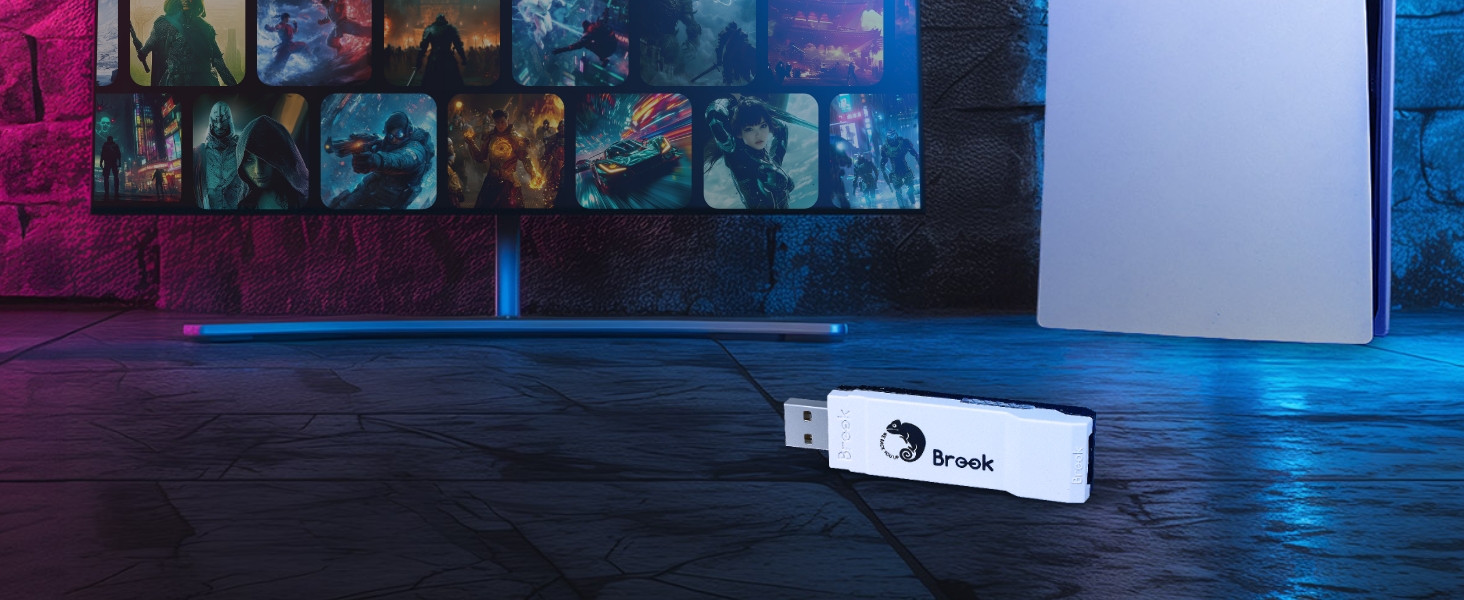
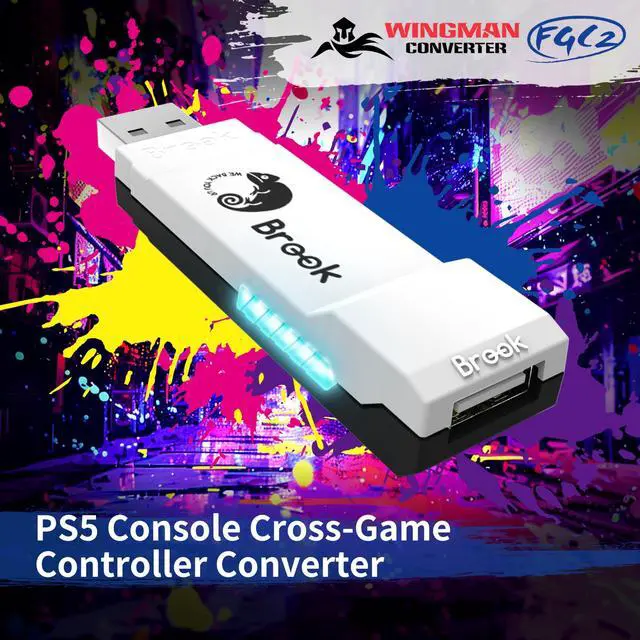
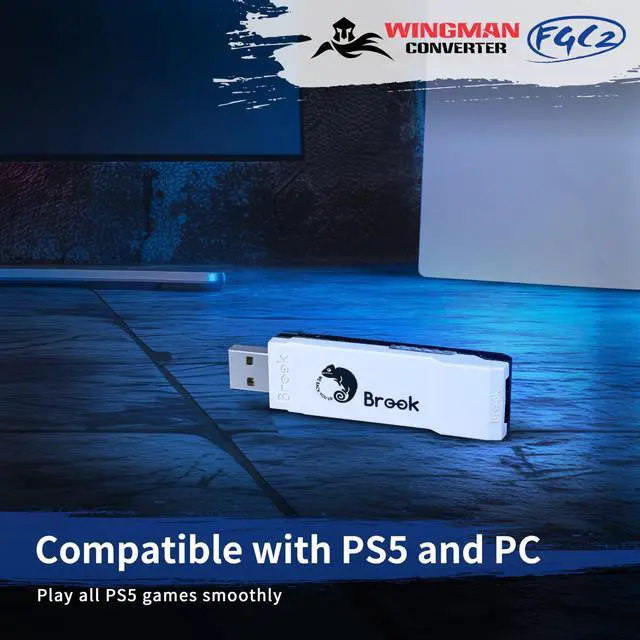
Supports wired controllers in playing PS5 game
Whether you're a beginner or a seasoned player, Wingman FGC 2 ensures top-notch responsiveness and stability, allowing you to fully immerse yourself in every game.
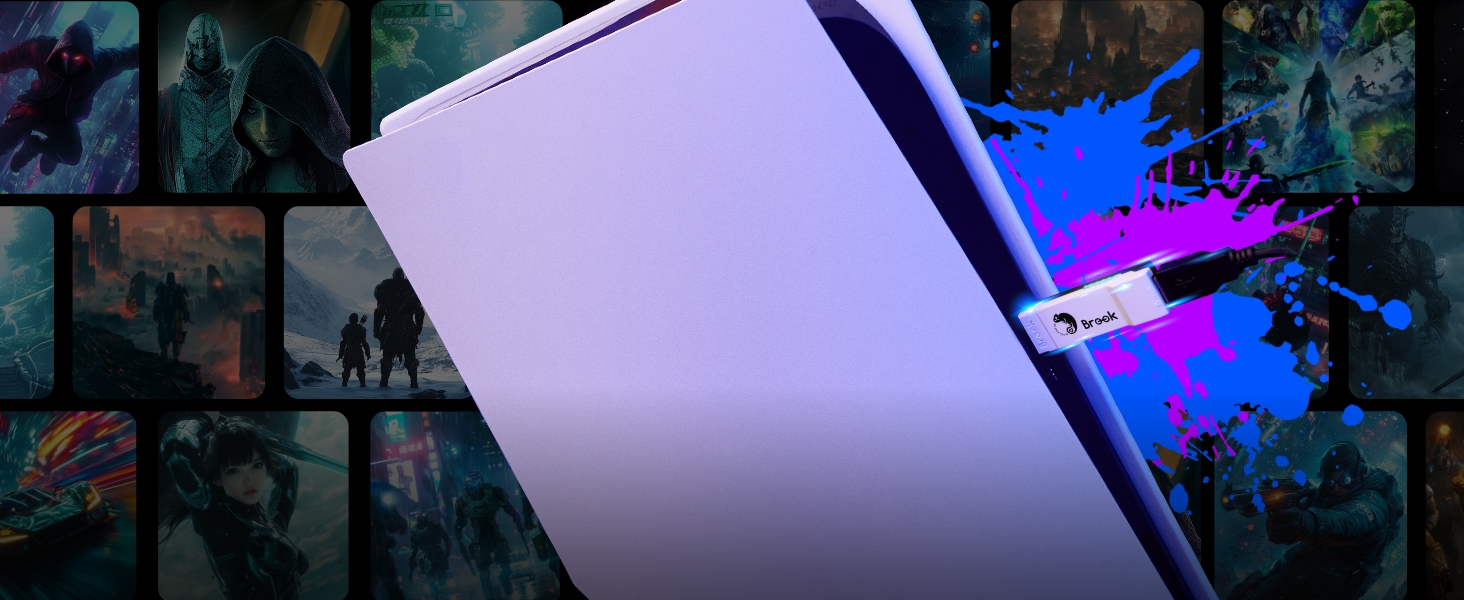
Plug-and-Play and Low Latency
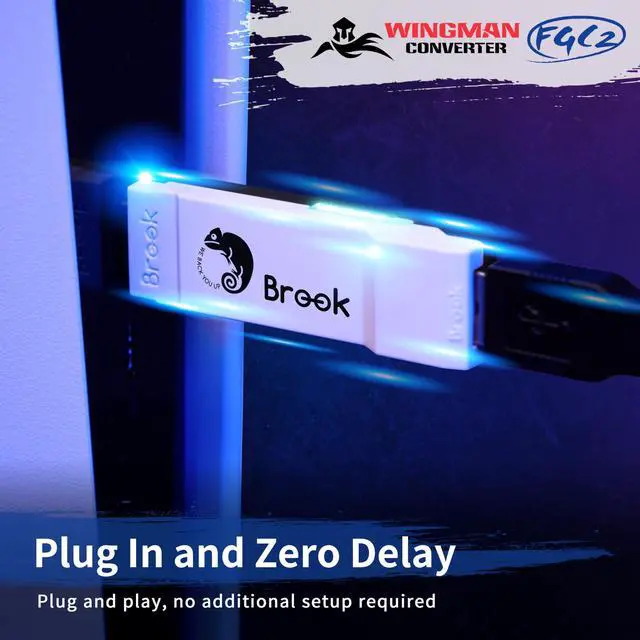
Make gaming easier! Wingman FGC 2 requires no extra configuration: just plug it into your PS5 or PC and it’s ready to use instantly
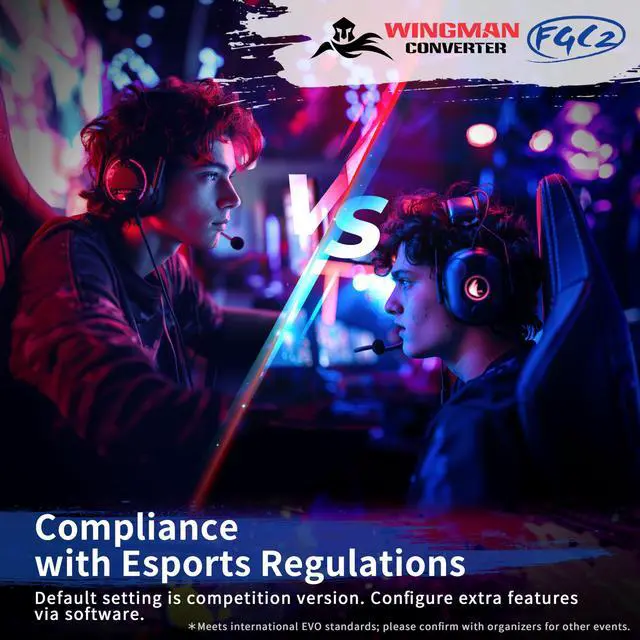
Complies with eSports Tournament Regulations
Brook Converter Center allows you to easily adjust Turbo, Remap, and Macro settings to suit different gaming styles.
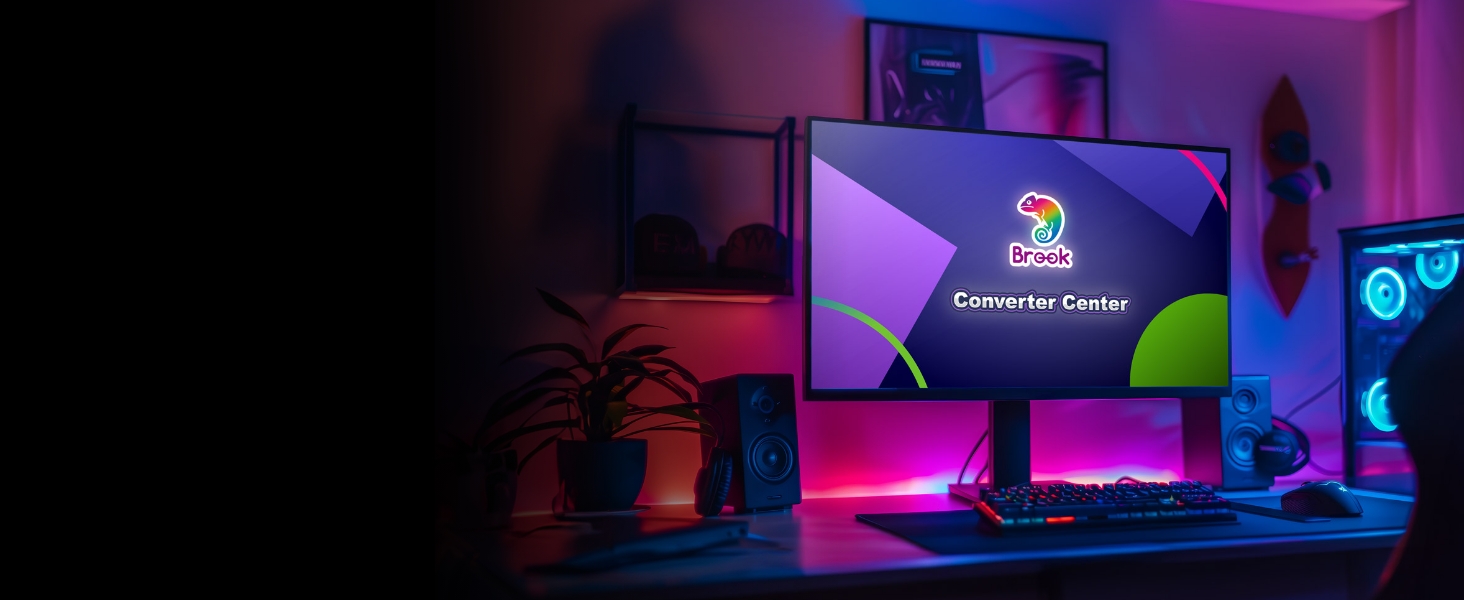
Dedicated Converter Software
Wingman FGC 2 is equipped with exclusive software , which replaces traditional button mapping with an intuitive visual interface for easily adjusting Turbo, Remap, Macro and Stick functions.
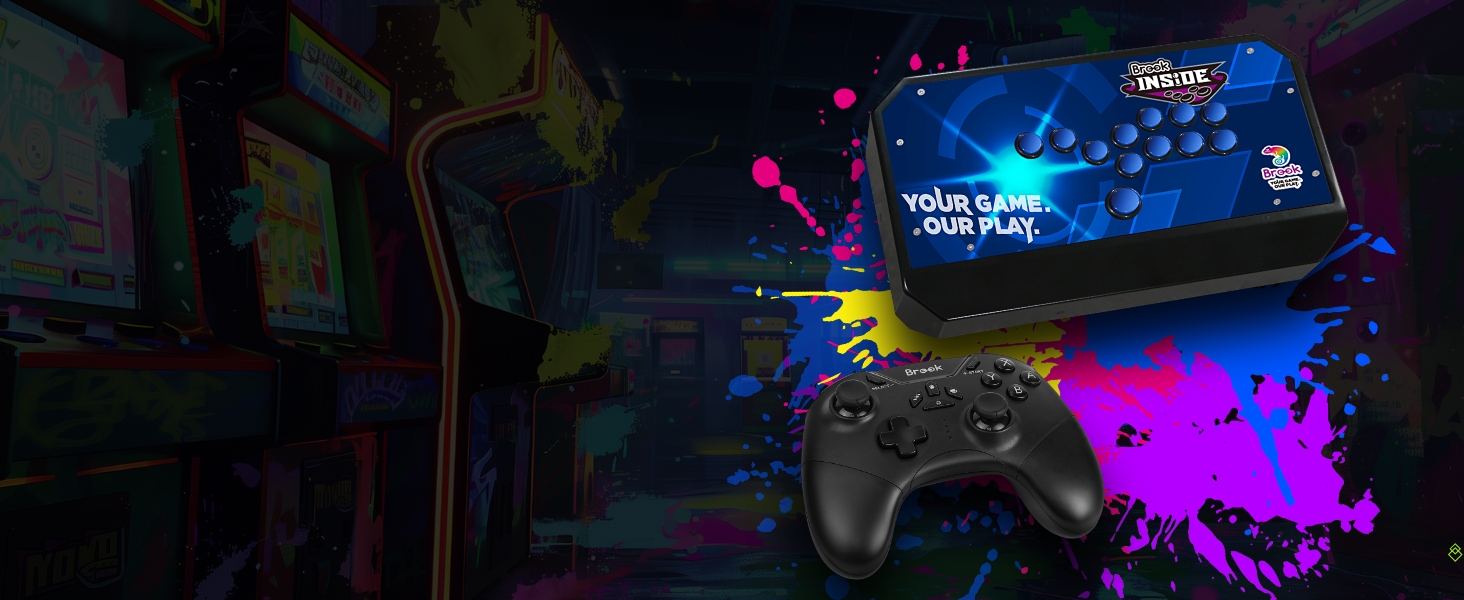
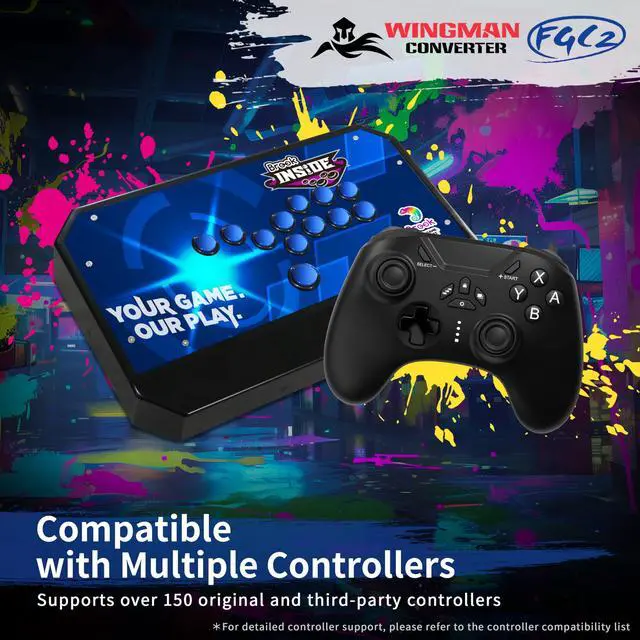
Compatible with Multiple Wired Controllers
Wingman FGC 2 supporting over 150 wired controllers from both official and third-party manufacturers.
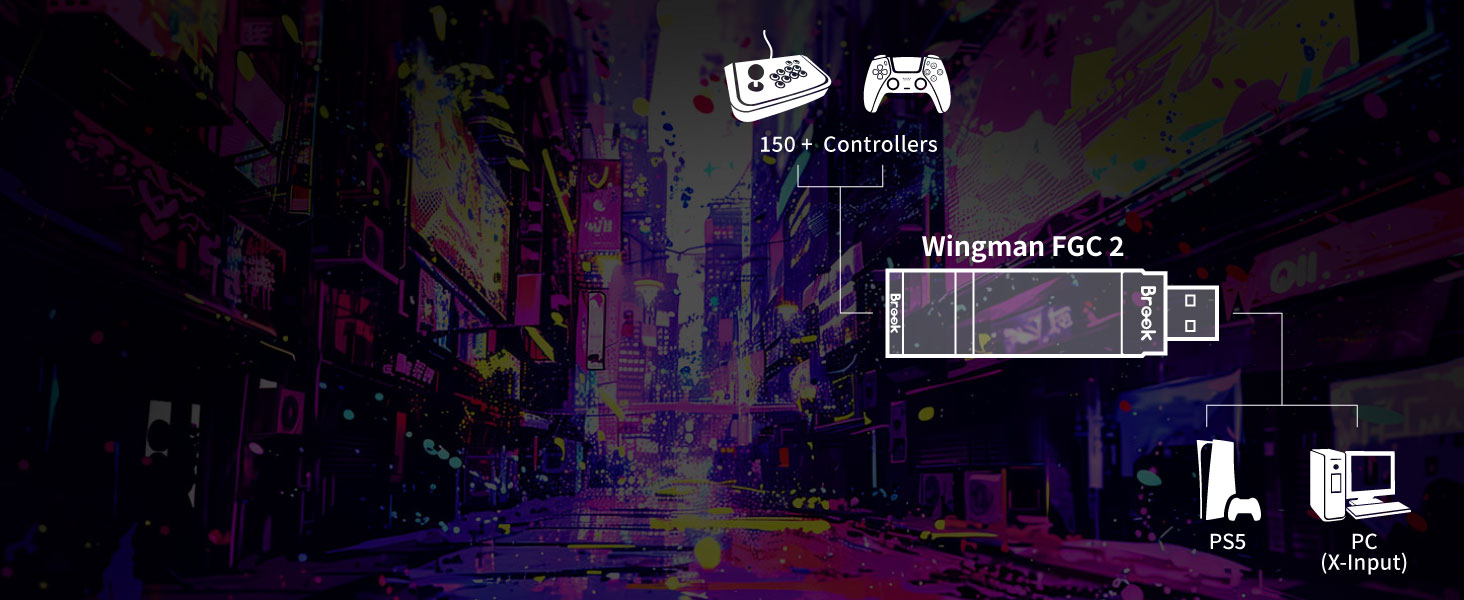
Compatible with 150+ wired controllers
Wingman FGC2 gives you complete freedom to switch between brands while ensuring top responsiveness.
Brook's Product Comparison
 Wingman FGC2 |  Brook Wingman P5 |  Wingman XB 3 |  Brook FGC Retro |  Wingman XE 2 |  WIngman NS Lite |  Wingman XB 2 | |
|---|---|---|---|---|---|---|---|
Customer Reviews | — | — | — | — | — | — | — |
Price | — | — | — | — | — | — | — |
XB Series Console Support | N/A | N/A | XB 1?XB X|S | N/A | N/A | N/A | XB 360, XB Original |
PS Series Console Support | PS5 | PS5 | N/A | PS5/PS4 | PS4/PS3 | N/A | N/A |
Switch/PC Console Support | PC | PC | PC | PC | SWITCH/PC | Switch family /PC | PC |
Retro games Console Support | N/A | N/A | N/A | Yes | N/A | N/A | N/A |
Game type | All types of games | All types of games | All types of games | All types of games | All types of games | All types of games | All types of games |
Connection Method | Wired Only | Wired & Wireless | Wired & Wireless | Wired | Wired & Wireless | Wired & Wireless | Wired & Wireless |
How do I know if the converter is compatible with my stick ?
Before purchase, you can log on to Brook’s official website to see if your controller/stick is listed in the compatibility list. Compatibility list is in the product introduction page.
My stick is listed as compatible in the compatibility list, but there's no response when I use it.
1.Connect Wingman FGC 2 to other USB port.
2.Switch to other (X360/PS3/PS4/PC) mode on stick and retry.
3.Try to do firmware update.
4.Use other sticks to see if the situation persists.
I don’t know how to do firmware update, how can I do?
There’s firmware update guide for you to download and read.
You can download it from Brook’s official website.

BrookGaming YOUR GAME OUR PLAY
WITH THE RIGHT SETUP, BROOK ENABLES EVERY GAMER TO ACCESS THE LIMITLESS JOY OF GAMING

ABOUT BROOK
- Brook is a gaming accessory brand from Taiwan with more than 20 years of experience in designing and manufacturing gaming hardware.
- In 2015, Brook released their first super converters for gaming consoles which allow your older gamepads and other controllers to adapt seamlessly to new consoles.
- Since we believe every gamer should enjoy the game any way they want, our team is dedicated to delivering solutions for every gamer’s wish.
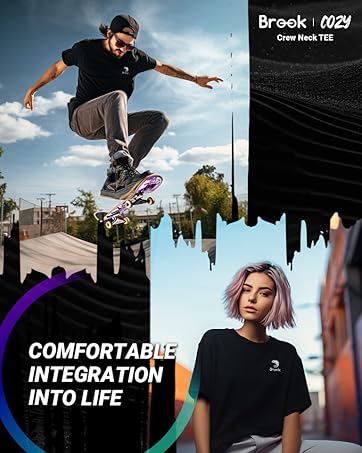
Brook COZY T
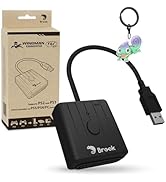
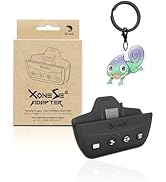
New Arrivals
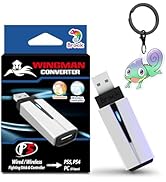
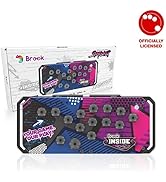
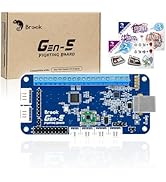
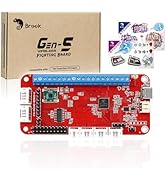
New Arrivals
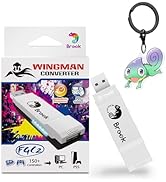
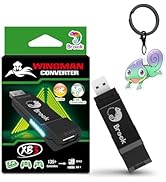
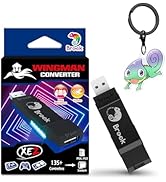
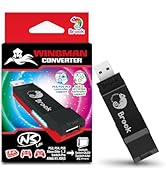
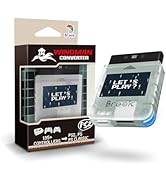
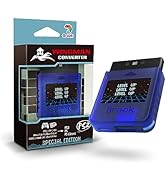
Wingman Series
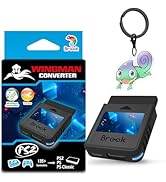
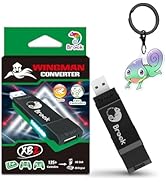
Retro Series
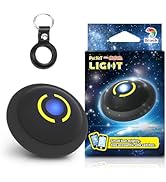
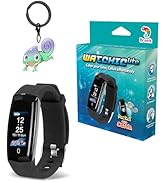
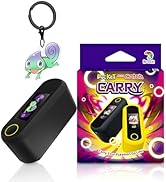
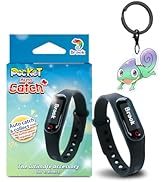
Pocket Series
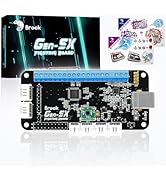
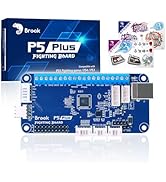
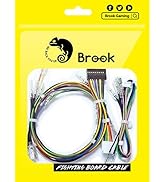
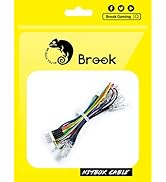
Fighting Series
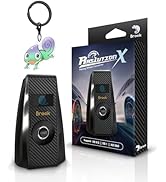
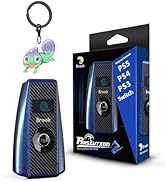
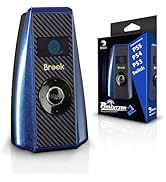
Racing Series
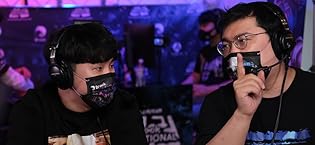
BROOK STAND BY YOUR GAMING JOURNEY.
- Like a chameleon, Brook is adaptable and resourceful to stand by every gamer’s passion, as we believe that everyone should be able to play with their own unique style.
- And while you enjoy putting your determination in your next game, Brook takes your setup request as the next exciting challenge to stand by your gaming journey.
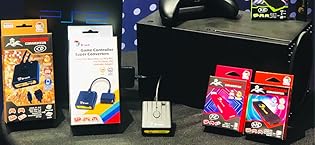
BROOK HAS A SOLUTION FOR YOU.
- Whether it’s for playing your retro console with modern controllers, adding new functionalities to your game, or designing the ultimate arcade stick for your tournaments, Brook has a solution for you.
THE JOY OF GAMING SHOULD HAVE NO LIMITS.
- We all live and breathe gaming, and what makes it truly unique is that no two gamers are the same.
- And when choosing how you want to play your game, you shouldn’t compromise. The joy of gaming should have no limits, and Brook is inspired to break the existing boundaries in the gaming industry, to let you explore infinite gaming possibilities across platforms, genres, gaming eras.
Unlock Seamless Gaming Across Platforms

Experience the ultimate gaming converter with the Brook Wingman FGC2. Enjoy high-precision, low-latency gameplay on PS5 and PC with compatibility for over 150 wired controllers. Customize your gaming experience with remapping, macros, and multiple profiles.
Brook Got Your Back
Brook Wingamn FGC2
Merchant VideoWINGMAN FGC2 CONVERTER
Supports wired controllers in playing PS5 game
Plug-and-Play and Low Latency
Complies with eSports Tournament Regulations
Dedicated Converter Software
Compatible with Multiple Wired Controllers
Compatible with 150+ wired controllers


Whether you're a beginner or a seasoned player, Wingman FGC 2 ensures top-notch responsiveness and stability, allowing you to fully immerse yourself in every game.
Make gaming easier! Wingman FGC 2 requires no extra configuration: just plug it into your PS5 or PC and it’s ready to use instantly
Brook Converter Center allows you to easily adjust Turbo, Remap, and Macro settings to suit different gaming styles.
Wingman FGC 2 is equipped with exclusive software , which replaces traditional button mapping with an intuitive visual interface for easily adjusting Turbo, Remap, Macro and Stick functions.
Wingman FGC 2 supporting over 150 wired controllers from both official and third-party manufacturers.
Wingman FGC2 gives you complete freedom to switch between brands while ensuring top responsiveness.
Brook's Product Comparison
Wingman FGC2 | Brook Wingman P5 | Wingman XB 3 | Brook FGC Retro | Wingman XE 2 | WIngman NS Lite | Wingman XB 2 |
|---|---|---|---|---|---|---|
| Customer Reviews | ||||||
| — | — | — | — | — | — | — |
| Price | ||||||
| — | — | — | — | — | — | — |
| XB Series Console Support | ||||||
| N/A | N/A | XB 1?XB X|S | N/A | N/A | N/A | XB 360, XB Original |
| PS Series Console Support | ||||||
| PS5 | PS5 | N/A | PS5/PS4 | PS4/PS3 | N/A | N/A |
| Switch/PC Console Support | ||||||
| PC | PC | PC | PC | SWITCH/PC | Switch family /PC | PC |
| Retro games Console Support | ||||||
| N/A | N/A | N/A | Yes | N/A | N/A | N/A |
| Game type | ||||||
| All types of games | All types of games | All types of games | All types of games | All types of games | All types of games | All types of games |
| Connection Method | ||||||
| Wired Only | Wired & Wireless | Wired & Wireless | Wired | Wired & Wireless | Wired & Wireless | Wired & Wireless |
| Include | Wingman FGC2 x1, Instruction x1, Thank-you card x1 |
|---|---|
| Supported game consoles | PS5?PC(X-Input) |
| Connector Type | Type A |
| Connection Method | Wired Only |
| Size / Weight | 7.7 x 2.0 x 1.3 cm / 13.4 g |
How do I know if the converter is compatible with my stick ?
Before purchase, you can log on to Brook’s official website to see if your controller/stick is listed in the compatibility list. Compatibility list is in the product introduction page.
My stick is listed as compatible in the compatibility list, but there's no response when I use it.
1.Connect Wingman FGC 2 to other USB port.
2.Switch to other (X360/PS3/PS4/PC) mode on stick and retry.
3.Try to do firmware update.
4.Use other sticks to see if the situation persists.
I don’t know how to do firmware update, how can I do?
There’s firmware update guide for you to download and read.
You can download it from Brook’s official website.
BrookGaming YOUR GAME OUR PLAY
WITH THE RIGHT SETUP, BROOK ENABLES EVERY GAMER TO ACCESS THE LIMITLESS JOY OF GAMING
ABOUT BROOK
- Brook is a gaming accessory brand from Taiwan with more than 20 years of experience in designing and manufacturing gaming hardware.
- In 2015, Brook released their first super converters for gaming consoles which allow your older gamepads and other controllers to adapt seamlessly to new consoles.
- Since we believe every gamer should enjoy the game any way they want, our team is dedicated to delivering solutions for every gamer’s wish.
Brook COZY T
New Arrivals
New Arrivals
Wingman Series
Retro Series
Pocket Series
Fighting Series
Racing Series
BROOK STAND BY YOUR GAMING JOURNEY.
- Like a chameleon, Brook is adaptable and resourceful to stand by every gamer’s passion, as we believe that everyone should be able to play with their own unique style.
- And while you enjoy putting your determination in your next game, Brook takes your setup request as the next exciting challenge to stand by your gaming journey.
BROOK HAS A SOLUTION FOR YOU.
- Whether it’s for playing your retro console with modern controllers, adding new functionalities to your game, or designing the ultimate arcade stick for your tournaments, Brook has a solution for you.
THE JOY OF GAMING SHOULD HAVE NO LIMITS.
- We all live and breathe gaming, and what makes it truly unique is that no two gamers are the same.
- And when choosing how you want to play your game, you shouldn’t compromise. The joy of gaming should have no limits, and Brook is inspired to break the existing boundaries in the gaming industry, to let you explore infinite gaming possibilities across platforms, genres, gaming eras.