





8BitDo
8Bitdo is a premier 3rd party video game hardware company with a special focus on retro themed game controllers.
Renowned for producing the highest quality retro controllers on the market,
8Bitdo’s controller line has been referred to as, “a range of excellent retro-style game controllers” by The Verge.
8Bitdo’s goal is to produce premium quality game controllers with ultra-compatibility at economical prices.
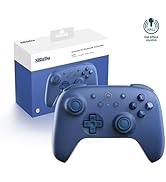
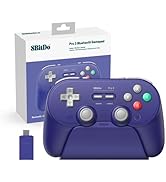
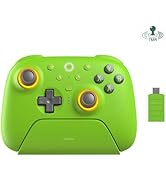
8BitDo Controller for Switch 2
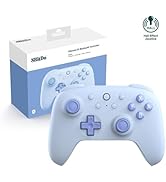
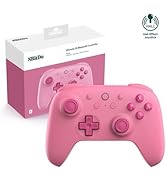
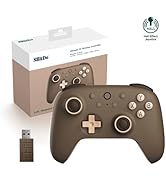
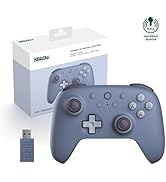
8BitDo Ultimate 2C Controller
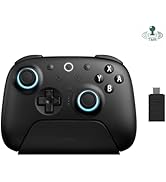
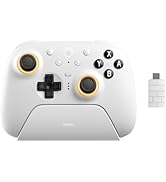
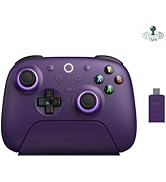
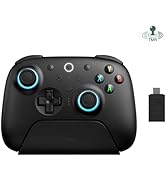
8BitDo Ultimate 2 Controller
8BitDo
8Bitdo is a premier 3rd party video game hardware company with a special focus on retro themed game controllers.
Renowned for producing the highest quality retro controllers on the market,
8Bitdo’s controller line has been referred to as, “a range of excellent retro-style game controllers” by The Verge.
8Bitdo’s goal is to produce premium quality game controllers with ultra-compatibility at economical prices.
8BitDo Controller for Switch 2
8BitDo Ultimate 2C Controller
8BitDo Ultimate 2 Controller
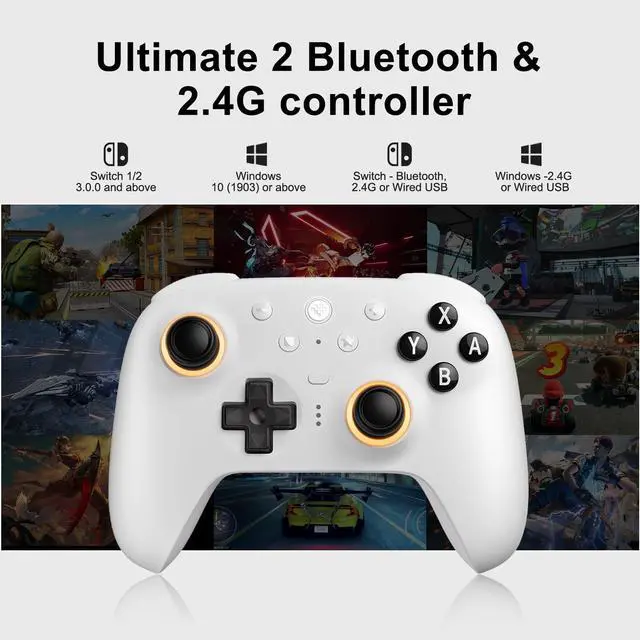
| Compatibility | Switch 2 / Switch (3.0.0 or above), Windows 10 (1903) or above |
| Connectivity | Switch 2, Switch - Bluetooth, 2.4G or Wired USB; Windows - 2.4G or Wired USB |
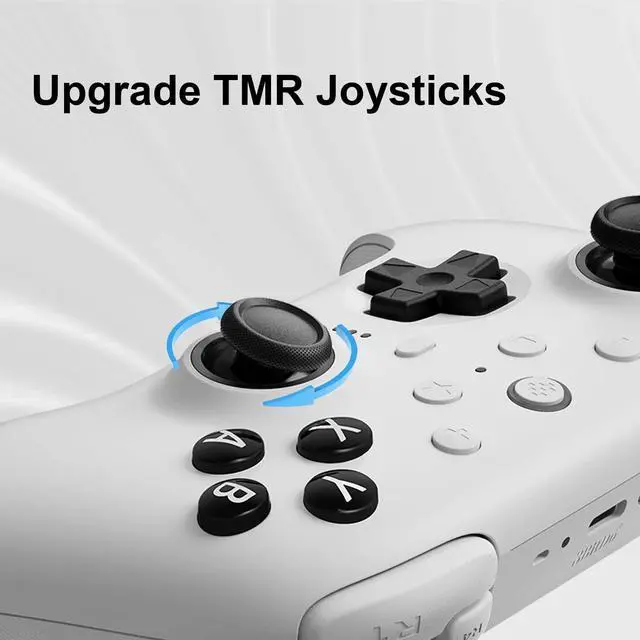
| Joysticks | HallPi TMR joysticks |
| Connect Switch 1/2 | 1) Navigate to ?Home Screen > System Settings. 2) Select ?Controllers and Sensors > Change Grip/Order. 3) Switch the button on the back of your controller to Bluetooth mode, press the Home button to turn on the controller. 4) Long-press the Pair button of the controller, the LED light will flash quickly. 5) Wait for the Switch 2 to detect the controller. |
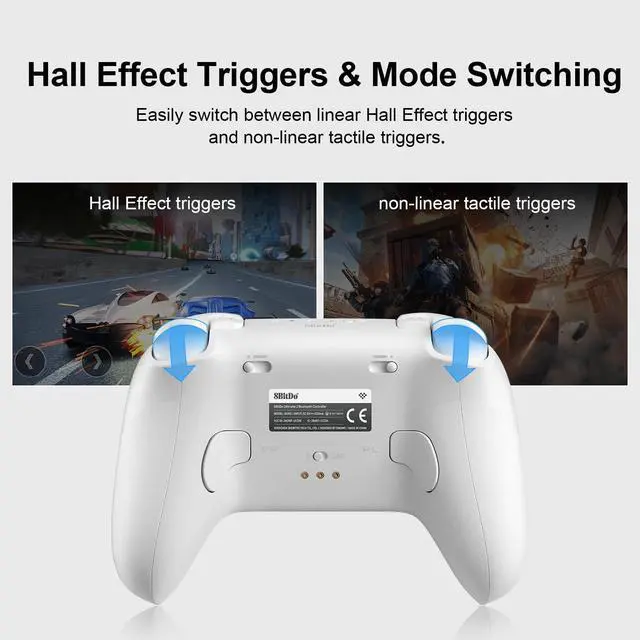
| Triggers | Tactile Trigger / Hall Effect Linear Trigger |
| 6-Axis motion control | On Bluetooth mode. |
| Vibration | Rotor motor vibration, asymmetric vibration |
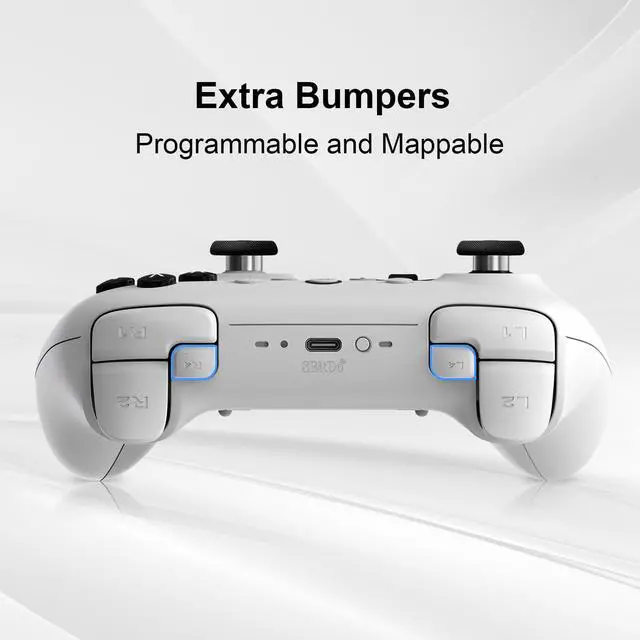
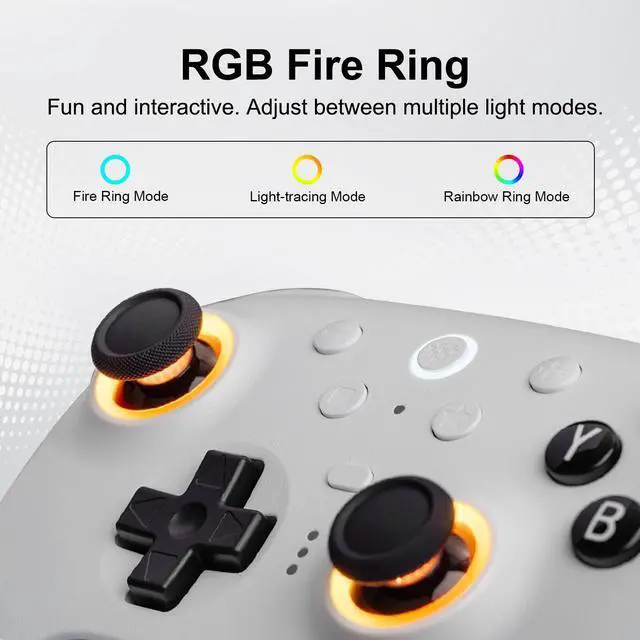
| RGB Ring | Fire Ring Mode, Light-tracing Mode, Rainbow Ring Mode |
| Battery | 1000mAh built-in battery pack |
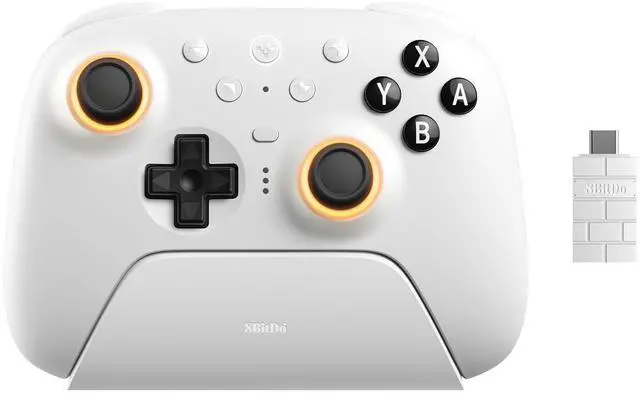
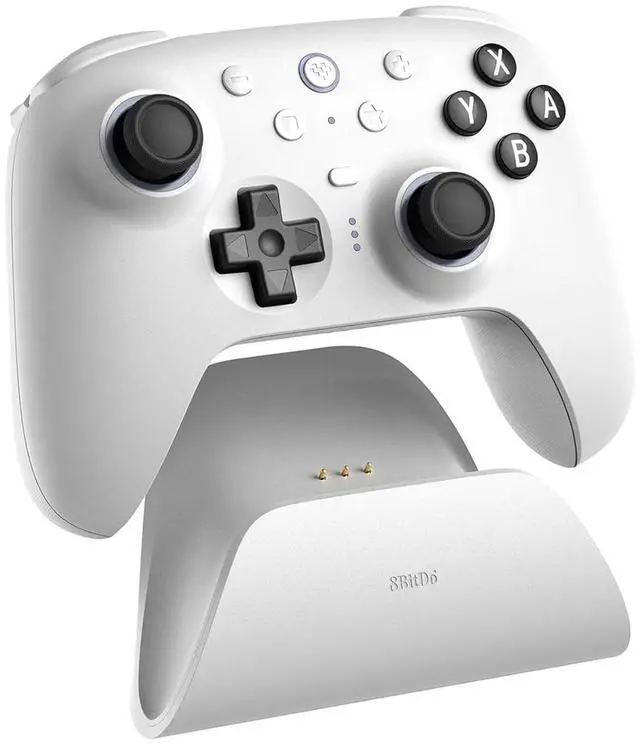
| Package Contents | 8bitDo Ultimate 2 Bluetooth controller * 1, Charging dock * 1, 2.4G USB-C adapter * 1, USB-C cable (1 meter) * 1, Manual * 1 |