




Why can't I find the Bluetooth name "Xbox Wireless Controller" on my phone?
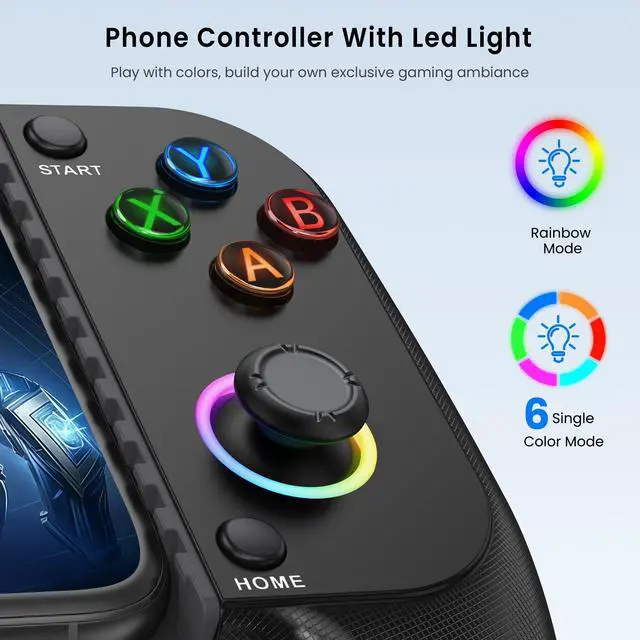
Make sure the controller is turned off. Then press and hold the HOME button until the indicator light turns on before releasing. Do not release early, as this will trigger reconnection mode instead, making the Bluetooth name undiscoverable.
Why won't it reconnect when trying to pair again?
Please note the following:
1. Make sure your phone's Bluetooth is on.
2. Briefly press the HOME button to connect—holding it will switch to pairing mode.
3. The controller will connect to the last-used phone.
Which phones are compatible with the controller? Does it support PS Remote Play?
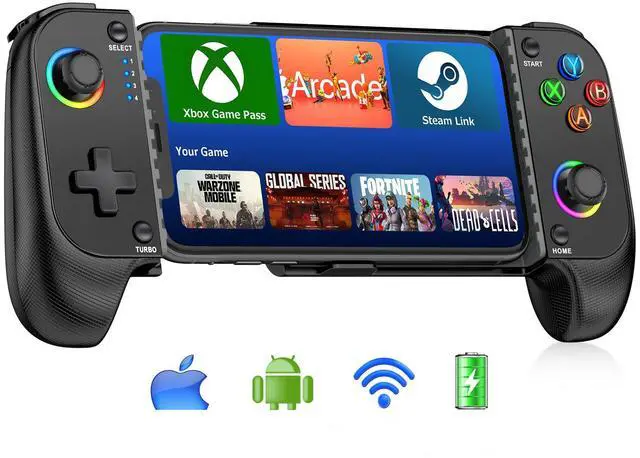
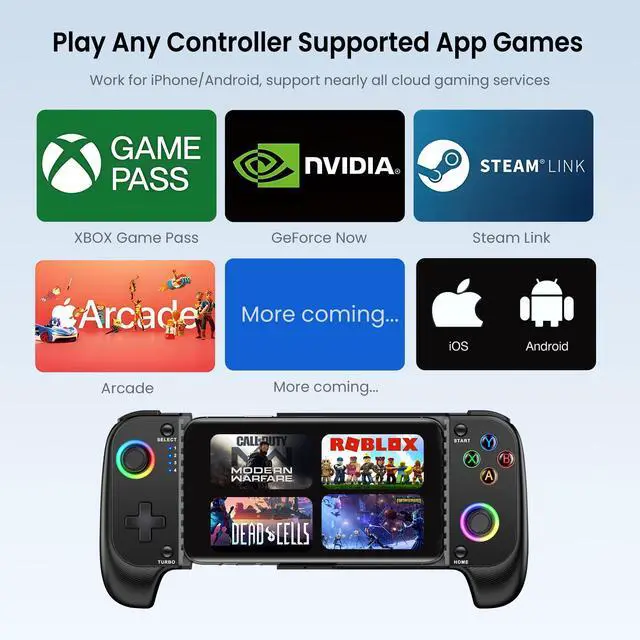
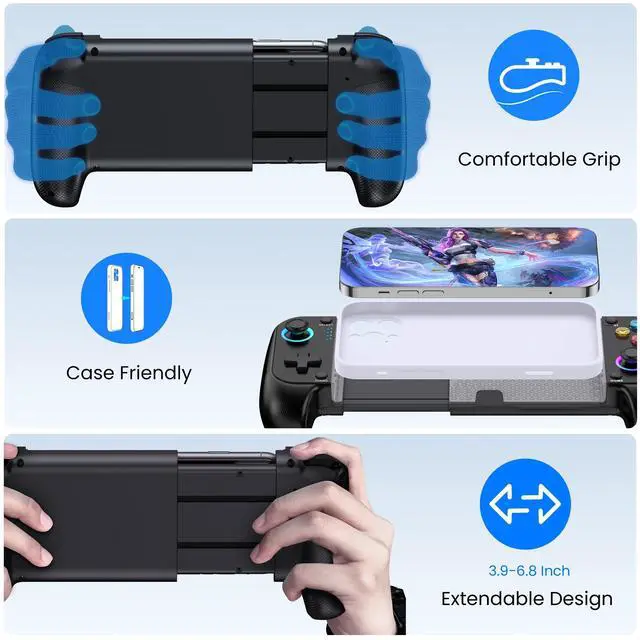
The controller is compatible with iOS and Android phones measuring between 10cm and 17.5cm in length. It uses the Xbox Controller Input standard protocol and does not support PS Remote Play.
Why isn't the controller working in-game, with no response from the buttons?
1. Enable controller support in the game settings
2. Check if the game supports controllers
3. Some games only allow controller use during actual gameplay, not in menus (e.g,Call of Duty)
4. Confirm BT is connected to "Xbox Wireless Controller"
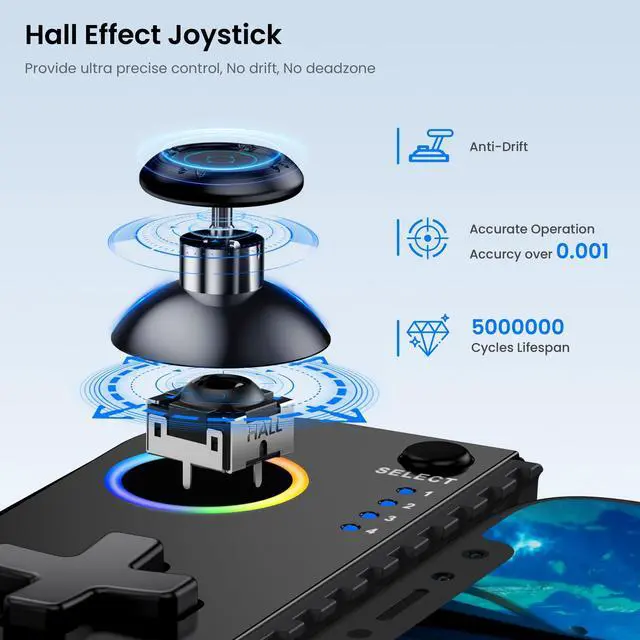
How can I fix controller drift during use?
Hold Select + A, then press HOME. Lights will flash, indicating calibration mode.
Rotate both thumbsticks fully 3 times.
Press ''Start'' to finish. Lights will turn off.


Why can't I find the Bluetooth name "Xbox Wireless Controller" on my phone?
Make sure the controller is turned off. Then press and hold the HOME button until the indicator light turns on before releasing. Do not release early, as this will trigger reconnection mode instead, making the Bluetooth name undiscoverable.
Why won't it reconnect when trying to pair again?
Please note the following:
1. Make sure your phone's Bluetooth is on.
2. Briefly press the HOME button to connect—holding it will switch to pairing mode.
3. The controller will connect to the last-used phone.
Which phones are compatible with the controller? Does it support PS Remote Play?
The controller is compatible with iOS and Android phones measuring between 10cm and 17.5cm in length. It uses the Xbox Controller Input standard protocol and does not support PS Remote Play.
Why isn't the controller working in-game, with no response from the buttons?
1. Enable controller support in the game settings
2. Check if the game supports controllers
3. Some games only allow controller use during actual gameplay, not in menus (e.g,Call of Duty)
4. Confirm BT is connected to "Xbox Wireless Controller"
How can I fix controller drift during use?
Hold Select + A, then press HOME. Lights will flash, indicating calibration mode.
Rotate both thumbsticks fully 3 times.
Press ''Start'' to finish. Lights will turn off.