


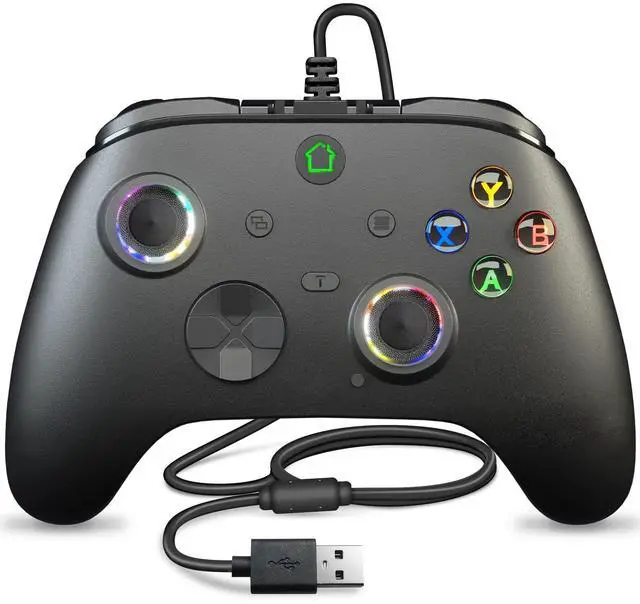


Wired Game Controller for X-box (3M Cable)
Buy it as use normal, no files for updated this time!!!
We have updated the lasted version before we shipped.
Files will updated when the game console will updated verison.(2026-04-21)
Note:
This is a third party grip, not original. On the xbox series of consoles you may have problems that tell you the controller will be banned after 2 weeks.
If you are experiencing pop-up incompatibility issues, please refer to the below guidelines to upgrade by yourself.
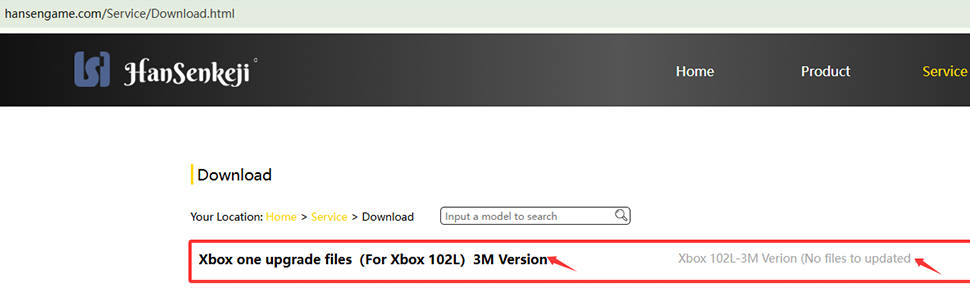
Upgrade files download link search: hansengame.com/Service/Download
Upgrade installation package name: Xbox controller upgrade files (For Xbox 102L 3M verison)
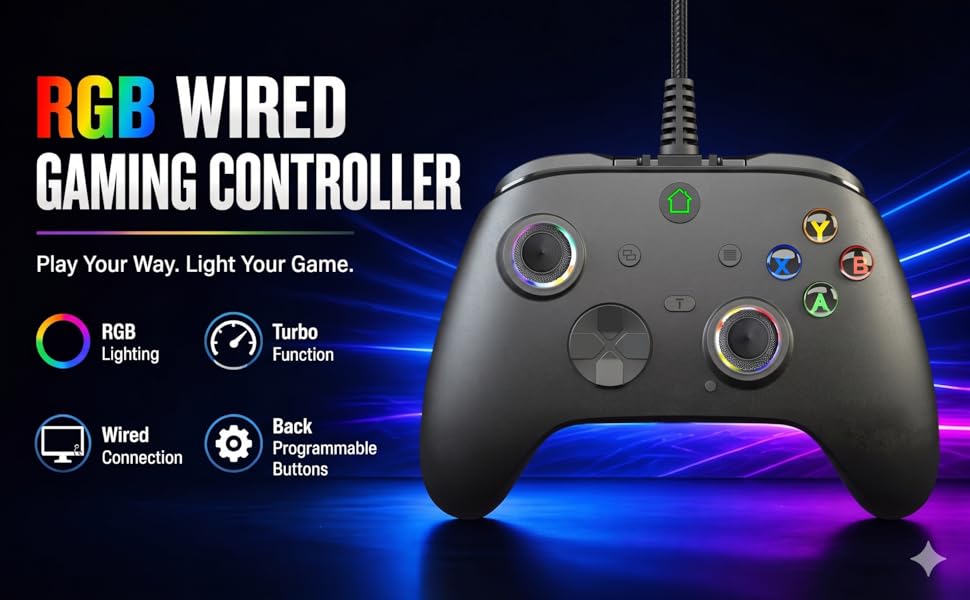
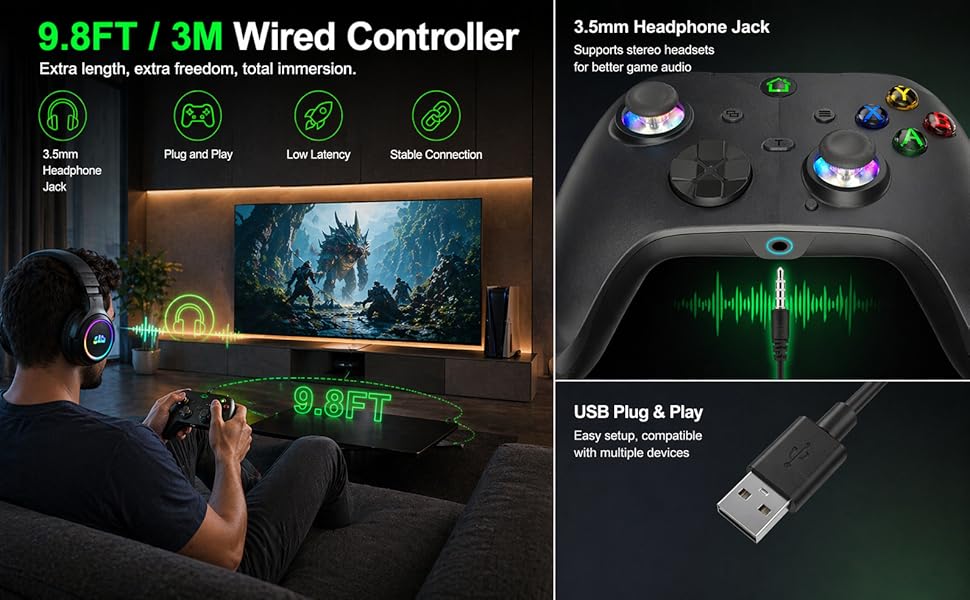
- Wired connection: Length of the charging cable is 3M.
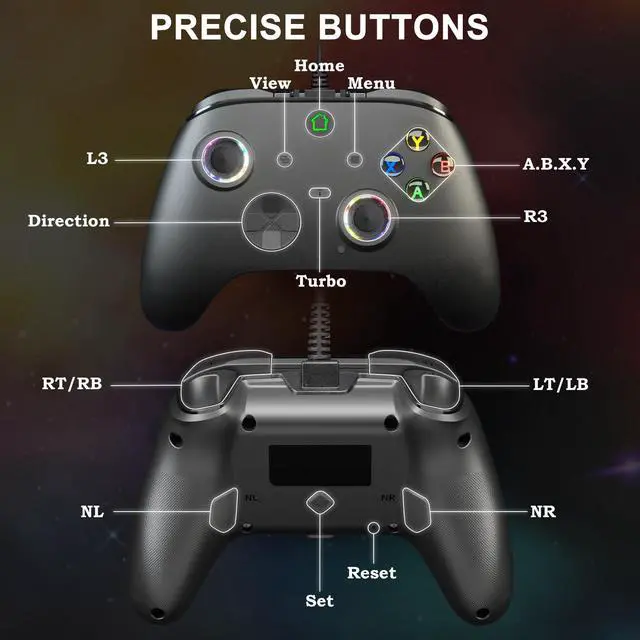
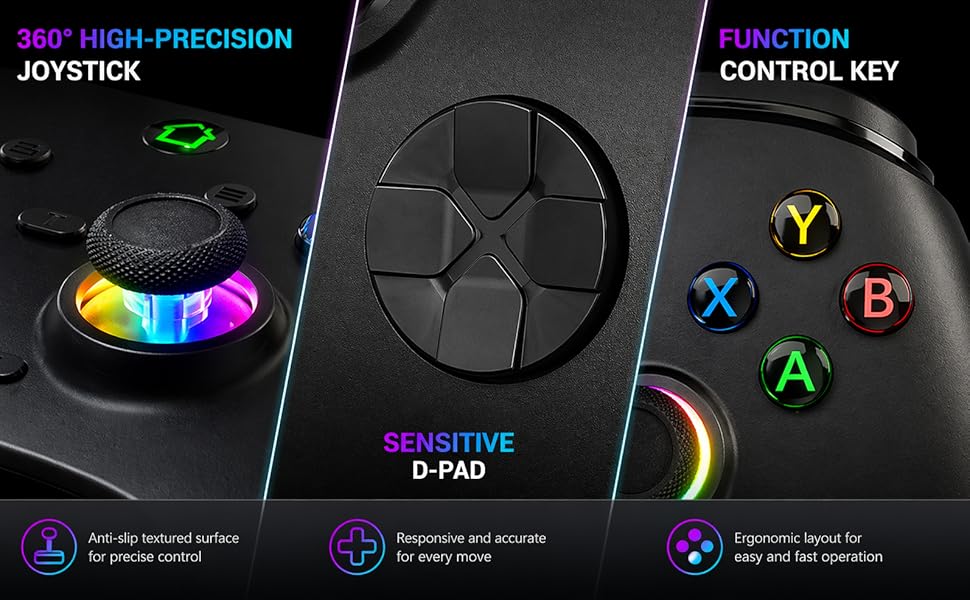
- D-Pad: Allow you to precisely control the direction and make it smoothly for the role to move
- Screenshot: Records your perfect moment during the game so that you can show it to your friends and share your happiness.
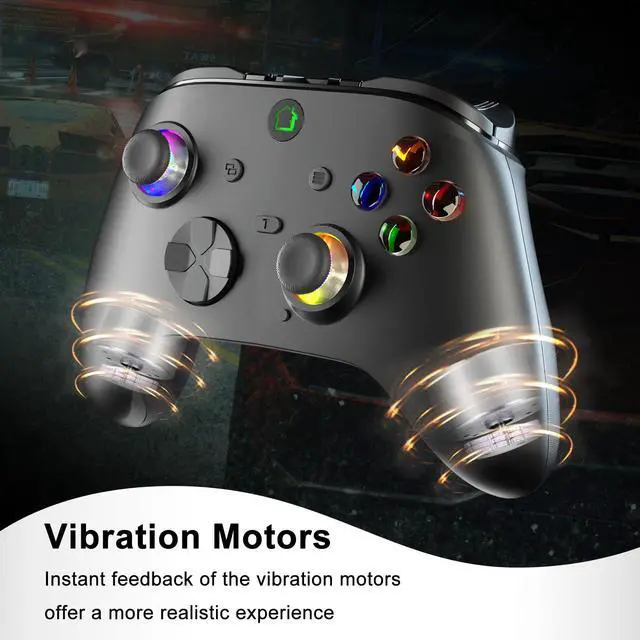
- Double Vibration: Built-in double shock feedback motors, perfectly fit for racing, shooting, fighting, and sports games, enhancing game experience. Bring you a consistent and maximum comfort gaming experience.
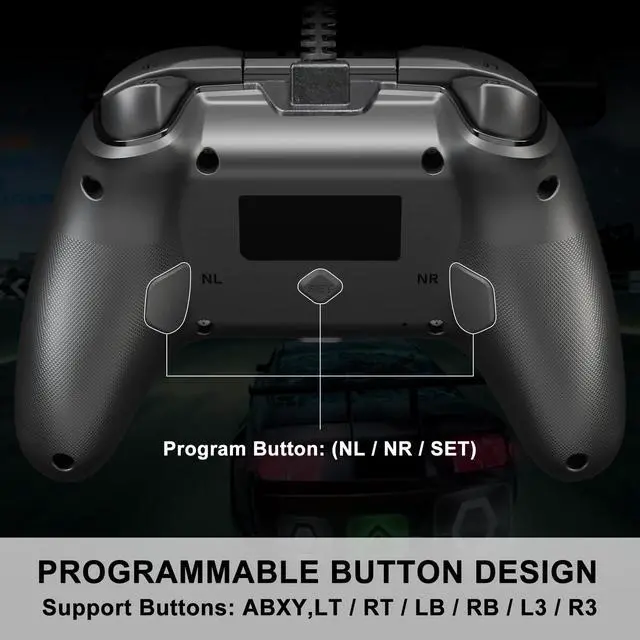
- Programming Buttons: Customize any action button to assign to the programming button, and the programming button can obtain the corresponding function.
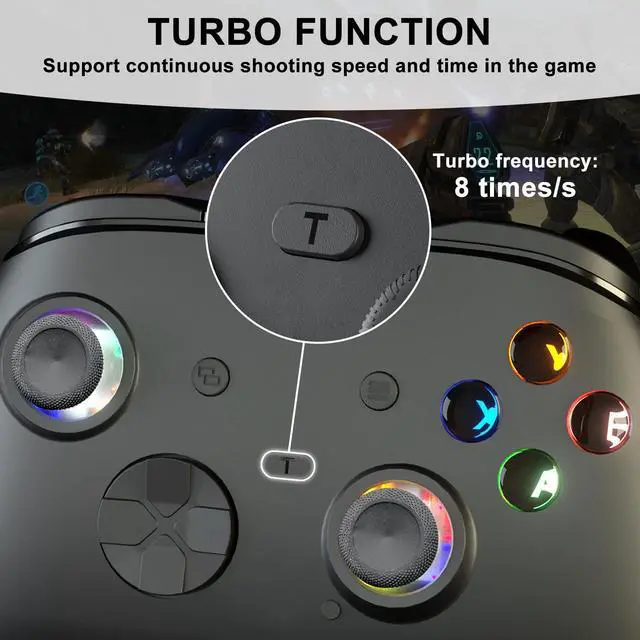
- Turbo features: Could win the game easily,also extend the service life of the buttons by reducing the frequency of pressing buttons.
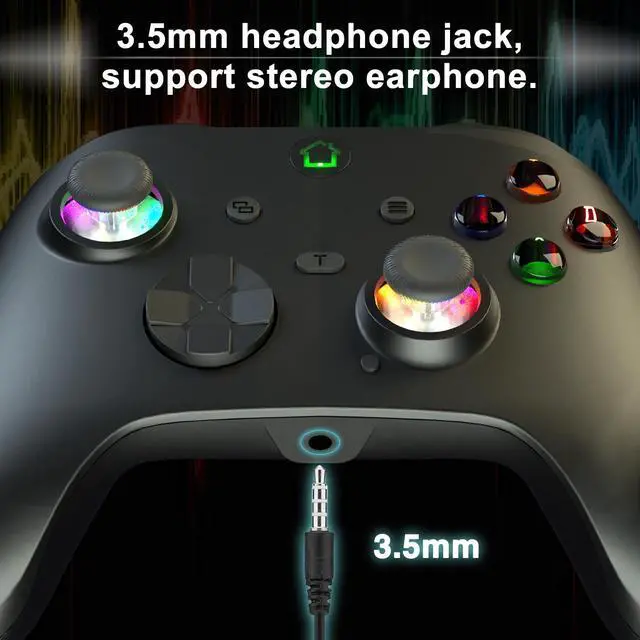
- 3.5 mm audio headset jack.
Wired X-box controller support turbo function
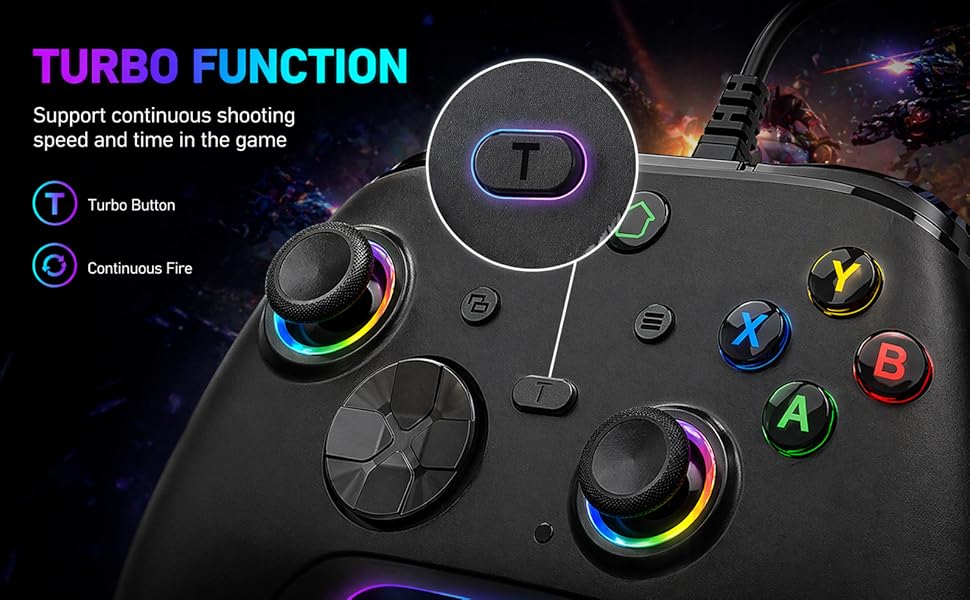
Set turbo function: Press and hold the turbo button and the function button you want to send continuously, you can realize the continuous function (eight times a second).
Cancel turbo function: Press and hold the turbo button and you set the turbo function button, you can cancel.
Buttons that can be set are (UP, DOWN, LEFT, RIGHT, A, B, X, Y, LB, RB, LT, RT, L3, R3)
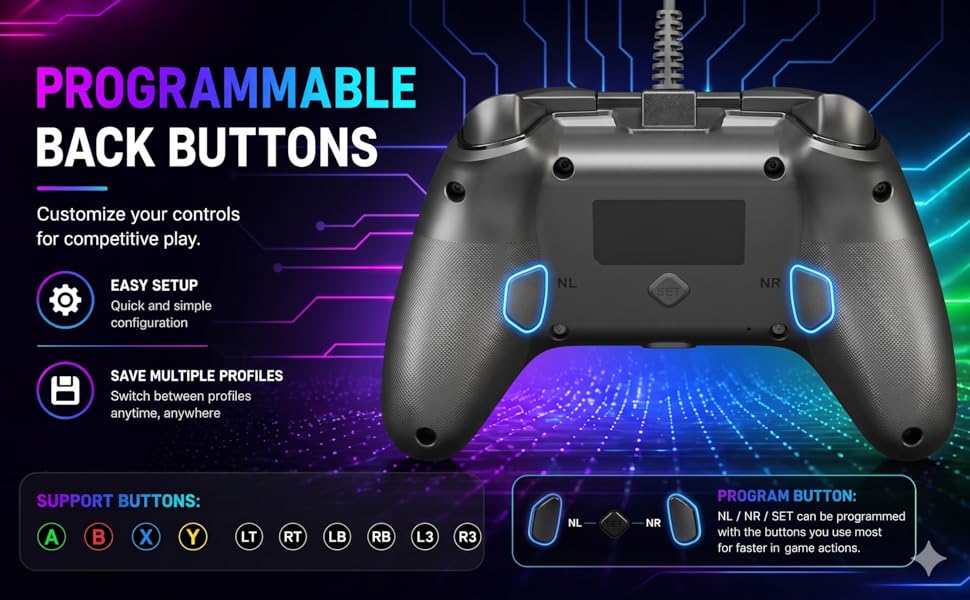
Programming Function:
Support Buttons: ABXY,L/R/ZL/ZR/L3/R3
Program button: (NL/NR/SET)
Enter Program Mode
Press and hold the SET button for 3s. The LED will flash, signaling the controller is in the Program Mode.
Set a single action key, then press the NA(NL/NR) button that you wish to assign. LED will stop flashing, signaling it finished the programming.
*Such as pressing the"A” key, then pressing the NL button.The NL button is the same as the"A” key's function.
lf didn't do any operation within 7s after into the program mode, it will exit the program mode.
Clear the Programming function
Press and hold the "set" button for 3 seconds and the LED will flash, and then press the NA(NL/NR) button.
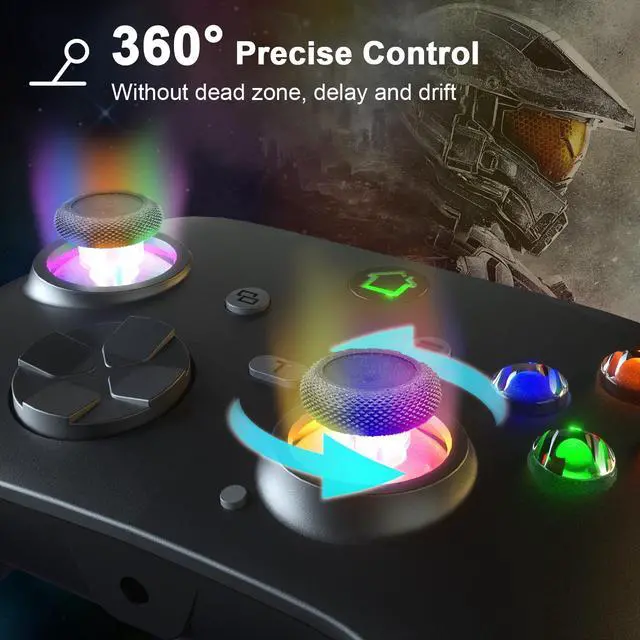
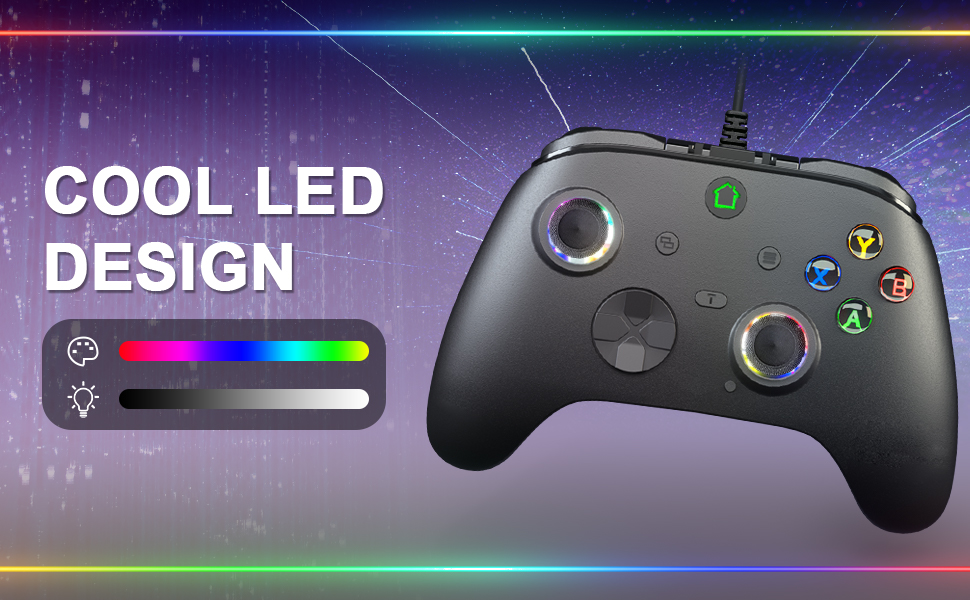
RGB light designed for the controller
Wired Game Controller for X-box (3M Cable)
Buy it as use normal, no files for updated this time!!!
We have updated the lasted version before we shipped.
Files will updated when the game console will updated verison.(2026-04-21)
Note:
This is a third party grip, not original. On the xbox series of consoles you may have problems that tell you the controller will be banned after 2 weeks.
If you are experiencing pop-up incompatibility issues, please refer to the below guidelines to upgrade by yourself.
Upgrade files download link search: hansengame.com/Service/Download
Upgrade installation package name: Xbox controller upgrade files (For Xbox 102L 3M verison)
- Wired connection: Length of the charging cable is 3M.
- D-Pad: Allow you to precisely control the direction and make it smoothly for the role to move
- Screenshot: Records your perfect moment during the game so that you can show it to your friends and share your happiness.
- Double Vibration: Built-in double shock feedback motors, perfectly fit for racing, shooting, fighting, and sports games, enhancing game experience. Bring you a consistent and maximum comfort gaming experience.
- Programming Buttons: Customize any action button to assign to the programming button, and the programming button can obtain the corresponding function.
- Turbo features: Could win the game easily,also extend the service life of the buttons by reducing the frequency of pressing buttons.
- 3.5 mm audio headset jack.
Wired X-box controller support turbo function
Set turbo function: Press and hold the turbo button and the function button you want to send continuously, you can realize the continuous function (eight times a second).
Cancel turbo function: Press and hold the turbo button and you set the turbo function button, you can cancel.
Buttons that can be set are (UP, DOWN, LEFT, RIGHT, A, B, X, Y, LB, RB, LT, RT, L3, R3)
Programming Function:
Support Buttons: ABXY,L/R/ZL/ZR/L3/R3
Program button: (NL/NR/SET)
Enter Program Mode
Press and hold the SET button for 3s. The LED will flash, signaling the controller is in the Program Mode.
Set a single action key, then press the NA(NL/NR) button that you wish to assign. LED will stop flashing, signaling it finished the programming.
*Such as pressing the"A” key, then pressing the NL button.The NL button is the same as the"A” key's function.
lf didn't do any operation within 7s after into the program mode, it will exit the program mode.
Clear the Programming function
Press and hold the "set" button for 3 seconds and the LED will flash, and then press the NA(NL/NR) button.
RGB light designed for the controller