






Keyboard and Touchpad Mouse Usage (same for all iOS, Android, PC)
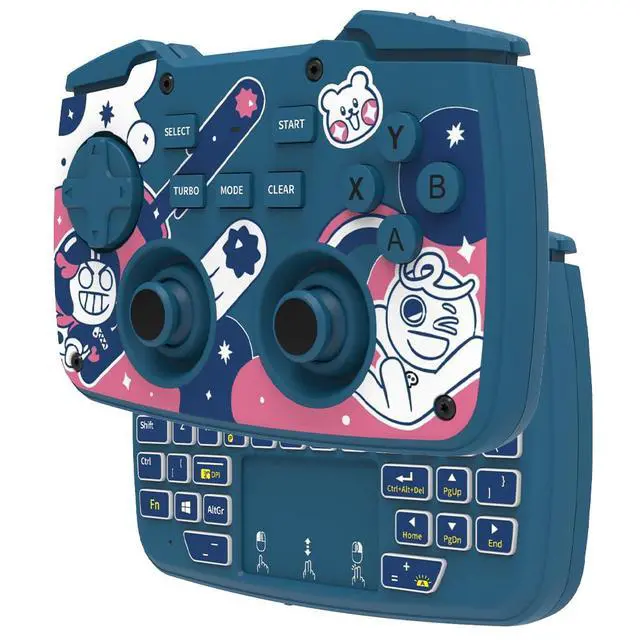
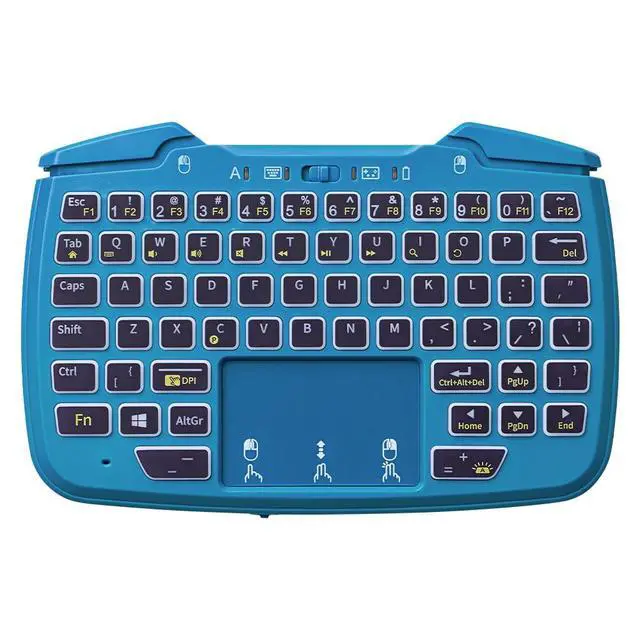
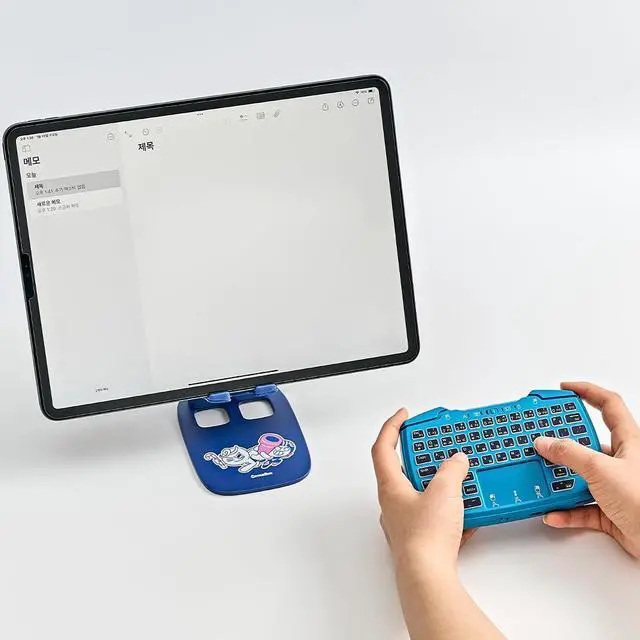
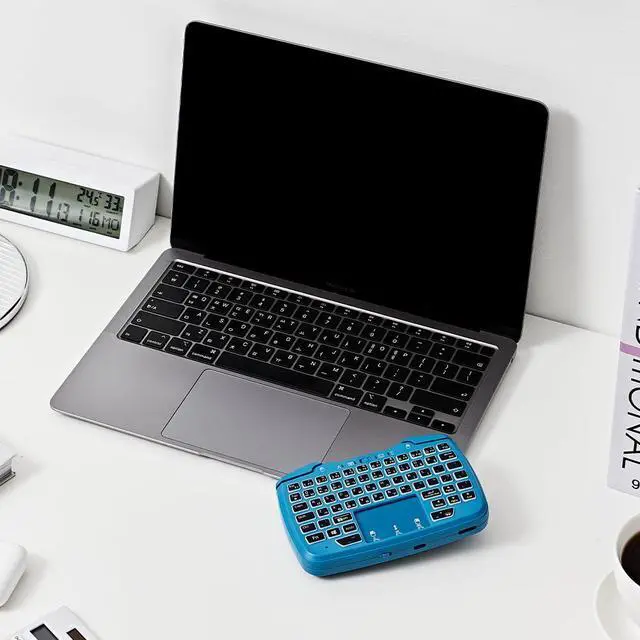
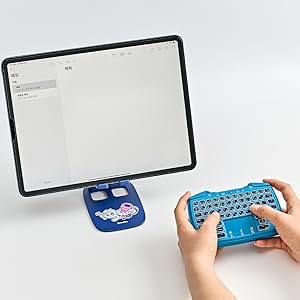
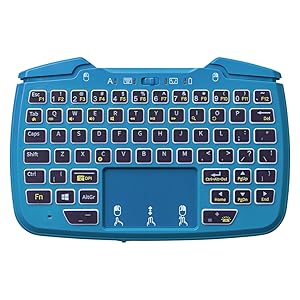
The detailed page of this product is organized around game functions and controls, so it may be difficult to check the back, but the back of the gamepad is equipped with a separate Bluetooth keyboard with QWERTY keyboard, and touchpad mouse function.
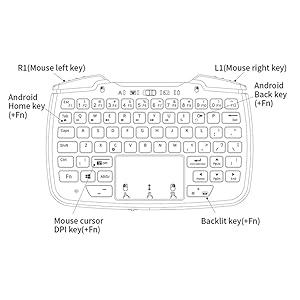
For wide compatibility, it is designed with a separate IC chipset from the gamepad. When pairing for the first time, it can be connected to the 'X1 Keyboard' in the Power On - Mode Switch set to keyboard mode, and if it can't be searched or the pairing reset is done, you can enter pairing mode and connect by pushing and holding the 'Fn' and 'c' buttons.
Since it supports backlighting, you can type even in dark places, and you can adjust the media volume or mouse cursor speed control function with key combinations, and since the upper game shoulder keys also work as the left and right physical mouse buttons, you can control areas that are difficult to control with the touchpad alone, such as clicking, moving, and dragging.
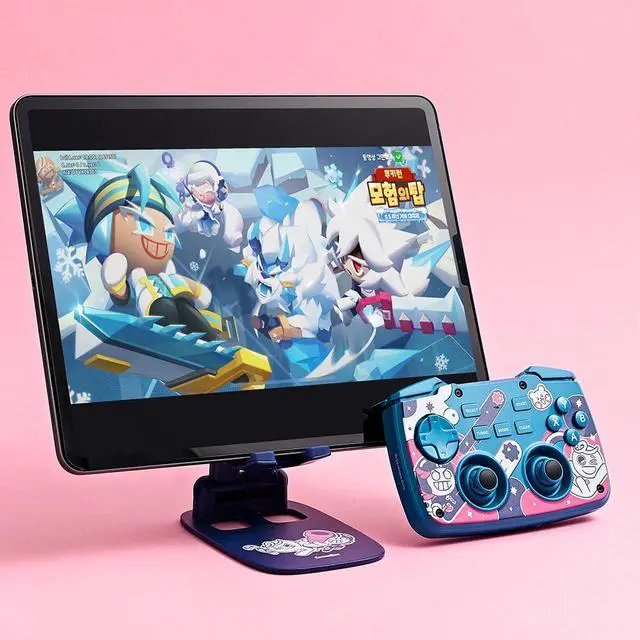
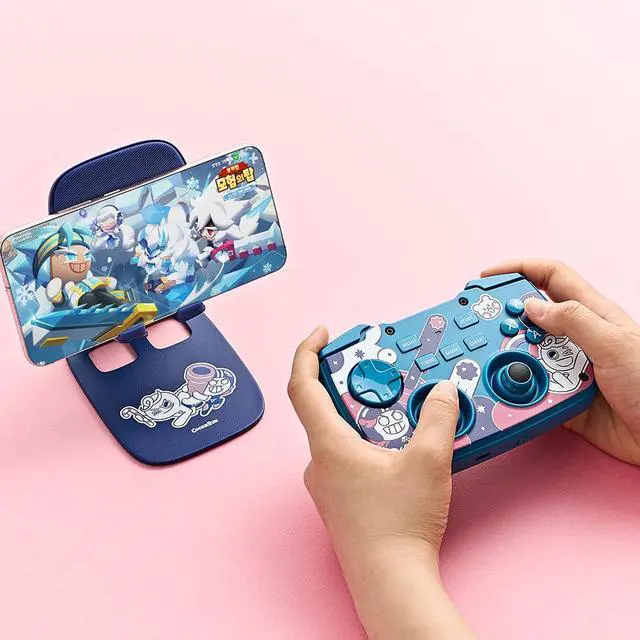
Playing Android Phone Games
Since Android phones have lower compatibility restrictions than iOS, you can enjoy more games.
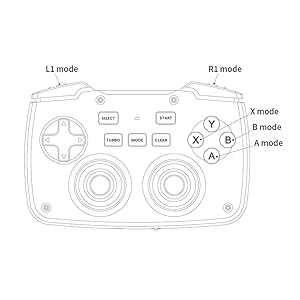
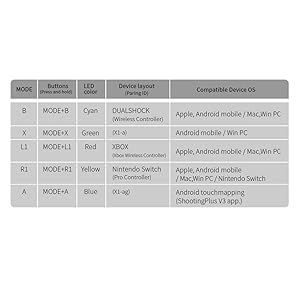
For games that support gamepad control, B mode, X mode, L1 mode, and R1 mode are all compatible, so you can choose a comfortable layout and use it.
We can recommend to use L1 mode or B mode mainly. and when you want to use with Nintendo Switch, use R1 mode.
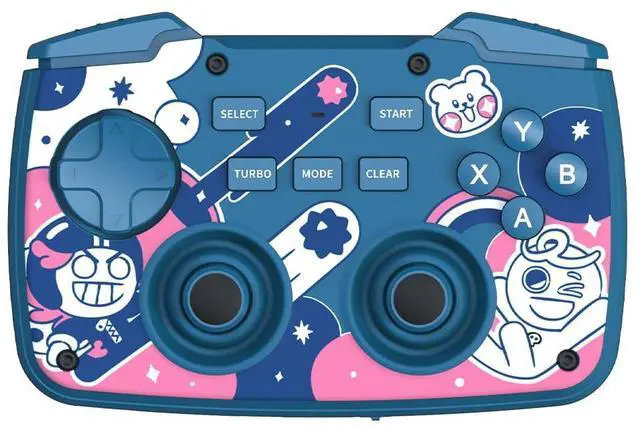
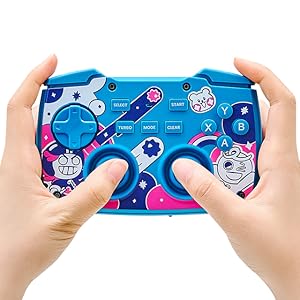
X, Y, A, B Silk Print is marked as same as Xbox controller, and it will be adjusted not to print but to button location. At R1 mode, X button works as Y and A to B, X to Y, B to A.
For games that do not support gamepad control, you can use the touch mapping mode (A mode) that was supported by the existing FUNDIAN Pocket Keyboard 2nd generation. However, since you need to be familiar with installing and using apps, you should take into account that there may be some inconvenience.
Play Arcade games on iPhone and iPad
On iOS mobile, games that support gamepads are classified as Arcade, so you can clearly and easily check and enjoy games that support gamepads. Some games may not be classified as Arcade, but they may support gamepads, but if you want to choose safely, you can choose from Arcade and enjoy them.
X1 supports various game layouts, and iOS Arcade supports B mode, L1 mode, and R1 mode, so you can enjoy the layout that is convenient for you.
We can recommend to use L1 mode or B mode at iOS and PC mainly. and when you want to use with Nintendo Switch, use R1 mode.
X, Y, A, B Silk Print is marked as same as Xbox controller, and it will be adjusted not to print but to button location. At R1 mode, X button works as Y and A to B, X to Y, B to A.
For mobile keyboard
Front side image
Rear side image
Grip image
Keyboard and Touchpad Mouse Usage (same for all iOS, Android, PC)
The detailed page of this product is organized around game functions and controls, so it may be difficult to check the back, but the back of the gamepad is equipped with a separate Bluetooth keyboard with QWERTY keyboard, and touchpad mouse function.
For wide compatibility, it is designed with a separate IC chipset from the gamepad. When pairing for the first time, it can be connected to the 'X1 Keyboard' in the Power On - Mode Switch set to keyboard mode, and if it can't be searched or the pairing reset is done, you can enter pairing mode and connect by pushing and holding the 'Fn' and 'c' buttons.
Since it supports backlighting, you can type even in dark places, and you can adjust the media volume or mouse cursor speed control function with key combinations, and since the upper game shoulder keys also work as the left and right physical mouse buttons, you can control areas that are difficult to control with the touchpad alone, such as clicking, moving, and dragging.
Playing Android Phone Games
Since Android phones have lower compatibility restrictions than iOS, you can enjoy more games.
For games that support gamepad control, B mode, X mode, L1 mode, and R1 mode are all compatible, so you can choose a comfortable layout and use it.
We can recommend to use L1 mode or B mode mainly. and when you want to use with Nintendo Switch, use R1 mode.
X, Y, A, B Silk Print is marked as same as Xbox controller, and it will be adjusted not to print but to button location. At R1 mode, X button works as Y and A to B, X to Y, B to A.
For games that do not support gamepad control, you can use the touch mapping mode (A mode) that was supported by the existing FUNDIAN Pocket Keyboard 2nd generation. However, since you need to be familiar with installing and using apps, you should take into account that there may be some inconvenience.
Play Arcade games on iPhone and iPad
On iOS mobile, games that support gamepads are classified as Arcade, so you can clearly and easily check and enjoy games that support gamepads. Some games may not be classified as Arcade, but they may support gamepads, but if you want to choose safely, you can choose from Arcade and enjoy them.
X1 supports various game layouts, and iOS Arcade supports B mode, L1 mode, and R1 mode, so you can enjoy the layout that is convenient for you.
We can recommend to use L1 mode or B mode at iOS and PC mainly. and when you want to use with Nintendo Switch, use R1 mode.
X, Y, A, B Silk Print is marked as same as Xbox controller, and it will be adjusted not to print but to button location. At R1 mode, X button works as Y and A to B, X to Y, B to A.
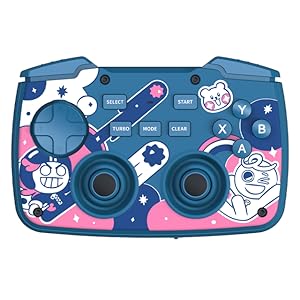
FUNDIAN X1 Gaming Keyboard ; CookieRun Limited Edition