





NOTE:
1. The PXN-A7 only supports Thrustmaster steering wheels on PS3/PS4/PS5/Xbox One.
2. The PXN-A7 only supports PXN V9/V99/V10/V12 on PC/ PS3/PS4/ Xbox One Series X/S.
3. The PXN-A7 does not support Logitech steering wheels on PS3/PS4/PS5/Xbox consoles.
4. The PXN-A7 does not support Thrustmaster steering wheels on PC.

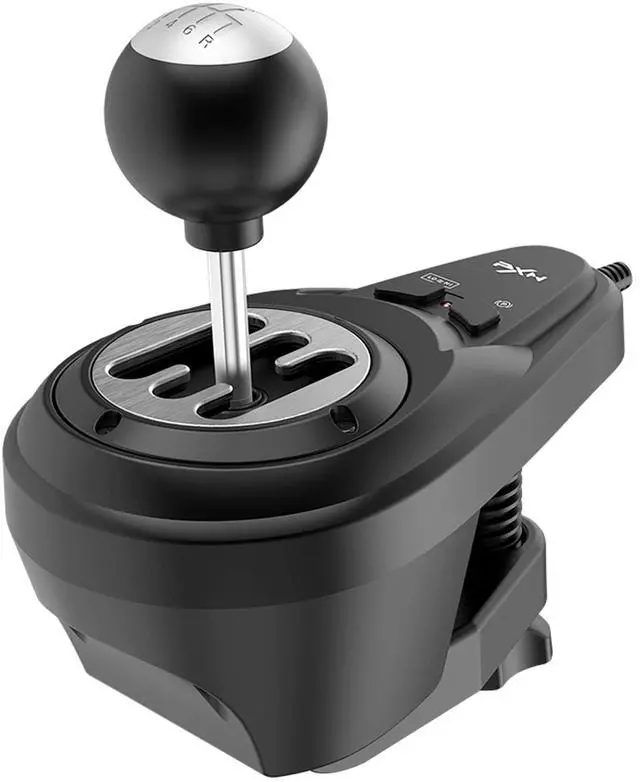
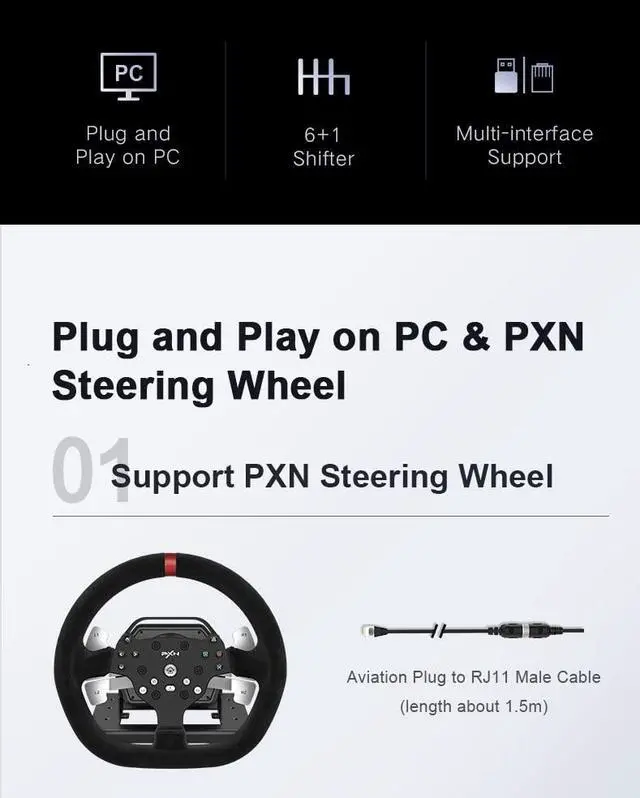
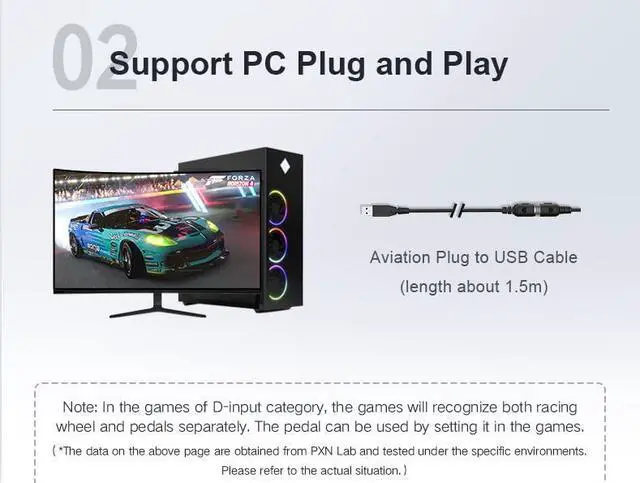
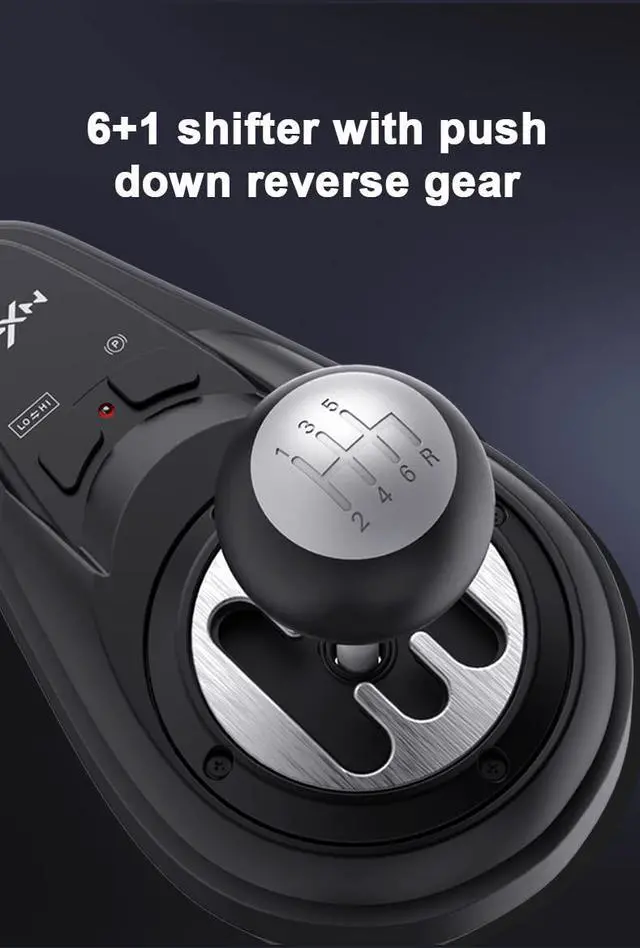
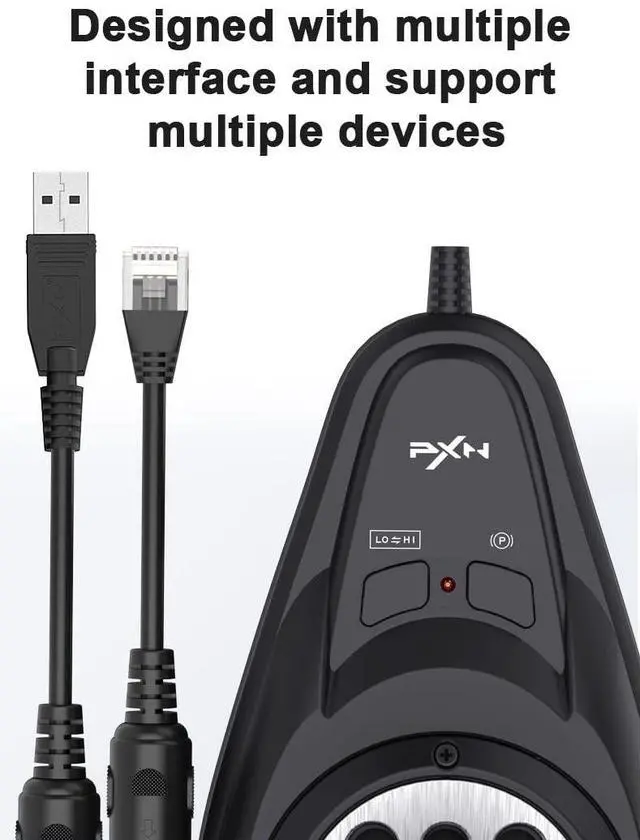
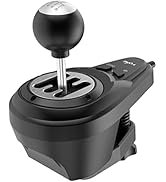
PXN A7 gear lever with removable three cables (DIN-USB, DIN-RJ11, DIN-DIN Cables) connect your PC, PXN steering wheels, and other steering wheels. The USB plug can be inserted into your computer and used with all steering wheels together on the computer; The RJ11 plug can be inserted into the PXN V9, and V10 steering wheels; The DIN plug can be inserted into the steering wheels with a DIN socket.(Note: console requires connection to T128/T248/T150/T300) 1.When using the shifter on the computer, please connect it directly to the computer, not to the non-PXN steering wheel base.2.Some games require in-game button configuration and mapping.


PXN-Gaming steering wheel
- PXN Gaming Racing Wheel With Pedals and Shifter
- PXN VD4 Bundle F Gaming sim racing wheel Direct Drive Servo Motor Base

PXN
- PXN knows players better
- PXN game accessories, you deserve to have
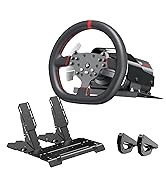
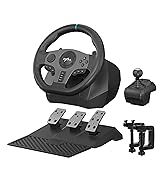
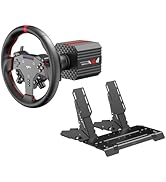
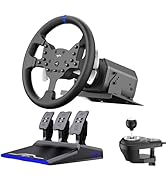
PXN pc steering wheel
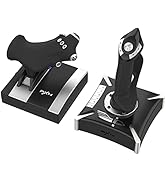
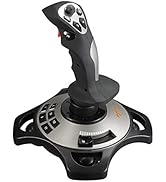
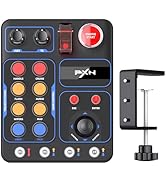
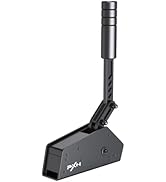
PXN Gaming Accessories
PXN Gaming Accessories
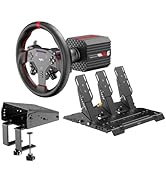
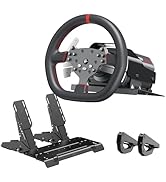
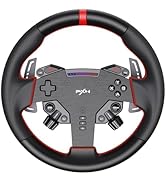
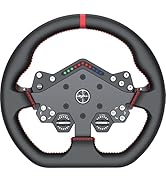
PXN Direct Drive Servo Motor
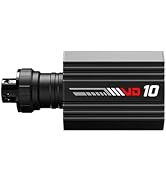
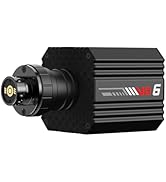
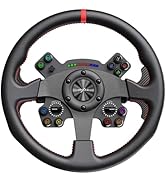
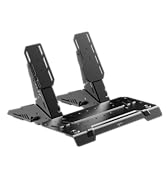
PXN Direct Drive Servo Motor
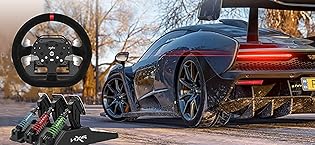
pxn gaming steering wheel
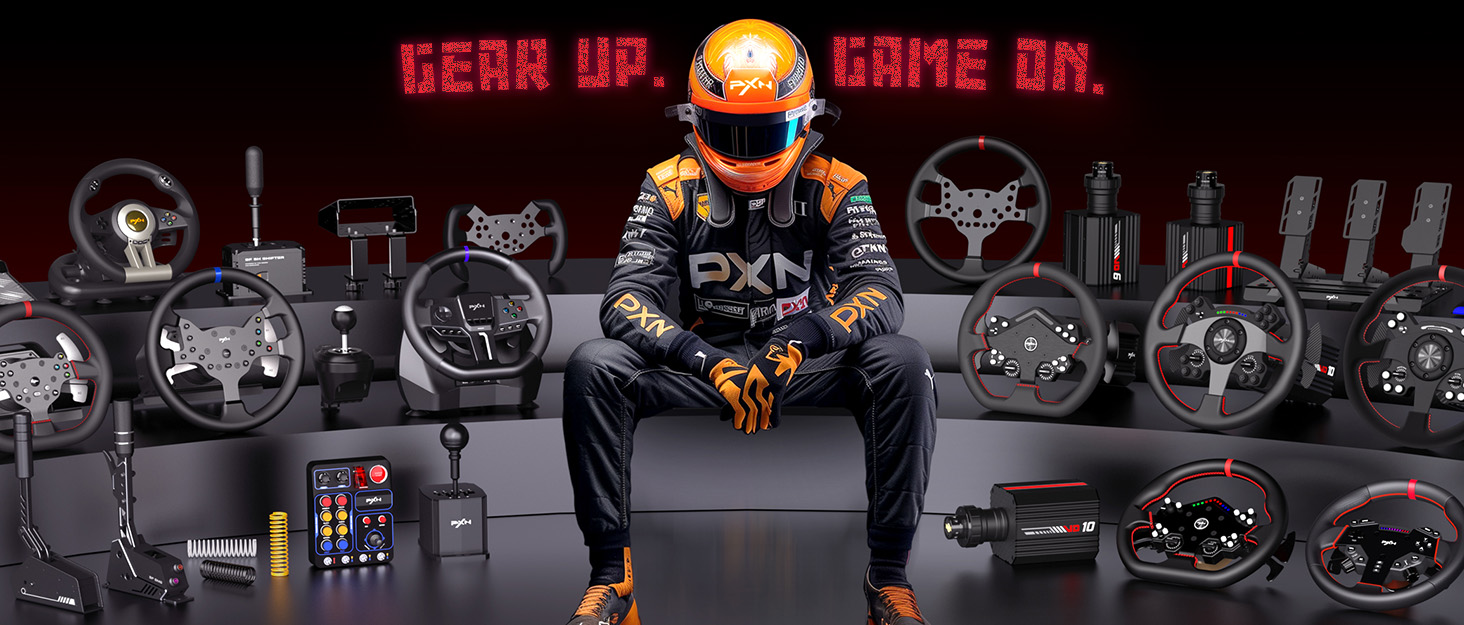
PXN was founded in 2004 by passionate gamers, delivering pure gaming emotion through premium peripherals.
In 19 years, we’ve secured 20+ patents and mastered hardware and software tech, all produced in our 35,000 ? facility, ensuring quality from design to assembly.
Serving 6.5 M+ players in 76 countries, PXN offers racing wheels, pedals, controllers, joysticks, headsets, and keyboards for PC, console, and mobile.
PXN-Gaming steering wheel
- PXN Gaming Racing Wheel With Pedals and Shifter
- PXN VD4 Bundle F Gaming sim racing wheel Direct Drive Servo Motor Base
PXN
- PXN knows players better
- PXN game accessories, you deserve to have
PXN pc steering wheel
PXN Gaming Accessories
PXN Gaming Accessories
PXN Direct Drive Servo Motor
PXN Direct Drive Servo Motor
pxn gaming steering wheel
PXN was founded in 2004 by passionate gamers, delivering pure gaming emotion through premium peripherals.
In 19 years, we’ve secured 20+ patents and mastered hardware and software tech, all produced in our 35,000 ? facility, ensuring quality from design to assembly.
Serving 6.5 M+ players in 76 countries, PXN offers racing wheels, pedals, controllers, joysticks, headsets, and keyboards for PC, console, and mobile.
NOTE:
1. The PXN-A7 only supports Thrustmaster steering wheels on PS3/PS4/PS5/Xbox One.
2. The PXN-A7 only supports PXN V9/V99/V10/V12 on PC/ PS3/PS4/ Xbox One Series X/S.
3. The PXN-A7 does not support Logitech steering wheels on PS3/PS4/PS5/Xbox consoles.
4. The PXN-A7 does not support Thrustmaster steering wheels on PC.
PXN A7 gear lever with removable three cables (DIN-USB, DIN-RJ11, DIN-DIN Cables) connect your PC, PXN steering wheels, and other steering wheels. The USB plug can be inserted into your computer and used with all steering wheels together on the computer; The RJ11 plug can be inserted into the PXN V9, and V10 steering wheels; The DIN plug can be inserted into the steering wheels with a DIN socket.(Note: console requires connection to T128/T248/T150/T300) 1.When using the shifter on the computer, please connect it directly to the computer, not to the non-PXN steering wheel base.2.Some games require in-game button configuration and mapping.