


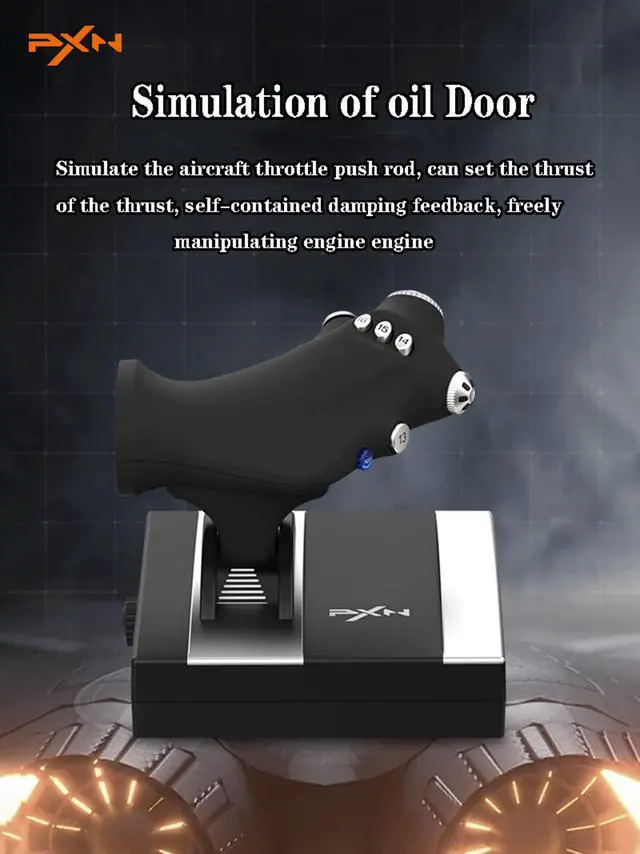
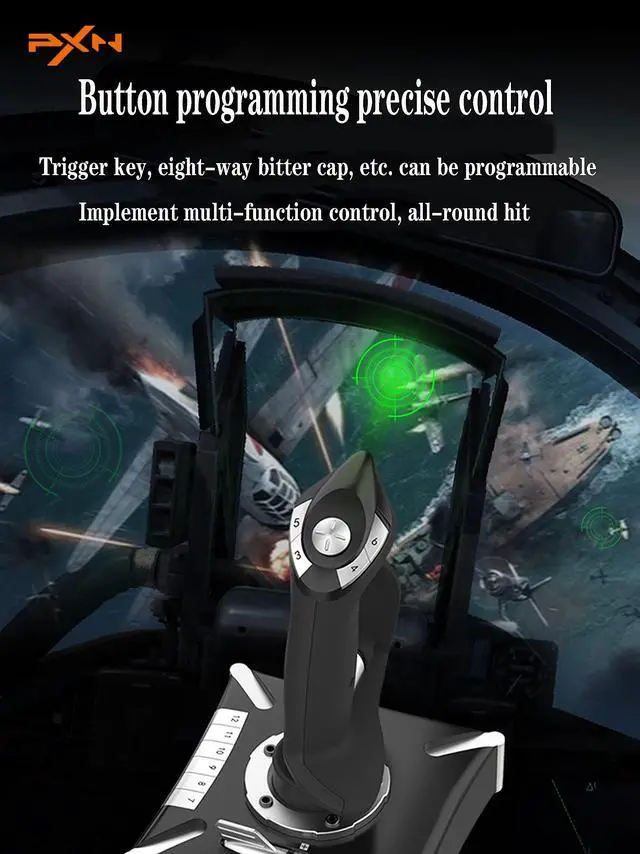
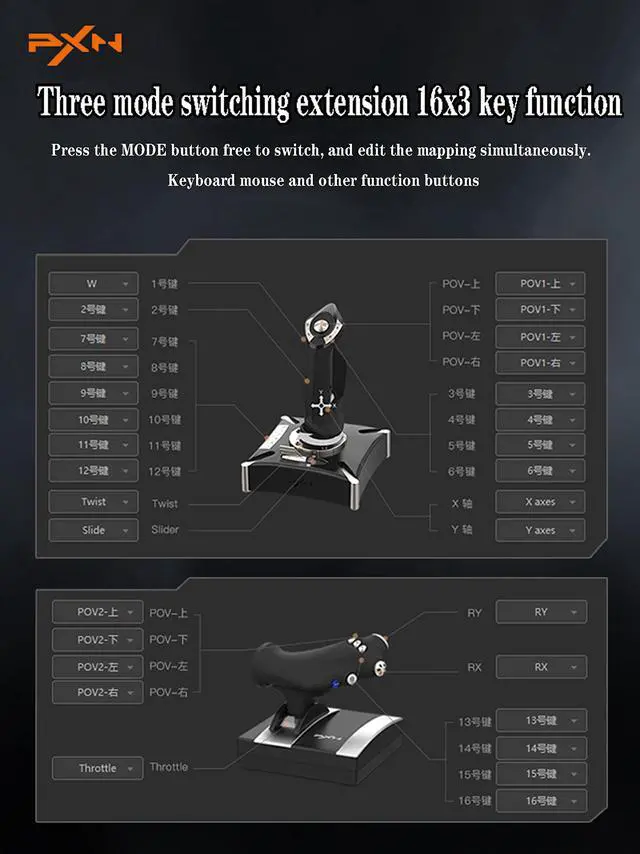


1 .You can play the game directly without installing a driver,Some games are plug-and-play, while others require settings (which need to be configured within the game itself). If you need a driver and keyboard mapping function, you need to install a joystick driver.

1. Please log in to the official website click on the homepage/——Support——Tools——PXN Flight Joysitck Driver/mapping software 3.0 to download the software to customize the button settings, or in You can find the download link in the installation part of the manual,


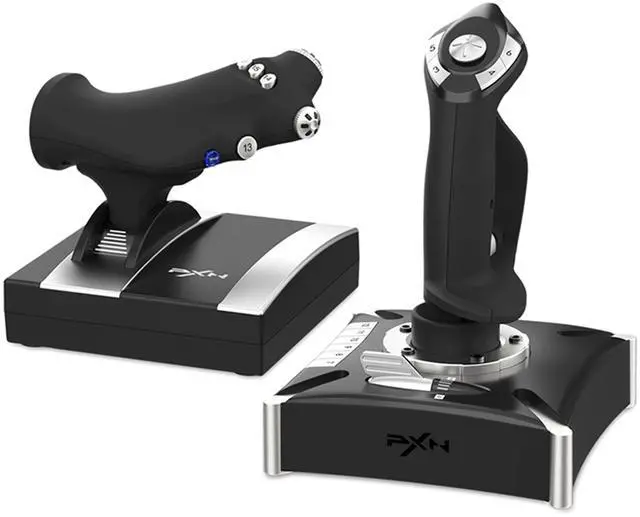
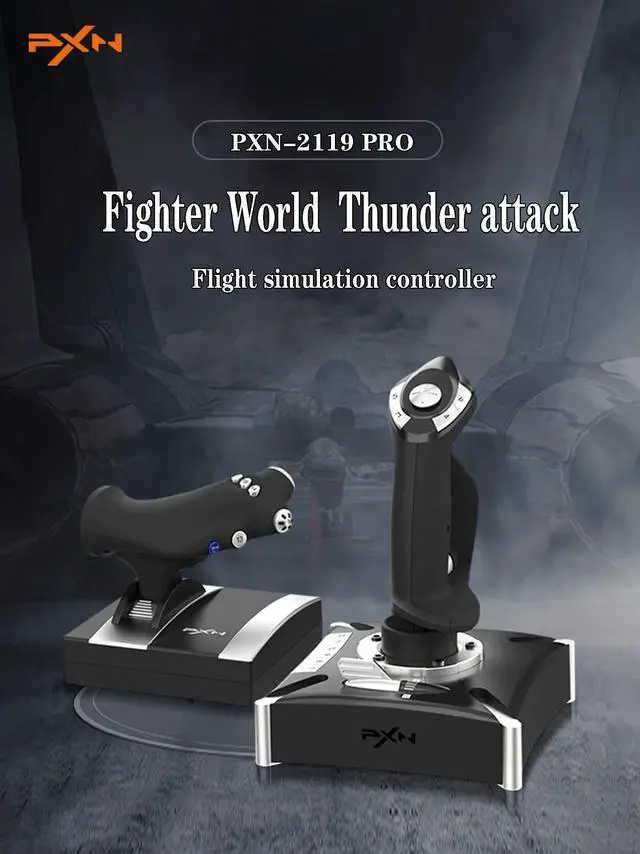
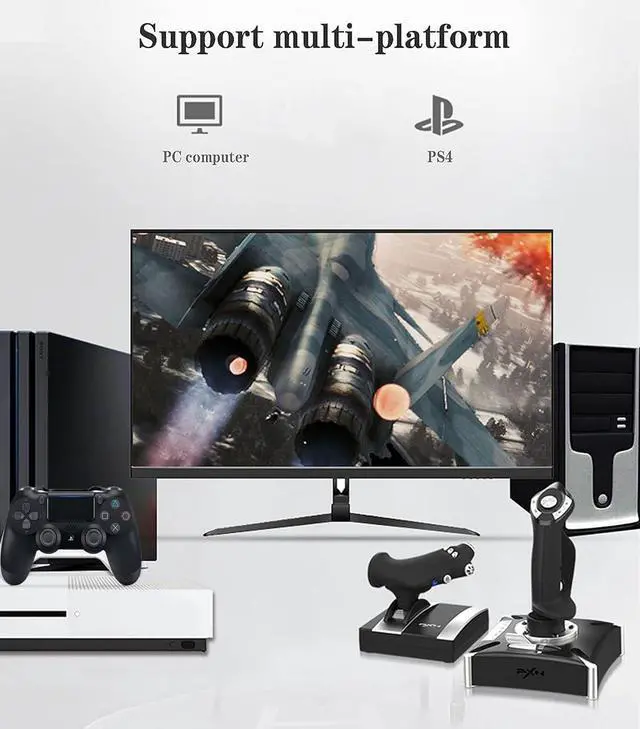
Product Model: PXN-2119 PRo Dimensions: Joystick 176x176x239mm, Throttle 170x170x159mm Cable Length: Main Joystick Cable approx. 1800mm, Throttle Cable approx. 1600mm Supported Platform: PC System Support: Windows 7, 8, 10
PXN-Gaming steering wheel
- PXN Gaming Racing Wheel With Pedals and Shifter
- PXN VD4 Bundle F Gaming sim racing wheel Direct Drive Servo Motor Base
PXN
- PXN knows players better
- PXN game accessories, you deserve to have
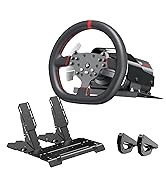
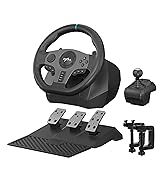
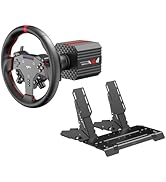
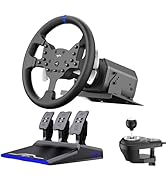
PXN pc steering wheel
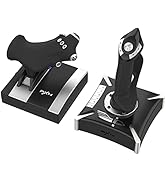
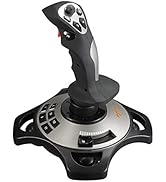
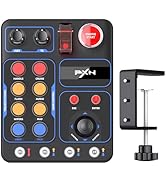
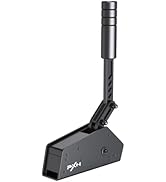
PXN Gaming Accessories
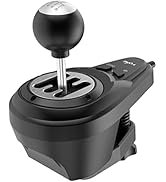
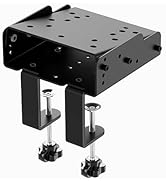
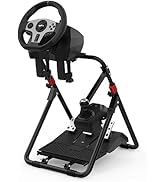
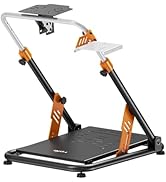
PXN Gaming Accessories
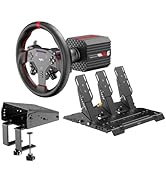
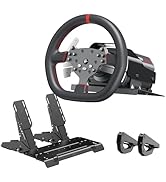
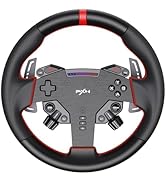
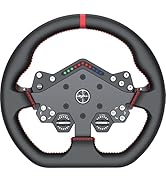
PXN Direct Drive Servo Motor
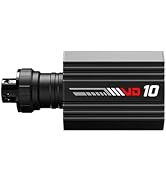
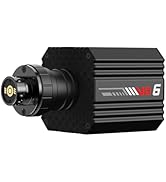
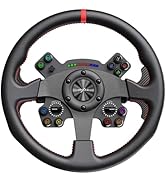
PXN Direct Drive Servo Motor
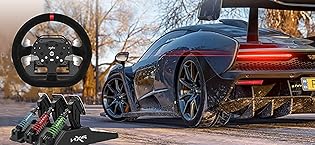
pxn gaming steering wheel
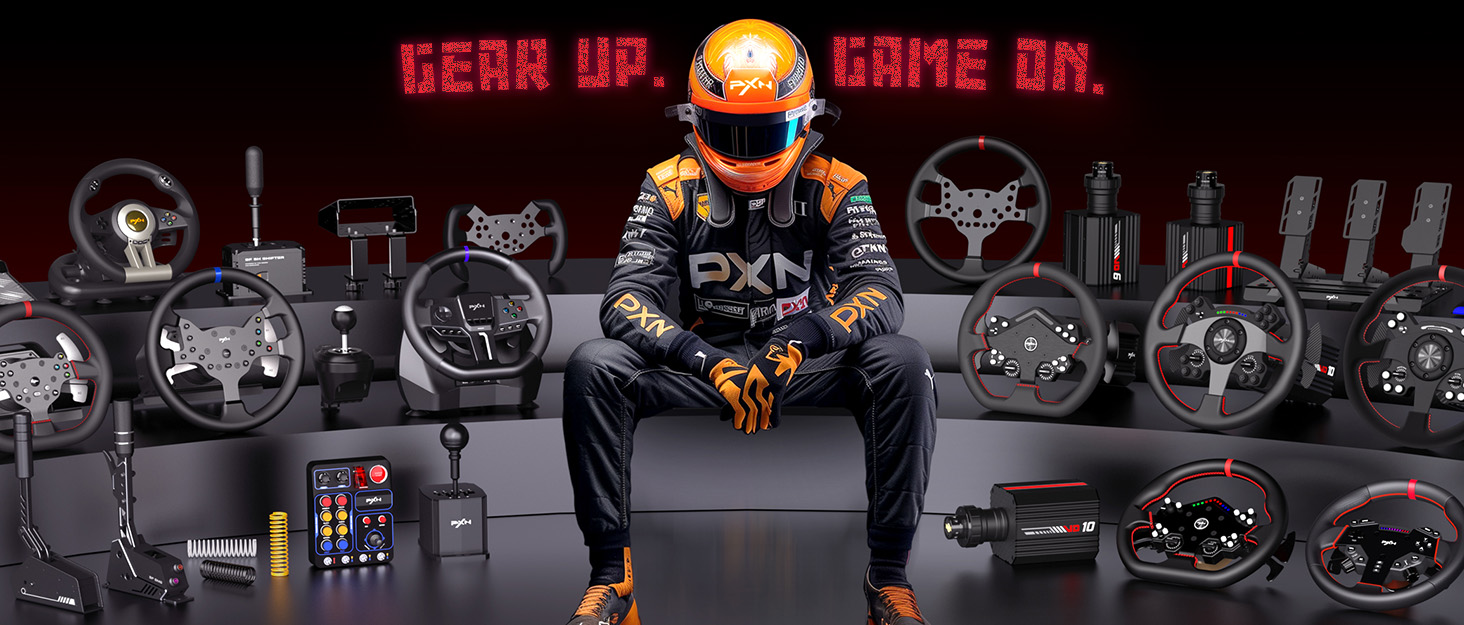
PXN was founded in 2004 by passionate gamers, delivering pure gaming emotion through premium peripherals.
In 19 years, we’ve secured 20+ patents and mastered hardware and software tech, all produced in our 35,000 ? facility, ensuring quality from design to assembly.
Serving 6.5 M+ players in 76 countries, PXN offers racing wheels, pedals, controllers, joysticks, headsets, and keyboards for PC, console, and mobile.
PXN-Gaming steering wheel
- PXN Gaming Racing Wheel With Pedals and Shifter
- PXN VD4 Bundle F Gaming sim racing wheel Direct Drive Servo Motor Base
PXN
- PXN knows players better
- PXN game accessories, you deserve to have
PXN pc steering wheel
PXN Gaming Accessories
PXN Gaming Accessories
PXN Direct Drive Servo Motor
PXN Direct Drive Servo Motor
pxn gaming steering wheel
PXN was founded in 2004 by passionate gamers, delivering pure gaming emotion through premium peripherals.
In 19 years, we’ve secured 20+ patents and mastered hardware and software tech, all produced in our 35,000 ? facility, ensuring quality from design to assembly.
Serving 6.5 M+ players in 76 countries, PXN offers racing wheels, pedals, controllers, joysticks, headsets, and keyboards for PC, console, and mobile.

1 .You can play the game directly without installing a driver,Some games are plug-and-play, while others require settings (which need to be configured within the game itself). If you need a driver and keyboard mapping function, you need to install a joystick driver.

1. Please log in to the official website click on the homepage/——Support——Tools——PXN Flight Joysitck Driver/mapping software 3.0 to download the software to customize the button settings, or in You can find the download link in the installation part of the manual,


Product Model: PXN-2119 PRo Dimensions: Joystick 176x176x239mm, Throttle 170x170x159mm Cable Length: Main Joystick Cable approx. 1800mm, Throttle Cable approx. 1600mm Supported Platform: PC System Support: Windows 7, 8, 10