





Kishi V3 Banner
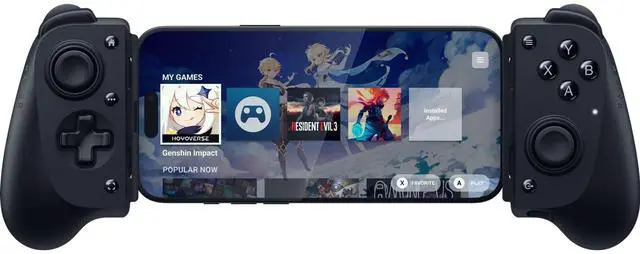
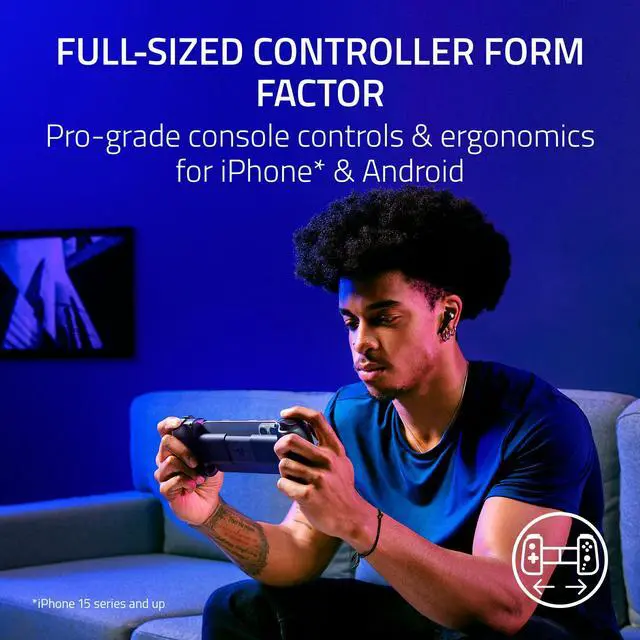
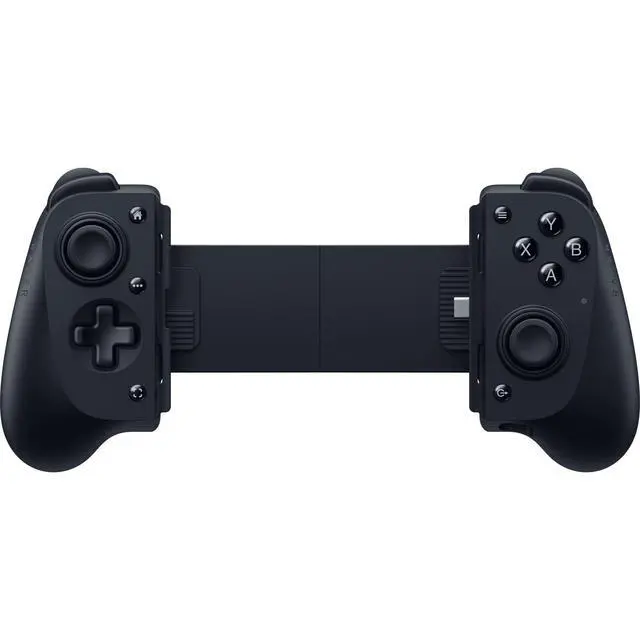
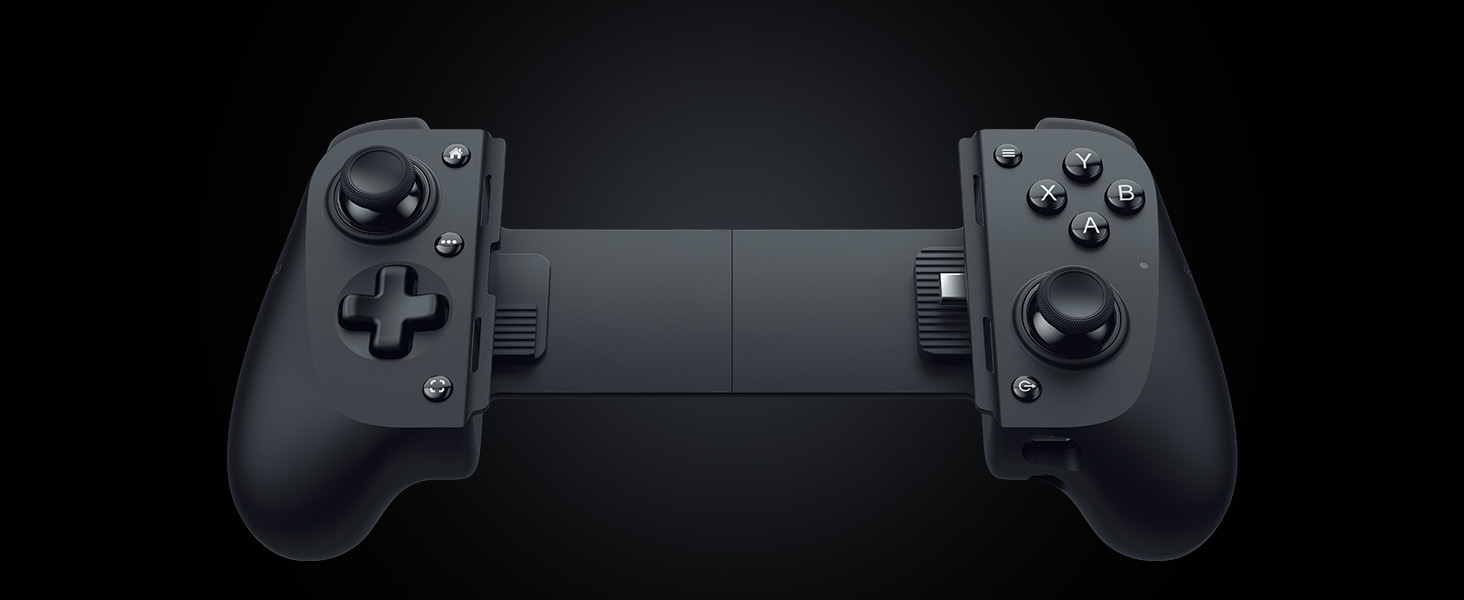
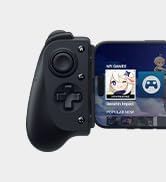
Full-sized Form Factor for USB C Phones
Console gaming form factor meets Mobile Gaming convenience
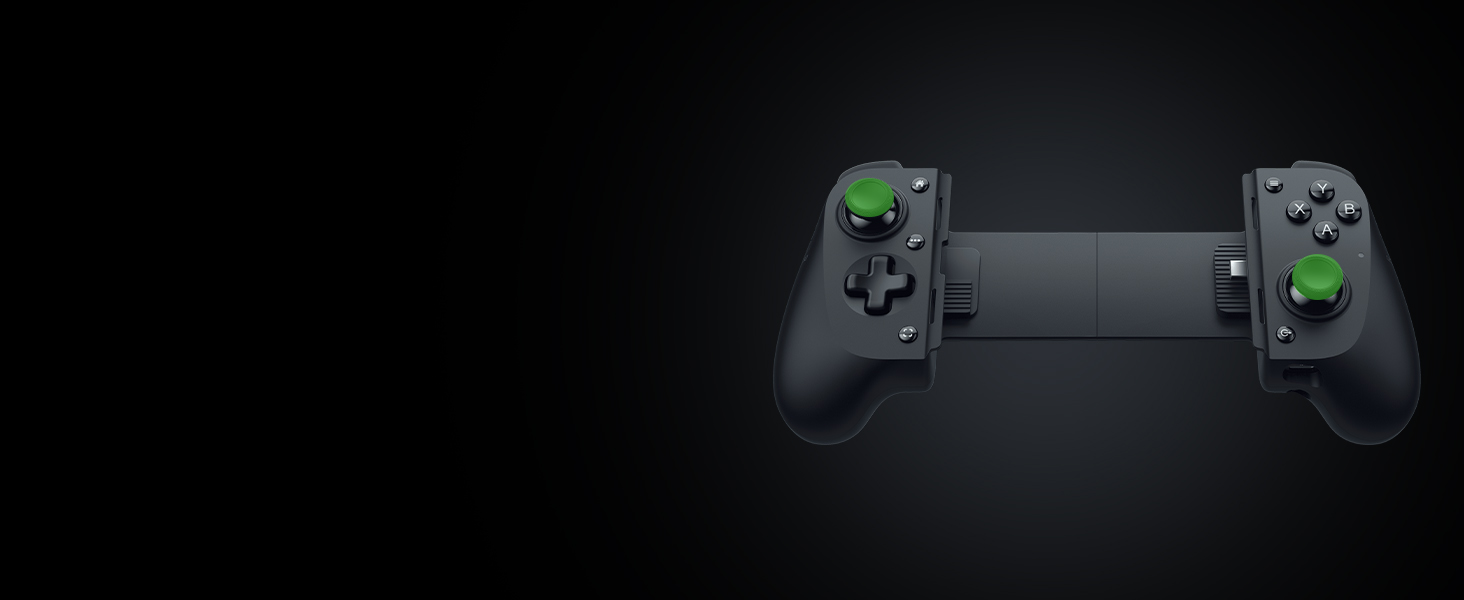
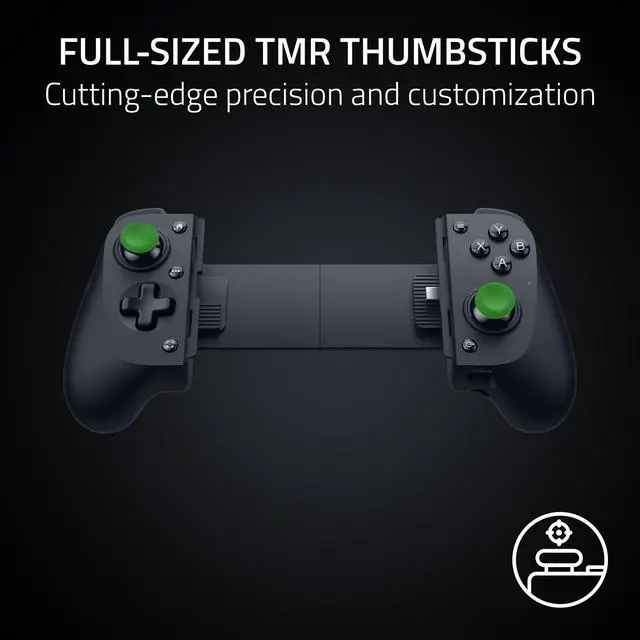
Full Sized TMR Thumbsticks
Dominate with anti-drift sticks that are superior to Hall Effect
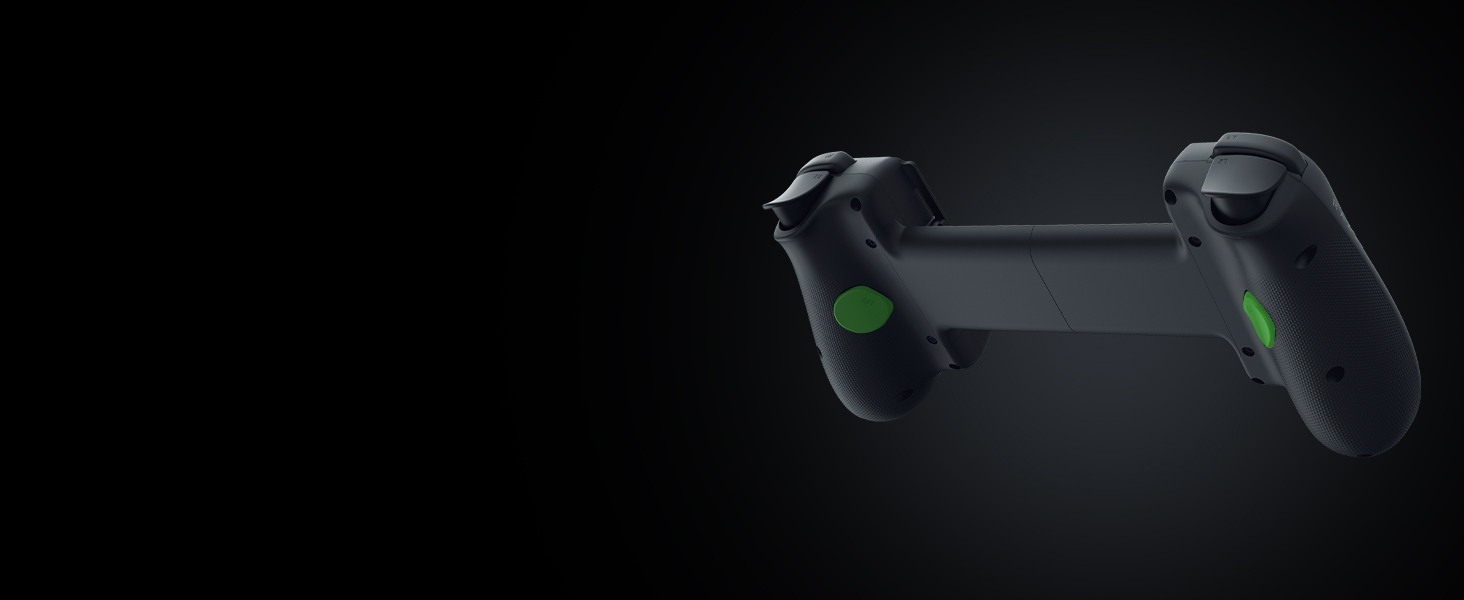
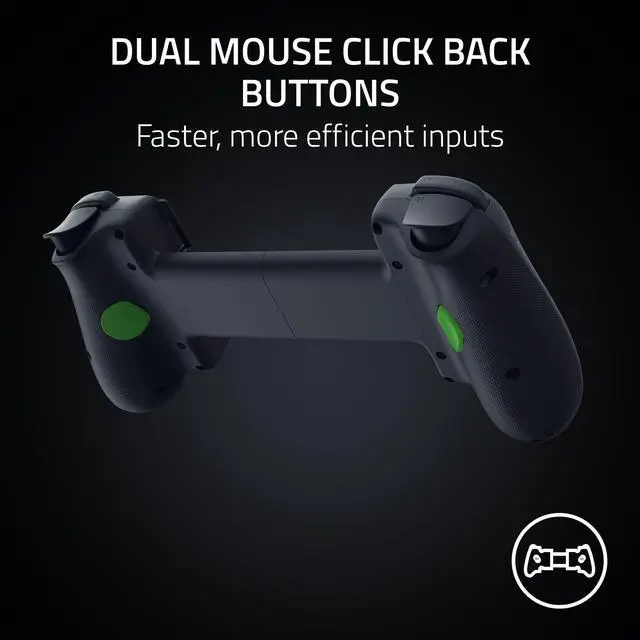
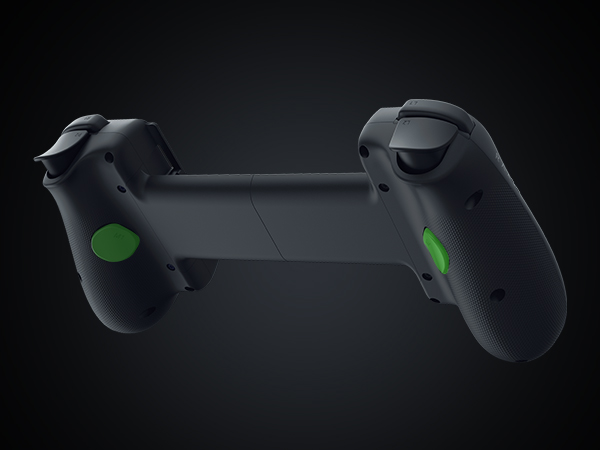
Dual Mouse Click Back Buttons
Enjoy the same ultra-responsive actuation found in our top gaming mice with 2 back buttons
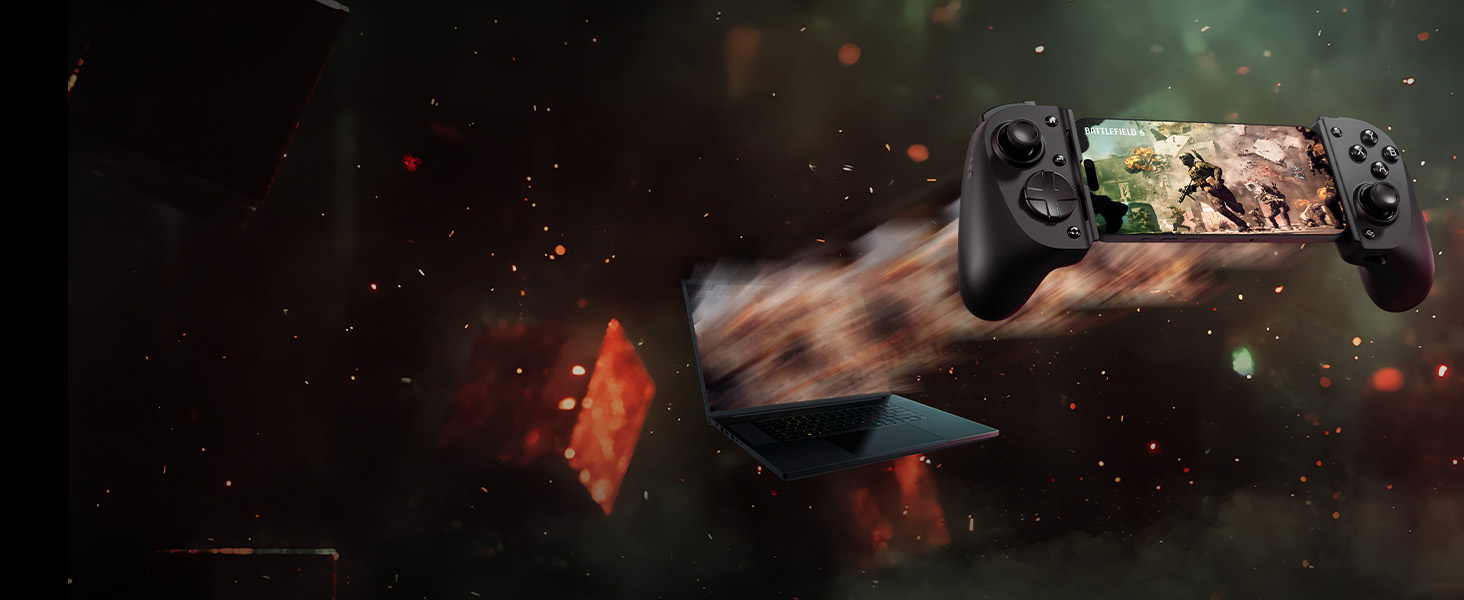
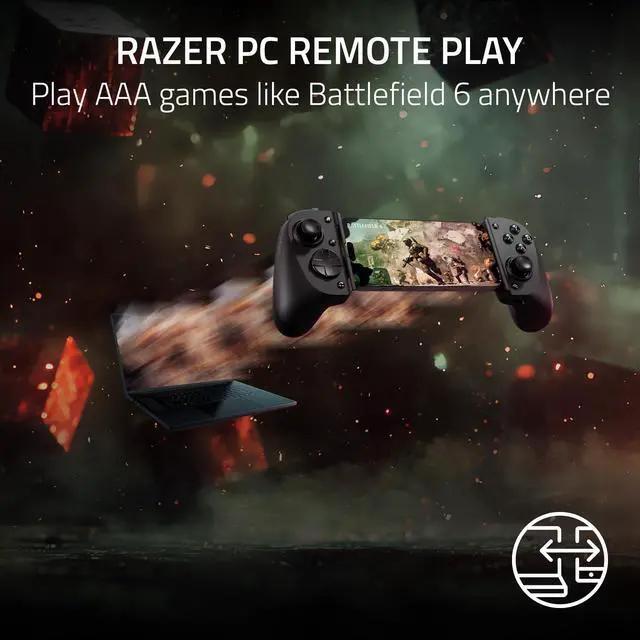
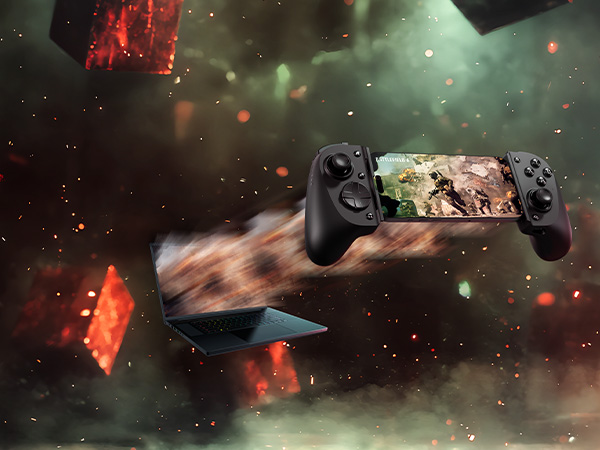
Razer PC Remote Play
Play AAA games like Battlefield 6 anywhere
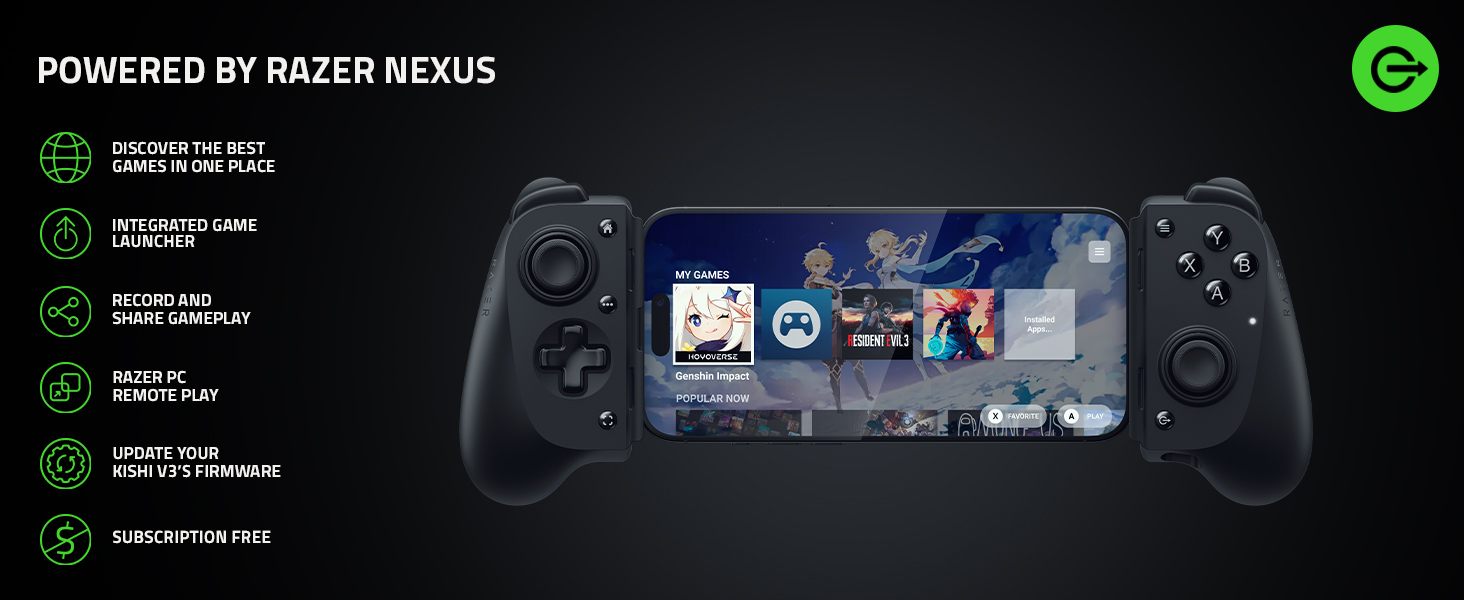
Which devices does the Kishi V3 work with?
The Razer Kishi V3 is compatible with iPhone 17, iPhone 17 Pro, iPhone 17 Pro Max, iPhone Air (with compatible phone case), iPhone 16 Series, iPhone 15 Series. It also supports Android phones running Android 14 or higher.
What kind devices can I connect with Kishi V3?
You can connect the Kishi V3 with iOS/Android smartphones that have USB C ports. Please note that Xbox linking and virtual glasses integration are NOT supported.
Do I have to remove my phone's case to use Kishi V3?
The Kishi V3 works with most popular phone cases. Swap out or remove the attached rubber cushions to give your device and its case the most secure fit possible. Cases that directly cover the USB port of phones may not be compatible.
What steps should I take if my Kishi V3 has issues connecting to my Android device?
Do the following: 1) Ensure the phone runs on Android 8 or later. To do this, go to Settings > System > About phone. 2) Ensure the phone’s OTG setting (if available) is turned ON and no timeout is set.

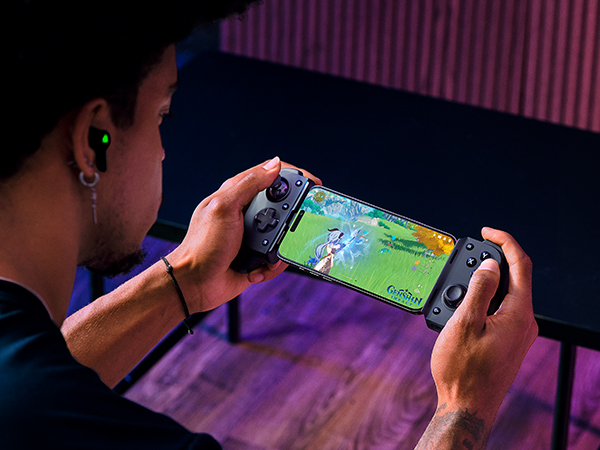
Kishi V3 Banner
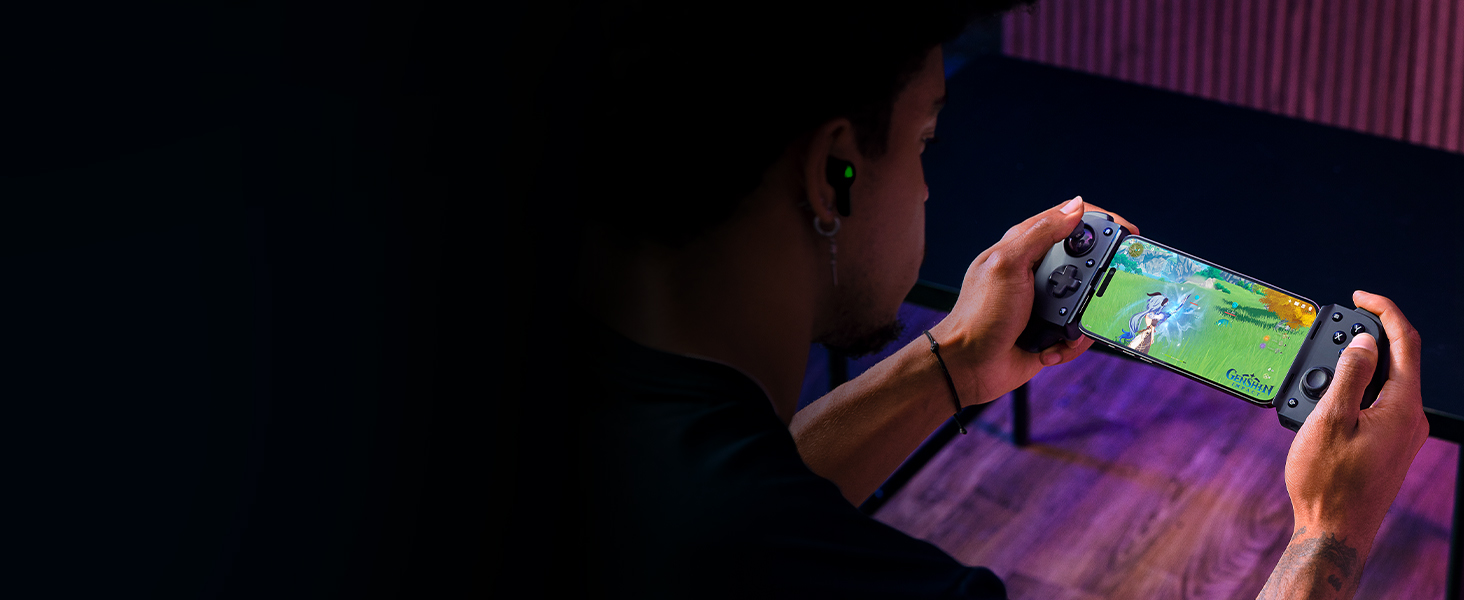
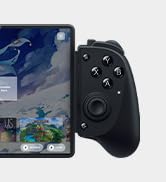
Full-sized Form Factor for USB C Phones
Console gaming form factor meets Mobile Gaming convenience
Full Sized TMR Thumbsticks
Dominate with anti-drift sticks that are superior to Hall Effect
Dual Mouse Click Back Buttons
Enjoy the same ultra-responsive actuation found in our top gaming mice with 2 back buttons
Razer PC Remote Play
Play AAA games like Battlefield 6 anywhere
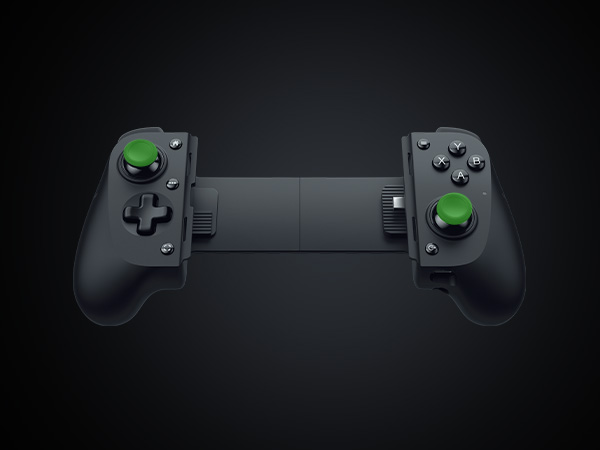
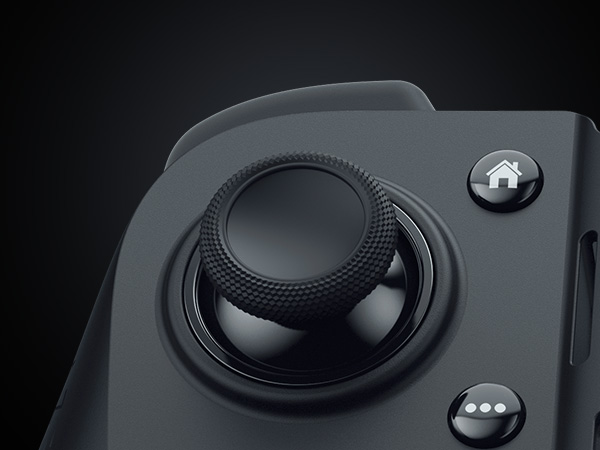
TMR and TPSiV Coated Thumbsticks
Dominate Mobile Gaming with the esports-grade performance and comfort of Razer’s Pro console controllers
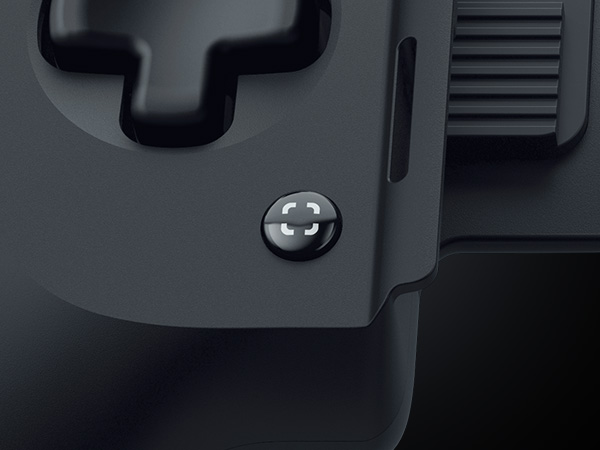
Screen Shot and Record button
Record and share gameplay at the press of a button
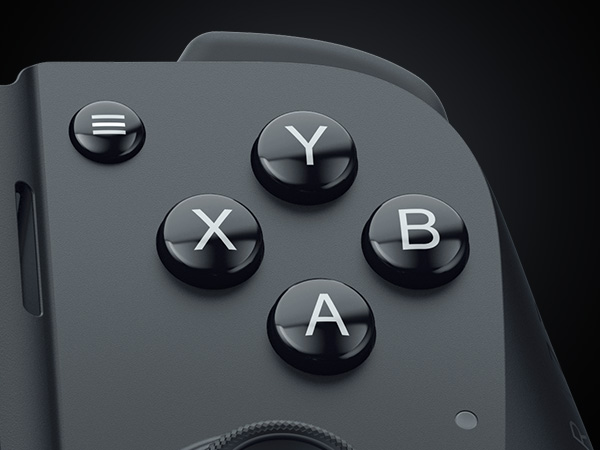
Quiet tactile ABXY Buttons
Experience the tactility of a microswitch combined with a quieter button push
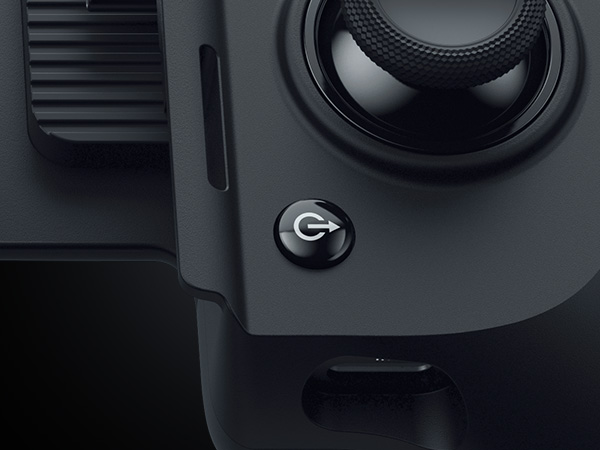
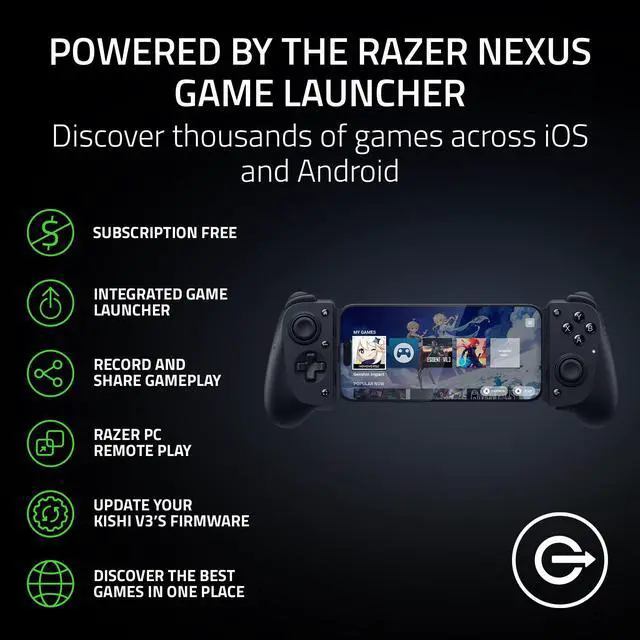
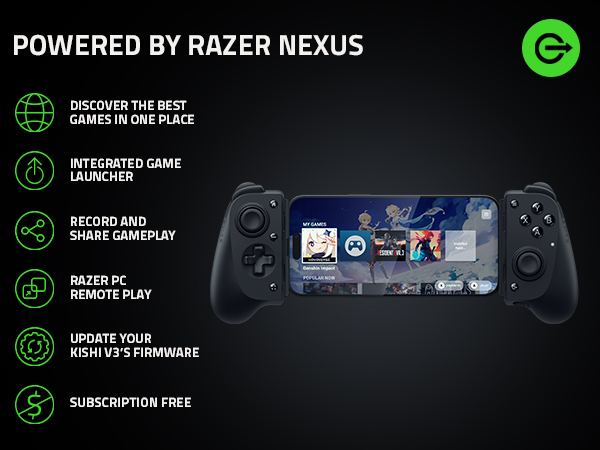
Razer Nexus button
Discover thousands of games across iOS and Android
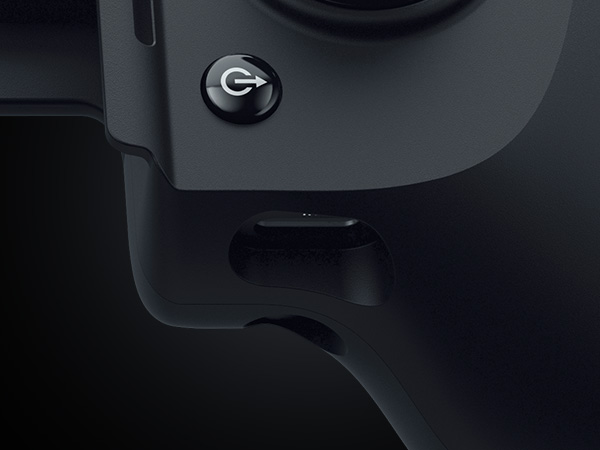
15 W Pass Through Charging
Power your device as you game with passthrough charging
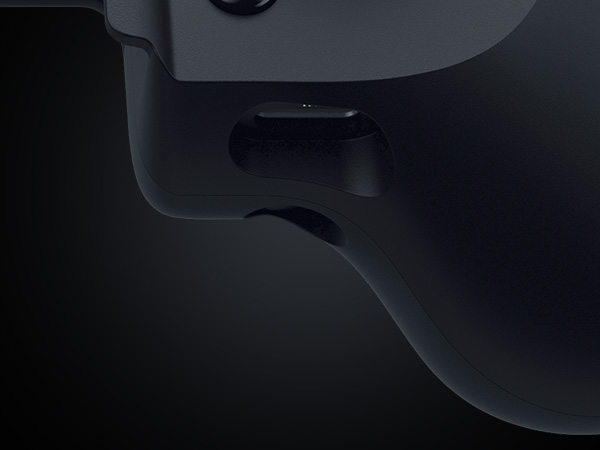
3.5 mm Audio Port
Enjoy low-latency gaming and smooth audio with plug-and-play convenience
| Inputs | Two TMR thumbsticks with clickable buttons (L3/R3) | One Quiet-tactile 4-way D-pad | Quiet-tactile ABXY face buttons | Two hall effect triggers (L2/R2) | Two bumpers (L1/R1) | Two Programmable Back Buttons (M1/M2) | Menu and Options buttons (labelled Start and Select in some games) | Home Button | Screenshot/Record| Razer Nexus Button |
|---|---|
| Ports | TYPE C plug for phone connection | TYPE C port for passthrough charging only | Charging indicator light |
| Dimensions and Weight | Height: 55.4 mm | Width: 227 mm | Length: 108.1 mm | Weight: 175 g |
| iOS Device Compatibility | iPhone 15, iPhone 16, iPhone 16 Pro, iPhone 16 Pro Max, iPhone 17, iPhone 17 Pro, iPhone 17 Pro Max, iPhone Air (with compatible phone case) |
| Android Device Compatibility | 10-13 inch (diagonal) USB C Android tablets with Android 14 or higher. If the Razer Kishi V3 is not detected when connected to an Android phone, do the following: 1) Ensure the phone runs on Android 8 or later. To do this, go to Settings > System > About phone. 2) Ensure the phone’s OTG setting (if available) is turned ON and no timeout is set. |
| Other Device Compatibility | Compatible with Windows 11 and iPad via USB C cable |
Which devices does the Kishi V3 work with?
The Razer Kishi V3 is compatible with iPhone 17, iPhone 17 Pro, iPhone 17 Pro Max, iPhone Air (with compatible phone case), iPhone 16 Series, iPhone 15 Series. It also supports Android phones running Android 14 or higher.
What kind devices can I connect with Kishi V3?
You can connect the Kishi V3 with iOS/Android smartphones that have USB C ports. Please note that Xbox linking and virtual glasses integration are NOT supported.
Do I have to remove my phone's case to use Kishi V3?
The Kishi V3 works with most popular phone cases. Swap out or remove the attached rubber cushions to give your device and its case the most secure fit possible. Cases that directly cover the USB port of phones may not be compatible.
What steps should I take if my Kishi V3 has issues connecting to my Android device?
Do the following: 1) Ensure the phone runs on Android 8 or later. To do this, go to Settings > System > About phone. 2) Ensure the phone’s OTG setting (if available) is turned ON and no timeout is set.
Razer Mobile Products
Razer Console Products
Razer Console Skins
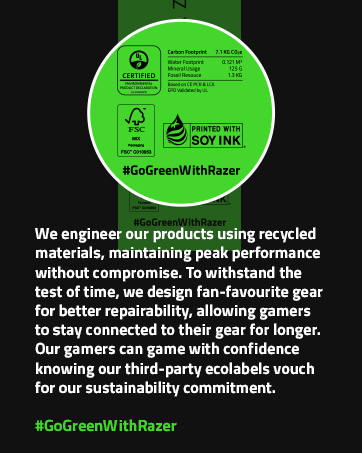
Sustainability
