






How to connect the controller to PS5?
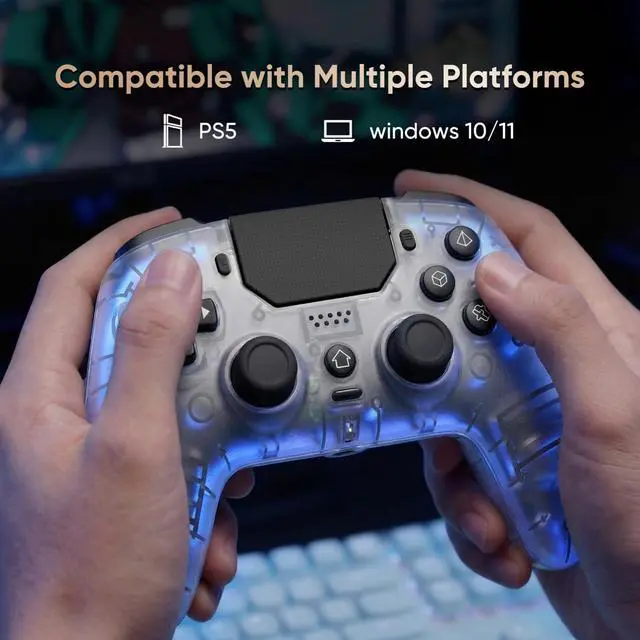
Plug it into the PS5 with a USB data cable, wait a few seconds, then press the Home button.
Controller only remembers the last device it was paired with. If you used it on other device, reconnect it to the PS5 with a USB data cable and pair it again.
Does the controller support dock charging? Does it have a built-in mic?
It only supports charging via USB-C. It has a built-in microphone
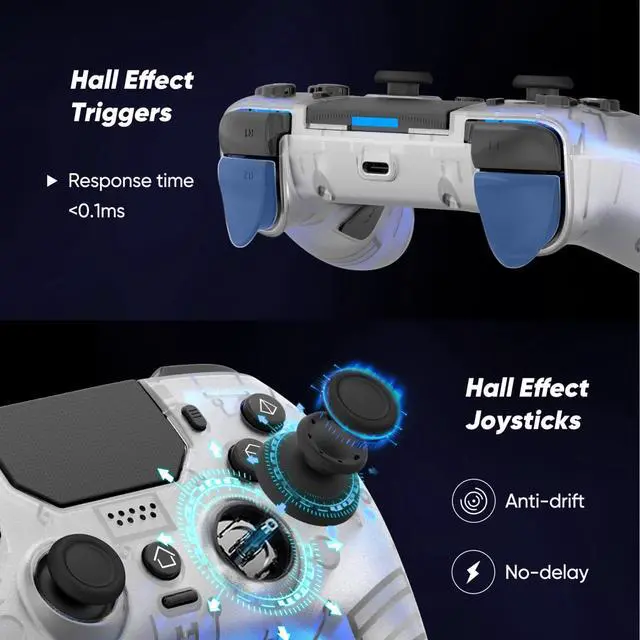
How do I fine-tune the HALL joysticks?
Turn off the controller, then hold Share + Menu while plugging it into the console until the light starts flashing. Press L1/L2/R1/R2 a few times, rotate both sticks in circles, then press X to save. Restart the controller to finish calibration.
The touchpad lights keep flashing. What should I do?
Restart the controller first.
My PS5 says "Connect this device using a USB cable, or register it again."
Use a USB data cable (not charge-only), then pair the controller again. The included cable is recommended.
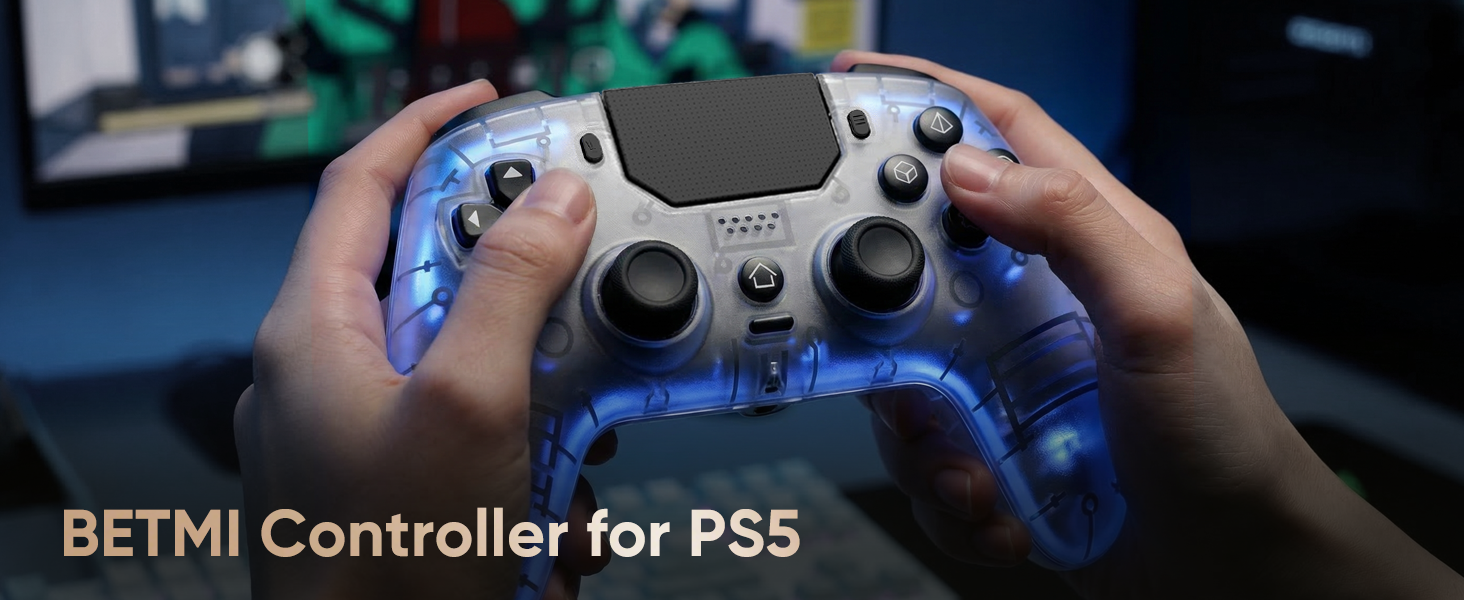
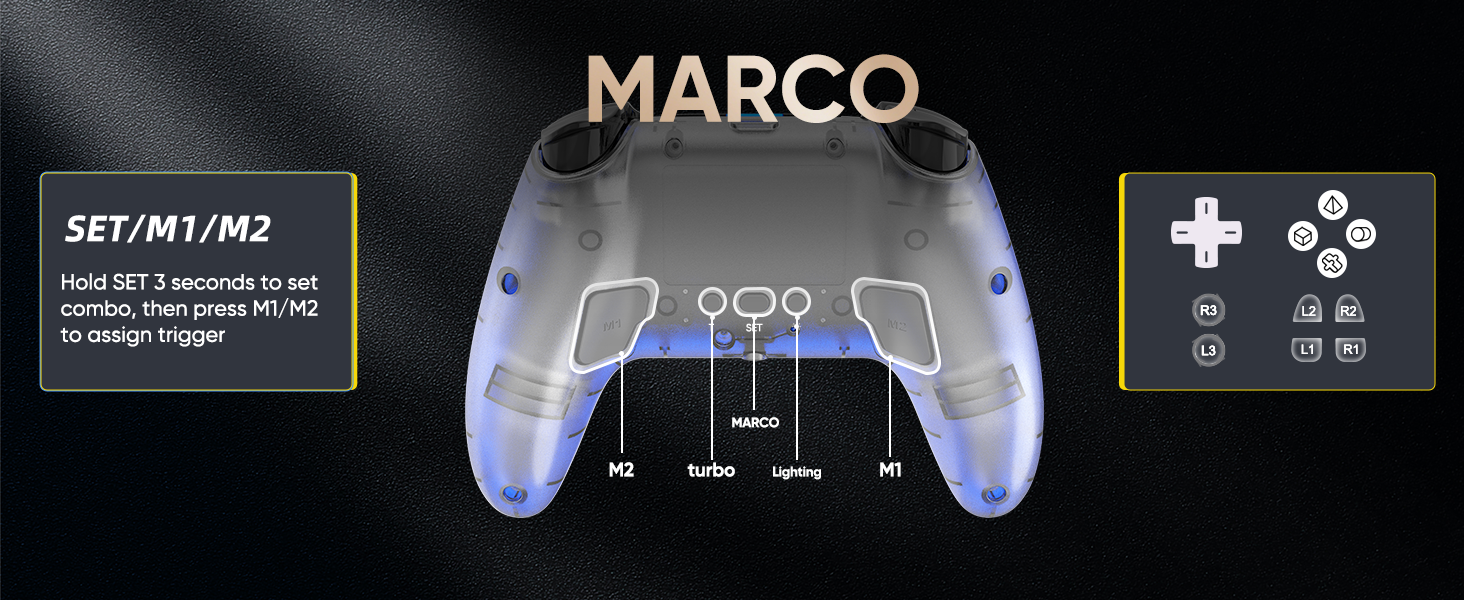
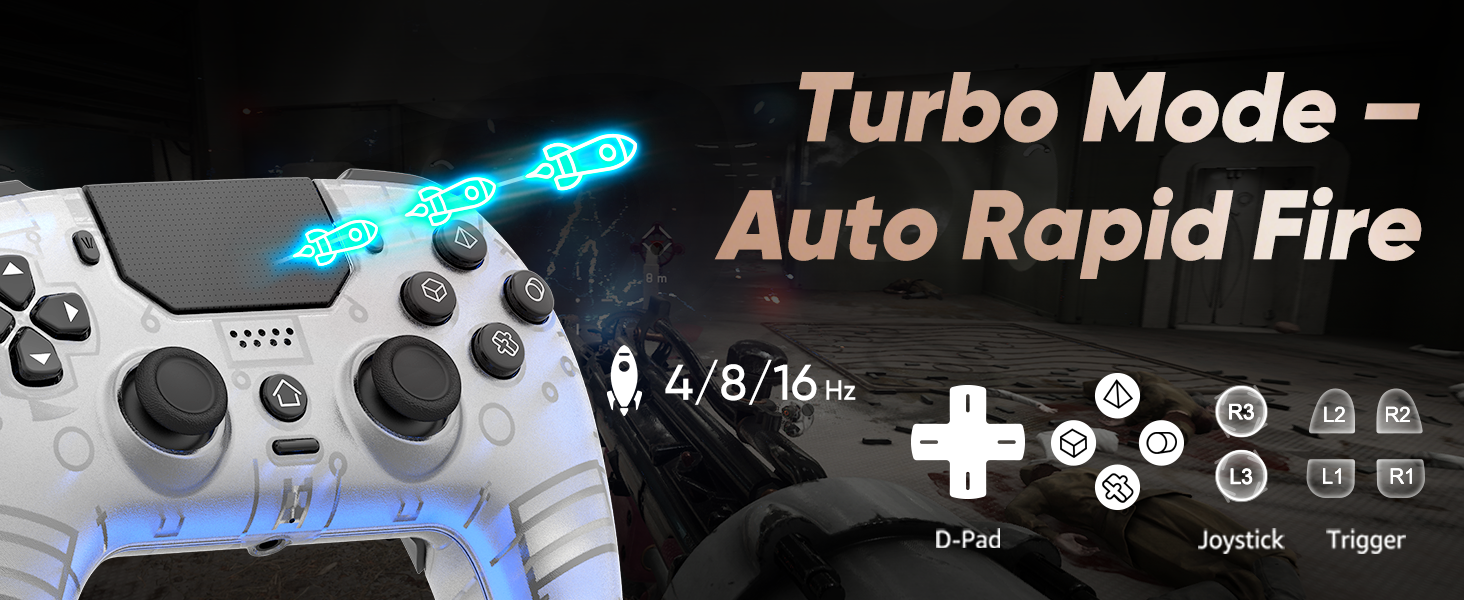
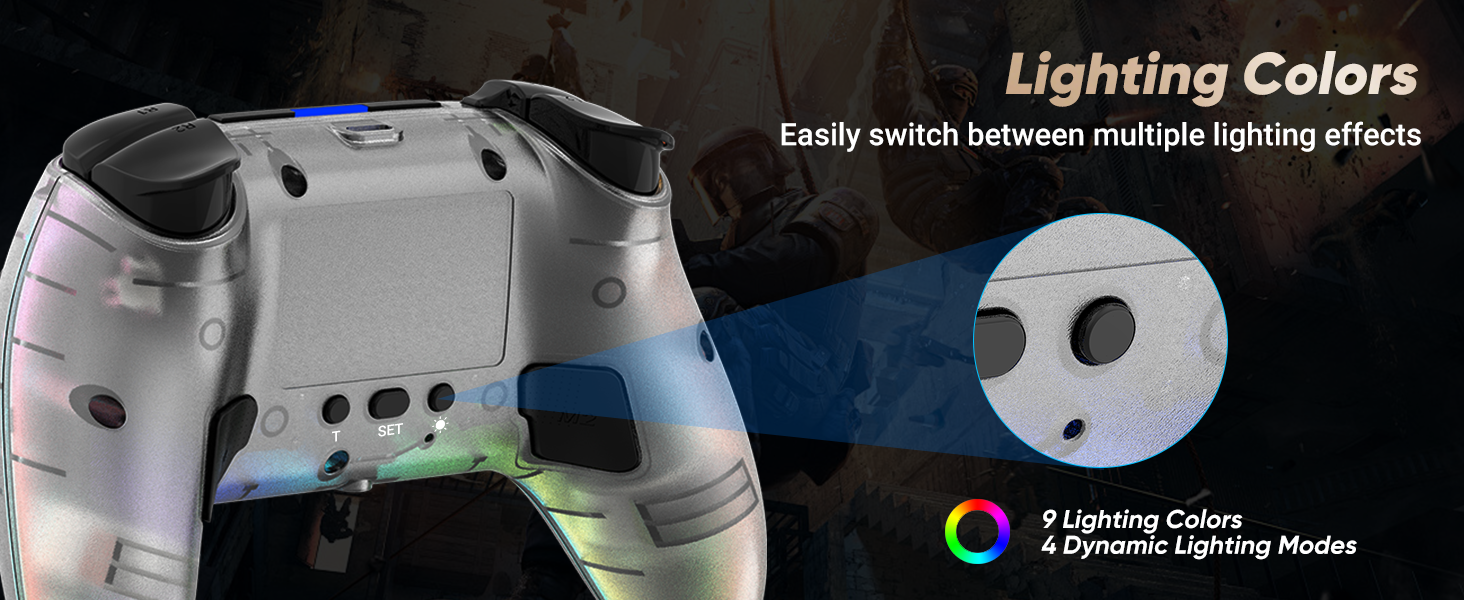
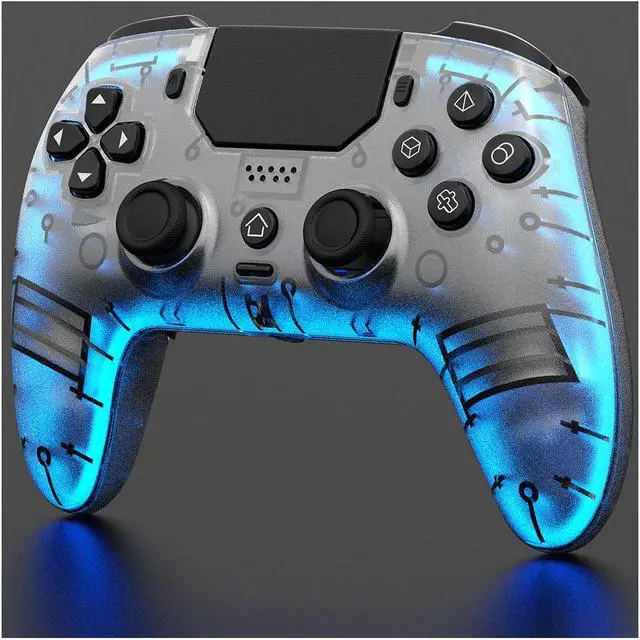
The colored lighting shown in the controller images is for illustration purposes only. The actual product features nine single-color lights and four lighting modes: Breathing – Fast Flash – Slow Flash – Gradient.
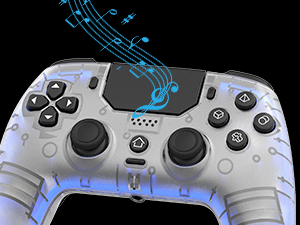
Controller with Speaker
Sound effects and music come to life right in your palms
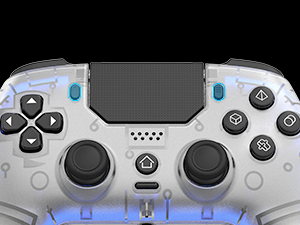
Xinput Mode
Wired connection to a PC: Press Share and Menu buttons to switch XInput mode
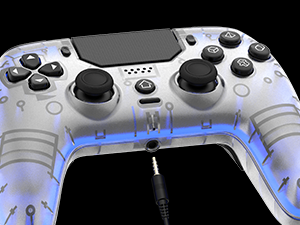
3.5mm TRRS Stereo Jack
Please insert the 3.5 mm plug gently to prevent long-term stress that may cause audio or microphone failure.
no built-in mic
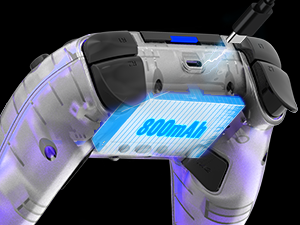
800mAh Battery
Two ways to charge: Charging Dock / USB-C Cable
Similar Products
 LED Controller for PS5 | 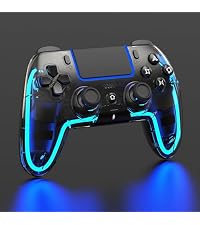 LED Controller for PS5 | 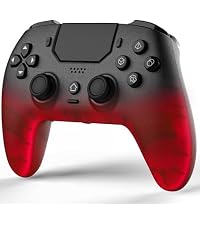 LED Controller for PS5 | 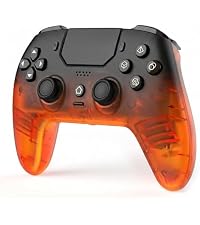 LED Controller for PS5 | 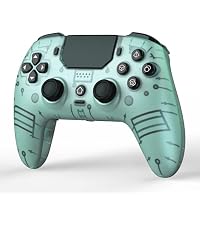 LED Controller for PS5 | 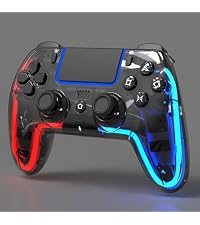 LED Controller for PS5 | 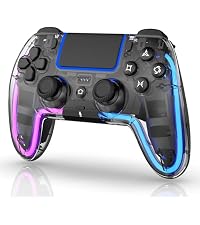 LED Controller for PS5 | |
|---|---|---|---|---|---|---|---|
Customer Reviews | — | — | — | — | — | — | — |
Price | — | — | — | — | — | — | — |
One click Combo(2 Back button) | ? | ? | ? | ? | ? | ? | ? |
Rapid fire(Turbo) | ? | ? | ? | ? | ? | ? | ? |
Built-in Mic | ? | ? | ? | ? | ? | ? | ? |
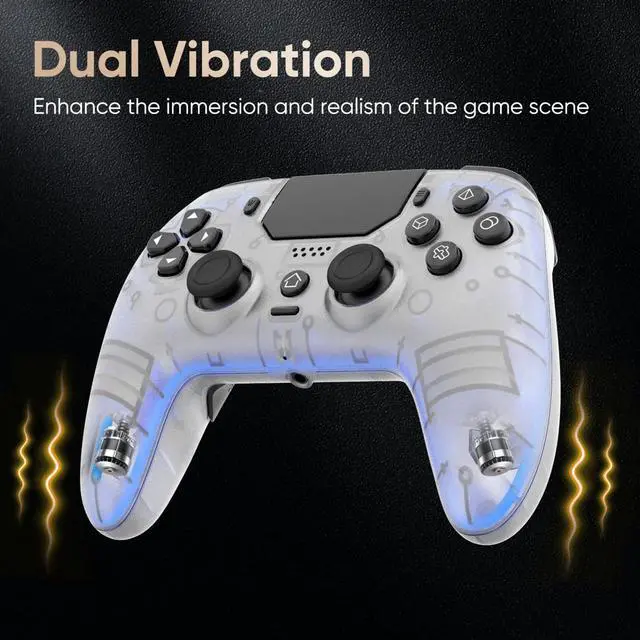
Daul Vibration | ? | ? | ? | ? | ? | ? | ? |
3.5mm TRRS Audio Jack | ? | ? | ? | ? | ? | ? | ? |
Six-Axis Motion Control | ? | ? | ? | ? | ? | ? | ? |
Speaker | ? | ? | ? | ? | ? | ? | ? |
Shell Design | Frosted Translucent Shell | Glossy Translucent Black Shell | Frosted Translucent Shell | Frosted Translucent Shell | Frosted Opaque Front Shell | Glossy Translucent Black Shell | Crystal-Clear Glossy Shell |
Charging | USB-C Charging | USB-C & Charging Dock | USB-C Charging | USB-C Charging | USB-C Charging | USB-C & Charging Dock | USB-C & Charging Dock |
Colorful LED lights | 9Single color & 4 Mode & Close | 9Single color & 4 Mode & Close | 9Single color & 4 Mode & Close | 9Single color & 4 Mode & Close | 9Single color & 4 Mode & Close | 9 Single color & Dual color | 9 Single color & Dual color |
Adjustable LED Brightness | ? | ? | ? | ? | ? | ? | ? |
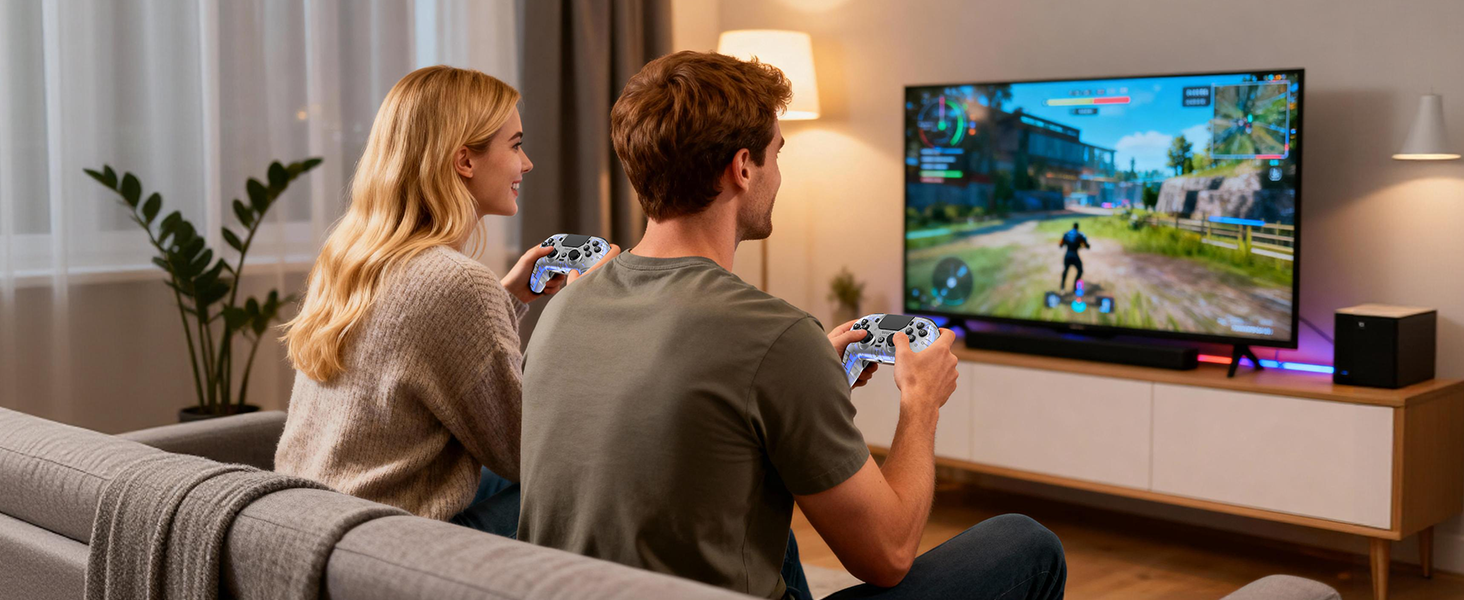
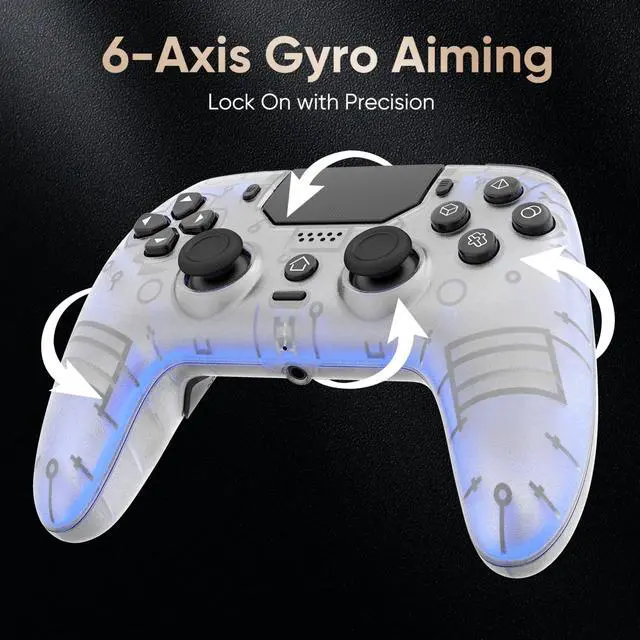
Built for Sharing: Grab a second controller and jump into the fun! Perfect for couch co-op, it lets you easily team up or face off in your favorite multiplayer games.
How to connect the controller to PS5?
Plug it into the PS5 with a USB data cable, wait a few seconds, then press the Home button.
Controller only remembers the last device it was paired with. If you used it on other device, reconnect it to the PS5 with a USB data cable and pair it again.
Does the controller support dock charging? Does it have a built-in mic?
It only supports charging via USB-C. It has a built-in microphone
How do I fine-tune the HALL joysticks?
Turn off the controller, then hold Share + Menu while plugging it into the console until the light starts flashing. Press L1/L2/R1/R2 a few times, rotate both sticks in circles, then press X to save. Restart the controller to finish calibration.
The touchpad lights keep flashing. What should I do?
Restart the controller first.
My PS5 says "Connect this device using a USB cable, or register it again."
Use a USB data cable (not charge-only), then pair the controller again. The included cable is recommended.
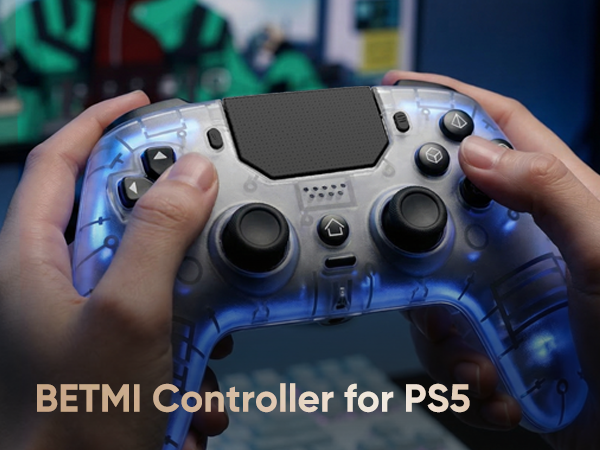
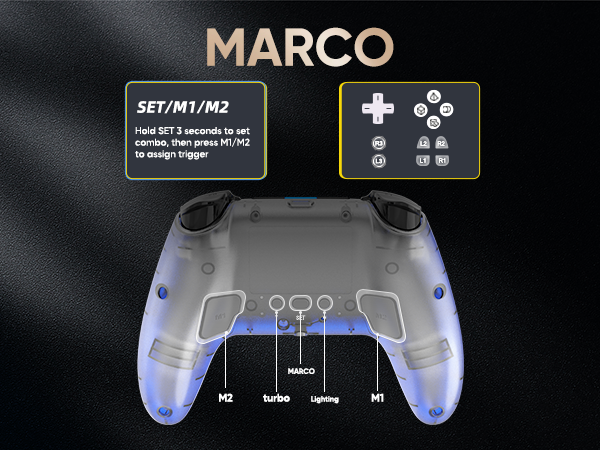
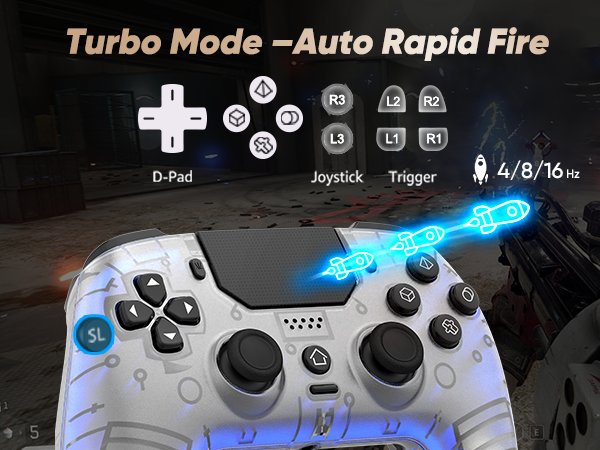
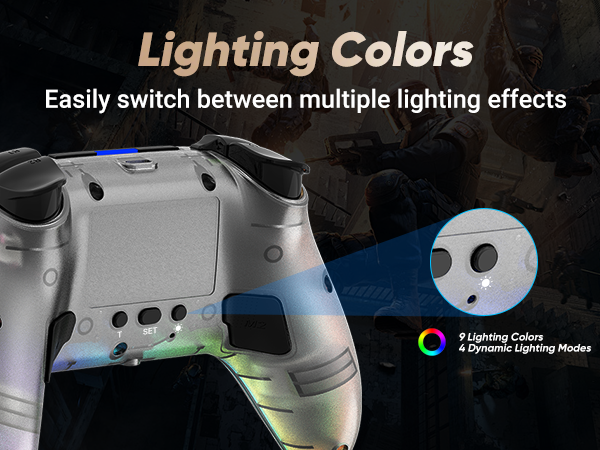
The colored lighting shown in the controller images is for illustration purposes only. The actual product features nine single-color lights and four lighting modes: Breathing – Fast Flash – Slow Flash – Gradient.
Controller with Speaker
Sound effects and music come to life right in your palms
Xinput Mode
Wired connection to a PC: Press Share and Menu buttons to switch XInput mode
3.5mm TRRS Stereo Jack
Please insert the 3.5 mm plug gently to prevent long-term stress that may cause audio or microphone failure.
no built-in mic
800mAh Battery
Two ways to charge: Charging Dock / USB-C Cable
Similar Products
LED Controller for PS5 | LED Controller for PS5 | LED Controller for PS5 | LED Controller for PS5 | LED Controller for PS5 | LED Controller for PS5 | LED Controller for PS5 |
|---|---|---|---|---|---|---|
| Customer Reviews | ||||||
| — | — | — | — | — | — | — |
| Price | ||||||
| — | — | — | — | — | — | — |
| One click Combo(2 Back button) | ||||||
| ? | ? | ? | ? | ? | ? | ? |
| Rapid fire(Turbo) | ||||||
| ? | ? | ? | ? | ? | ? | ? |
| Built-in Mic | ||||||
| ? | ? | ? | ? | ? | ? | ? |
| Daul Vibration | ||||||
| ? | ? | ? | ? | ? | ? | ? |
| 3.5mm TRRS Audio Jack | ||||||
| ? | ? | ? | ? | ? | ? | ? |
| Six-Axis Motion Control | ||||||
| ? | ? | ? | ? | ? | ? | ? |
| Speaker | ||||||
| ? | ? | ? | ? | ? | ? | ? |
| Shell Design | ||||||
| Frosted Translucent Shell | Glossy Translucent Black Shell | Frosted Translucent Shell | Frosted Translucent Shell | Frosted Opaque Front Shell | Glossy Translucent Black Shell | Crystal-Clear Glossy Shell |
| Charging | ||||||
| USB-C Charging | USB-C & Charging Dock | USB-C Charging | USB-C Charging | USB-C Charging | USB-C & Charging Dock | USB-C & Charging Dock |
| Colorful LED lights | ||||||
| 9Single color & 4 Mode & Close | 9Single color & 4 Mode & Close | 9Single color & 4 Mode & Close | 9Single color & 4 Mode & Close | 9Single color & 4 Mode & Close | 9 Single color & Dual color | 9 Single color & Dual color |
| Adjustable LED Brightness | ||||||
| ? | ? | ? | ? | ? | ? | ? |
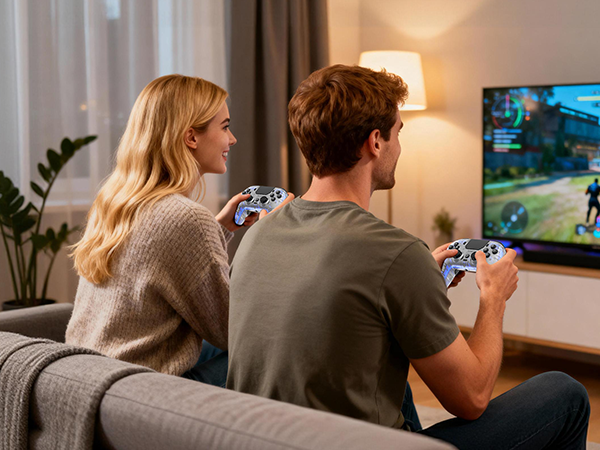
Built for Sharing: Grab a second controller and jump into the fun! Perfect for couch co-op, it lets you easily team up or face off in your favorite multiplayer games.