here!
here!
I’m your shopping assistant for PC builds, upgrades, and everything tech.
Got questions? Ask away!
Start a conversation
here!
I’m your shopping assistant for PC builds, upgrades, and everything tech.
Got questions? Ask away!
Start a conversation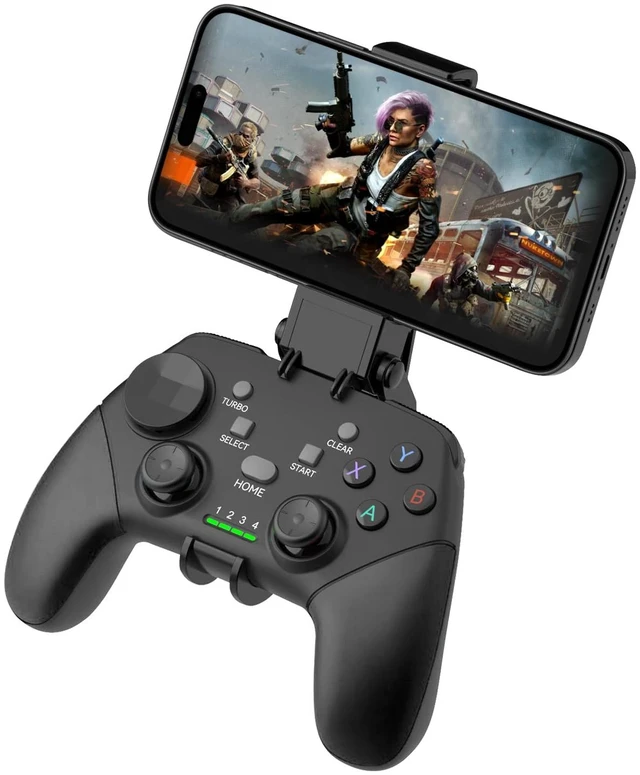



Any questions? Ask CelesteSM will help you find out quickly.
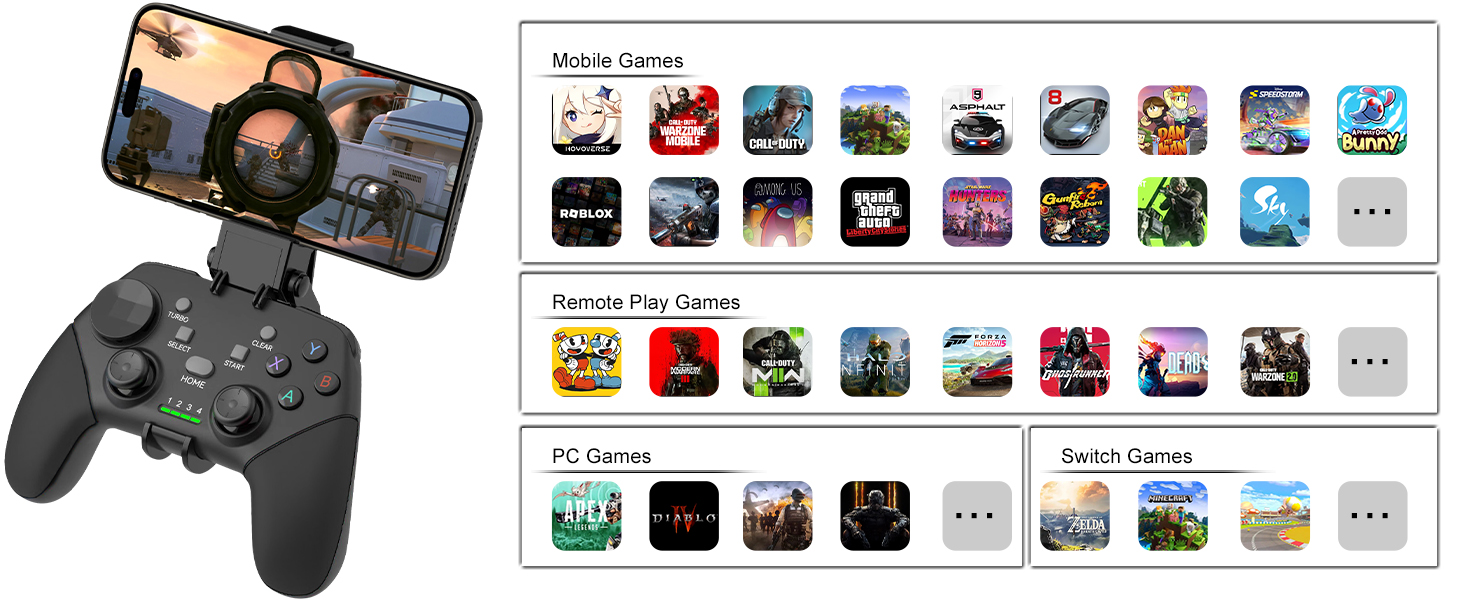
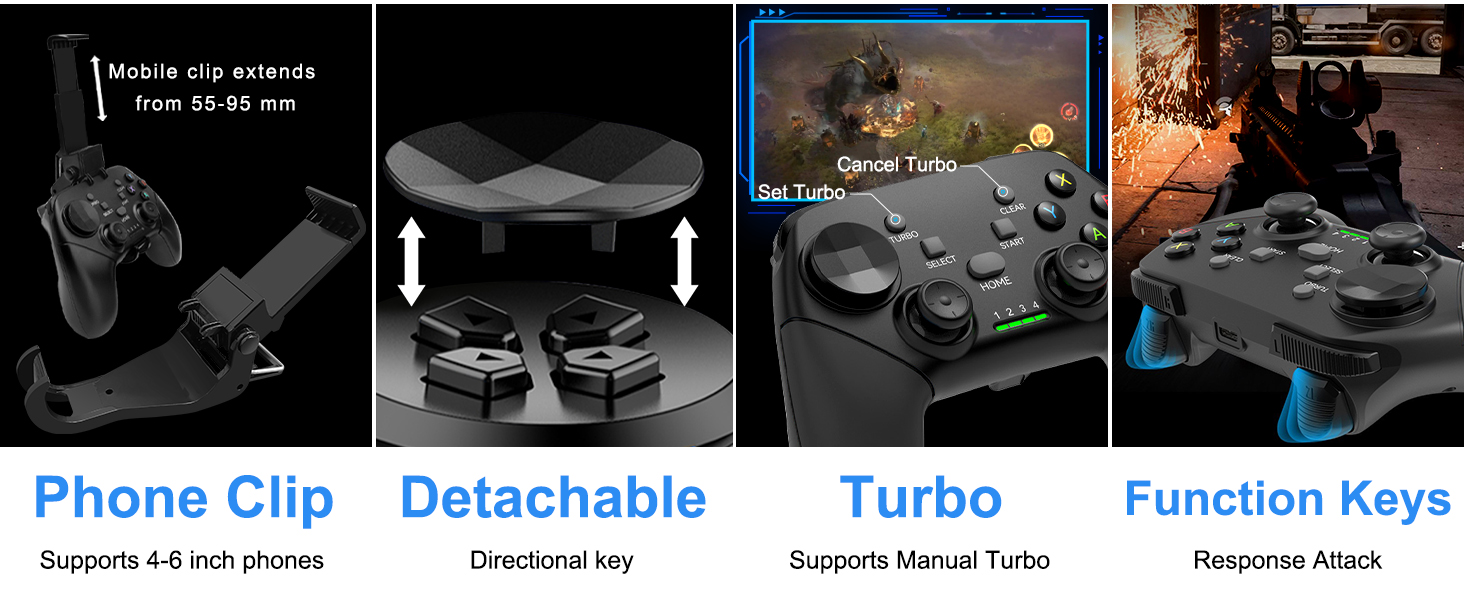
Won't connect to Bluetooth or Bluetooth pairing taking too long?
Delete the controller Bluetooth on your cell phone (must do), press the 'Power' key for 8 sec. turn off controller. Reboot the controller to connect to Bluetooth.
Can't find Bluetooth after boot the controller?
Please check if the controller is connected to the Bluetooth of other devices, please remove the connection of the other device and try again.
Would not turn on?
Recharge the gamepad before you use it at the first time or use it again after a long period.
Doesn't work for cod?
For Android players, Remove old Bluetooth controller connection from phone before repairing, then restart your Android and reconnect the controller.
Power light is on but nothing happens?
Poke the reset key with a small pin, indicator light will turn off after reset, then boot the controller with the correct boot mode.
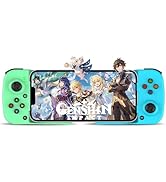
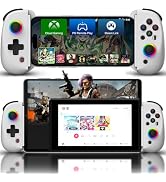
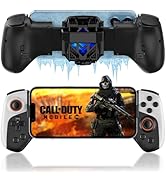
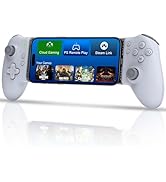
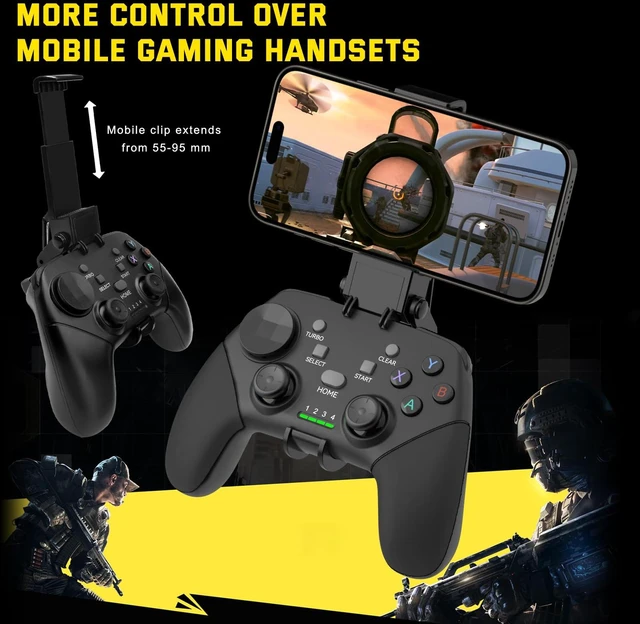
 G9 (with Phone Holder) |  Z01 | 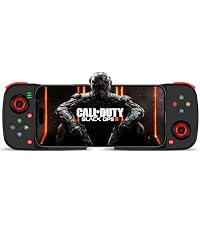 D3 | 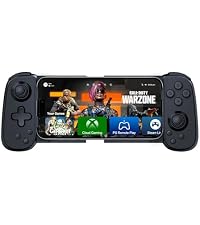 D6 | 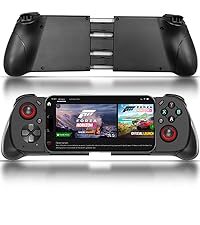 MOCUTE-062M | 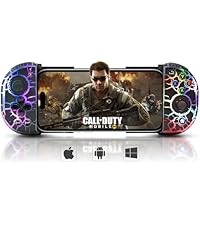 6109 (with RGB) | 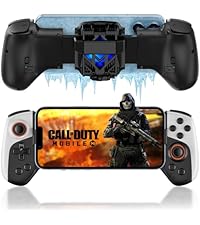 JK02 (with Cooler) | |
|---|---|---|---|---|---|---|---|
Customer Reviews | — | — | — | — | — | — | — |
Price | — | — | — | — | — | — | — |
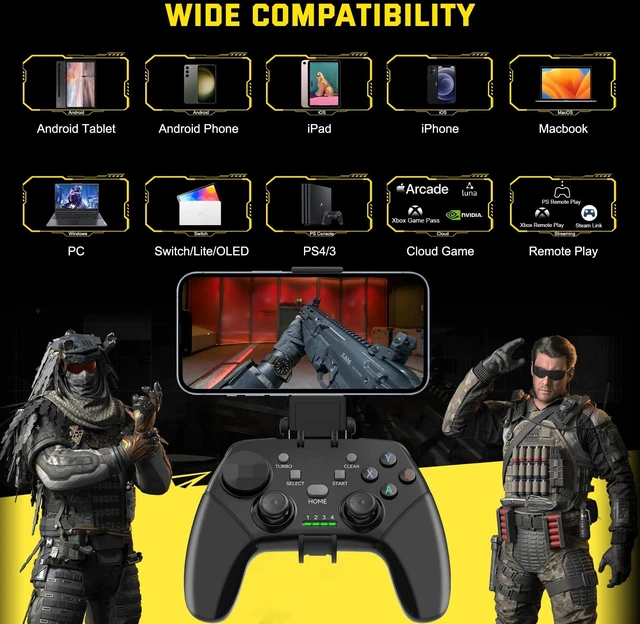
Connection Type | Bluetooth | Bluetooth | Bluetooth | Bluetooth | Bluetooth | Bluetooth | Bluetooth |
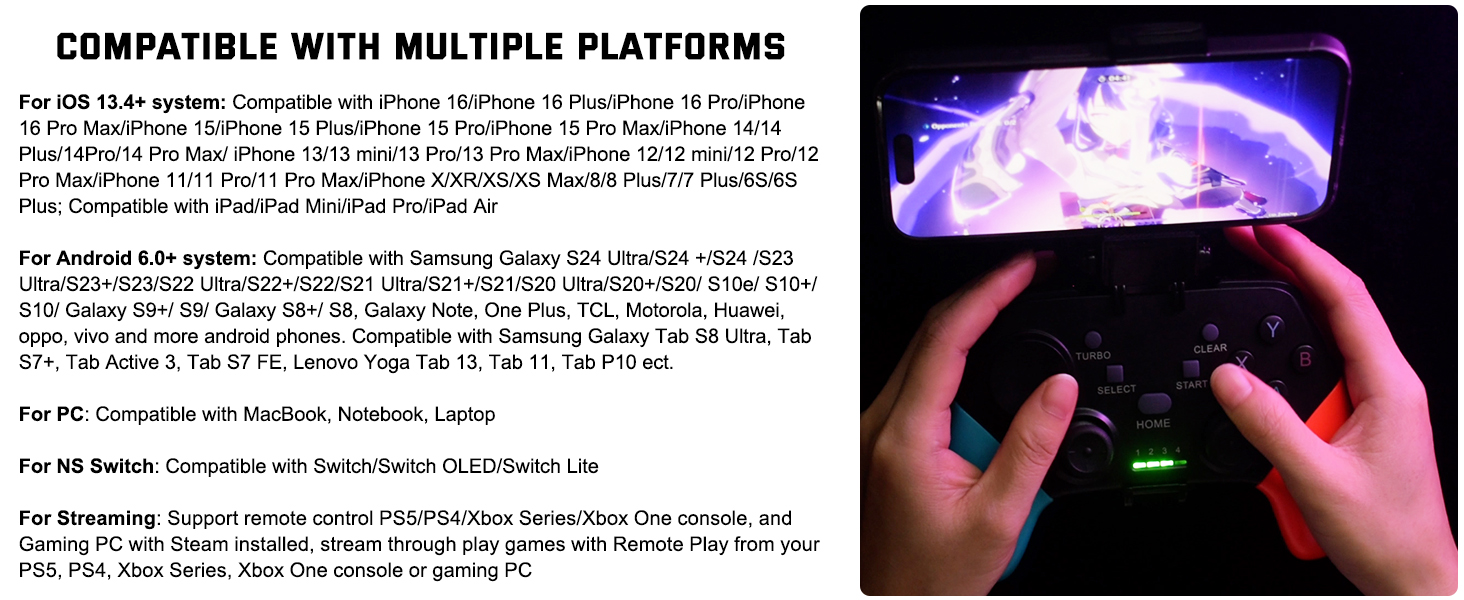
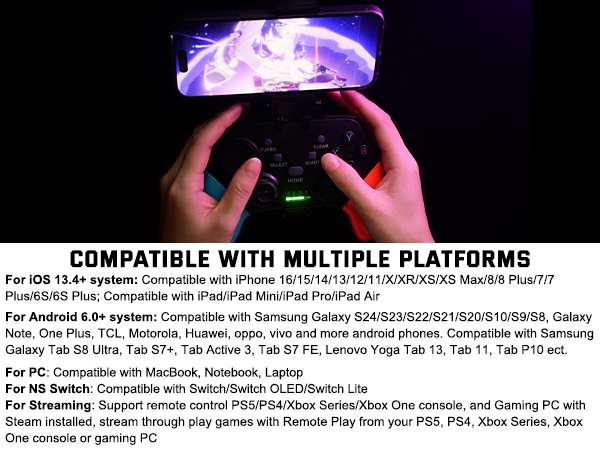
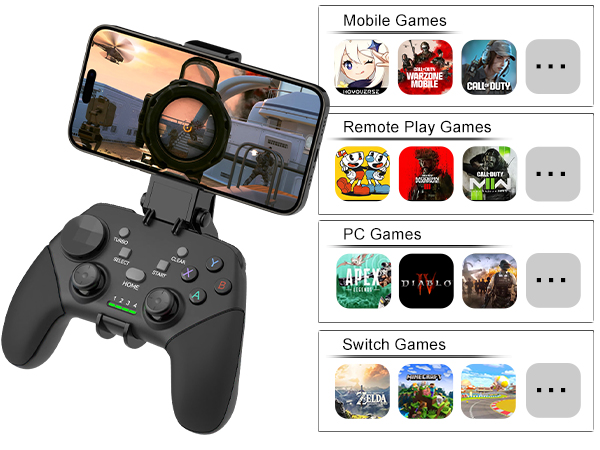
Supported Platforms | iOS/Android/PC/Switch | iOS/Android/PC/Switch | iOS/Android/PC | iOS/Android/PC | iOS/Android/PC | iOS/Android/PC | iOS/Android/PC/Switch |
Supports Vibration & 6-Axis | ? | ? | ? | ? | ? | ? | ? |
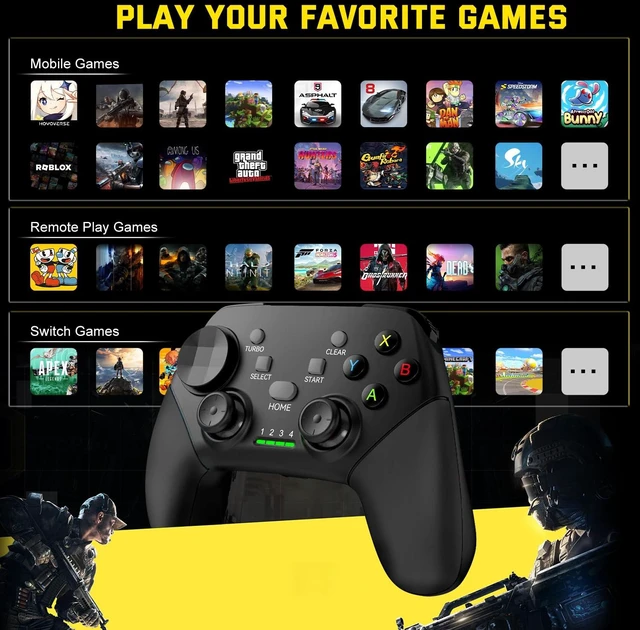
Support Cloud Gaming | ? | ? | ? | ? | ? | ? | ? |
Support PS Remote Play | ? | ? | ? | ? | ? | ? | ? |
Established in 2015, dedicated to developing professional game controllers.
For more gamepads, please open Joso brand flagship store.
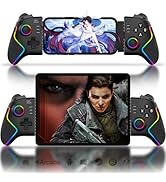
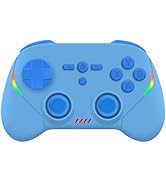

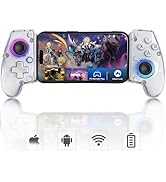
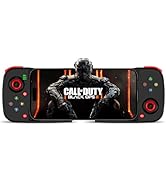
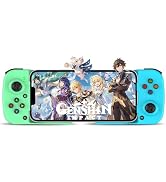
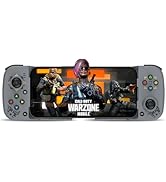
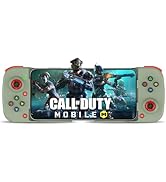
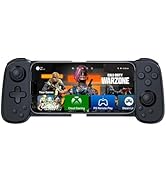
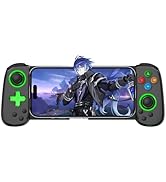
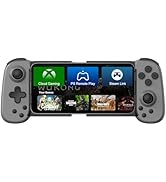
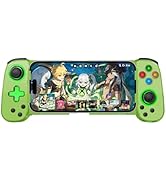
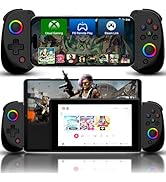
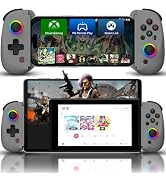
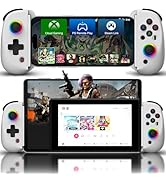
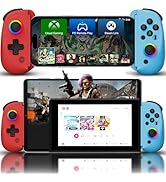
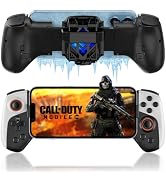
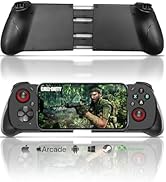
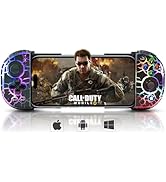
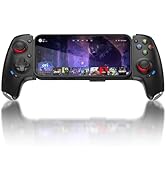
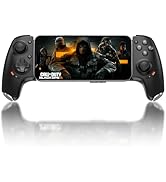
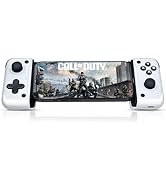
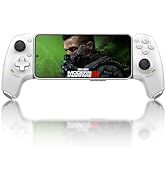
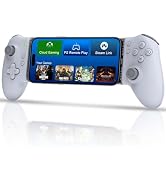
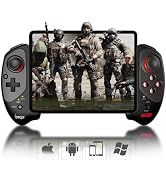
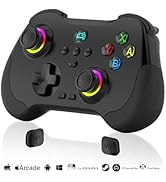
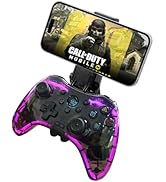
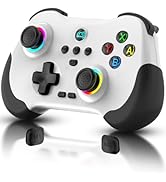
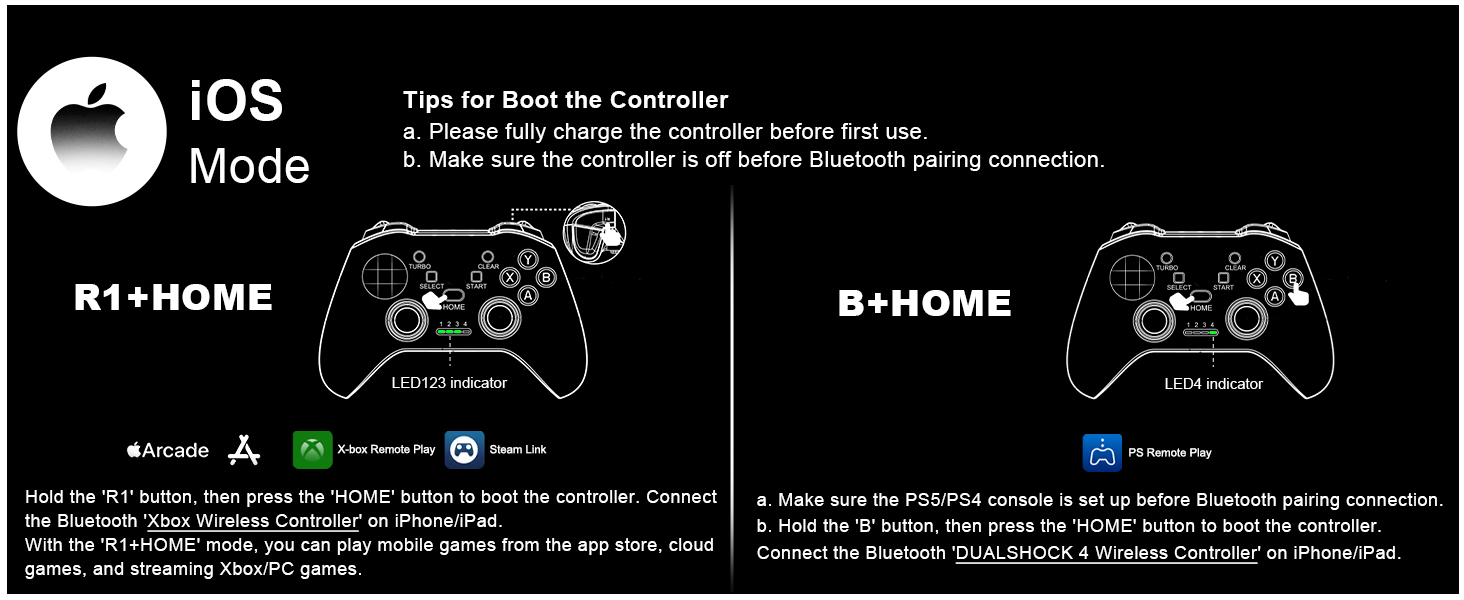
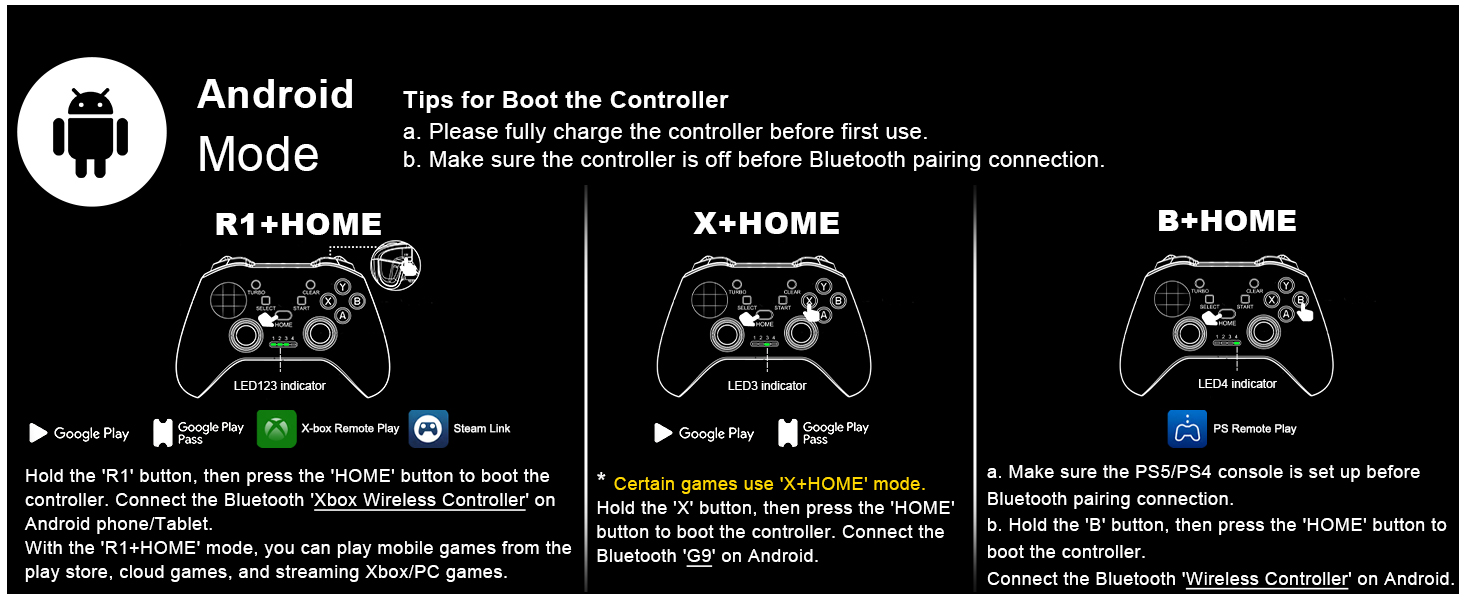
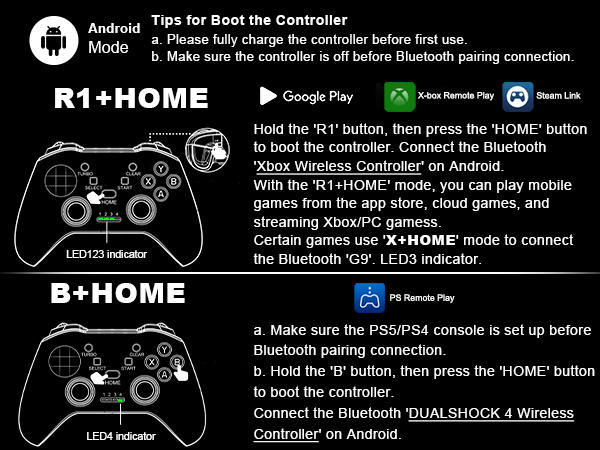
COD Mobile work on 'R1+HOME' mode.
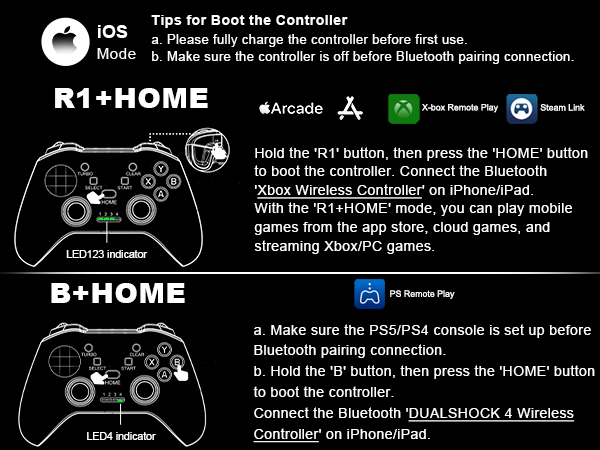
Won't connect to Bluetooth or Bluetooth pairing taking too long?
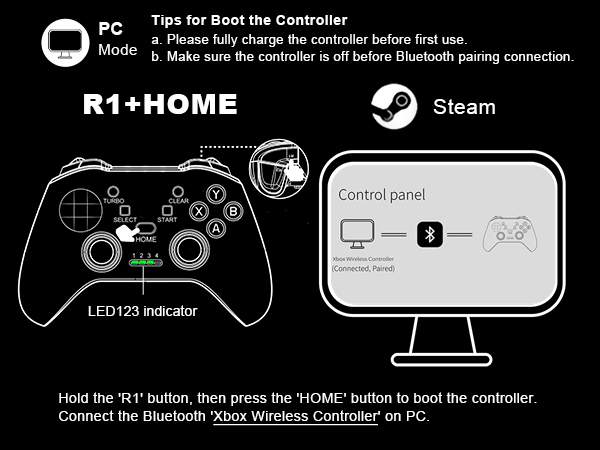
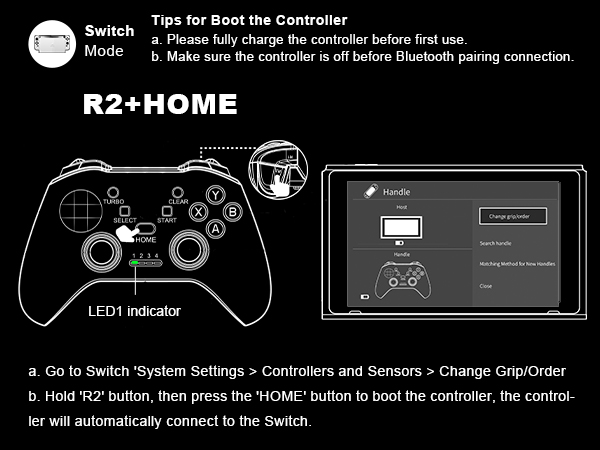
Delete the controller Bluetooth on your cell phone (must do), press the 'Power' key for 8 sec. turn off controller. Reboot the controller to connect to Bluetooth.
Can't find Bluetooth after boot the controller?
Please check if the controller is connected to the Bluetooth of other devices, please remove the connection of the other device and try again.
Would not turn on?
Recharge the gamepad before you use it at the first time or use it again after a long period.
Doesn't work for cod?
For Android players, Remove old Bluetooth controller connection from phone before repairing, then restart your Android and reconnect the controller.
Power light is on but nothing happens?
Poke the reset key with a small pin, indicator light will turn off after reset, then boot the controller with the correct boot mode.
G9 (with Phone Holder) | Z01 |  D3 | D6 | MOCUTE-062M | 6109 (with RGB) | JK02 (with Cooler) |
|---|---|---|---|---|---|---|
| Customer Reviews | ||||||
| — | — | — | — | — | — | — |
| Price | ||||||
| — | — | — | — | — | — | — |
| Connection Type | ||||||
| Bluetooth | Bluetooth | Bluetooth | Bluetooth | Bluetooth | Bluetooth | Bluetooth |
| Supported Platforms | ||||||
| iOS/Android/PC/Switch | iOS/Android/PC/Switch | iOS/Android/PC | iOS/Android/PC | iOS/Android/PC | iOS/Android/PC | iOS/Android/PC/Switch |
| Supports Vibration & 6-Axis | ||||||
| ? | ? | ? | ? | ? | ? | ? |
| Support Cloud Gaming | ||||||
| ? | ? | ? | ? | ? | ? | ? |
| Support PS Remote Play | ||||||
| ? | ? | ? | ? | ? | ? | ? |