here!
here!
I’m your shopping assistant for PC builds, upgrades, and everything tech.
Got questions? Ask away!
Start a conversation
here!
I’m your shopping assistant for PC builds, upgrades, and everything tech.
Got questions? Ask away!
Start a conversation



Any questions? Ask CelesteSM will help you find out quickly.
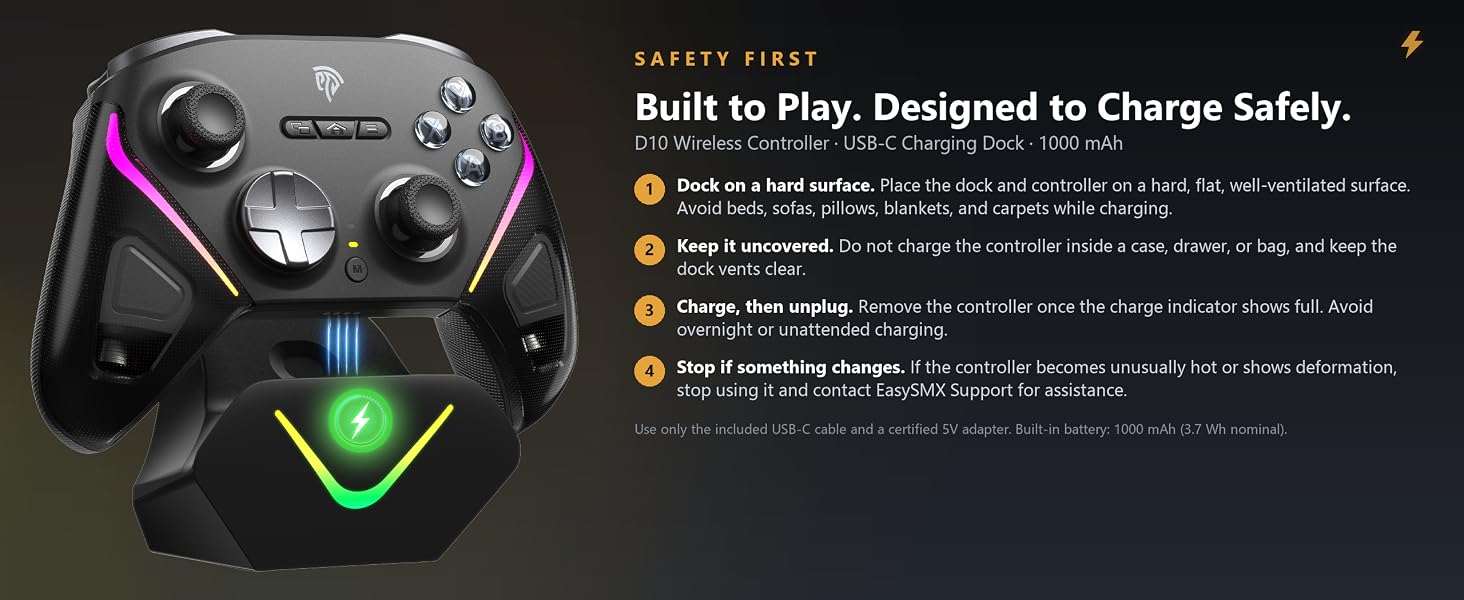
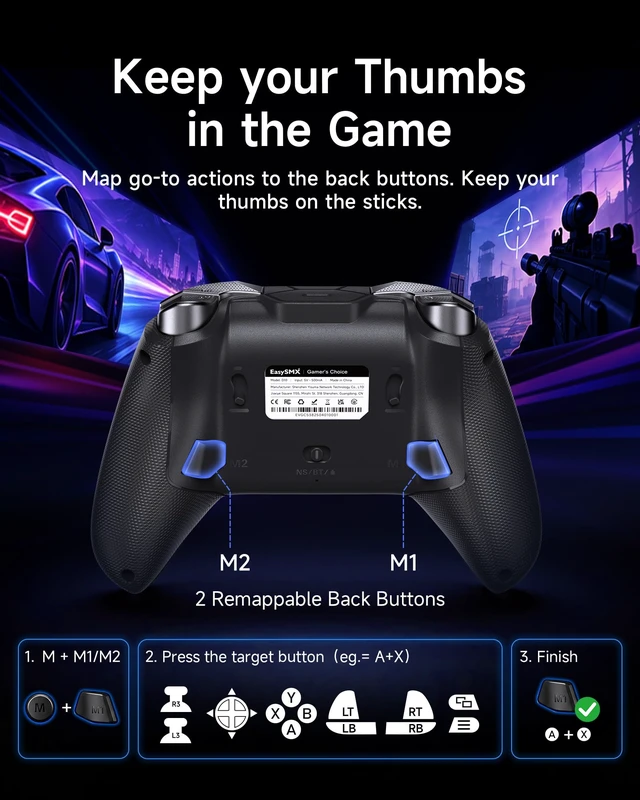
Two back buttons, your own layout. Hold M, tap M1 or M2, then press the control you want it to copy — jump, sprint, reload, or melee — and it is saved on the spot, no app required.
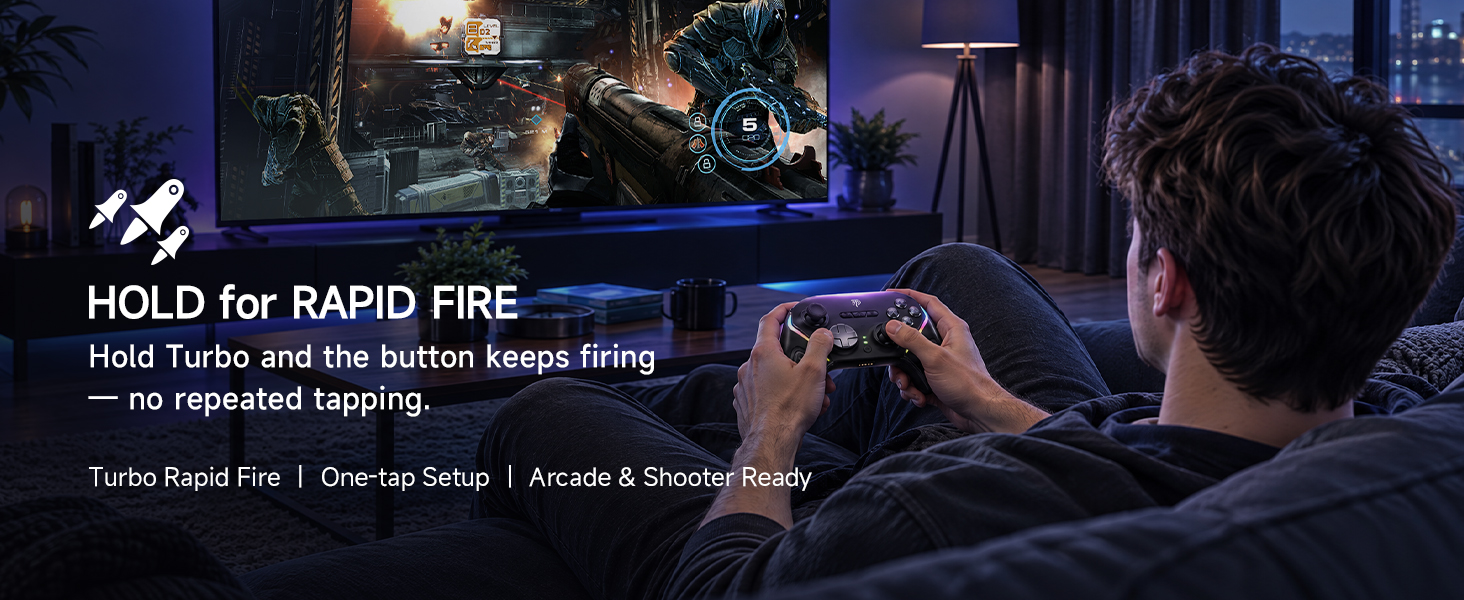
Each back button is programmed on its own, and turbo speed is adjusted separately with M plus the right stick. M with the left stick dims the RGB lighting, L3 + View turns stick dead zone off, and L3 + RB + Home recalibrates a drifting stick. Watch the walkthrough and set up your D10 in under a minute.
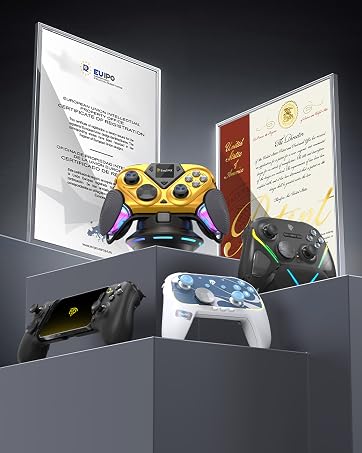
Proven quality that earns recognition across every market we enter.

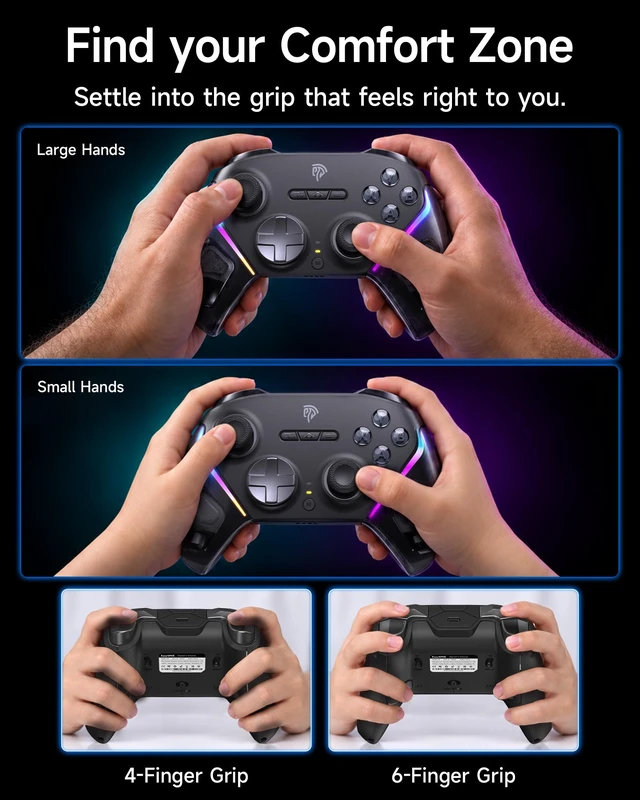
Controllers designed for every age, every skill level, every shared moment.

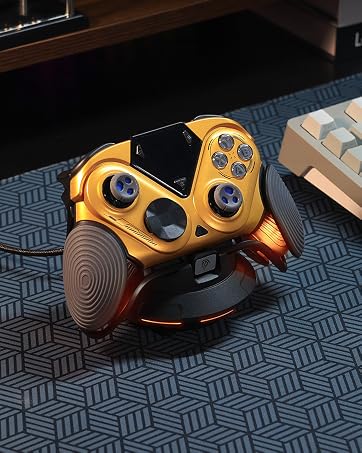
From concept to controller, we never stop building what's next.

Whether solo or with friends, EasySMX fits right into your downtime.
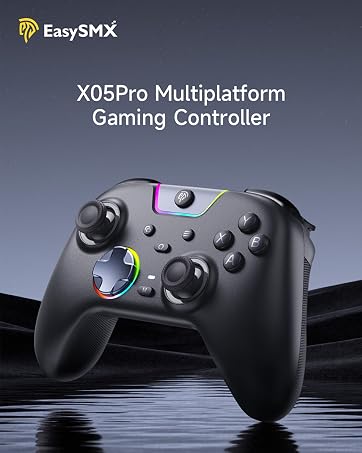
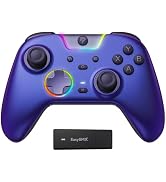
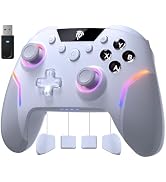
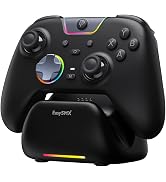

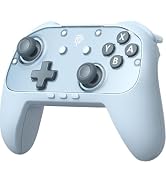
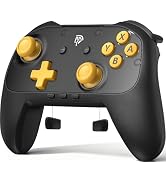
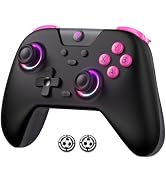
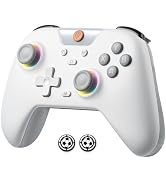
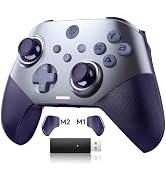
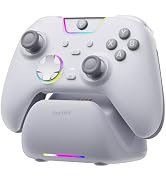
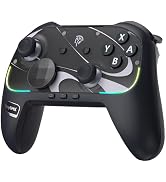
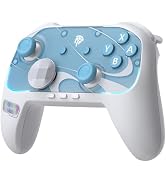
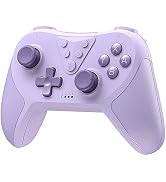
Proven quality that earns recognition across every market we enter.
Controllers designed for every age, every skill level, every shared moment.
From concept to controller, we never stop building what's next.
Whether solo or with friends, EasySMX fits right into your downtime.
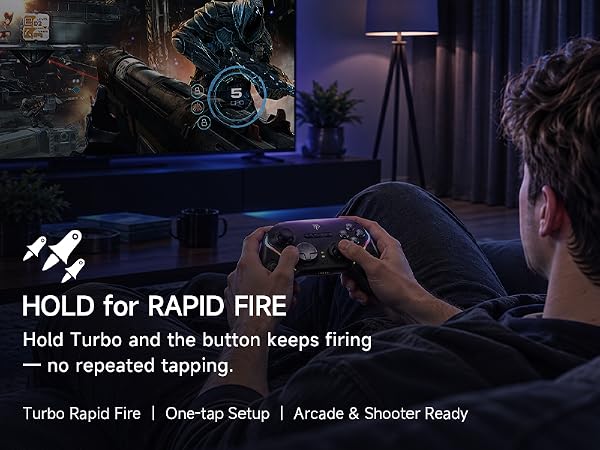
Two back buttons, your own layout. Hold M, tap M1 or M2, then press the control you want it to copy — jump, sprint, reload, or melee — and it is saved on the spot, no app required.
Each back button is programmed on its own, and turbo speed is adjusted separately with M plus the right stick. M with the left stick dims the RGB lighting, L3 + View turns stick dead zone off, and L3 + RB + Home recalibrates a drifting stick. Watch the walkthrough and set up your D10 in under a minute.
| Brand Name | EasySMX |
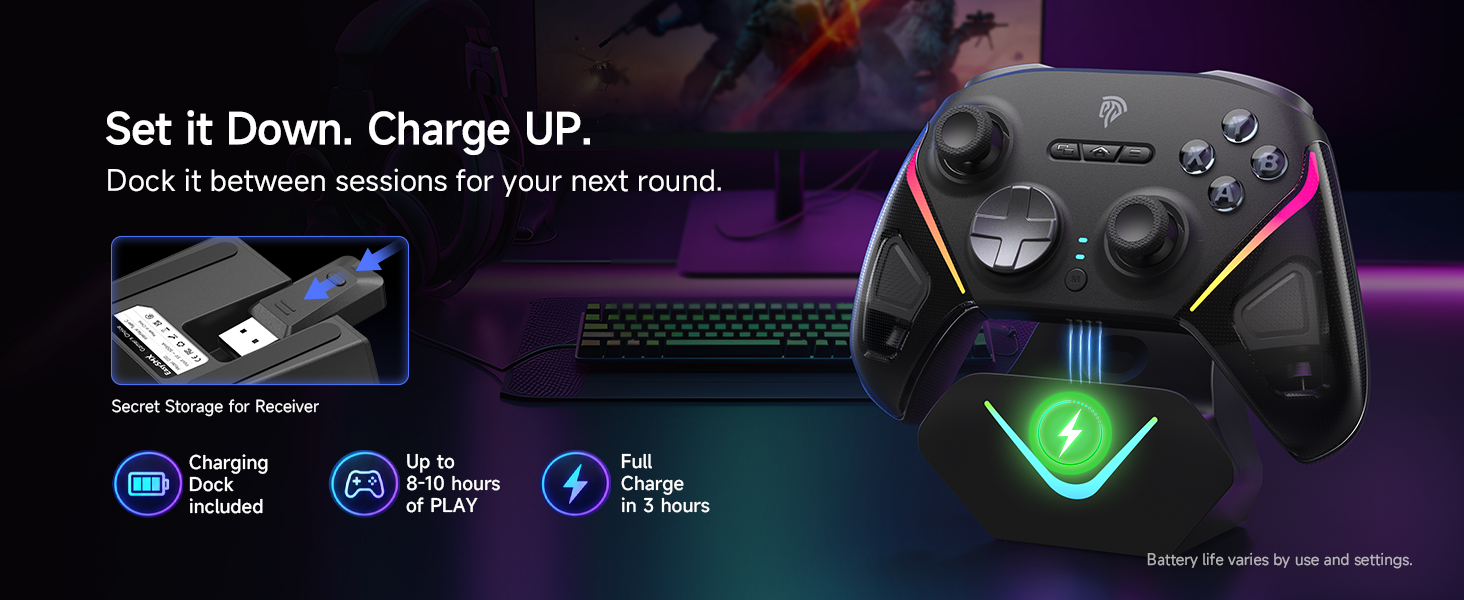
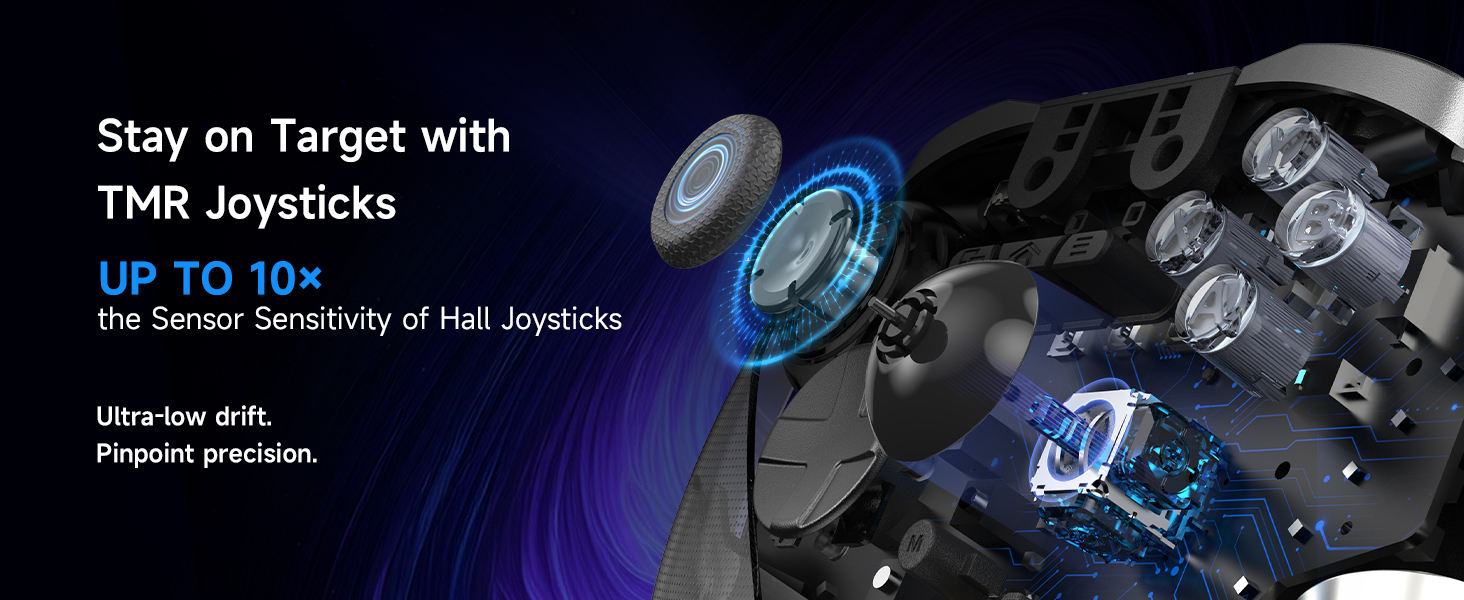
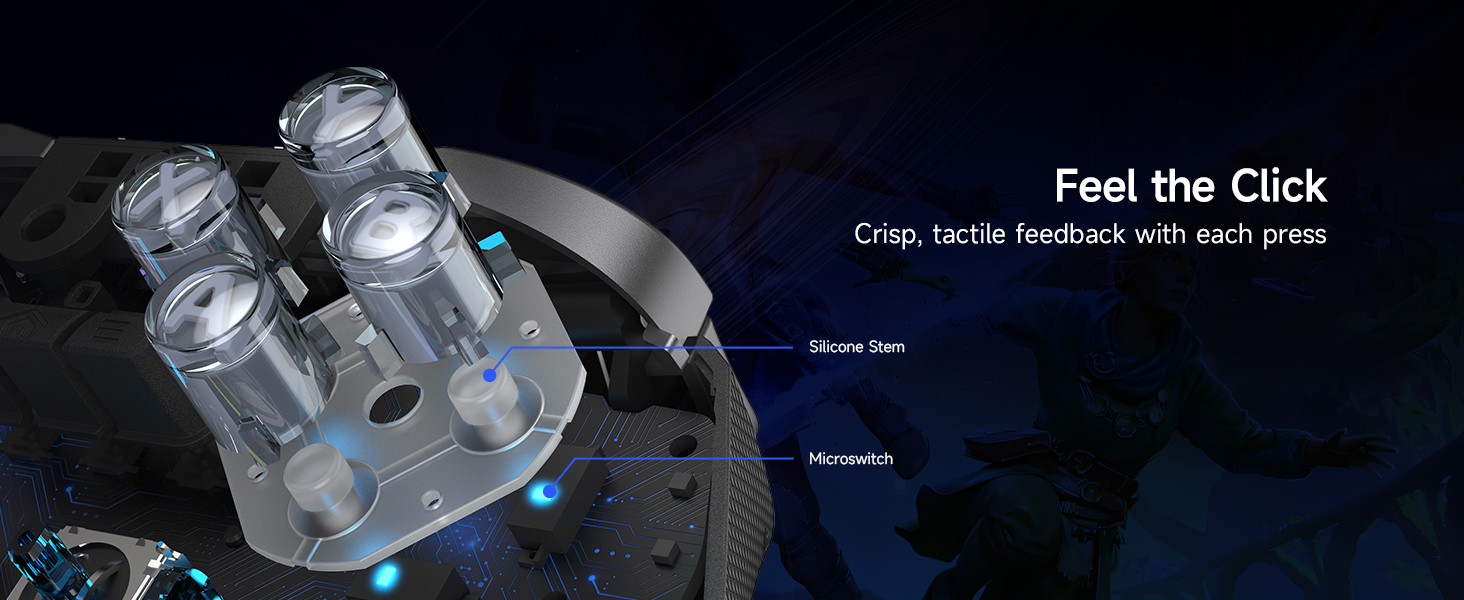
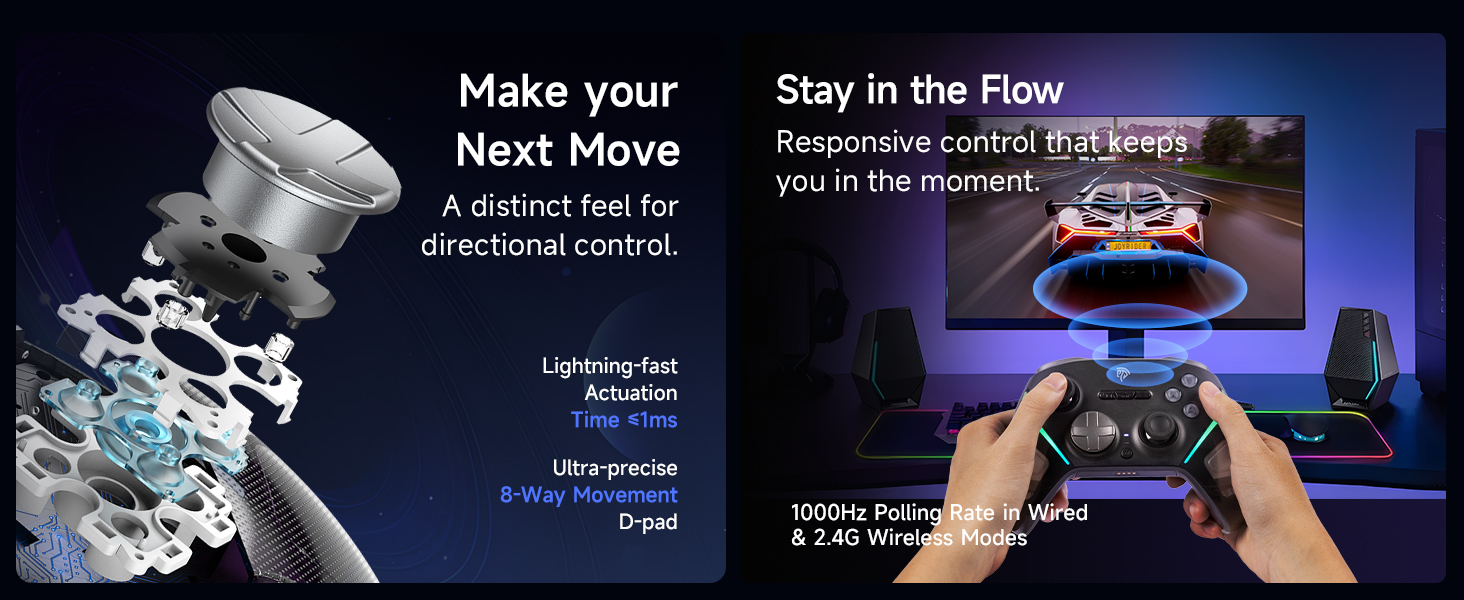
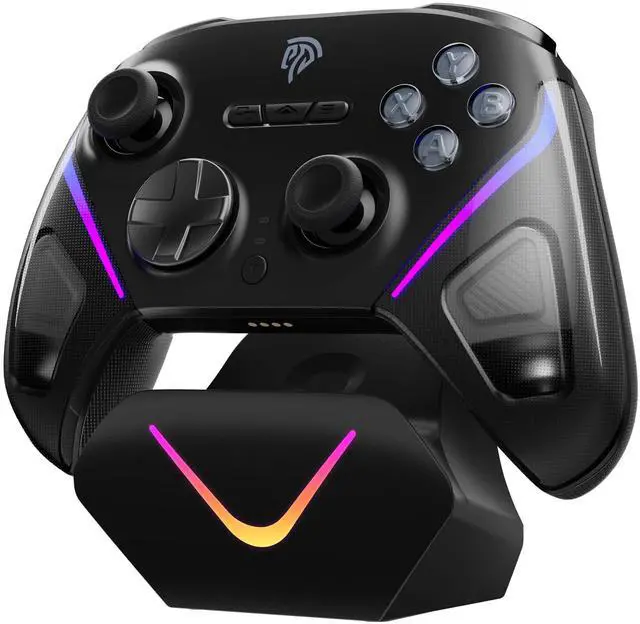
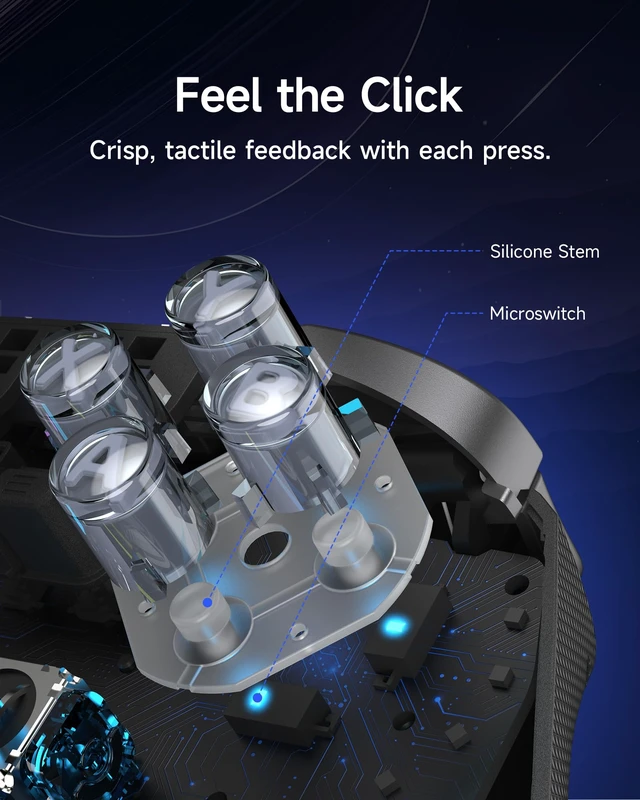
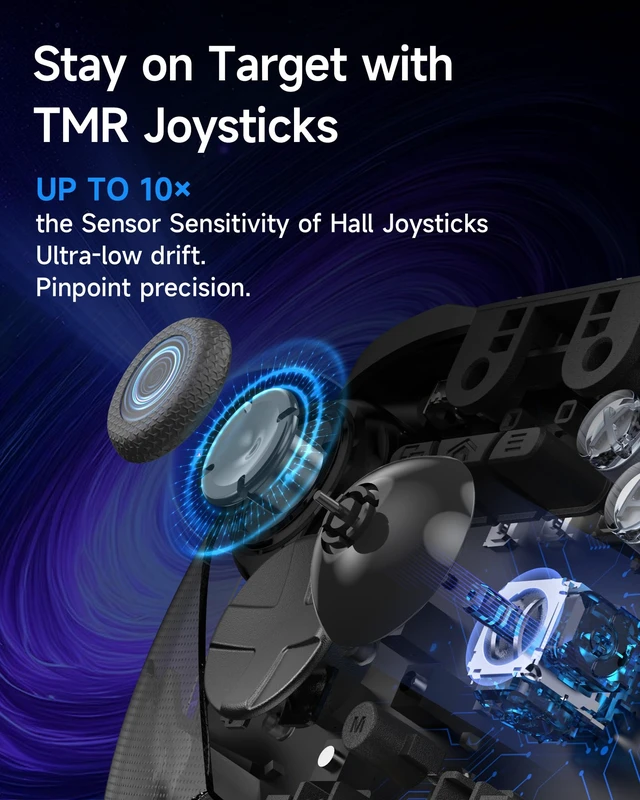
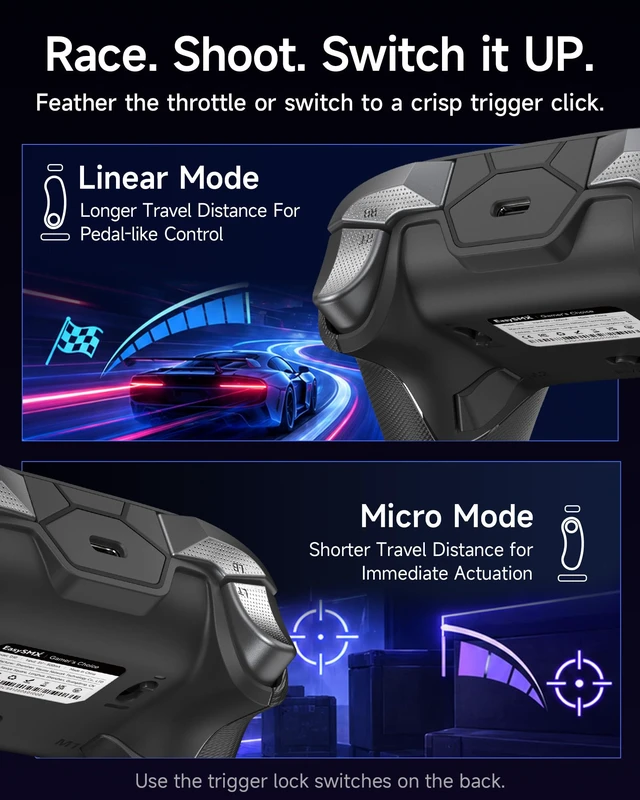
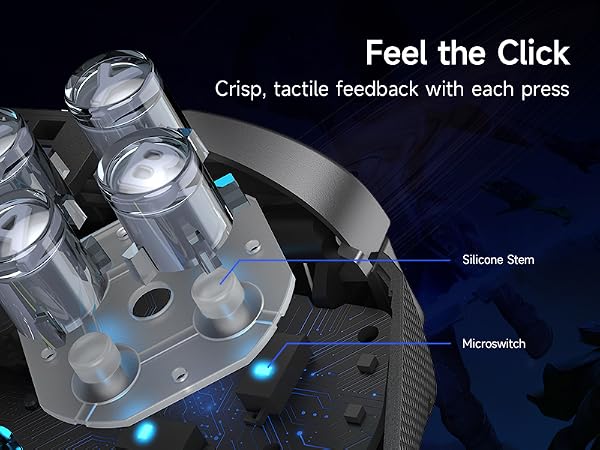
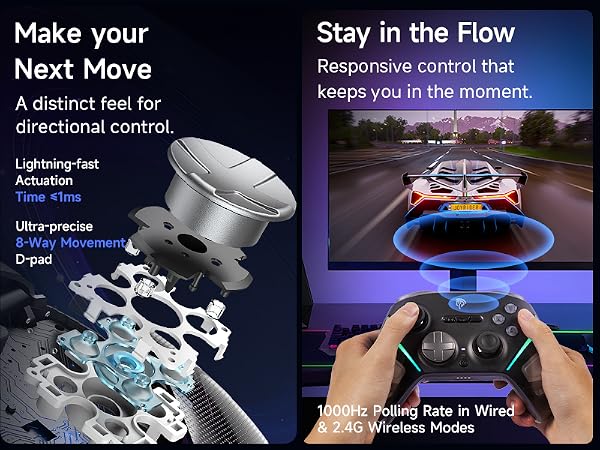
| Item Highlight | TMR Anti-Drift Joysticks, Full Mechanical Buttons, 1000Hz, 2 Back Buttons, with Charging Dock |
| Warranty Description | 12 Months |
| Manufacturer | EasySMX |
| Number of Items | 1 |
| Model | D10 |
| Part Number | D10 |
| Color | Black |
| Item Weight | 11.2 ounces |