Your Browsing History
Best Sellers
- $47.69
- + FREE SHIPPING
Meet Your Seller
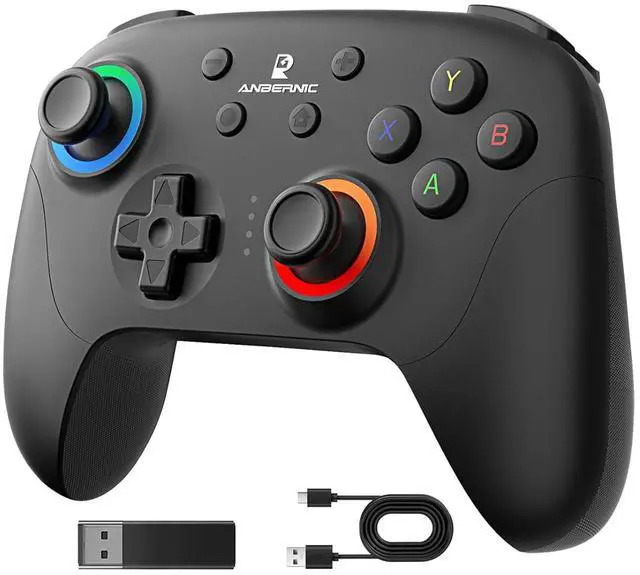
Doriteney RG P01 Wireless Gaming Controller Compatible with Switch Game Controllers RG P01 2.4G Controller Gamepad for Bluetooth/PC/Steam/iOS/Android/Switch Hall Effect RGB Lights
- Compatibility and Connectivity RG P01 game controller is fully compatible with PC, Switch, Android (version 11.0 and above), and iOS devices. It offers versatile connection options, including wireless pairing via Bluetooth and a 2.4G receiver for PC. Simply press specified buttons to switch between different modes and connect to your device seamlessly
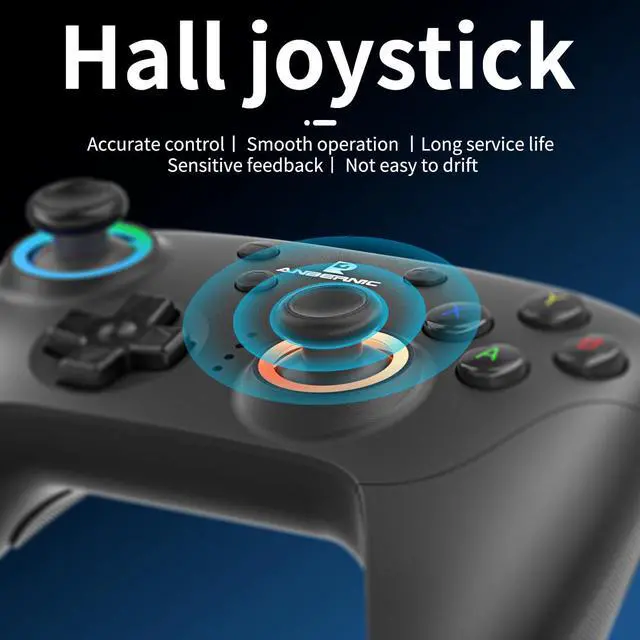
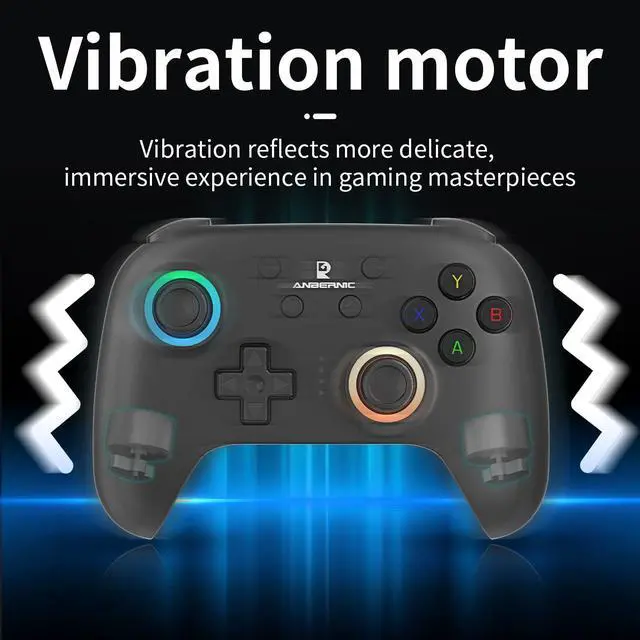
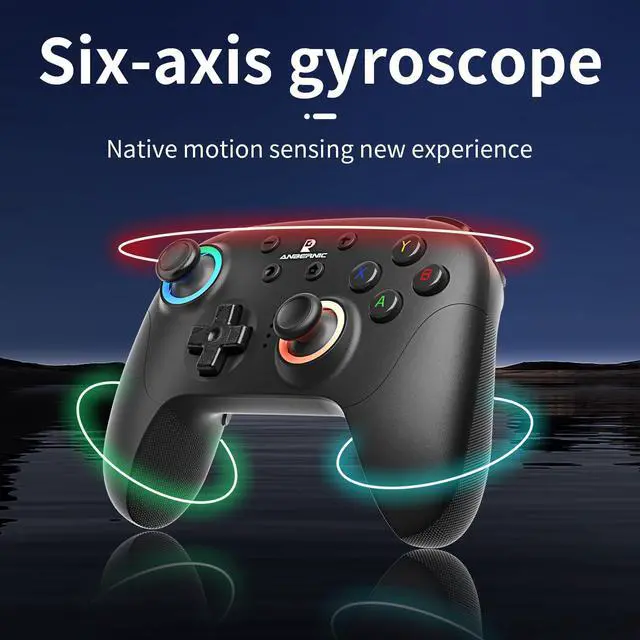
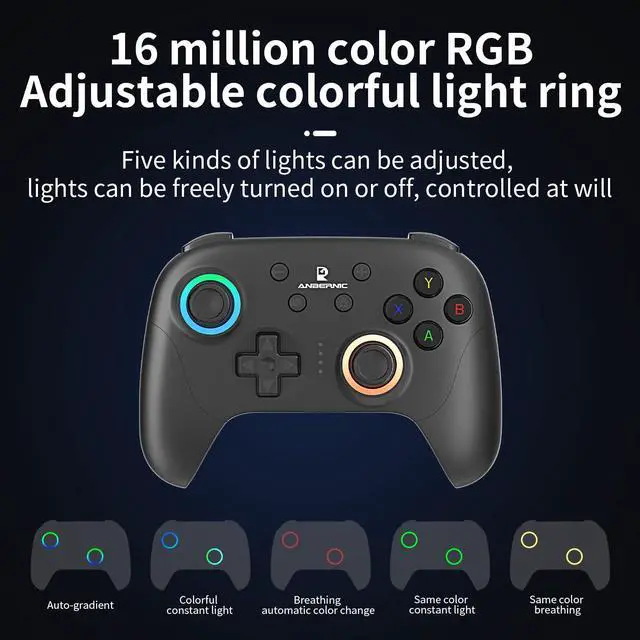
- Parameter Adjustment and CustomizationExperience precise control with the gyroscope calibration feature, which can be easily activated by pressing Select + Home in sleep mode. Customize the joystick light mode to your preference with the R3 + CAP key combination, cycling through various lighting effects. Adjust rapid fire settings and speeds, as well as vibration intensity, using the TURBO key and joysticks
+
+
Overview
Specs
Reviews
Any questions? Our AI beta will help you find out quickly.
Try me now
Compatibility and Connectivity RG P01 game controller is fully compatible with PC, Switch, Android (version 11.0 and above), and iOS devices. It offers versatile connection options, including wireless pairing via Bluetooth and a 2.4G receiver for PC. Simply press specified buttons to switch between different modes and connect to your device seamlessly
Parameter Adjustment and CustomizationExperience precise control with the gyroscope calibration feature, which can be easily activated by pressing Select + Home in sleep mode. Customize the joystick light mode to your preference with the R3 + CAP key combination, cycling through various lighting effects. Adjust rapid fire settings and speeds, as well as vibration intensity, using the TURBO key and joysticks
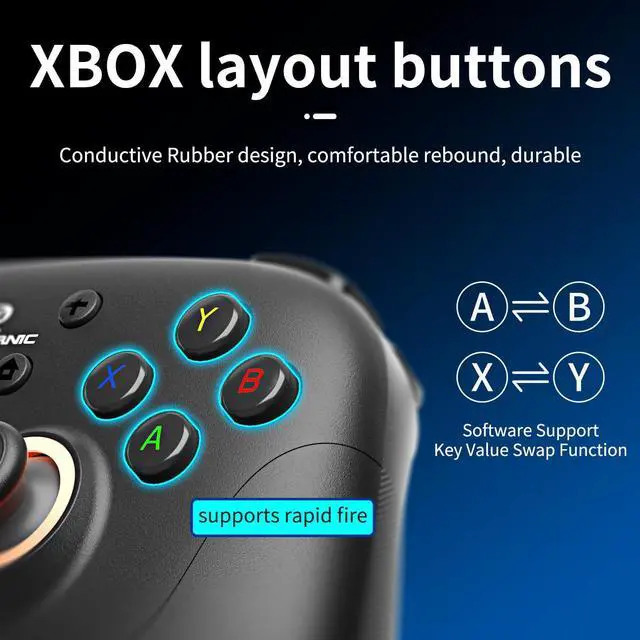
Layout Switching and Button Mapping RG P01 allows for flexible layout switching, enabling you to swap the key values of A and B, as well as X and Y, with the TURBO + Select combination. Macro programming mode lets you create custom button sequences for streamlined gameplay. Press M1 or M2 while holding down the buttons you wish to program, then finalize by pressing M1 or M2 again
Power Management and Sleep ModeThe controller features a built-in battery with convenient power management options. LED indicators display the current power status and charging progress. Automatically enter sleep mode after 5 minutes of inactivity to conserve battery life. Wake up the controller by pressing the HOME button
LED Status & Pairing IndicatorsLED1-LED4 provide visual feedback for pairing status and mode selection. Once paired, pressing the HOME button will reconnect the controller to the host device automatically. During pairing, follow the specific LED pattern for your device (e. g., Android, iOS, Switch) and press the corresponding buttons to establish a connection

Parameter Adjustment and CustomizationExperience precise control with the gyroscope calibration feature, which can be easily activated by pressing Select + Home in sleep mode. Customize the joystick light mode to your preference with the R3 + CAP key combination, cycling through various lighting effects. Adjust rapid fire settings and speeds, as well as vibration intensity, using the TURBO key and joysticks
Layout Switching and Button Mapping RG P01 allows for flexible layout switching, enabling you to swap the key values of A and B, as well as X and Y, with the TURBO + Select combination. Macro programming mode lets you create custom button sequences for streamlined gameplay. Press M1 or M2 while holding down the buttons you wish to program, then finalize by pressing M1 or M2 again
Power Management and Sleep ModeThe controller features a built-in battery with convenient power management options. LED indicators display the current power status and charging progress. Automatically enter sleep mode after 5 minutes of inactivity to conserve battery life. Wake up the controller by pressing the HOME button
LED Status & Pairing IndicatorsLED1-LED4 provide visual feedback for pairing status and mode selection. Once paired, pressing the HOME button will reconnect the controller to the host device automatically. During pairing, follow the specific LED pattern for your device (e. g., Android, iOS, Switch) and press the corresponding buttons to establish a connection
Warranty & Returns
Warranty, Returns, And Additional Information
Warranty
- Please contact the Seller directly for warranty information. Warranty information may also be found on the Manufacturer's website.
- CONTACT
Return Policies
- Return for refund within: 30 days
- Return for replacement within: 30 days
- This item is covered by xinlanqing Return Policy
Manufacturer Contact Info
- For a directory of all our manufacturers, please click below.
- Manufacturers Directory
LOADING...
LOADING...