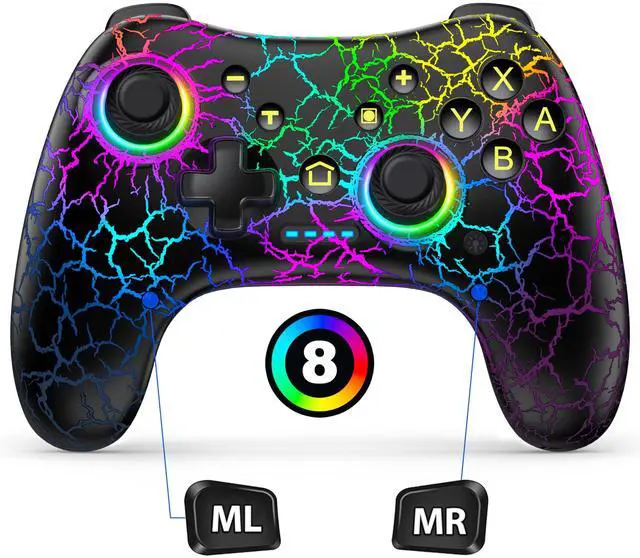
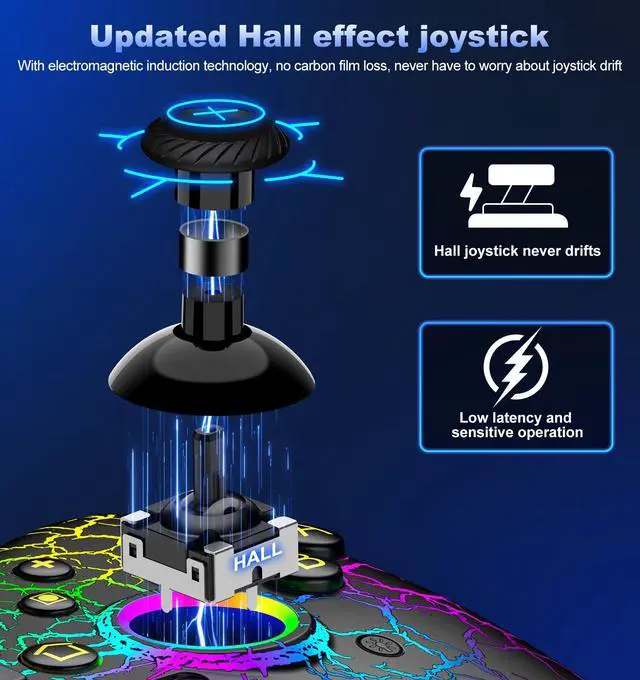
Hall Sense Joystick Controller: This Switch controller comes with Hall Sense Joystick, the innovative electromagnetic induction technology allows your controller to never drift, you can precisely control your character in intense games, greatly extending the life of the controller
Product information
| Compatible Devices | IOS, Nintendo Switch, PC, Windows |
| Controller Type | Wireless |
| Connectivity Technology | Wireless |
| Additional Features | Wireless |
| Button Quantity | 10 |
| Hardware Platform | nintendo_switch |
| Power Source | Battery Powered |
| Package Quantity | 1 |
| Brand Name | JAYSUING |
| Model Name | Switch Pro Controller |
| Manufacturer | JAYSUING |
| Color | Black |
Additional Features
- Compatible With Switch Console/Ios/Android/PC: Upgraded switch controllers not only compatible with switch console, and also is available for ios/android/pc. Gaming controllersupports wireless connection to play switch games, iOS MFI games(IOS 13.0 and above), Android HID games; also can be via USB wired connection with PC to support playing X-Input and Steam games.(Windows 7 and above), If you need a Bluetooth receiver to connect to your PC, you can choose the Blue·tooth model
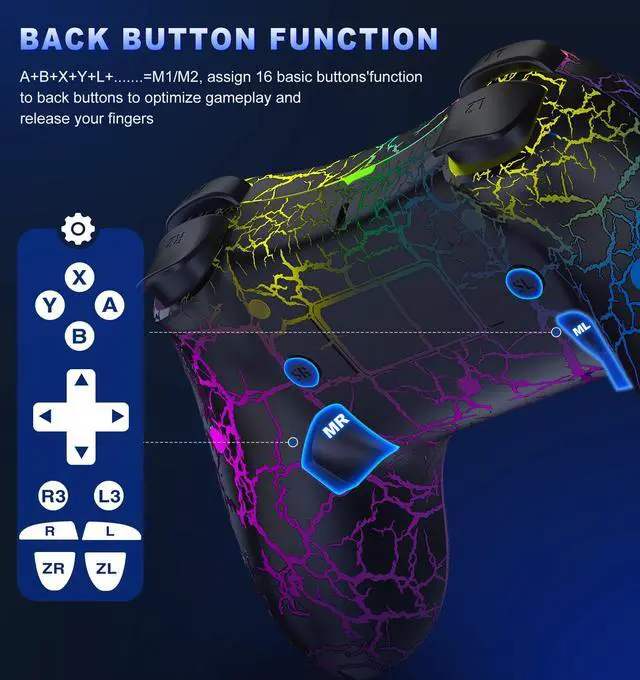
- Customizable Buttons With App: The Pro Controller is also compatible with the KeyLinker app. After installing the app on your phone, you can customize the buttons of the gamepad, such as changing the A button to the B button or any other button. You can adjust the button layout according to your operating habits (which applies to PC, Android, and iOS systems as well). Additionally, you can use the app to upgrade this Switch controller without the need to download additional update packages
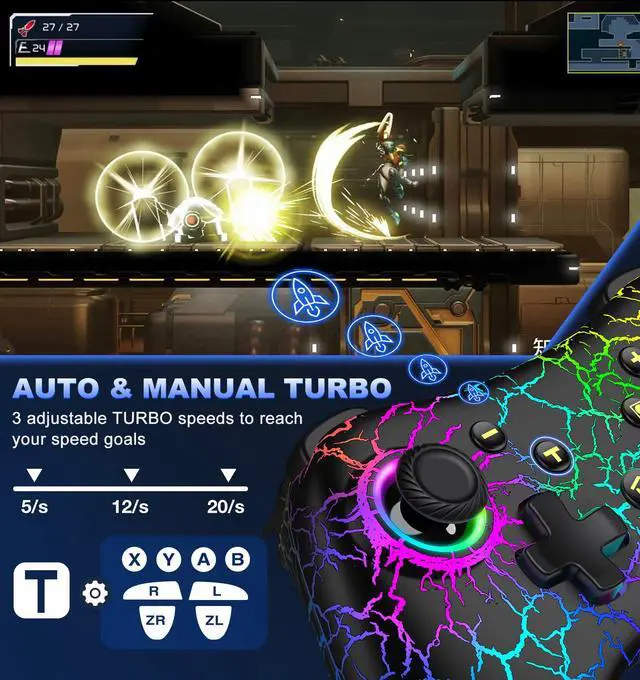
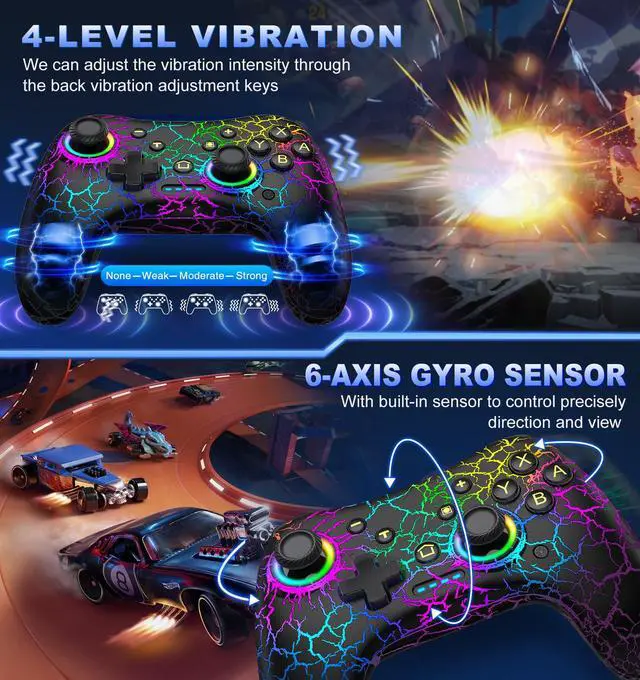
- Adjustable Turbo & Vibration Function: Wireless Switch Pro Controller can be set to auto TURBO or manual TURBO mode. You can set TURBO to A/B/X/Y/L/ZL/R/ZR keys. There are 3 adjustable speed: 5shots/s, 12 shots/s or 20 shots/s. Whats more, switch turbo controller also have dual vibration motors with 4-level precise vibration: None, Weak, Medium and Strong that provide you excellent vibration feedback to enhance the game immersion
- Easier Pairing And Wake-Up Function: After entering the console connection interface, simply press and hold the SYNC button of the switch pro controller to connect until the signal light flashes to complete the first connection. Next time, just press the "HOME" button to wake up your console