

Your Browsing History
- Free 30-day Returns
$39.99
Ships from China.

Meet Your Seller

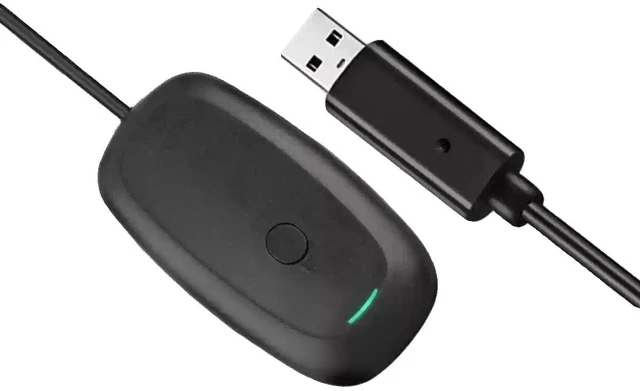
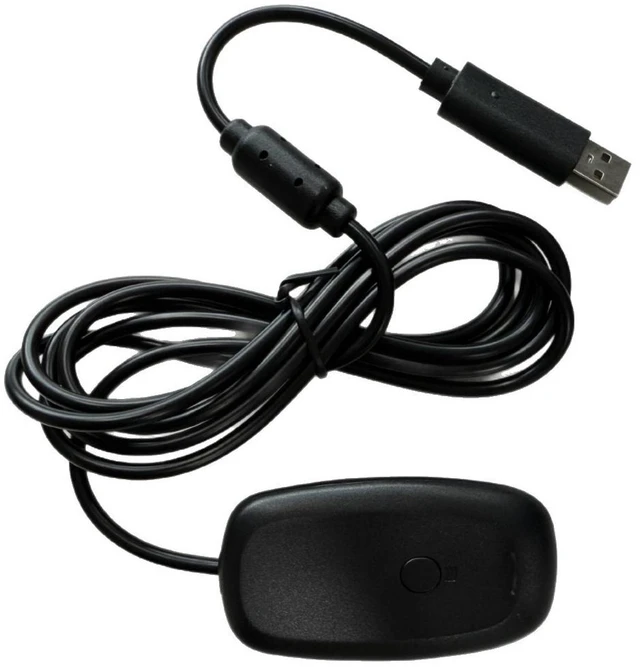
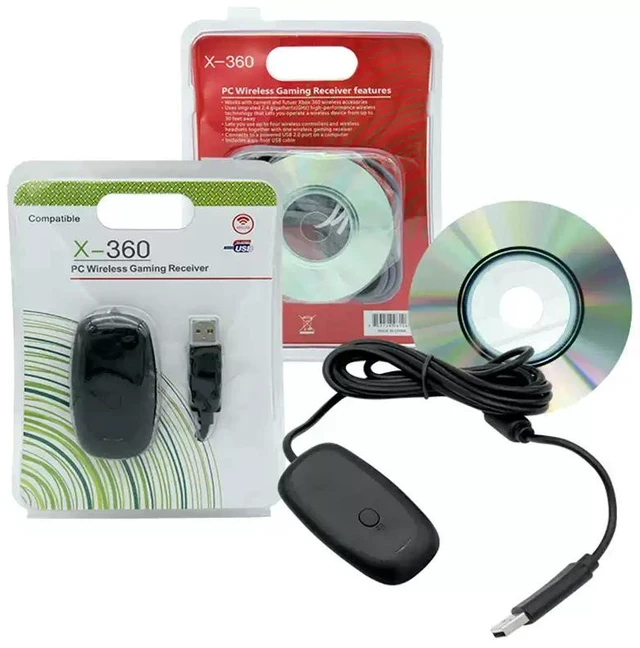
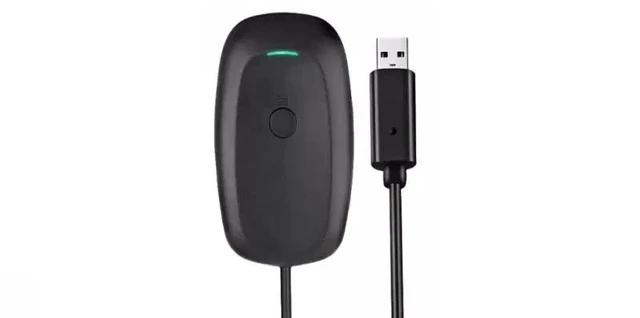
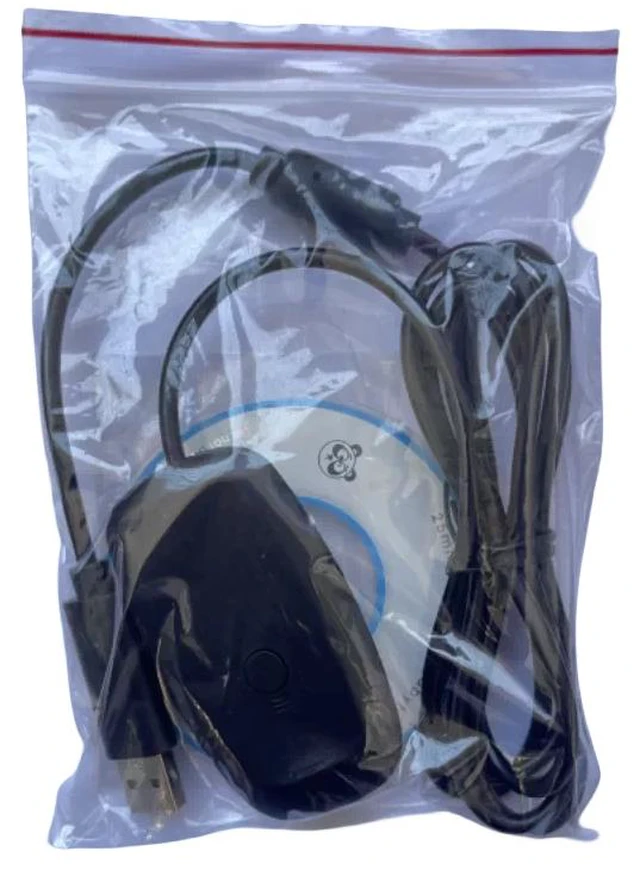


Xbox 360 Wireless Gaming Receiver for PC Wireless Adapter Compatible with All Windows Systems
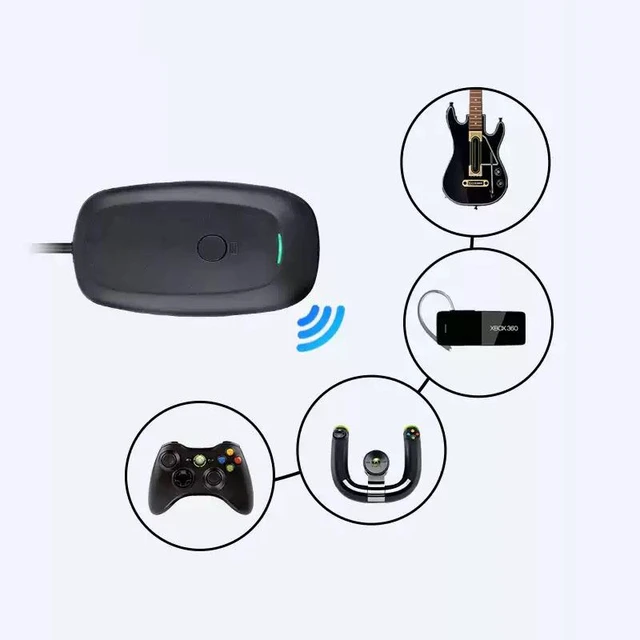
- The receiver can connect an Xbox 360 controller to a computer for wireless gaming, and can also simultaneously connect up to 4 Xbox 360 peripherals (such as controllers, guitars, headsets, steering wheels, etc.).
- The receiver's wireless reception distance is approximately 7.8 meters.
+
+
Overview
Specs
Reviews

Any questions? Our AI mode will help you find out quickly.
Try me now
The receiver can connect an Xbox 360 controller to a computer for wireless gaming, and can also simultaneously connect up to 4 Xbox 360 peripherals (such as controllers, guitars, headsets, steering wheels, etc.).
The receiver's wireless reception distance is approximately 7.8 meters.
Instructions for Windows 10:
- Plug in the receiver.
- Right-click "My Computer" Properties Device Manager.
- Under the "Other devices" section, find the "Unknown device" that appears after plugging in the Xbox 360 receiver.
- Right-click and select Properties, then select Update Driver.
- Select "Browse my computer for driver software."
- Select "Let me pick from a list of available drivers on my computer."
- Select "Xbox 360 peripherals."
- Select "Support WINDOWS Xbox 360 Controller."
- After that, an installation warning will appear stating that installing this device driver is not recommended. Select "Yes" to continue the installation.
- The installation will then be successful.
Instructions for Windows 7 / Windows 8:
- Plug in the receiver.
- Right-click "Computer" Properties Device Manager.
- Under the "Other devices" section, find the "Unknown device" that appears after plugging in the Xbox 360 receiver.
- Right-click and select Properties, then select Update Driver.
- Select "Browse my computer for driver software."
- Select "Let me pick from a list of available drivers on my computer."
- Select "Microsoft Windows Common Controllers."
- Select the file "Xbox 360 Wireless Receiver for Windows."
- After that, an installation warning will appear stating that installing this device driver is not recommended. Select "Yes" to continue the installation.
- The installation will then be successful.
Warranty & Returns
Warranty, Returns, And Additional Information
Warranty
- Please contact the Seller directly for warranty information. Warranty information may also be found on the Manufacturer's website.
- CONTACT
Return Policies
- Return for refund within: 30 days
- Return for replacement within: 30 days
- This item is covered by SlotNeat Return Policy
Manufacturer Contact Info
- For a directory of all our manufacturers, please click below.
- Manufacturers Directory
LOADING...