




 here!
I’m your shopping assistant for PC builds, upgrades, and everything tech.
Got questions? Ask away!
Start a conversation
here!
I’m your shopping assistant for PC builds, upgrades, and everything tech.
Got questions? Ask away!
Start a conversation
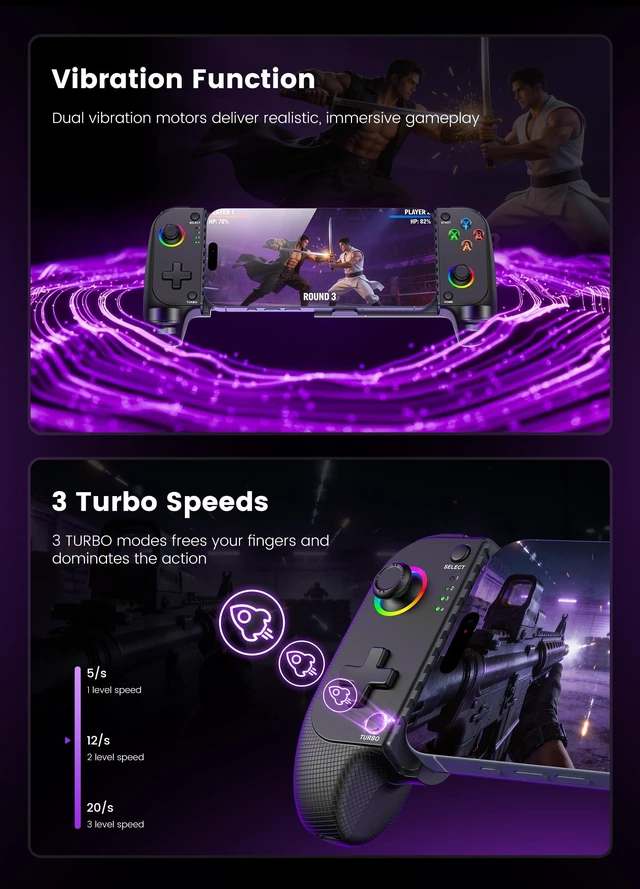
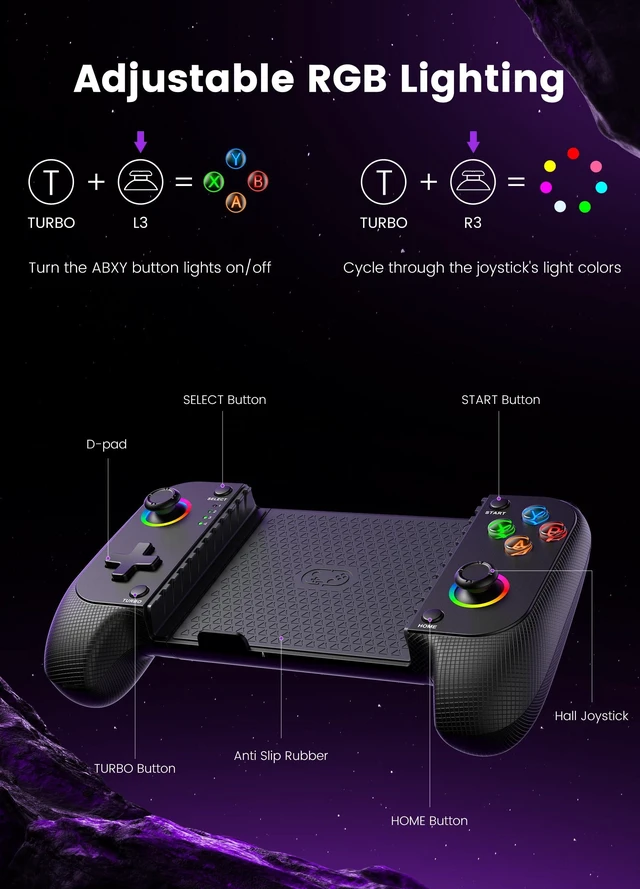
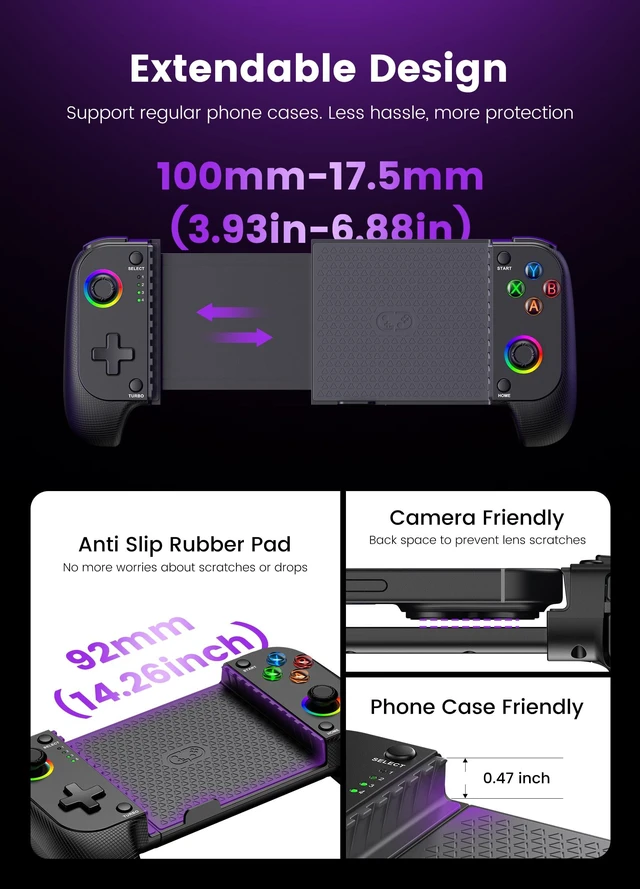



Any questions? Ask CelesteSM will help you find out quickly.
Product Description:
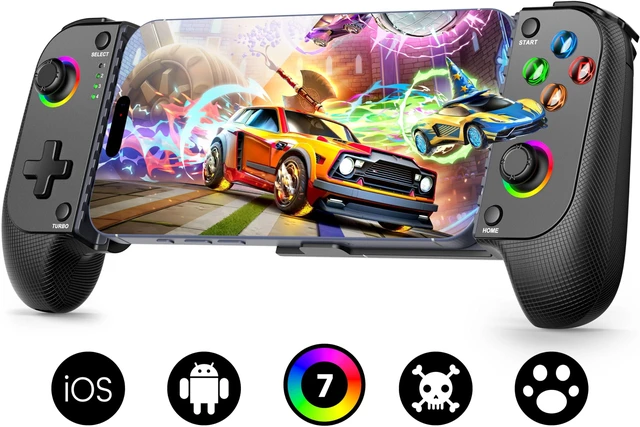
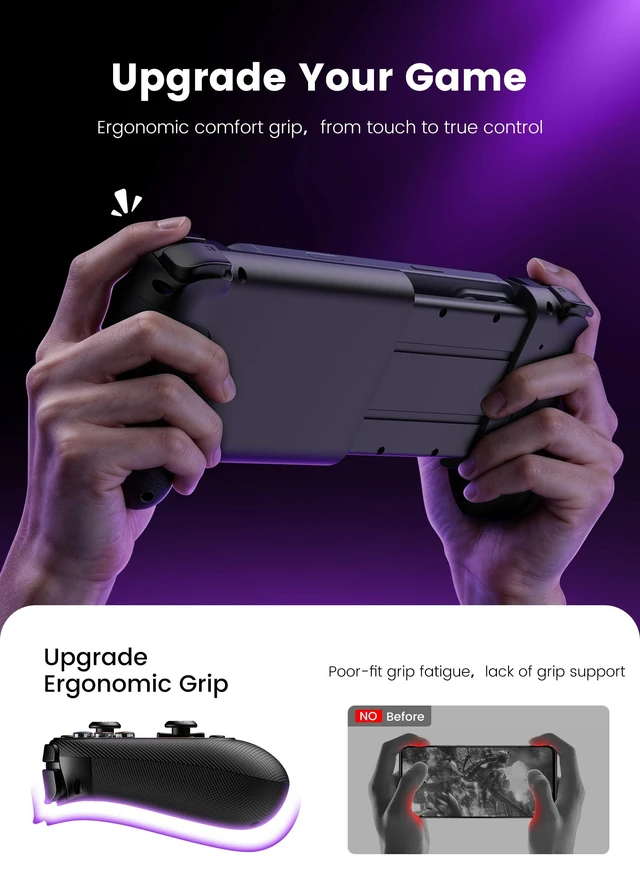
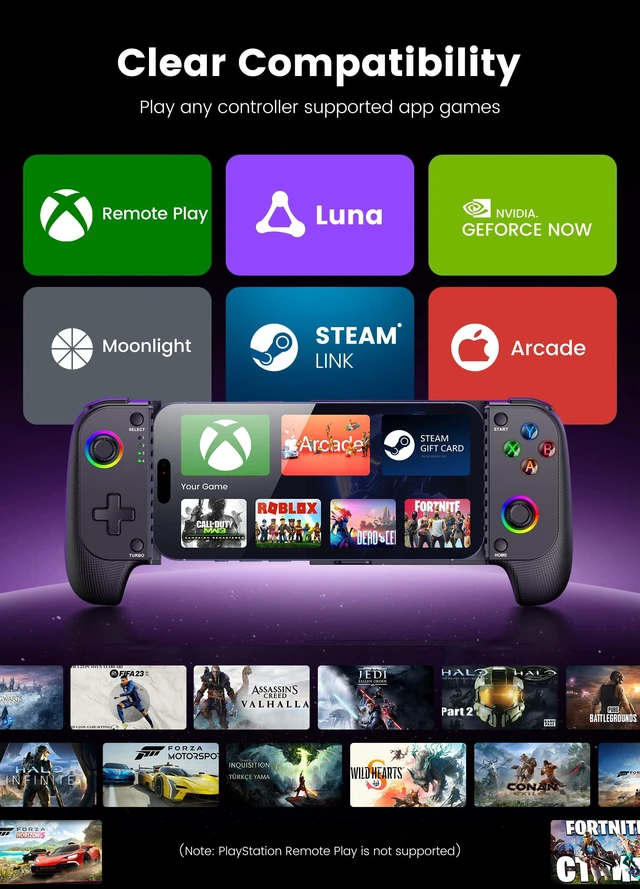
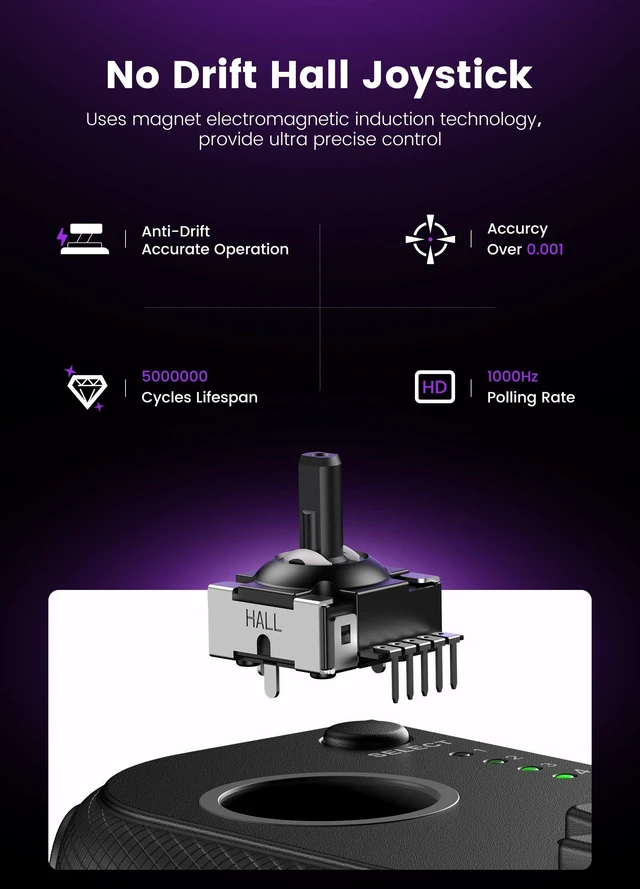
Wireless mobile phone controller with a Hall joystick for handheld gaming on compatible iPhone and Android phones.
Core Selling Points:
Connects wirelessly through Bluetooth for mobile gameplay. A rear RESET hole can be used to address connection, charging, or joystick offset issues by resetting and restarting the controller. For cloud gaming, a high-speed, stable, low-latency network helps reduce delay caused by network congestion.
Technical Specifications:
Connection: Bluetooth wireless. Control type: Hall joystick. Status indicator: fourth LED flashes rapidly during the connection process. Controls: HOME button. Reset method: rear RESET hole.
Before Purchase:
Do not charge the controller before connecting. Turn on Bluetooth on the phone, then press and hold the HOME button until the fourth LED flashes rapidly before selecting the corresponding Bluetooth device name. If the LED flashes in sequence, turn off the controller by holding HOME and reconnect. Compatible with iPhone and Android phones.


