Meet Your Seller
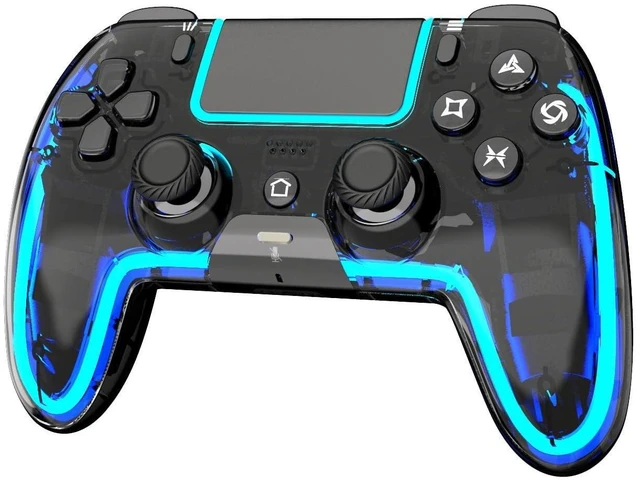
Wireless Game Controller with Hall Effect Joystick RGB LED Gamepad Dual Vibration Programmable Macro Buttons Turbo Mode 3.5mm Jack 6-Axis Motion Mute Key and Speaker For Windows 10+
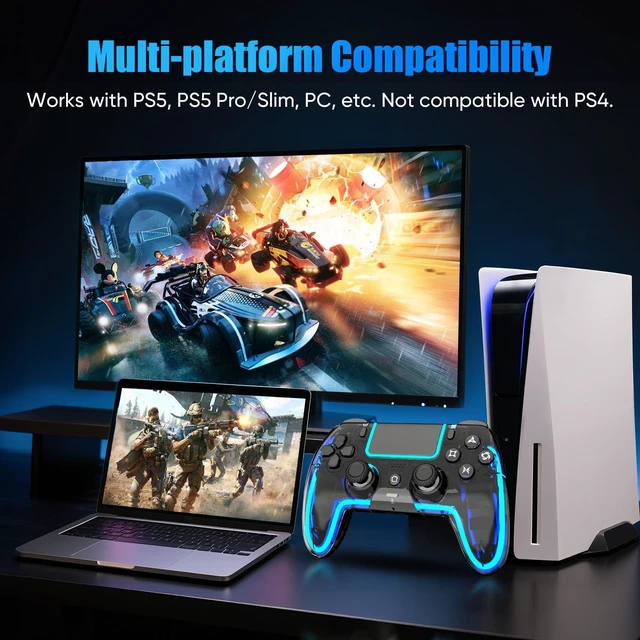
- Compatible with PS-5, PS-5 Pro/Slim, Mac, Android, Steam Deck, and Windows 10+ through wired or Bluetooth connections; not compatible with PS-4.
- For the first PS-5 connection, connect the controller with a USB data cable, wait for the host to recognize it, then press Home; USB controller connections must be enabled in PS-5 settings.
- The controller remembers only the last connected device, so after using it with a PC or phone, reconnect it to PS-5 by USB data cable before pairing.
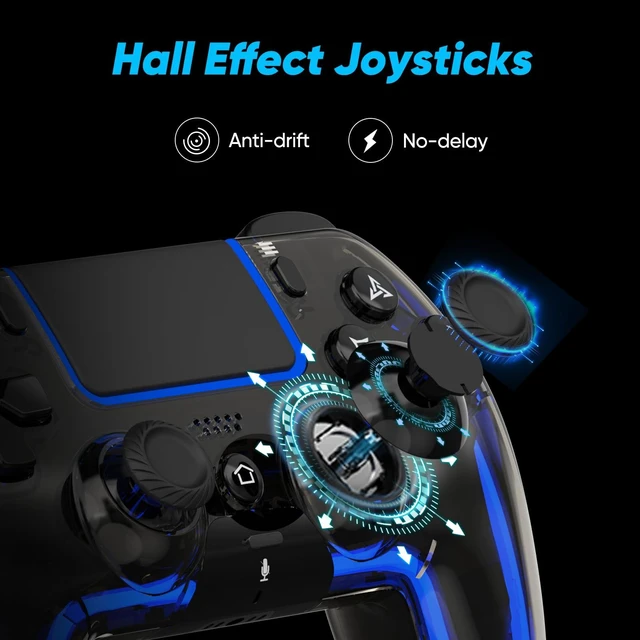
- Hall Effect joysticks include a calibration function to restore precise control if drift occurs.
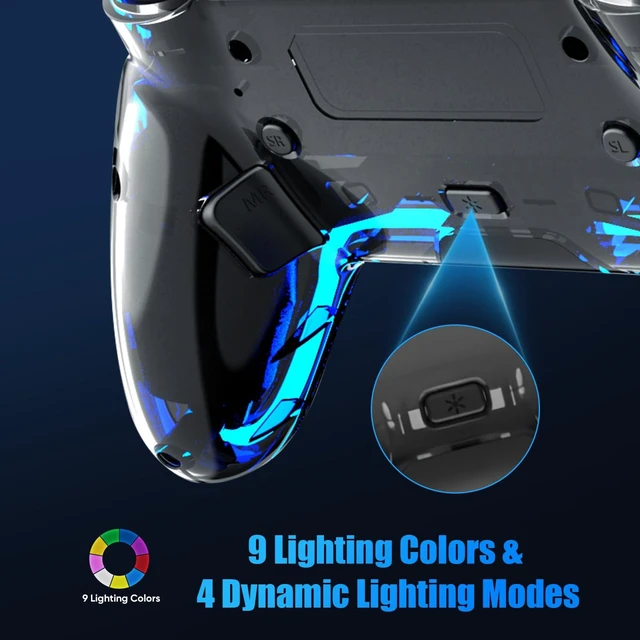
- Customize the RGB lighting with 9 colors and 4 effects: Breathing, Fast Flash, Slow Flash, and Gradient; the controller remembers the last setting.
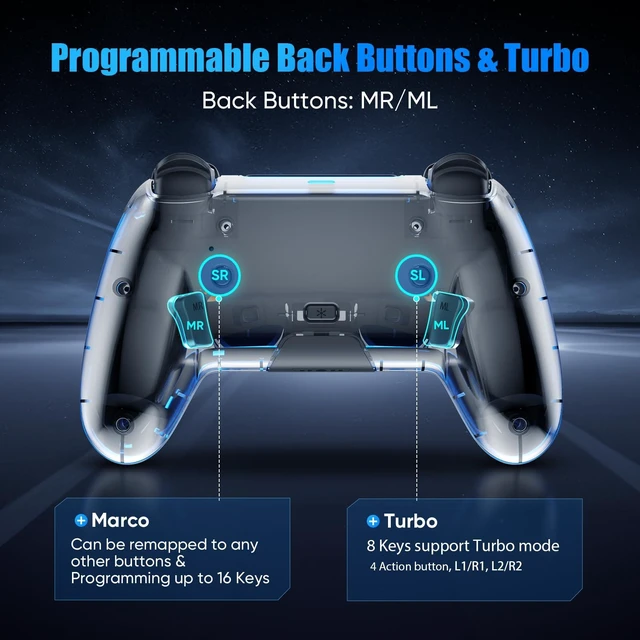
- Assign 1-16 button functions to M1/M2 using the SR button for custom macros, which can reduce wear on the main buttons.
- Choose Auto or Manual Turbo mode and adjust its speed to 4, 8, or 16 Hz for supported keys.
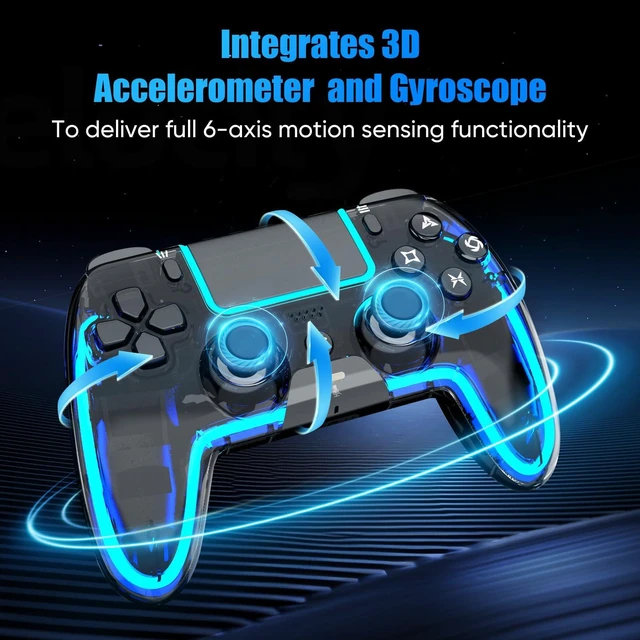
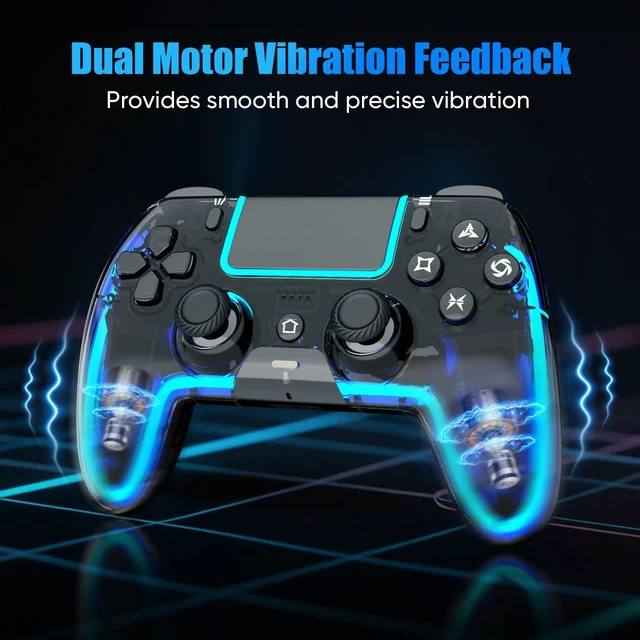
- The controller has dual vibration, a 6-axis function, and a mute key for its built-in speaker.
- A 3.5 mm jack provides a wired audio connection, and the gamepad includes an LED feature.
Any questions? Ask CelesteSM will help you find out quickly.
Product Description:
Wireless game controller for PS5, PS5 Pro/Slim, Mac, Steam Deck, Android, and Windows 10+.
Core Selling Points:
Hall Effect joysticks include a calibration function to restore precise control. Customize the RGB lighting with 9 colors and 4 effects, with the last setting remembered. Programmable M1/M2 buttons support assigning 116 button functions. Two Turbo modes, Auto and Manual, offer 3 adjustable speeds for 8 keys. Additional features include dual vibration, a speaker, a mute key, and a 6-axis function.
Technical Specifications:
Connection: wired or Bluetooth. Audio jack: 3.5 mm. Turbo speeds: 4/8/16 Hz.
Before Purchase:
Not compatible with PS4. For the first PS5 connection, connect the controller using a USB data cable, allow the console a few seconds to recognize it, then press the Home button. Ensure PS5 settings allow controller connection over USB. The controller remembers only its last connected device; after using it with a PC or phone, reconnect it to PS5 by USB data cable.
Warranty & Returns
Warranty, Returns, And Additional Information
Warranty
- Please contact the Seller directly for warranty information. Warranty information may also be found on the Manufacturer's website.
- CONTACT
Return Policies
- Return for refund within: 30 days
- Return for replacement within: non-replaceable
- This item is covered by GeekSpace Return Policy
Manufacturer Contact Info
- For a directory of all our manufacturers, please click below.
- Manufacturers Directory