




 here!
here!
I’m your shopping assistant for PC builds, upgrades, and everything tech.
Got questions? Ask away!
Start a conversation
here!
I’m your shopping assistant for PC builds, upgrades, and everything tech.
Got questions? Ask away!
Start a conversation
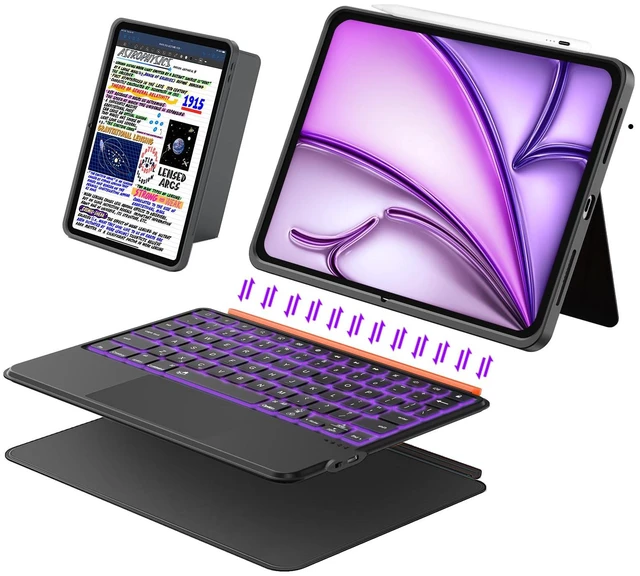
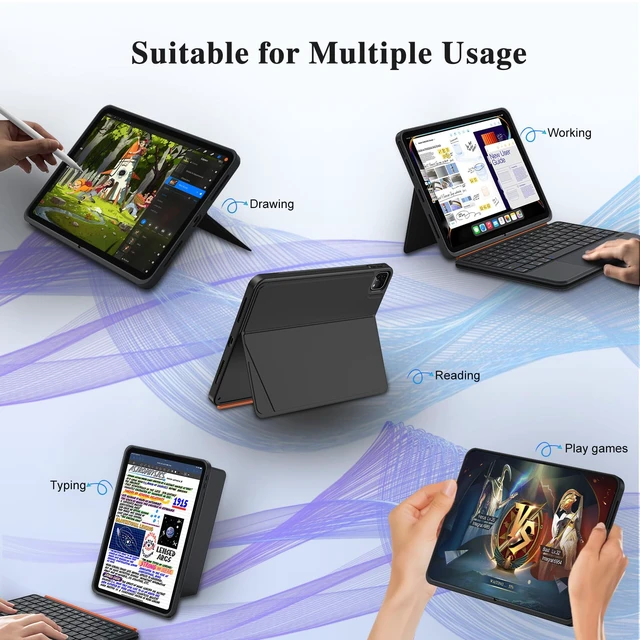
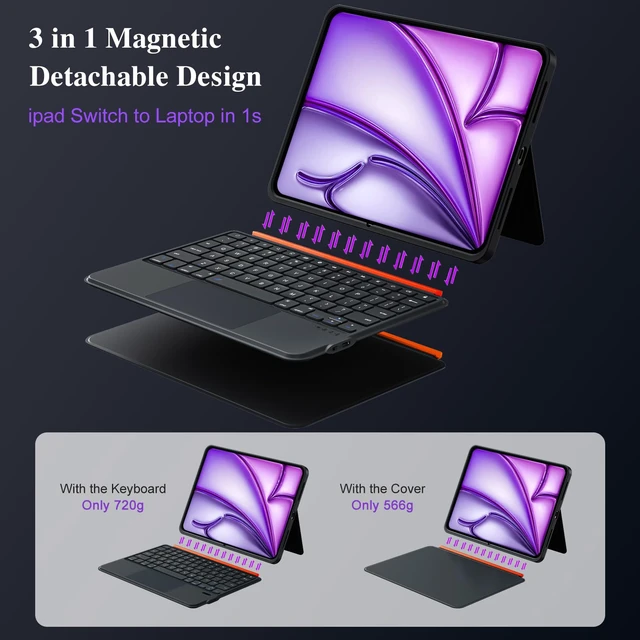
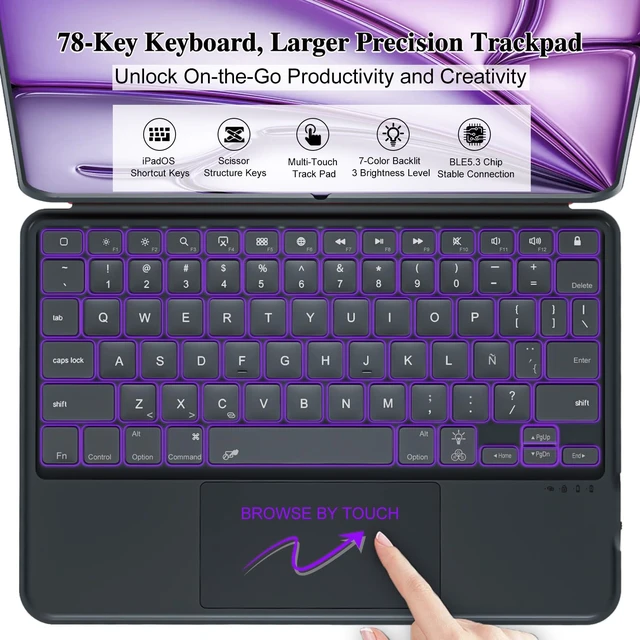
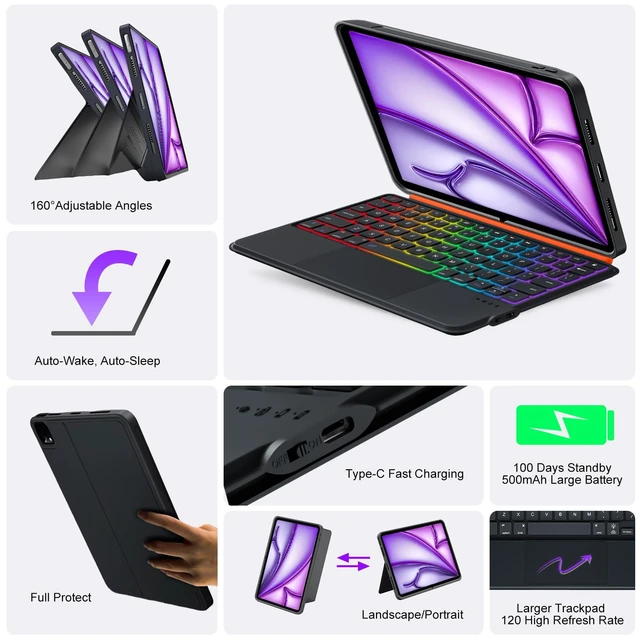
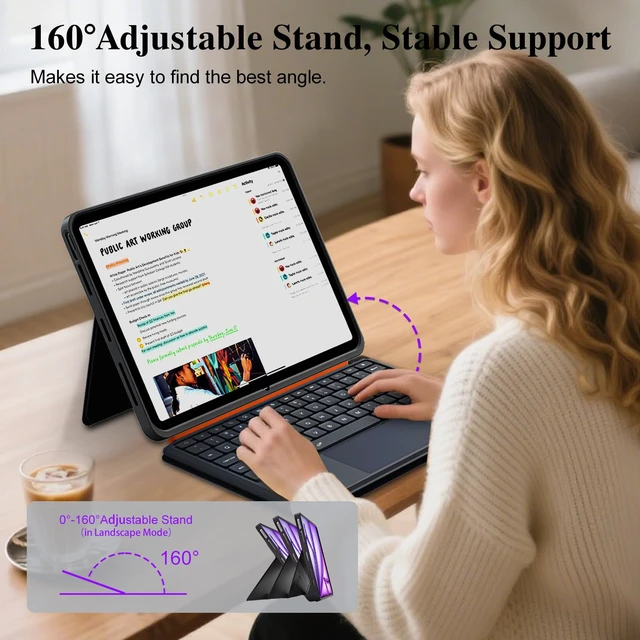



Any questions? Ask CelesteSM will help you find out quickly.


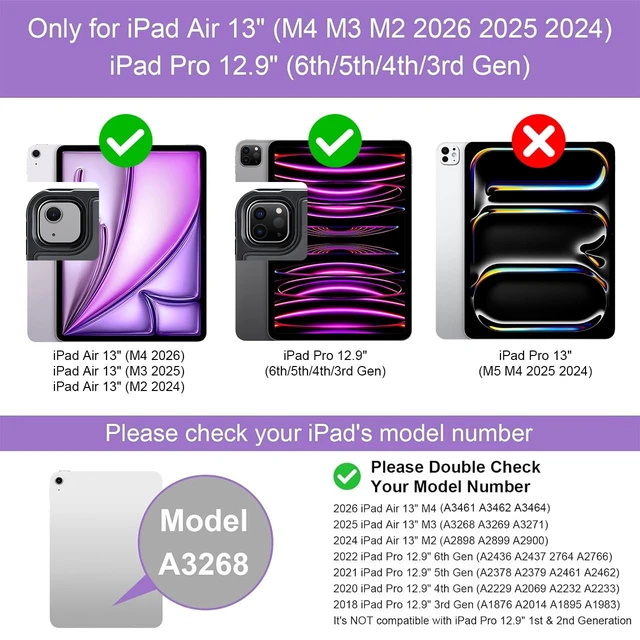
Is this keyboard case compatible with my iPad model?
Compatible iPad models are listed in Bullet Point 1.
You can find your model number on the back of your iPad (starts with “A”) or in Settings > General > About. If it matches, this keyboard case will fit.
How to connect my keyboard via Bluetooth?
Turn the keyboard switch to "ON".
Press "FN + Bluetooth key" until the blue light flashes. On your iPad, go to Settings > Bluetooth and tap "MK-005" to pair. If not working, ensure the keyboard is charged, then restart both devices.
Why can’t my iPad connect to the keyboard even though I see "MK-005" in Bluetooth settings?
First time: Forget "MK-005" in Bluetooth, restart keyboard, then pair.
Reconnect: Two entries appear. Always tap the bottom "MK-005" (the new one). If not visible, restart keyboard.
How to enable/disable the trackpad and adjust tracking speed?
Press Fn + Spacebar to turn the trackpad on/off instantly.
To adjust tracking speed, go to Settings > General > Trackpad and move the slider. You can also turn on/off natural scrolling, tap to click, and two-finger secondary click.
When typing in apps, the space bar doesn't confirm the suggested word. How to fix it?
Go to Settings > General > Keyboard and toggle on "Space Confirmation". Once enabled, you can press the space bar to accept the predictive word suggestion.


Is this keyboard case compatible with my iPad model?
Compatible iPad models are listed in Bullet Point 1.
You can find your model number on the back of your iPad (starts with “A”) or in Settings > General > About. If it matches, this keyboard case will fit.
How to connect my keyboard via Bluetooth?
Turn the keyboard switch to "ON".
Press "FN + Bluetooth key" until the blue light flashes. On your iPad, go to Settings > Bluetooth and tap "MK-005" to pair. If not working, ensure the keyboard is charged, then restart both devices.
Why can’t my iPad connect to the keyboard even though I see "MK-005" in Bluetooth settings?
First time: Forget "MK-005" in Bluetooth, restart keyboard, then pair.
Reconnect: Two entries appear. Always tap the bottom "MK-005" (the new one). If not visible, restart keyboard.
How to enable/disable the trackpad and adjust tracking speed?
Press Fn + Spacebar to turn the trackpad on/off instantly.
To adjust tracking speed, go to Settings > General > Trackpad and move the slider. You can also turn on/off natural scrolling, tap to click, and two-finger secondary click.
When typing in apps, the space bar doesn't confirm the suggested word. How to fix it?
Go to Settings > General > Keyboard and toggle on "Space Confirmation". Once enabled, you can press the space bar to accept the predictive word suggestion.


