here!
here!
I’m your shopping assistant for PC builds, upgrades, and everything tech.
Got questions? Ask away!
Start a conversation
here!
I’m your shopping assistant for PC builds, upgrades, and everything tech.
Got questions? Ask away!
Start a conversation







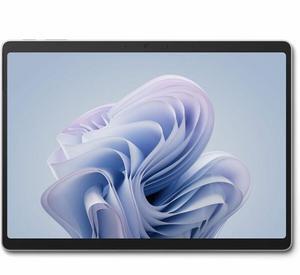
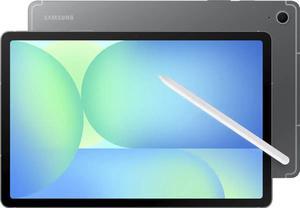
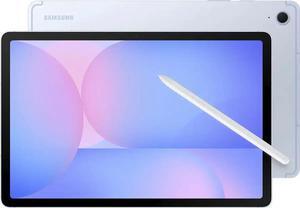
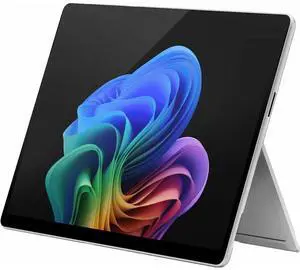

Free Intel AI Software w/ purchase, limited offer
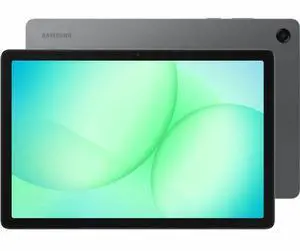
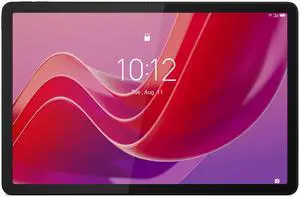
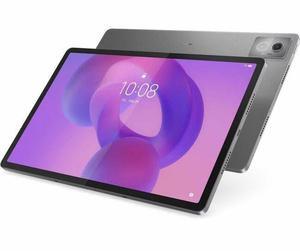
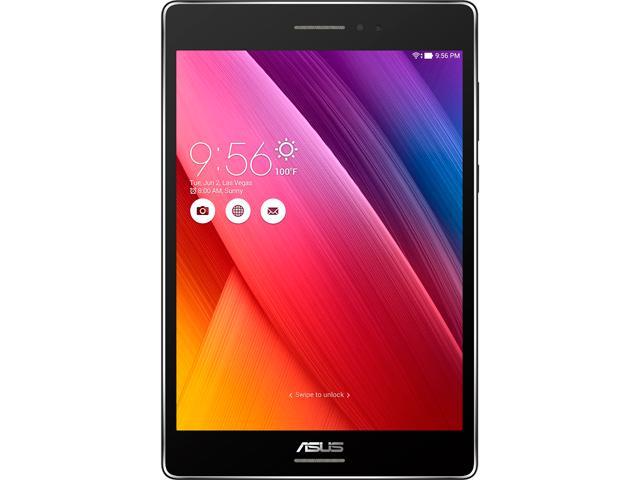
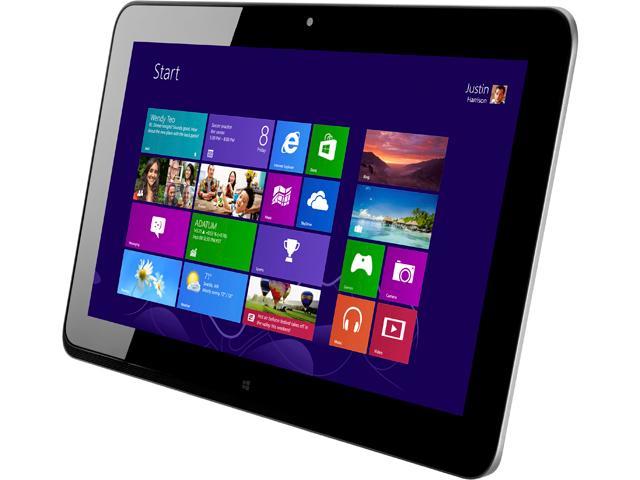
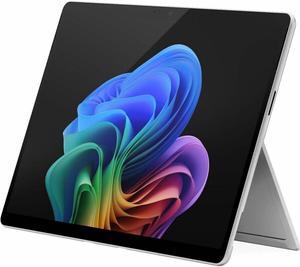
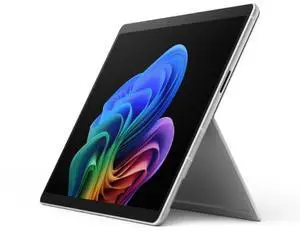
This selection features tablets with Intel and ARM processors, available in a range of screen sizes from top brands like Microsoft Surface, Lenovo Yoga, Asus ZenPad, and Huawei. Whether you're looking for a professional Android tablet or a versatile tablet PC, our Black November deals and Black Friday deals on tablets have options for every need and budget.
When selecting a tablet, several core aspects make a big difference in your day-to-day experience. Weigh these key features to find the right fit for your needs:
The display is arguably the most critical technical feature when it comes to tablets, impacting everything from reading and streaming to graphic design and gaming. Here’s why display specs matter:
Whether you're streaming holiday movies or catching up on work, the right display elevates the entire tablet experience, making Black November deals on Tablets a perfect time to upgrade your screen quality.
For professionals and developers, tablets have evolved beyond casual consumption devices into powerful tools capable of handling complex workflows. Windows Tablets equipped with Intel or AMD CPUs offer desktop-class performance and compatibility with full Windows software, making them ideal for software development, graphic design, and running professional applications. Meanwhile, Android Tablets with Snapdragon or MediaTek processors provide a flexible platform for testing mobile apps and integrating with Google Play services.
Explore specialized All Tablets designed for these environments, and consider pairing your device with precise input tools from Tablet Accessories to optimize your workflow this Black Friday deals season.
Newegg shopping tip: When comparing tablets, consider the processor type—Intel chips generally offer better multitasking for PCs, while ARM processors excel in battery life and app compatibility. Also, weigh screen size and resolution against portability to find the best fit for your everyday use, especially with Black November deals and Black Friday deals offering more options than usual.
Keep your iPad safe with cases featuring magnetic closures, auto sleep/wake, or rugged drop protection—compatible with models from iPad Air to Pro.
Explore a full range of tablets with the latest chipsets, display tech, and OS options—from budget-friendly slates to powerhouse professionals.
Boost your tablet’s functionality with styluses, screen protectors, keyboards, and stands tailored for smooth typing and precise drawing.
If you’re new to tablets, think of them as the perfect middle ground between smartphones and laptops—portable, user-friendly, and versatile enough for browsing, streaming, and staying connected. When exploring your options, consider screen size and operating system as your starting points. Smaller models like those in the Tablets by Screen Size section provide easy portability while larger screens offer a richer viewing experience. Apple iPads, Android Tablets, and Windows Tablets each offer distinct ecosystems and apps, so explore how each OS works to find the best fit for your habits. And don’t forget to check out the right tablet accessories that can make daily use smoother and more fun!
Students need tablets that blend productivity tools with multimedia features to support their busy education schedules and downtime alike. A Windows Tablet can bring familiar desktop software along, perfect for note-taking and research, while Android Tablets offer tons of educational apps through Google Play. The portability and versatility of tablets make them ideal for classrooms and libraries. When shopping this Black November season, consider adding a durable ipad case or a keyboard from Tablet Accessories to enhance note-taking and typing efficiency without adding bulk.
For professionals who need performance without the laptop heft, Black Friday deals on Tablets can provide powerful Windows Tablets equipped with Intel or AMD processors—ideal for running full desktop apps while maintaining portability. Designers and creative pros might lean towards Apple iPads with M-series chips, benefiting from retina-quality displays and advanced stylus support for drawing and editing. Business travelers and remote workers will appreciate tablet PCs that combine versatility with screen sizes suited for multitasking and video calls. To tailor your setup, explore specialized accessories that improve typing comfort and precision for long work sessions.
Research more: If you’re exploring tablets this season, be sure to check out the Newegg Insider buying guides for detailed insights on features, performance, and operating systems. These guides can help you compare options and find the right tablet for your needs amid Black November deals and Black Friday deals.
Last Updated: November 2026 | Newegg Tablets Buying Guide
The iPad Air offers a faster processor and a more vibrant display, making it better for heavier apps and multitasking, but it comes at a higher price compared to the entry-level iPad, which is more budget-friendly and suitable for everyday use.
Windows tablets generally have an edge for productivity since they can run full desktop software like Microsoft Office, whereas Android tablets are great for casual use and apps but might struggle with some professional software.
Tablets are generally lighter and more portable with touchscreens, designed primarily for media consumption and light tasks, while laptops offer more power, a physical keyboard, and better multitasking capabilities.
You need to check the specifications for terms like "LTE" or "5G," which indicate cellular connectivity; tablets without these will only connect to the internet via Wi-Fi.
Focus on a tablet with a good screen size around 8 to 10 inches, a clear and bright display, and decent battery life so it lasts through long reading sessions. You don’t need a powerhouse processor for casual web use.
If you plan to run demanding apps, play games, or use the tablet for work tasks, a better processor will make those activities smoother. Otherwise, a mid-range chip is usually enough for everyday apps and media consumption.
Most tablets hold up well for basic tasks like browsing and streaming for about 3 to 5 years. After that, they might start lagging or struggle with software updates, so it’s smart to check recent user reviews for feedback on long-term performance.
Battery life issues, slow performance, and screen durability tend to pop up a lot in reviews. It’s worth looking for comments on how well the battery holds up over time and whether the touchscreen responds smoothly during daily use.
Turn on the tablet and follow the on-screen instructions to connect to Wi-Fi, sign in or create an account, and update the software. Most tablets will guide you through the initial setup step-by-step.
Lowering screen brightness, turning off unnecessary notifications, and closing apps running in the background can help your battery last longer. Also, consider enabling battery saver mode when you’re not near a charger.
“ Speed is slightly better than most budget Tablets. ”
JIMTAB 2024 Android Tablet Octa Core 10" 2 in 1 Android 13 Tablets, 4GB Ram 64GB Rom Gaming Tablet with USB Adapter, Keyboard, Stylus, Tempered Film, GPS, WiFi, Bluetooth, Google Certificated Tablet