




 here!
here!
I’m your shopping assistant for PC builds, upgrades, and everything tech.
Got questions? Ask away!
Start a conversation
here!
I’m your shopping assistant for PC builds, upgrades, and everything tech.
Got questions? Ask away!
Start a conversation
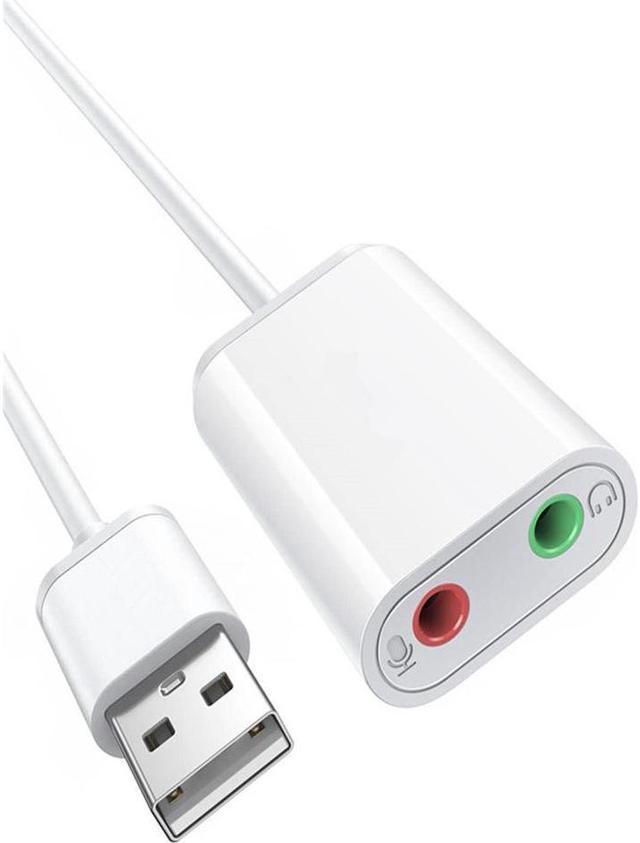
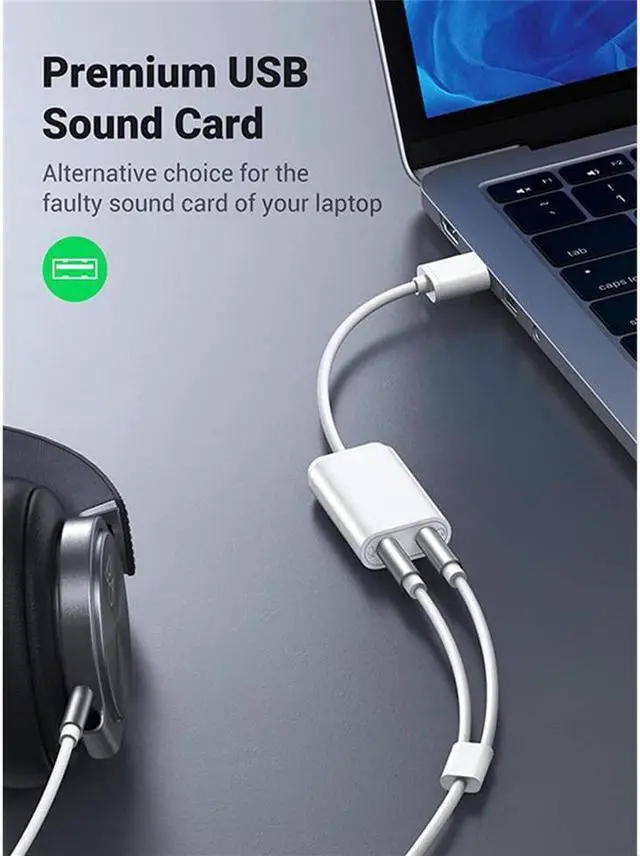
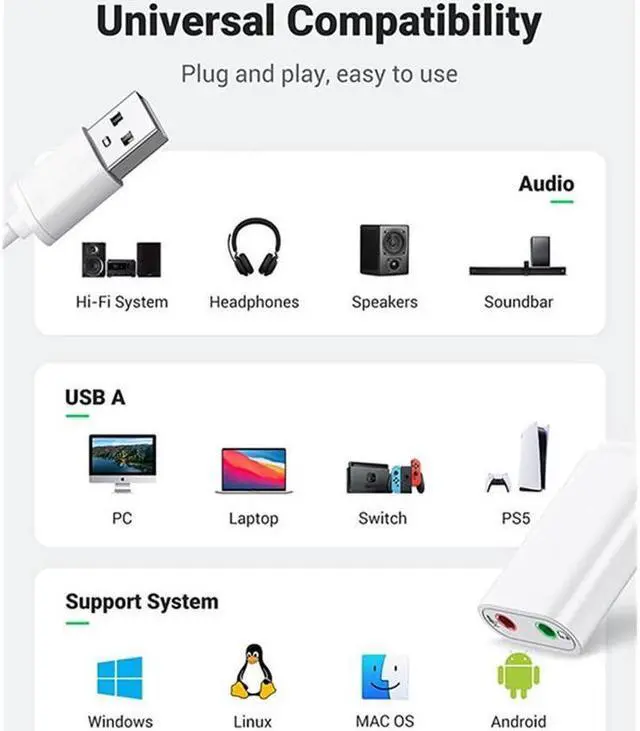
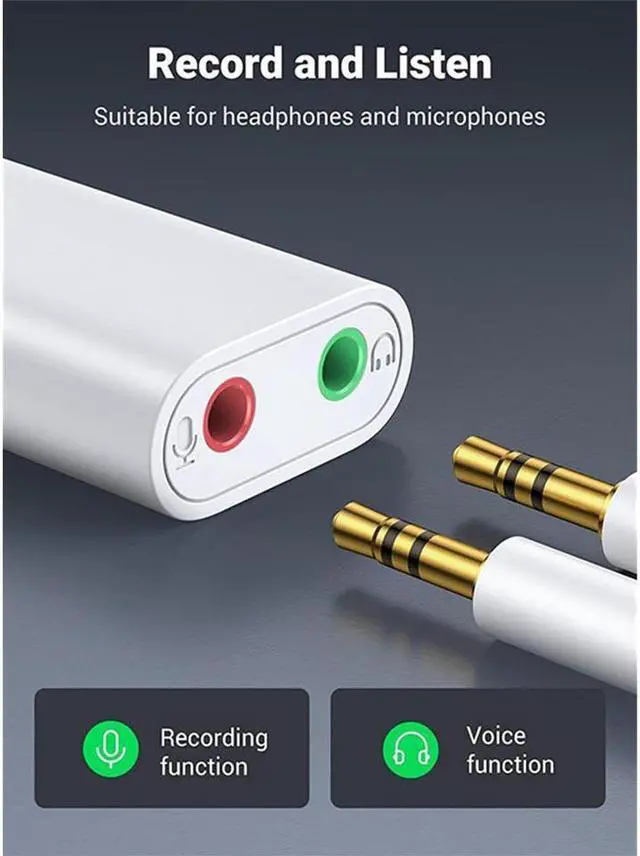
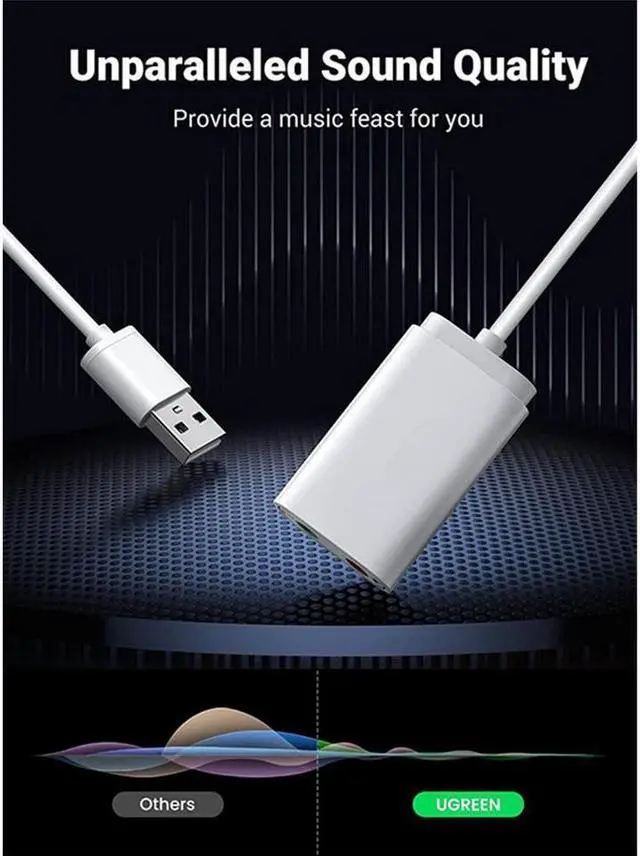
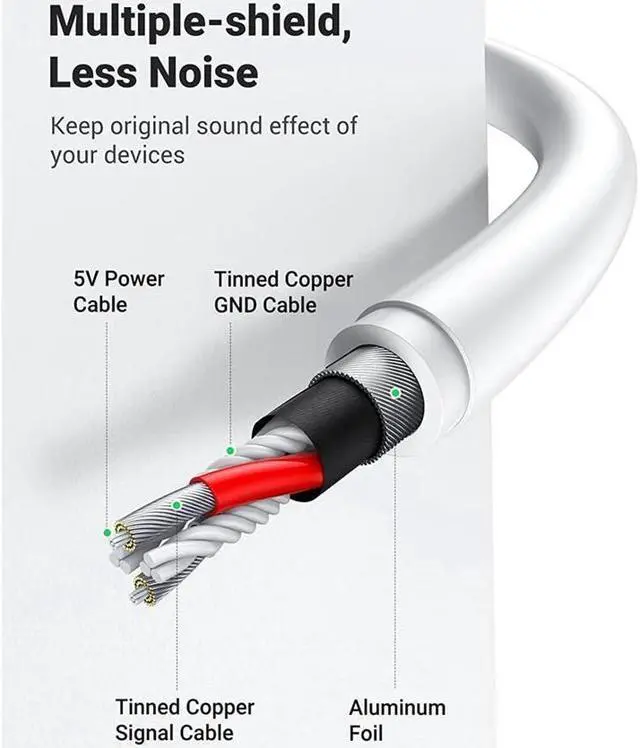
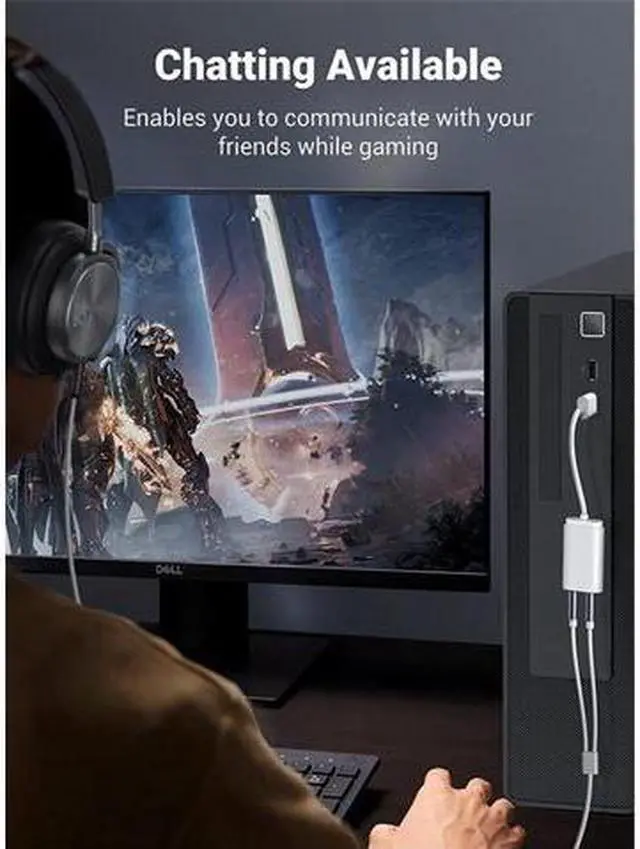



Any questions? Ask CelesteSM will help you find out quickly.
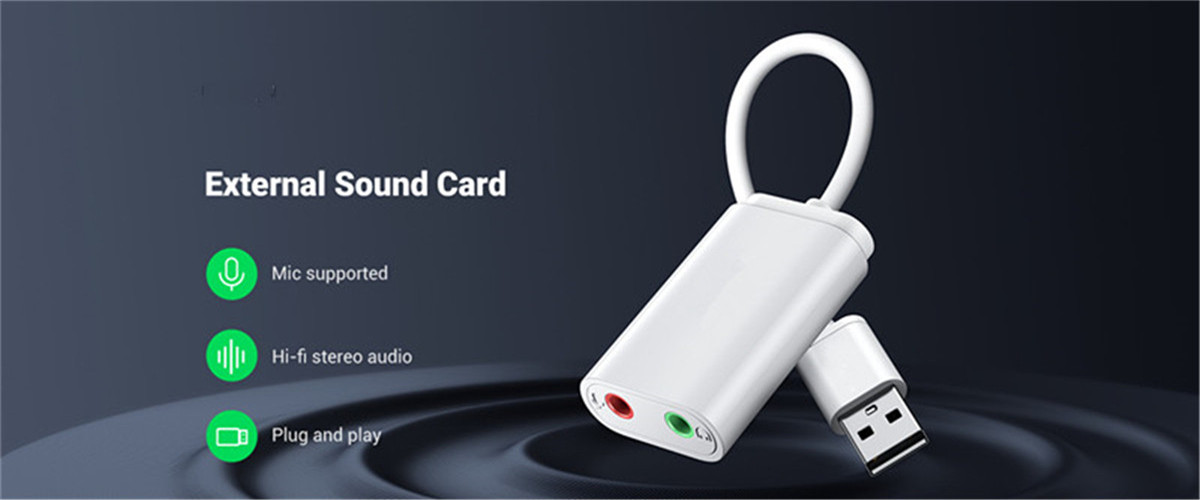
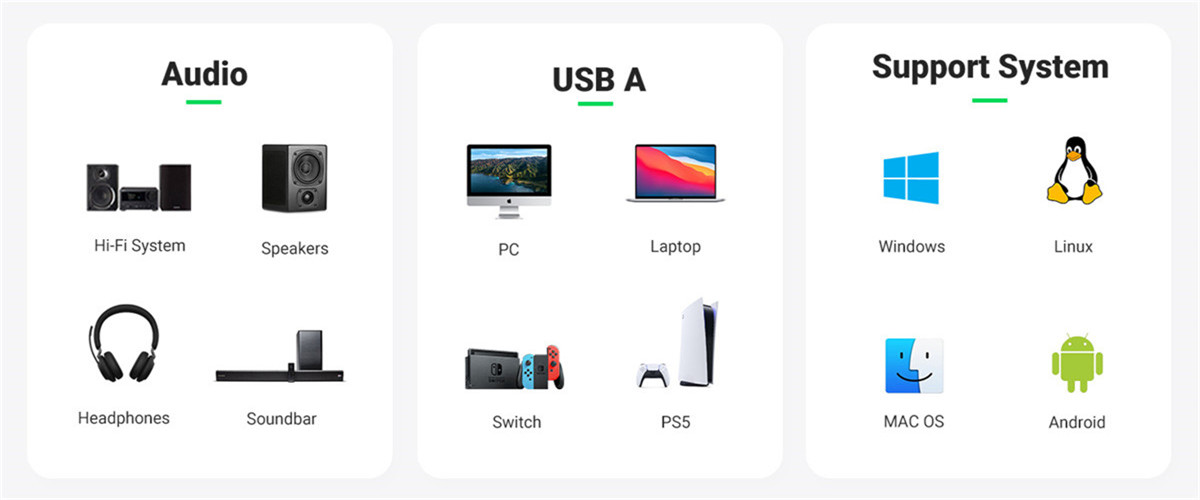
Configuration Instructions
Windows:
* Right-click on the sound icon in the taskbar>Select Playback or Recording devices>Adjust the volume on the computer and in the application.
Mac:
* Go to System Preferences > Sound > C-Media USB Headset > Output or Input > Volume
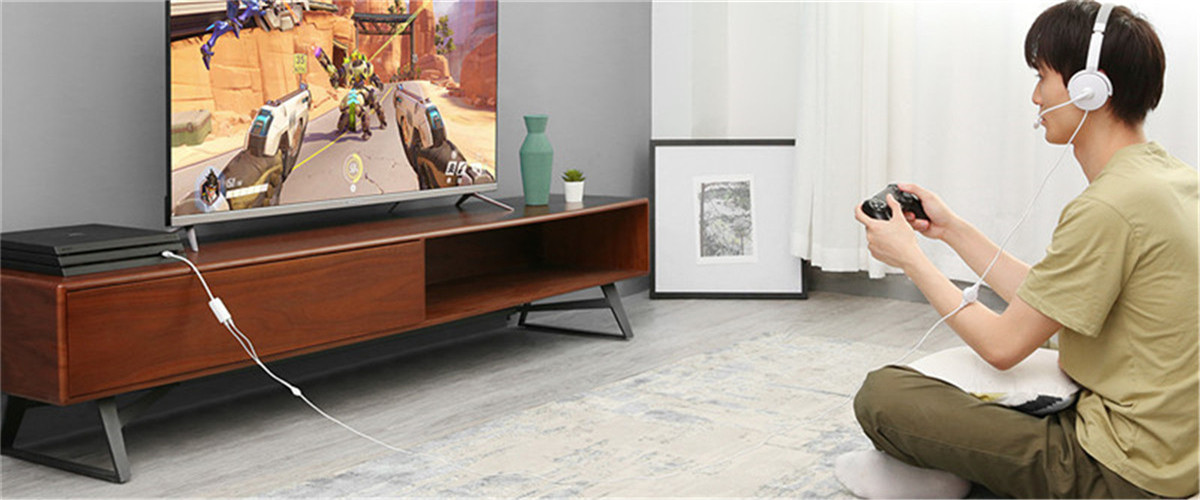
Note: The USB interface on PS3 does not carry audio signal, so this USB audio adapter DOES NOT work with PS3.
Package Content
USB External Sound Card x 1


