



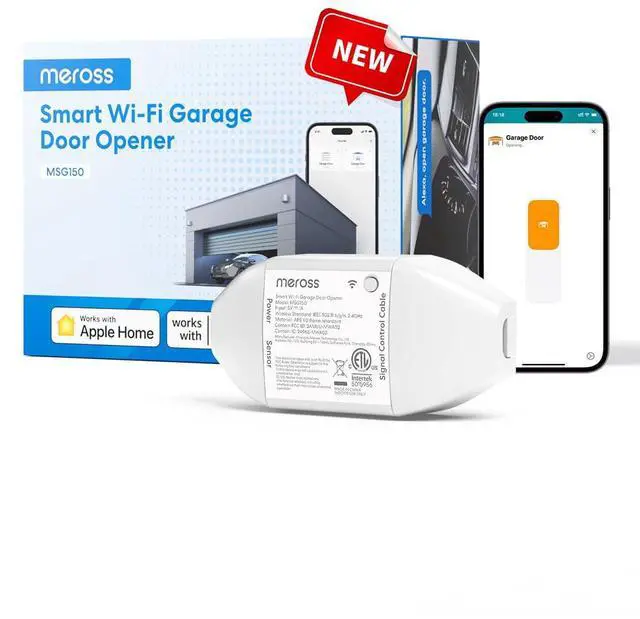


Smart Garage Door Opener
Merchant Video

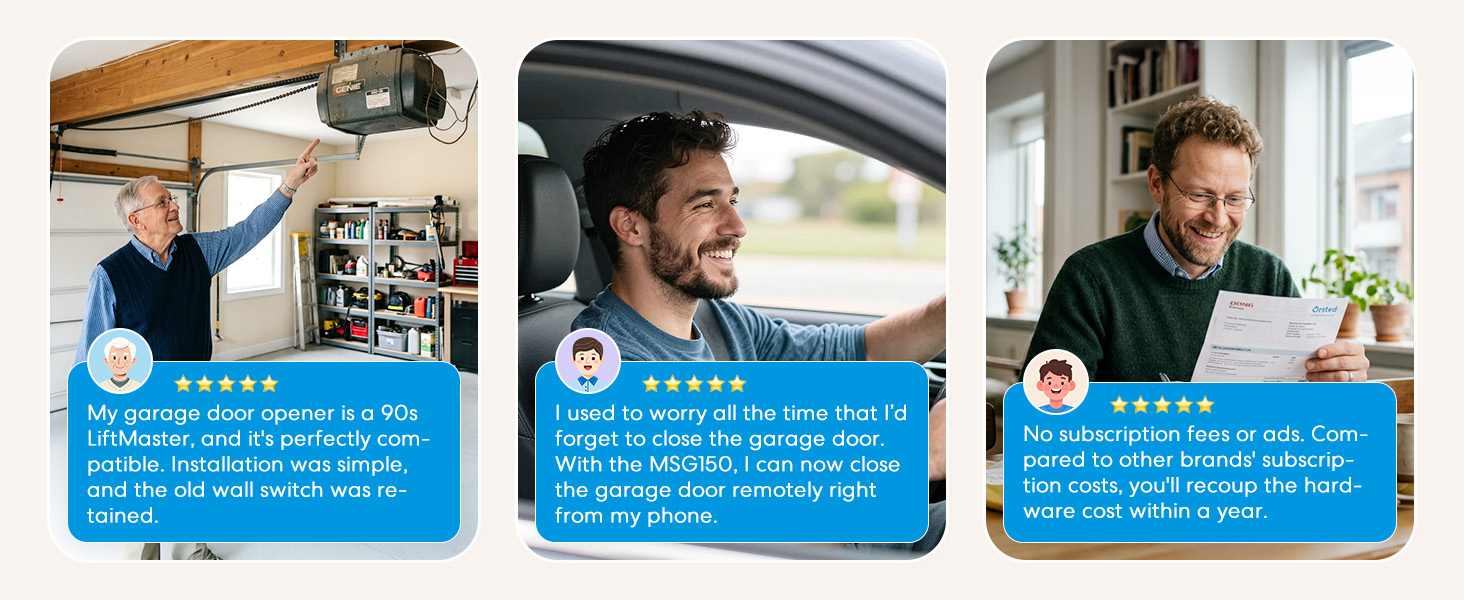
The Existing Wall Button and Existing Remote Control can still work, after you installed the meross garage door opener.

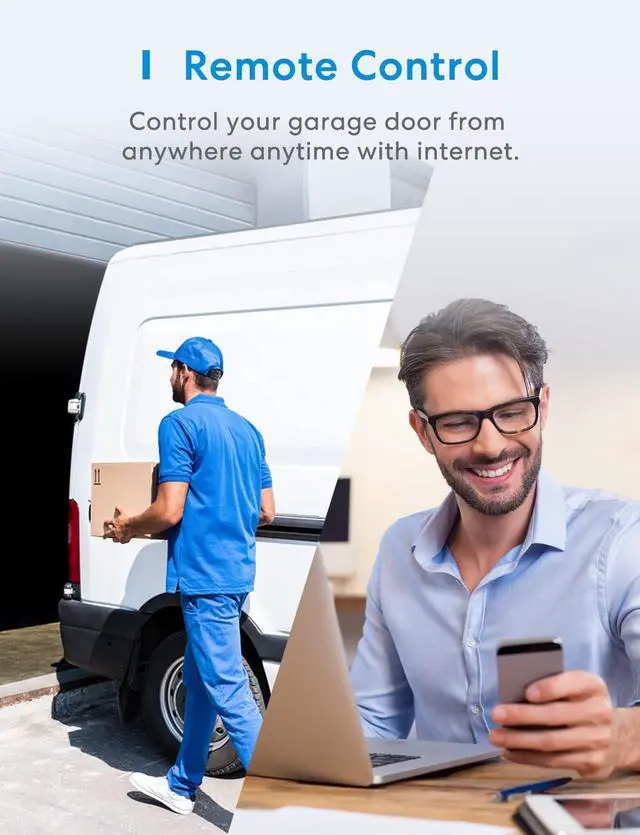
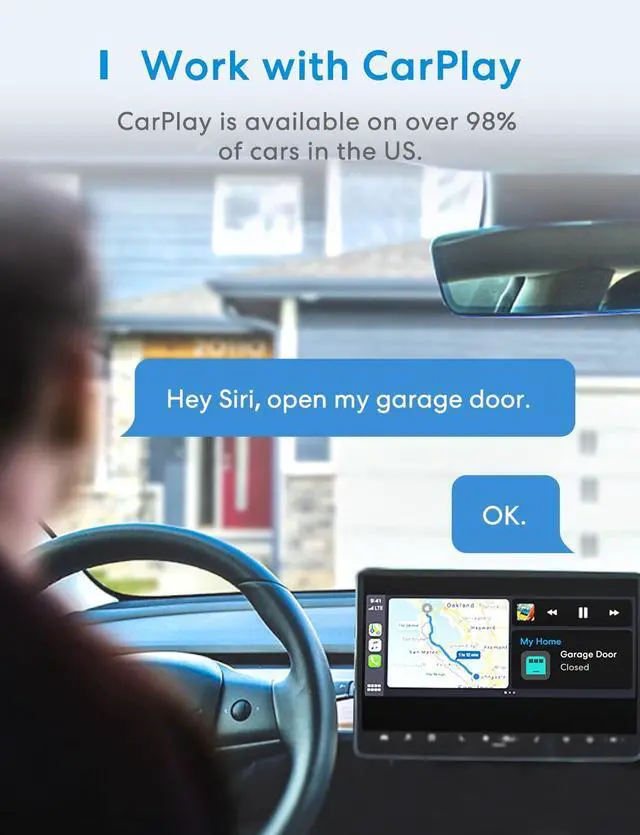
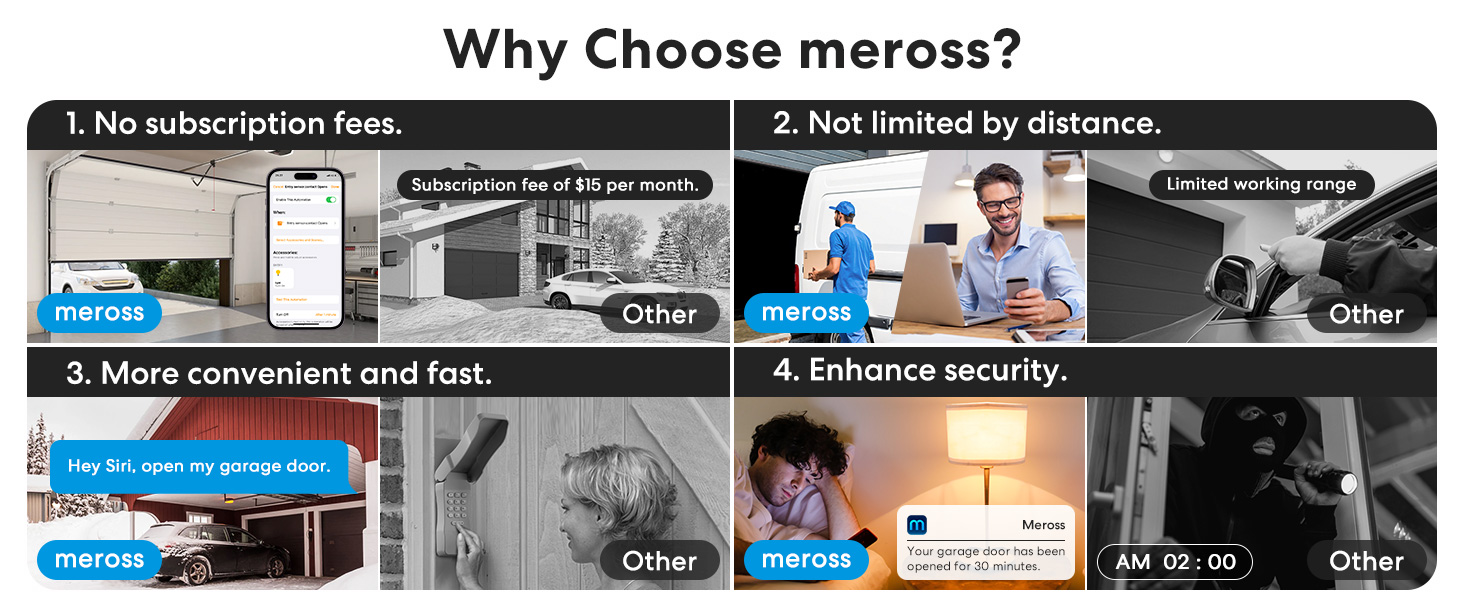
Enjoy hub-free remote access via meross app. For Home app: the same Wi-Fi control does not require a hub; Remote access uses your existing Apple device as a hub.
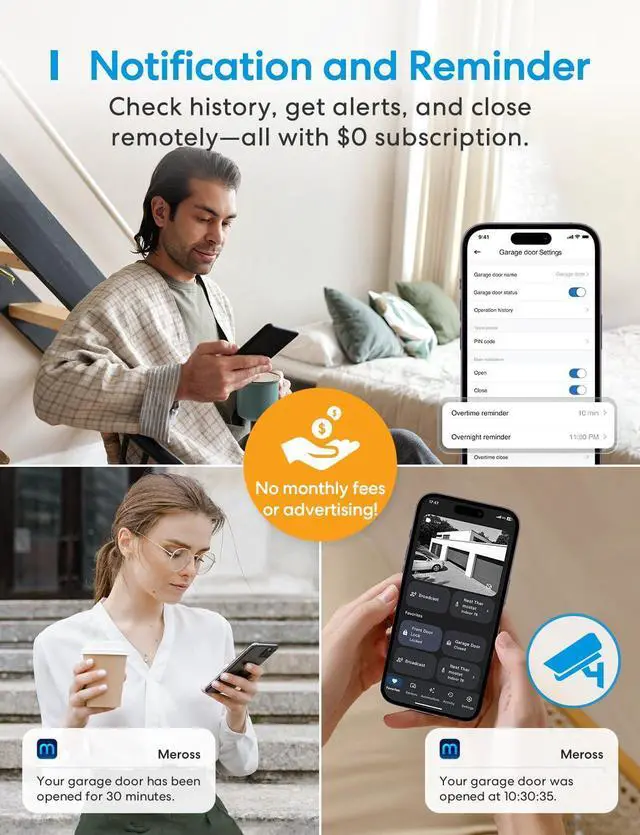
In areas with poor data signal, you can also choose to receive alert notifications via SMS in the app settings (SMS will incur charges).
How to solve the error of "obstructed" in the Home app?
1.Check the sensor – They must be less than 1 inch apart when the door is fully closed.
2.Adjust opening time – In the meross app device settings, increase the opening time slightly if the Home app shows an obstruction error.
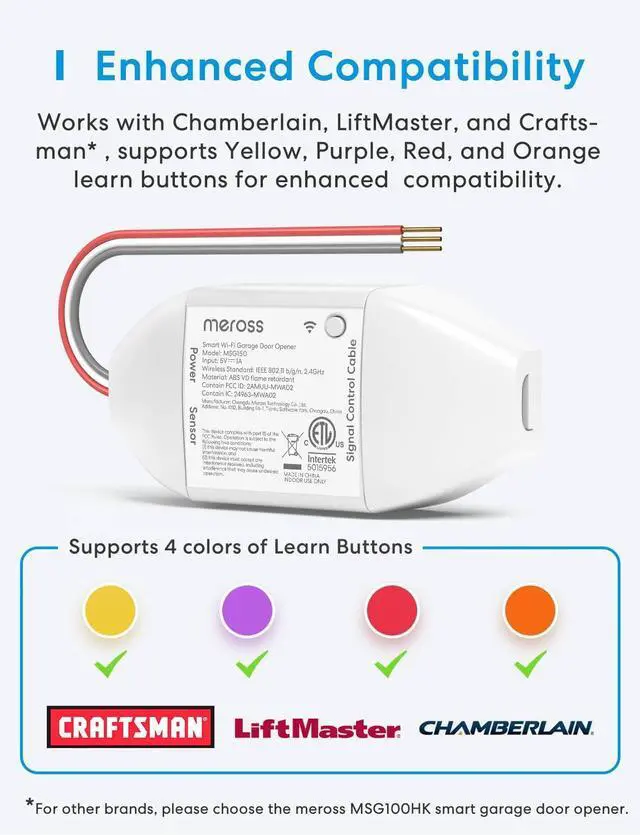
Which brands is the MSG150HK compatible with?
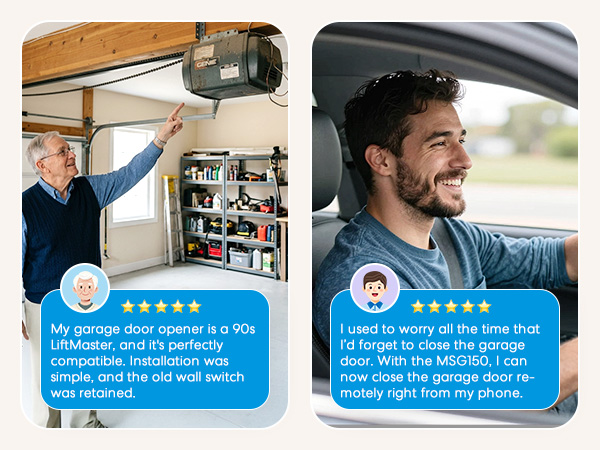
It is compatible with most models of the Chamberlain, Lift-Master, and Craftsman brands under Security+ 1.0 and 2.0. It is NOT compatible with the Security+ 3.0 (white learn button) or models that support dry contacts only (three screws).
Is it easy to install?
It is easy to install and does not require additional wired sensors or compatible accessories.
Does it only support 2.4GHz WiFi network?
Yes, if you are having a mesh WiFi name for both your 2.4GHz and 5GHz WiFi and it keeps failing during setup. You may need to turn off the 5GHz on your WiFi router temporarily and make sure that your device is covered by a strong WiFi signal.
I got an error about "Close Action Is Failed", but the door was closed.
The most likely reason is that your door opening or closing time is longer than the default setting (15 seconds)). You can set a custom door opening time in the Meross app (Device settings-> Advanced settings -> Opening time, choose a suitable time).

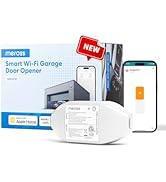
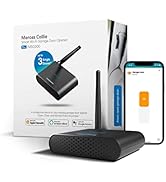


Smart Garage Door Opener
Merchant VideoAuto Close
Alarm


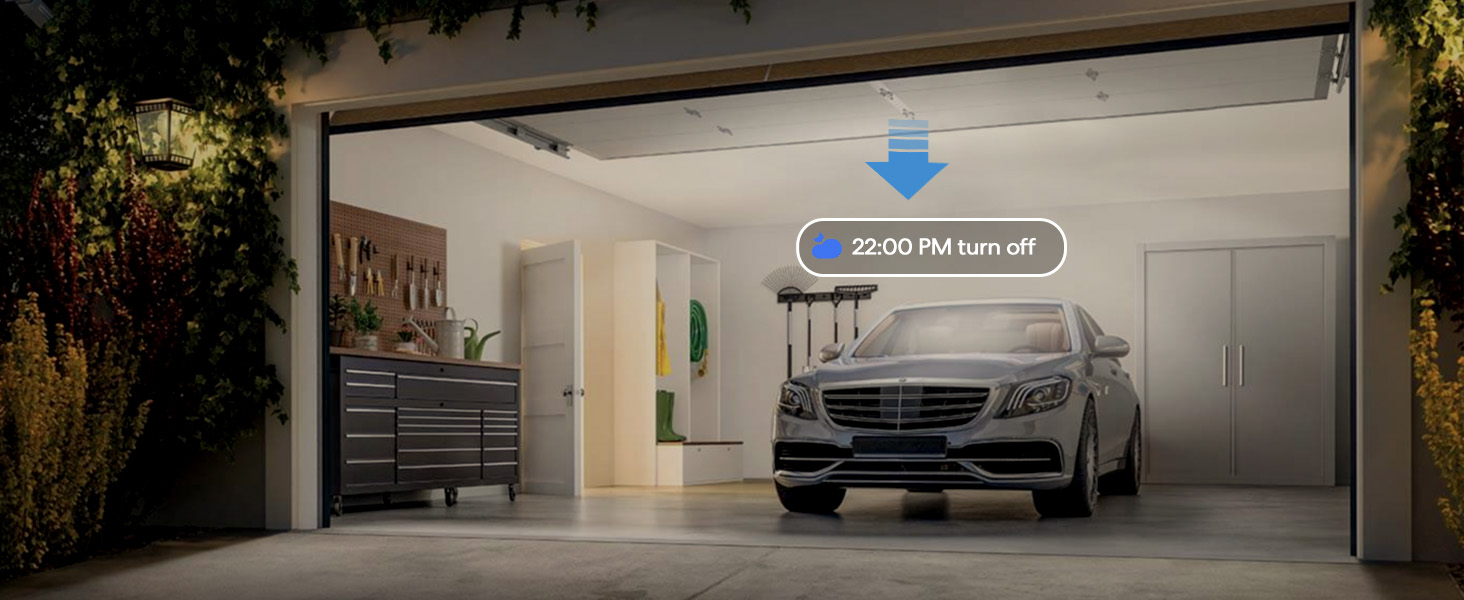
Close the door automatically when the door is still open after a particular time.
You can choose to turn on or off the security alarm when you close the door.
Data Encryption
Offline Control


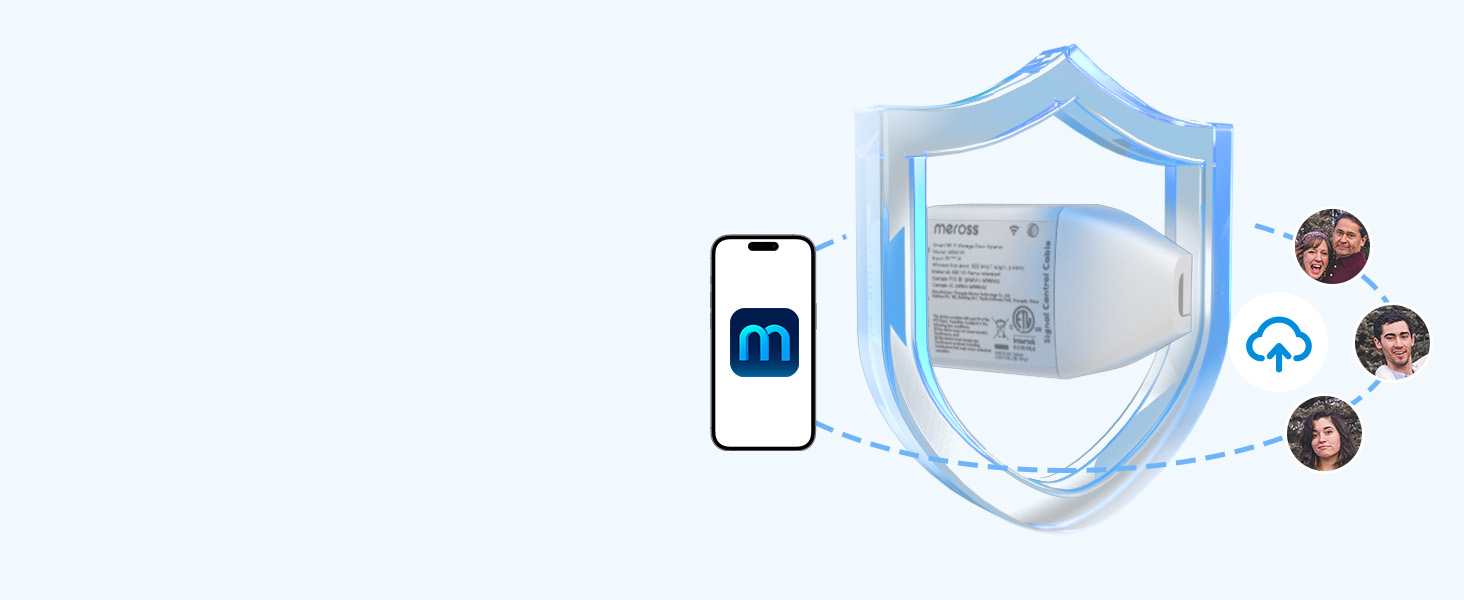
Meross has powerful data encryption functions to protect your information security.
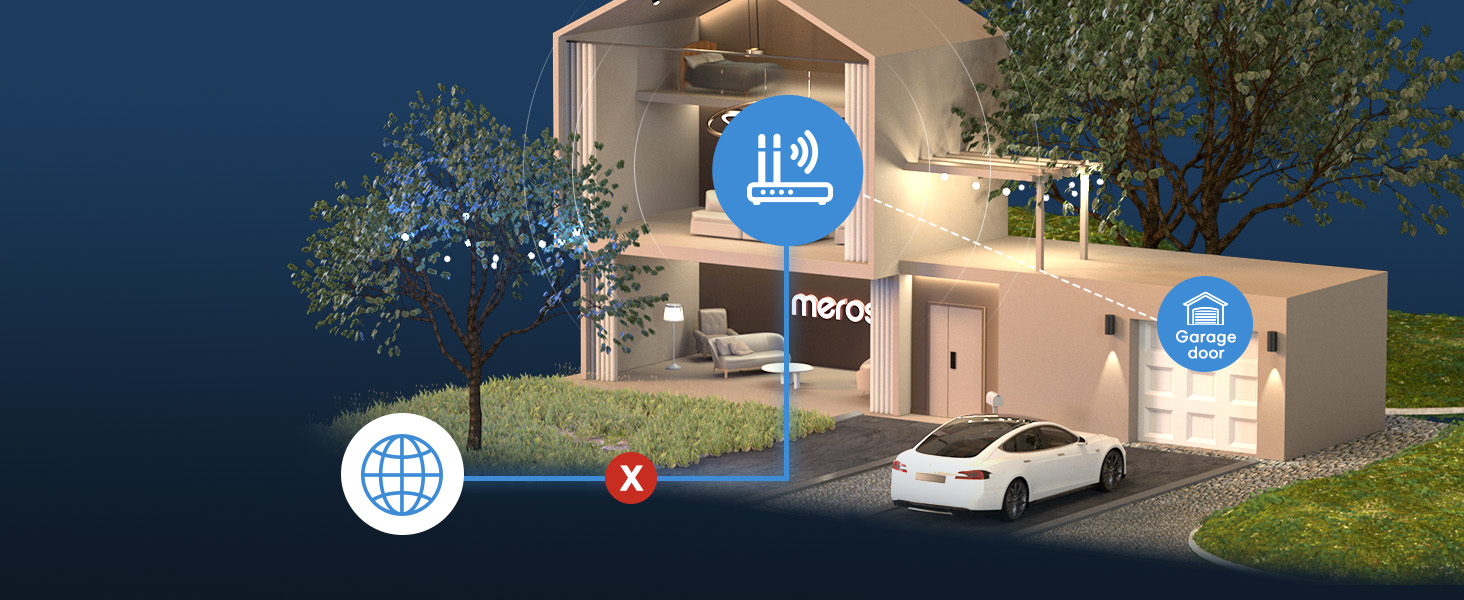
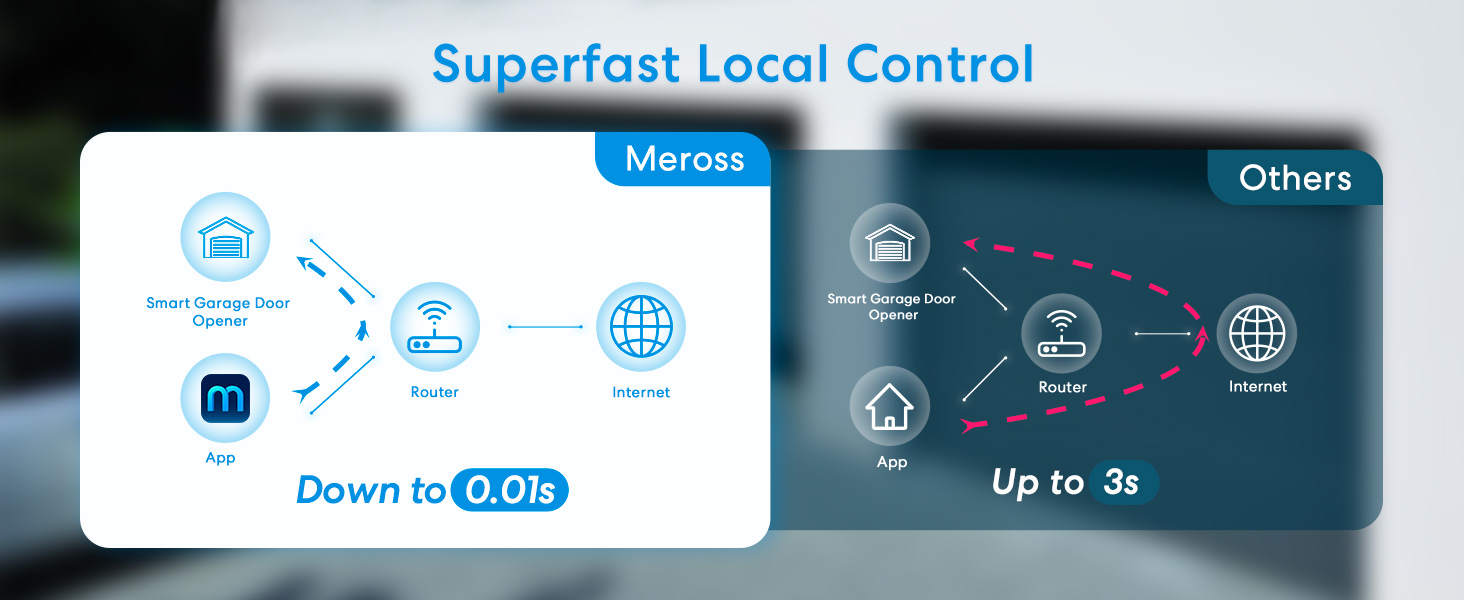
When the internet is down, you can still control your devices in home network via Meross app.
The Existing Wall Button and Existing Remote Control can still work, after you installed the meross garage door opener.

Enjoy hub-free remote access via meross app. For Home app: the same Wi-Fi control does not require a hub; Remote access uses your existing Apple device as a hub.
In areas with poor data signal, you can also choose to receive alert notifications via SMS in the app settings (SMS will incur charges).
How to solve the error of "obstructed" in the Home app?
1.Check the sensor – They must be less than 1 inch apart when the door is fully closed.
2.Adjust opening time – In the meross app device settings, increase the opening time slightly if the Home app shows an obstruction error.
Which brands is the MSG150HK compatible with?
It is compatible with most models of the Chamberlain, Lift-Master, and Craftsman brands under Security+ 1.0 and 2.0. It is NOT compatible with the Security+ 3.0 (white learn button) or models that support dry contacts only (three screws).
Is it easy to install?
It is easy to install and does not require additional wired sensors or compatible accessories.
Does it only support 2.4GHz WiFi network?
Yes, if you are having a mesh WiFi name for both your 2.4GHz and 5GHz WiFi and it keeps failing during setup. You may need to turn off the 5GHz on your WiFi router temporarily and make sure that your device is covered by a strong WiFi signal.
I got an error about "Close Action Is Failed", but the door was closed.
The most likely reason is that your door opening or closing time is longer than the default setting (15 seconds)). You can set a custom door opening time in the Meross app (Device settings-> Advanced settings -> Opening time, choose a suitable time).
Smart Garage Door Opener
Newly Released
Smart LED Lights
Smart Switches
Smart Plug
Smart Bulbs