Garage Door Opener Wall Mount Compatible with Liftmaster 41A5273-1 78LM, Multifunction Keypad Control Panel with Lighting Control, Wired Replacement Panel Wall Keypad Button
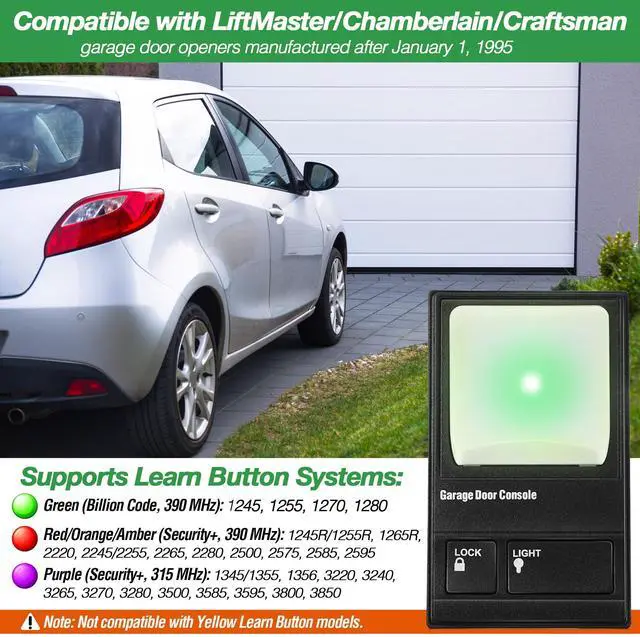
Compatibility: The wall mount garage door opener is compatible with LiftMaster,Chamberlain and Craftsman garage door openers manufactured after January 1, 1995; supports Green, Red, and Purple Learn Button systems (not compatible with Yellow Learn Button); works with AC screw, AC belt, and AC chain drive openers
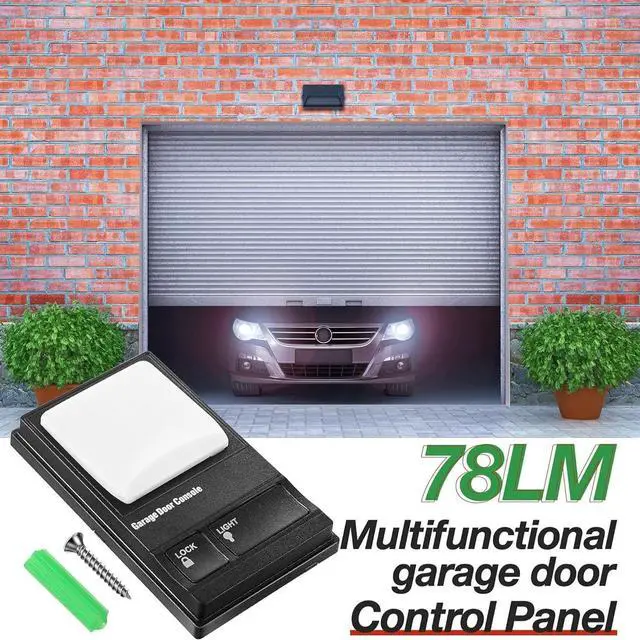
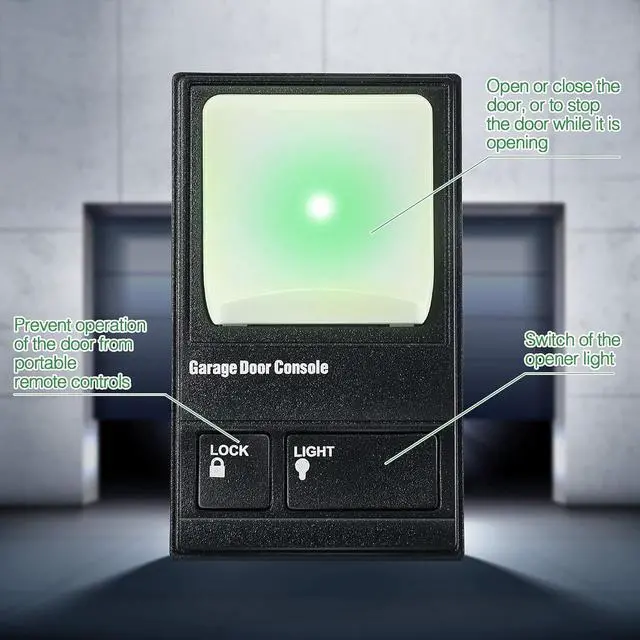
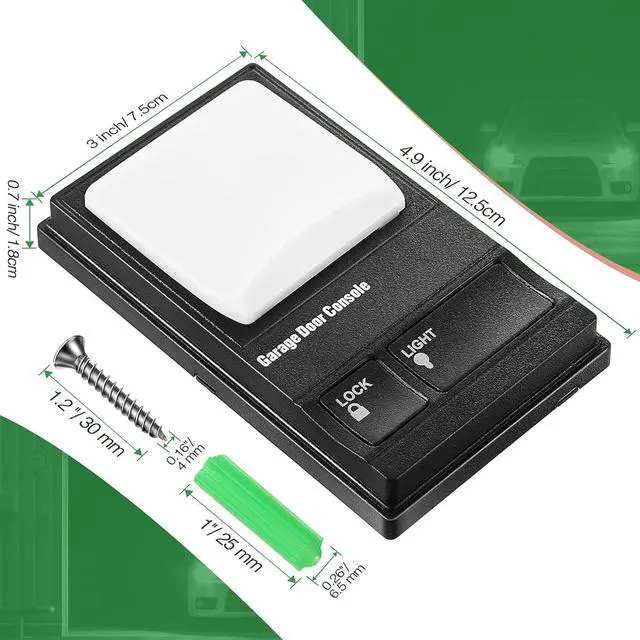
Multi-Function Garage Door Button: Press the Light button to turn the opener light on or off. Use the Lock button to prevent operation of the door from portable remote controls, enhancing security. The large top square button opens or closes the door, or stops it while it is opening
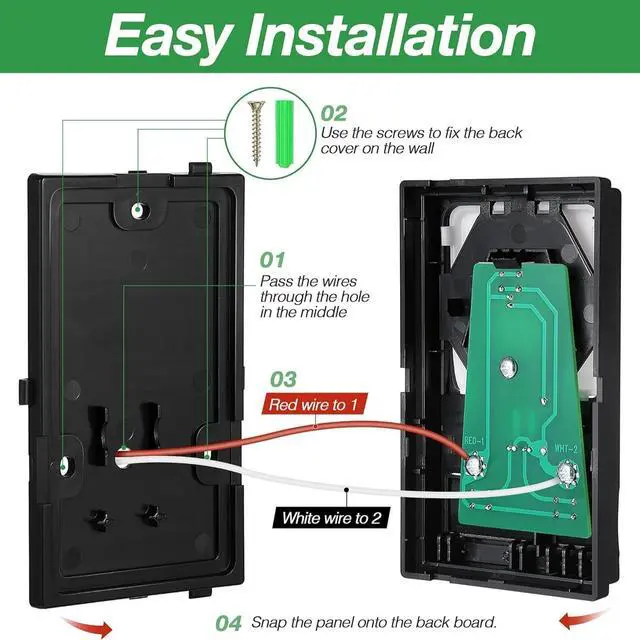
Easy to Install: Disconnect power before installation. First, remove any old or previous push buttons or control panels. Pass the wires through the hole in the back cover and mount the back cover on the wall. Connect the terminals and secure the circuit board to the back cover
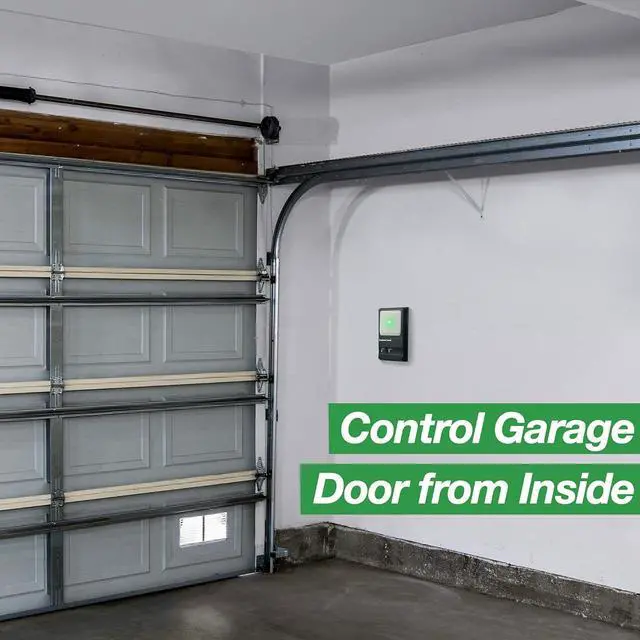
Illuminated Push Button: The large top square button on the garage door control panel is brightly illuminated, making it easy to locate in the dark. Press the button to effortlessly open or close your garage door, providing safe and precise control at all times
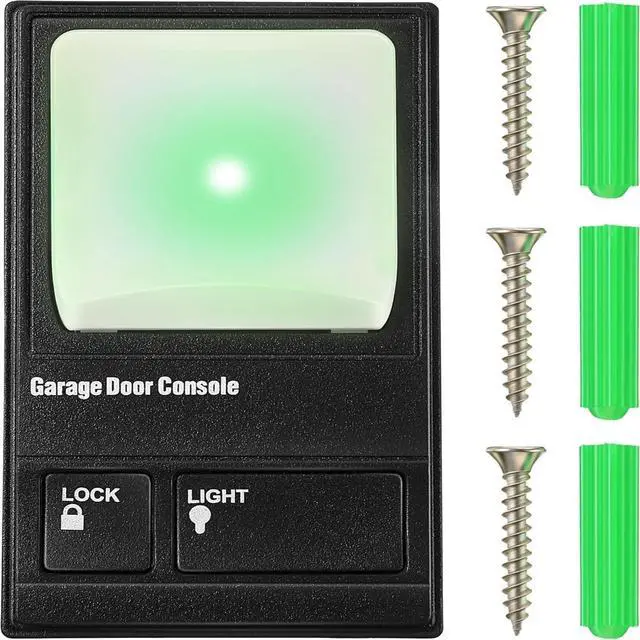
Complete Garage Door Wall Button Kit: The wall keypad control panel package includes 1 wall backboard, 1 control button panel, 1 instruction sheet, and 3 expansion screws. Red and white cords are not included. Please ensure compatibility before purchase
+
+
Overview
Specs
Reviews
Any questions? Our AI mode will help you find out quickly.
Try me now
Garage Door Opener Wall Mount Compatible with Liftmaster 41A5273-1 78LM, Multifunction Keypad Control Panel with Lighting Control, Wired Replacement Panel Wall Keypad Button
Learn more about the Detailed Specifications
Weight
Weight
0.20062065842 pounds
Dimensions
Power
false
Additional Information
First Listed on Newegg
June 13, 2026
There are no reviews yet.
Do you own this product?
Warranty & Returns
Warranty, Returns, And Additional Information
Warranty
Please contact the Seller directly for warranty information. Warranty information may also be found on the Manufacturer's website.