• $49.99
  • Free 30-day Returns
  • Ships from China.
    Sold by Nexlly

    Shipped by Nexlly

    Price alert
    Shop it at NeweggBusiness.

    Meet Your Seller

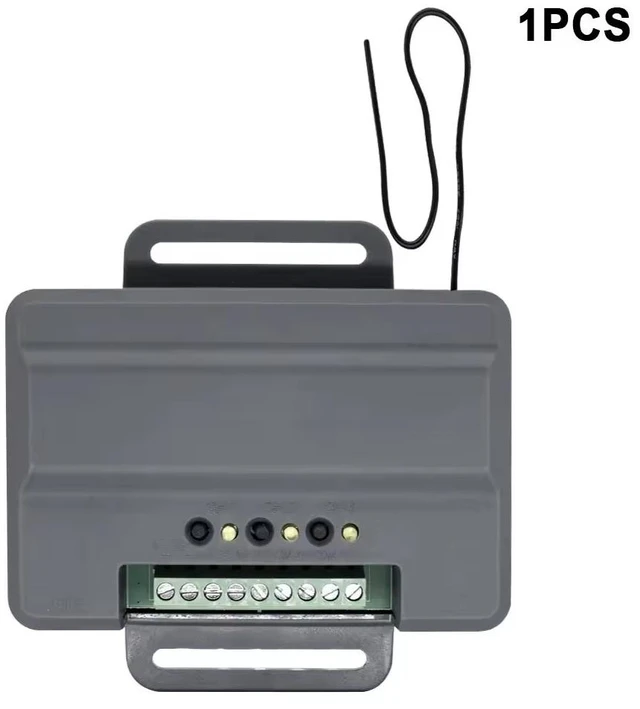
    Universal Smart Garage Door Receiver Board, 315-390MHz RF Rolling Code Replacement Module Compatible with LiftMaster 850LM, Works with 893MAX Remote & 877MAX Keypad - DIY Smart Home Controller

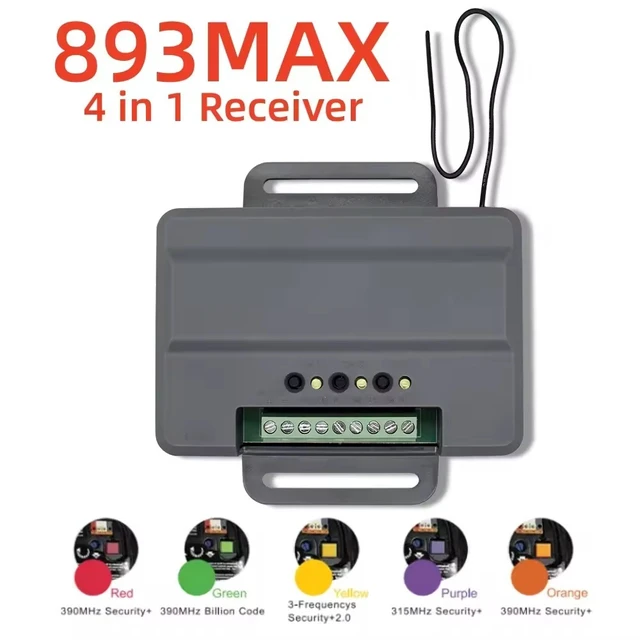
    • Wide-Range Rolling Code Frequency (315-390MHz): Engineered to operate across 315-390MHz, perfectly matching the dual-frequency hopping of Security+ 2.0 rolling code systems. Ensures maximum anti-interference performance and secure communication.
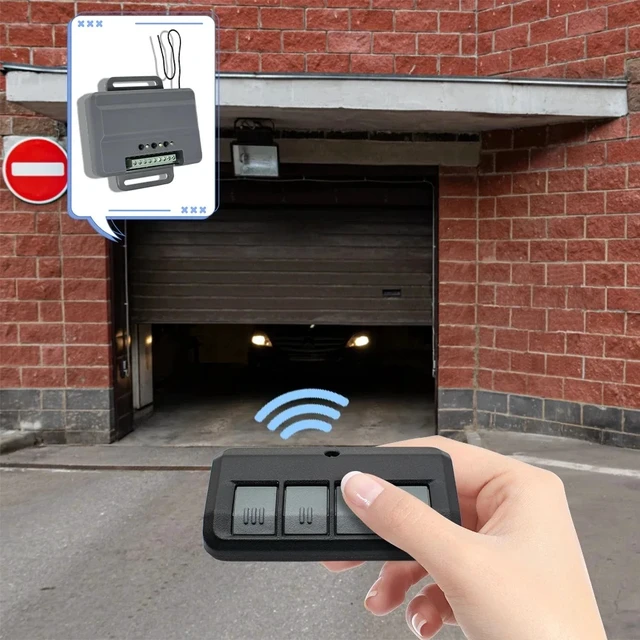
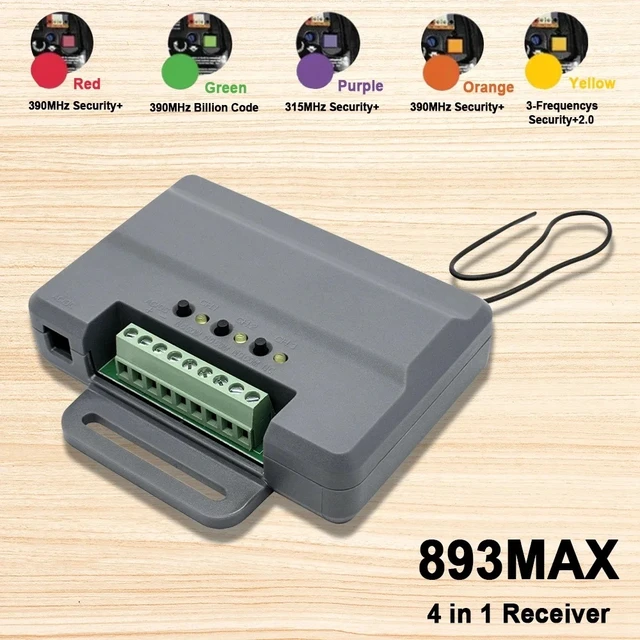
    • Compatible with 893MAX & 877MAX Accessories: Functions as a universal replacement receiver. Seamlessly pairs with standard 3-button 893MAX remote controls and 877MAX wireless keypads, letting you utilize your existing accessories without buying a whole new motor.
    • Perfect Replacement for LiftMaster 850LM: Specifically designed to replicate the core logic of the 850LM receiver board. Ideal for DIY smart home enthusiasts upgrading legacy garage doors or integrating them into smart home platforms (e.g., via ESPHome or custom relays).
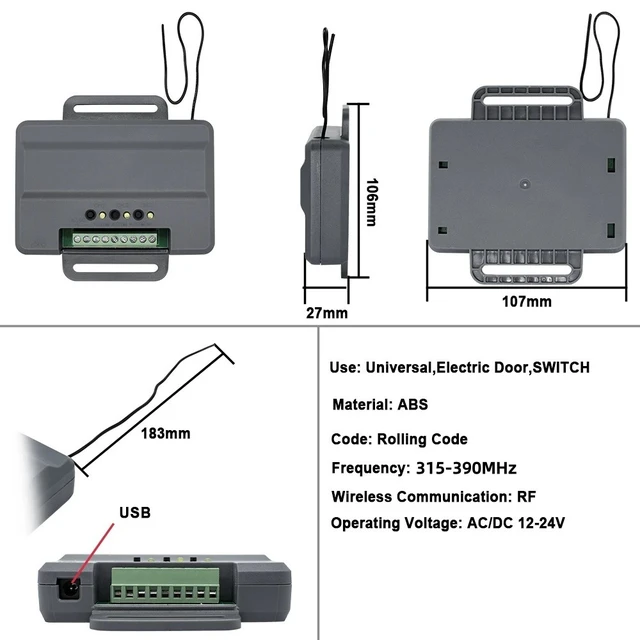
    • Convenient USB Power Supply & 6-Terminal Wiring: Features a micro USB port for flexible 5V power input (compatible with standard power adapters). The robust 6-pin green terminal block allows easy low-voltage wiring to your garage door motor.
    • Compact & Durable ABS Casing: Housed in a durable 107mm27mm106mm ABS enclosure. Its slim profile (only 27mm thick) and integrated mounting bracket make it extremely easy to install inside tight door motor housings or DIY control boxes.
    +
    +
    Overview
    Specs
    Reviews

    Any questions? Ask CelesteSM will help you find out quickly.

    PROGRAMMING

    PROGRAM A SINGLE BUTTON REMOTE CONTROL

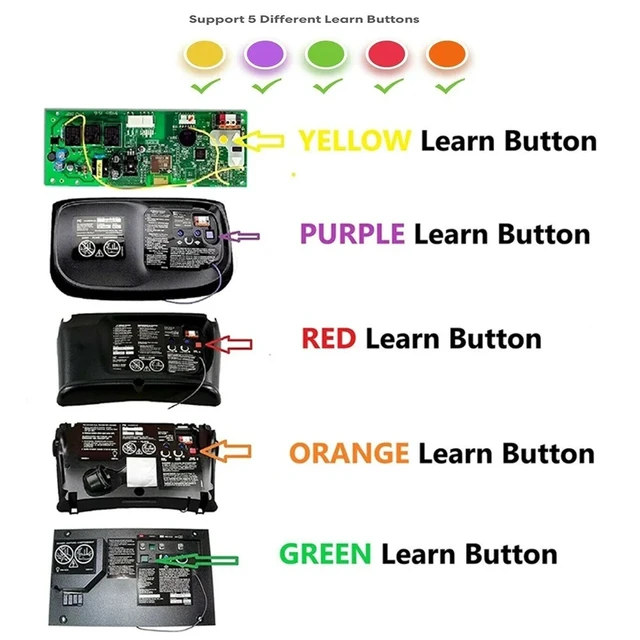
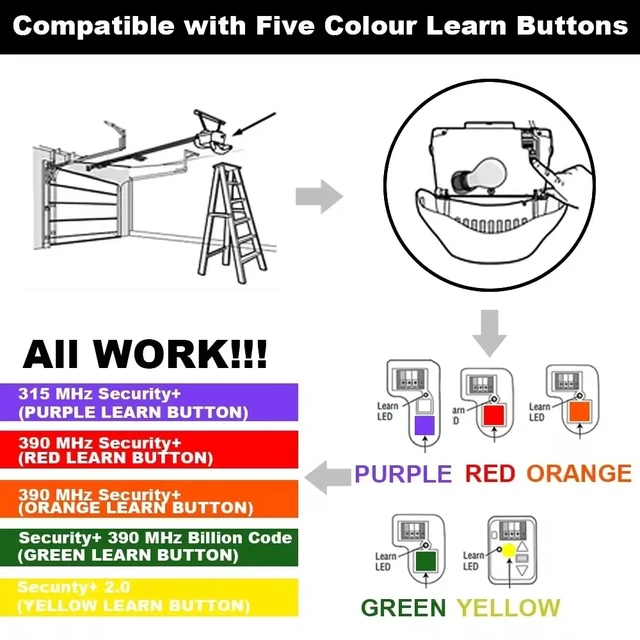
    1 Press and release the Learn button for the selected channel on the

    receiver.The corresponding LED will glow steadily for 30 seconds

    2 Within 30 seconds press and hold the button on the remote control

    that you wish to program to the receiver.

    3 Release the remote control button when theL ED on the receiver

    blinks, then turns off.Programming is complete.

    Repeat the steps above for each remote control you would like to

    program.


    PROGRAM A 3-BUTTON REMOTE CONTROL AS OPEN, CLOSE,

    AND STOP

    1 Press and release the CH1 Learn button on the receiver.

    2 Within 30 seconds press the desired OPEN button on the remote

    control.

    3 Press and release the CH2 L earn button on the receiver.

    4 Within 30 seconds press the desired CL OSE button on the remote

    control.

    5 Press and release the CH3 Learn button on the receiver.

    6 Within 30 seconds press the desired STOP button on the remote

    control.


    NOTE: lf a remote control button is not pressed within 30 seconds, the

    LED next to the selected Learn button will turn OFF.In that case, repeat

    the programming.


    TO ERASE THE MEMORY

    1 Press and hold the Learn button for the channel you want to erase.

    Release the button when the corresponding LED turns off; the memory

    has been erased.

    Wiring method


    Warranty & Returns

    Warranty, Returns, And Additional Information

    Warranty

    • Please contact the Seller directly for warranty information. Warranty information may also be found on the Manufacturer's website.
    • CONTACT

    Return Policies

    • Return for refund within: 30 days
    • Return for replacement within: 30 days
    • This item is covered by Nexlly Return Policy

    Manufacturer Contact Info

    LOADING...