Meet Your Seller
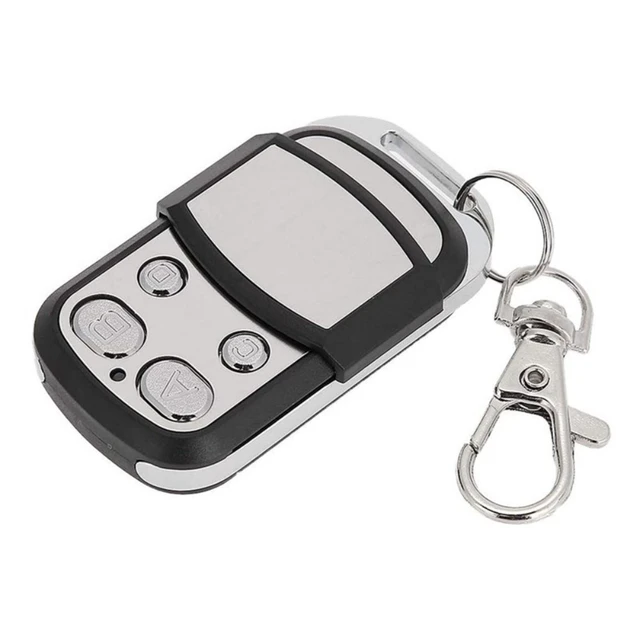
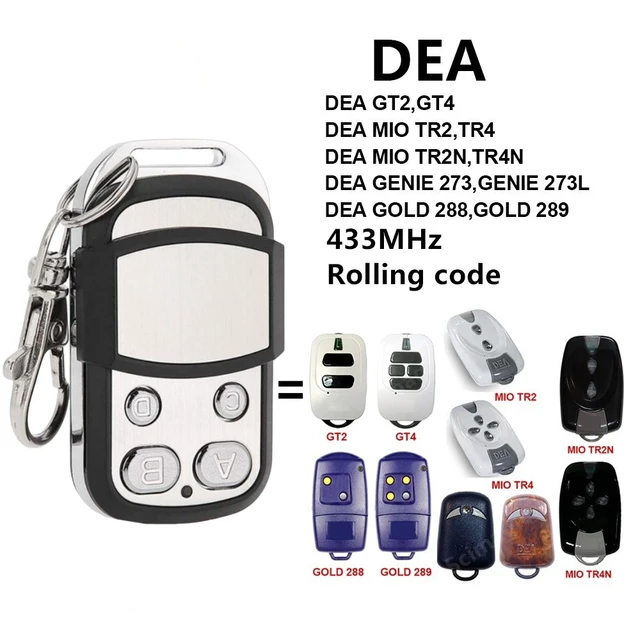
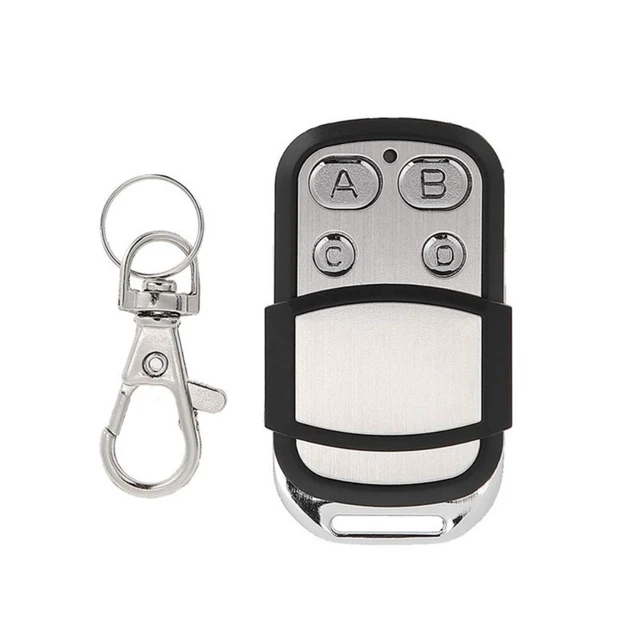
433MHz Rolling Code Garage Door Remote Control, 4-Button Replacement Transmitter Compatible with DEA GT2 GT4, MIO TR2 TR4, MIO TR2N TR4N, GENIE 273 273L, GOLD 288 289
Limited time offer, ends 11/29 By Nexlly
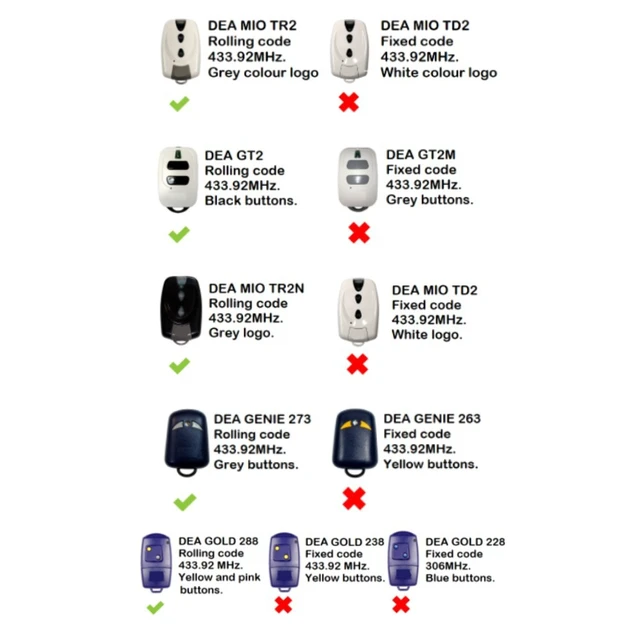
- Wide DEA Compatibility: Directly replaces and functions as a substitute for DEA series remotes including GT2, GT4, MIO TR2, MIO TR4, MIO TR2N, MIO TR4N, GENIE 273, GENIE 273L, GOLD 288, and GOLD 289. Please verify your original remote model before ordering.
- 433MHz Rolling Code Technology: Operates at 433MHz using secure rolling code encryption, generating a new code with every press to prevent code grabbing and unauthorized copying providing reliable, tamper-resistant access to your garage or gate.
- 4 Independent Buttons: Features 4 clearly marked buttons (Lock / Unlock / Open / Close) to control up to four separate garage doors, gates, or barriers from a single compact transmitter ideal for homes with multiple access points.
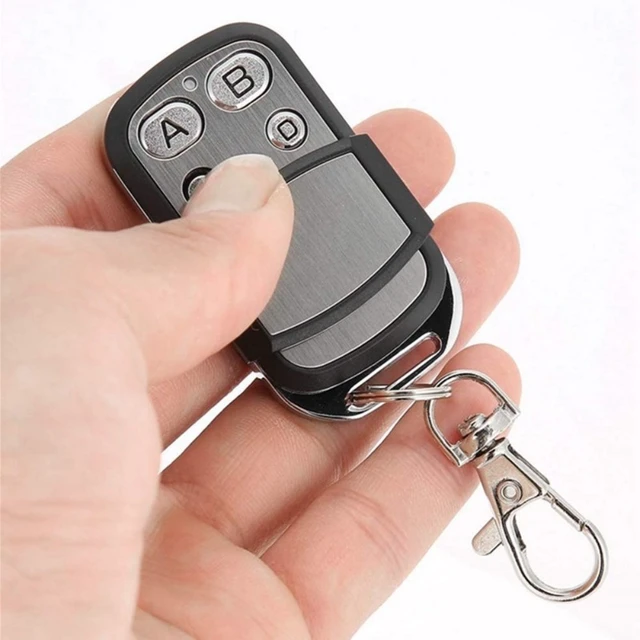
- Durable Metal-Finish Housing: Built with a robust silver metal-effect casing and a sturdy stainless steel keyring clip. The tactile buttons deliver a satisfying press response, and the compact pocket-sized body resists daily wear, drops, and keychain scratches.
- Easy Setup: Simple to program to your existing DEA receiver no special tools required. The integrated keyring loop lets you carry it on your keys, keep it in your car, or hand it to family members for convenient access.
Any questions? Ask CelesteSM will help you find out quickly.
Specifications:
1.Type of programming: Program on receiver
2.Number of channels: 4
3. Code:rolling code
4. Frequency: 433.92MHz
5.Woring Range: 10-50 m (open space)
6.Power supply: CR2032-3V
7.Remote come with Battery !!!
Compatible with:
DEA GT2, GT4
DEA MIO TR2, TR4
DEA MIO TR2N, TR4N
DEA GOLD 288, DEA GOLD 289
Not compatible with GTI2 GTI4
Before purchase. Make sure you get access to receiver. If you live on flat community and haven't got access to receiver please don't buy it.
Programming:
1. Locate the programming button inside your DEA gate control enclosure and press it briefly, an LED will light up on the receiver P.C.B., you now have 10 seconds to perform the next step.
2. Take the new transmitter and press the button that you wish to use to operate your receiver for one second. Now wait 30 seconds for the receiver to exit programming mode.
3. Programming is now complete and your new handset should now operate your receiver.
Warranty & Returns
Warranty, Returns, And Additional Information
Warranty
- Please contact the Seller directly for warranty information. Warranty information may also be found on the Manufacturer's website.
- CONTACT
Return Policies
- Return for refund within: 30 days
- Return for replacement within: 30 days
- This item is covered by Nexlly Return Policy
Manufacturer Contact Info
- For a directory of all our manufacturers, please click below.
- Manufacturers Directory