


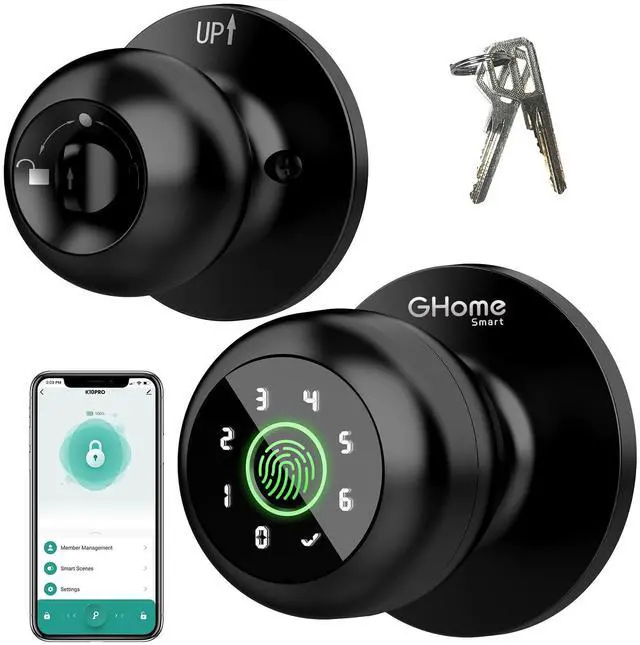
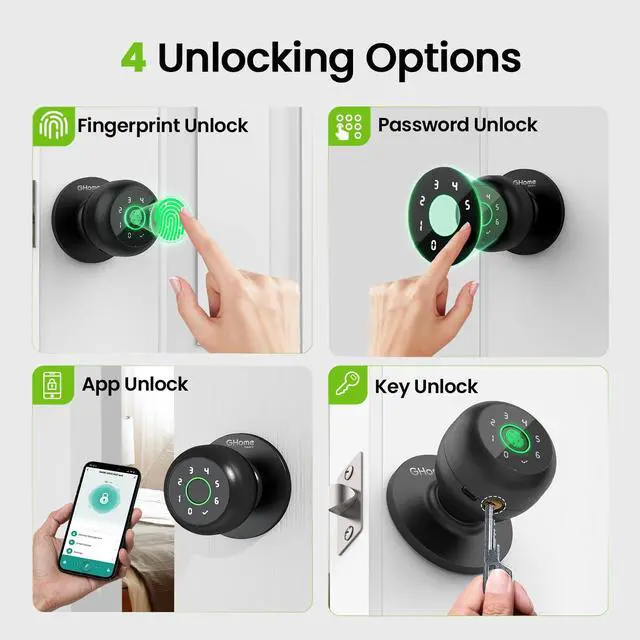


Armed with advanced biometric sensors and smart home systems, GHome Smart set out to redefine home security and convenience.
From the moment you install a GHome Smart lock, you join a community that values innovation, reliability, and peace of mind.
GHome Smart aims to help customers to enjoy a more relaxed, convenient and fashionable future life.
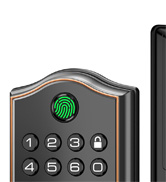
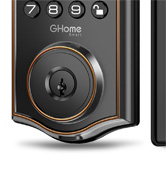
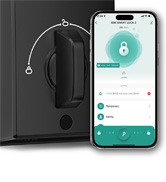
Smart Deadbolt Lock
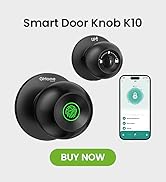
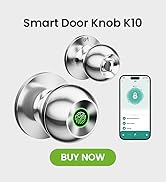
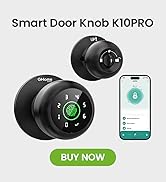
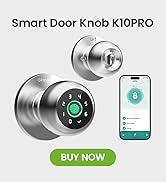
Smart Door Knobs


Why can any fingerprint unlock the lock at first?
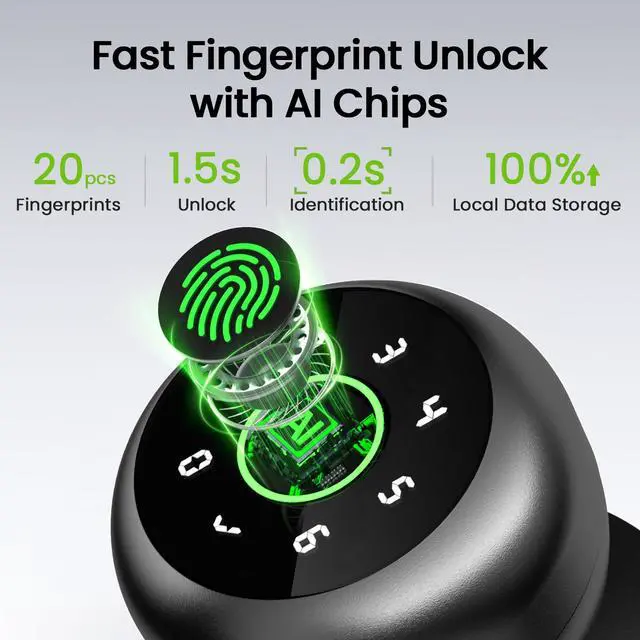
Out of the box, the lock hasn’t stored any fingerprints yet, so it temporarily lets any fingerprint in. Pair the App, add your fingerprints, and set a passcode—then only your authorized fingerprints or passcodes can unlock it.
Why are my fingerprints not being recognized by the biometric door knob?
If fingerprint data is incomplete or the entry failed. Please re-enroll from multiple angles, add large area fingerprints. The fingerprint is too dry wet, or not clean, and also will hard to be recognized.
How can I fix the issue if the smart door knob battery is dead and won't charge?
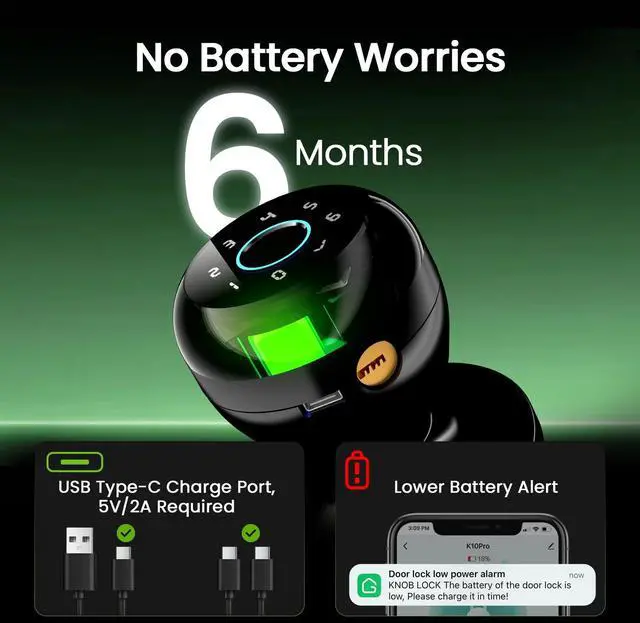
If your smart door knob battery is dead, it may not charge properly due to using the wrong type of charging cable. Please use a USB-A to Type-C cable for charging or an emergency power supply. Avoid using a Type-C to Type-C cable.
How is privacy and data security protected?
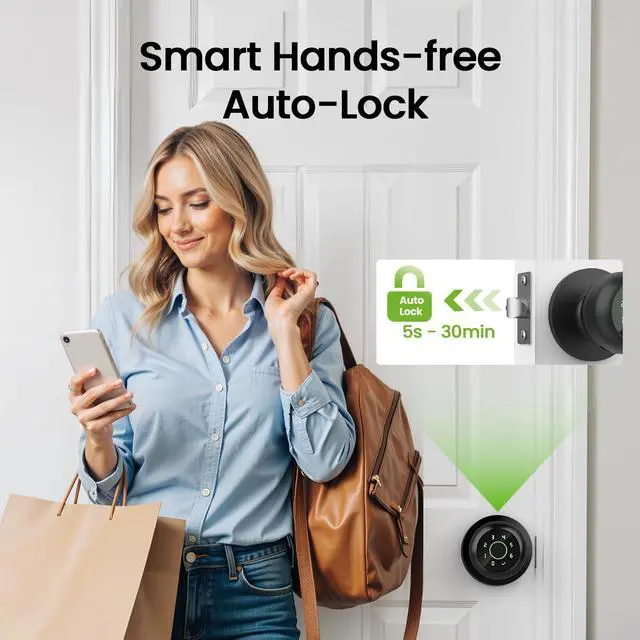
Fingerprints and app data are stored locally, not uploaded to the cloud, ensuring user privacy. Besides, the auto-lock function can automatically lock the door upon closure, enhancing security even in a rush.
Is remote unlocking inconvenient due to Bluetooth range limitations?
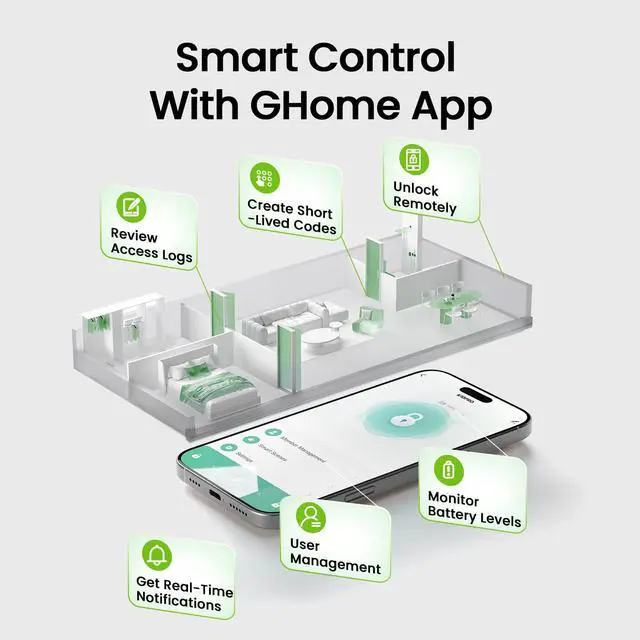
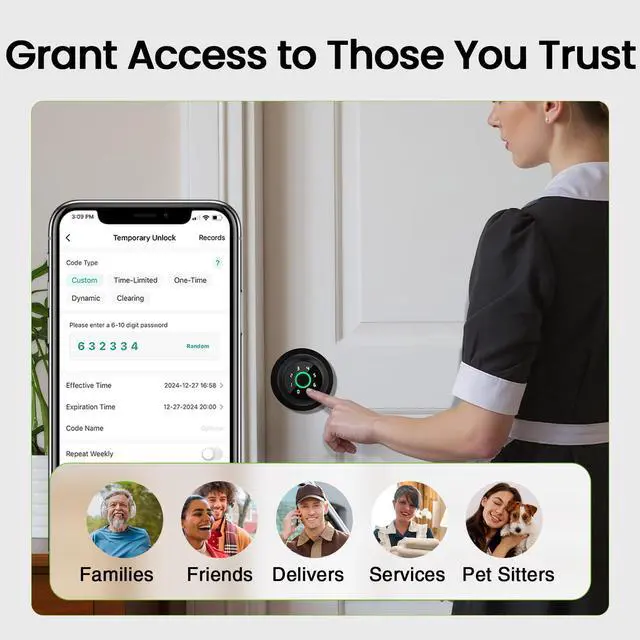
In daily use, you are usually within the Bluetooth coverage when you are near home, making it convenient to unlock. If remote unlocking is needed, you can combine it with the password function to provide a one-time password for others to unlock.
Armed with advanced biometric sensors and smart home systems, GHome Smart set out to redefine home security and convenience.
From the moment you install a GHome Smart lock, you join a community that values innovation, reliability, and peace of mind.
GHome Smart aims to help customers to enjoy a more relaxed, convenient and fashionable future life.
Smart Deadbolt Lock
Smart Door Knobs


Why can any fingerprint unlock the lock at first?
Out of the box, the lock hasnâ??t stored any fingerprints yet, so it temporarily lets any fingerprint in. Pair the App, add your fingerprints, and set a passcodeâ??then only your authorized fingerprints or passcodes can unlock it.
Why are my fingerprints not being recognized by the biometric door knob?
If fingerprint data is incomplete or the entry failed. Please re-enroll from multiple angles, add large area fingerprints. The fingerprint is too dry wet, or not clean, and also will hard to be recognized.
How can I fix the issue if the smart door knob battery is dead and won't charge?
If your smart door knob battery is dead, it may not charge properly due to using the wrong type of charging cable. Please use a USB-A to Type-C cable for charging or an emergency power supply. Avoid using a Type-C to Type-C cable.
How is privacy and data security protected?
Fingerprints and app data are stored locally, not uploaded to the cloud, ensuring user privacy. Besides, the auto-lock function can automatically lock the door upon closure, enhancing security even in a rush.
Is remote unlocking inconvenient due to Bluetooth range limitations?
In daily use, you are usually within the Bluetooth coverage when you are near home, making it convenient to unlock. If remote unlocking is needed, you can combine it with the password function to provide a one-time password for others to unlock.