




BIWIBON Smart Door Knob
Smarter and Safer Life at Your Finger Tips

Founded in 2017, BIWIBON is dedicated to innovative smart home solutions that are both affordable and user-friendly. Our dynamic R&D team and stringent quality management ensure top-notch reliability. We strive to safeguard what matters most, delivering peace of mind with cutting-edge technology. Choose BIWIBON for a trusted partner in home security and experience superior protection and convenience.
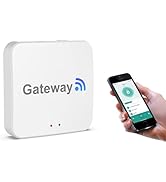
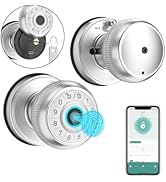
BIWIBON Smart Door Knob
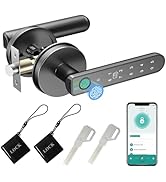
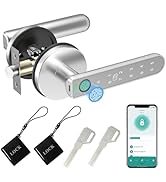
BIWIBON Fingerprint Door Knob

Select the Fingerprint Door Lock for Your Needs
 Fingerprint Door Lock BLK |  BEC06 Smart Door Knob BLK |  BEC06 Smart Door Knob SIL |  Fingerprint Door Lock SIL |  BIWIBON Gateway | |
|---|---|---|---|---|---|
Customer Reviews | — | — | — | — | — |
Price | — | — | — | — | — |
100 Fingerprints | ? | ? | ? | ? | ? |
100 Passcodes | ? | ? | ? | ? | ? |
Backup Keys | ? | ? | ? | ? | ? |
Time-Limited Code | ? | ? | ? | ? | ? |
Dynamic Code | ? | ? | ? | ? | ? |
Auto-Lock | ? | ? | ? | ? | ? |
Remote Control | BIWIBON Gateway Required | BIWIBON Gateway Required | BIWIBON Gateway Required | BIWIBON Gateway Required | Yes |
Work with Alexa/Google | BIWIBON Gateway Required | BIWIBON Gateway Required | BIWIBON Gateway Required | BIWIBON Gateway Required | Yes |
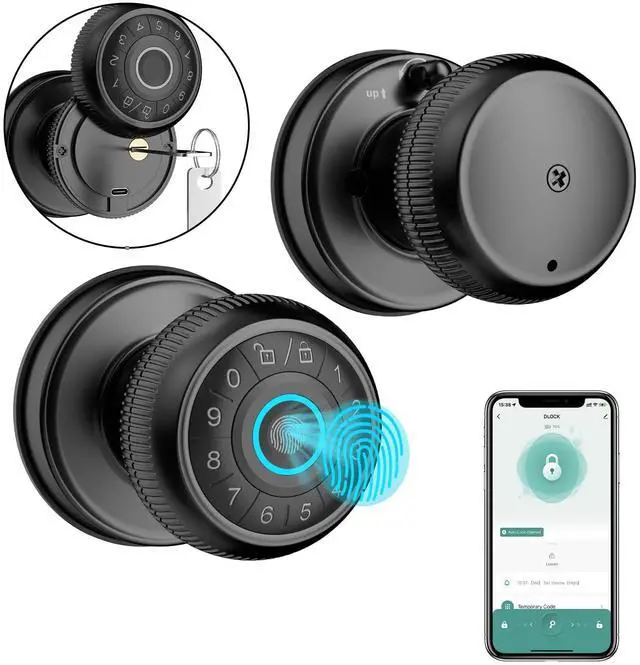
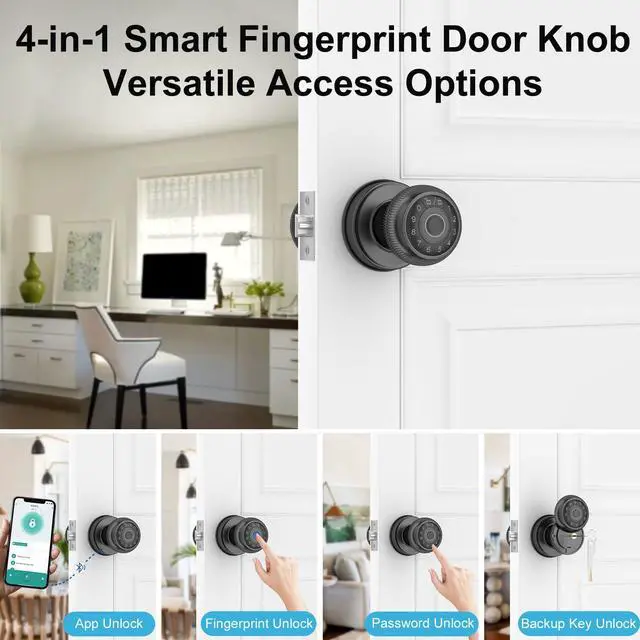
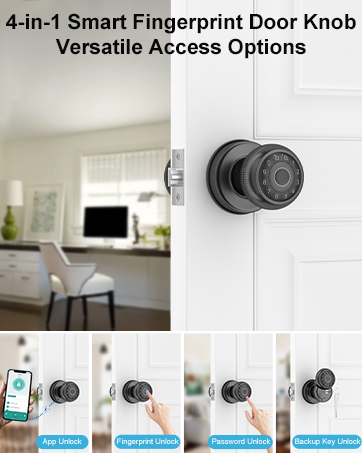
4-in-1 Smart Door Knob Ideal for Bedrooms, Offices, Garages,Pantries, and More
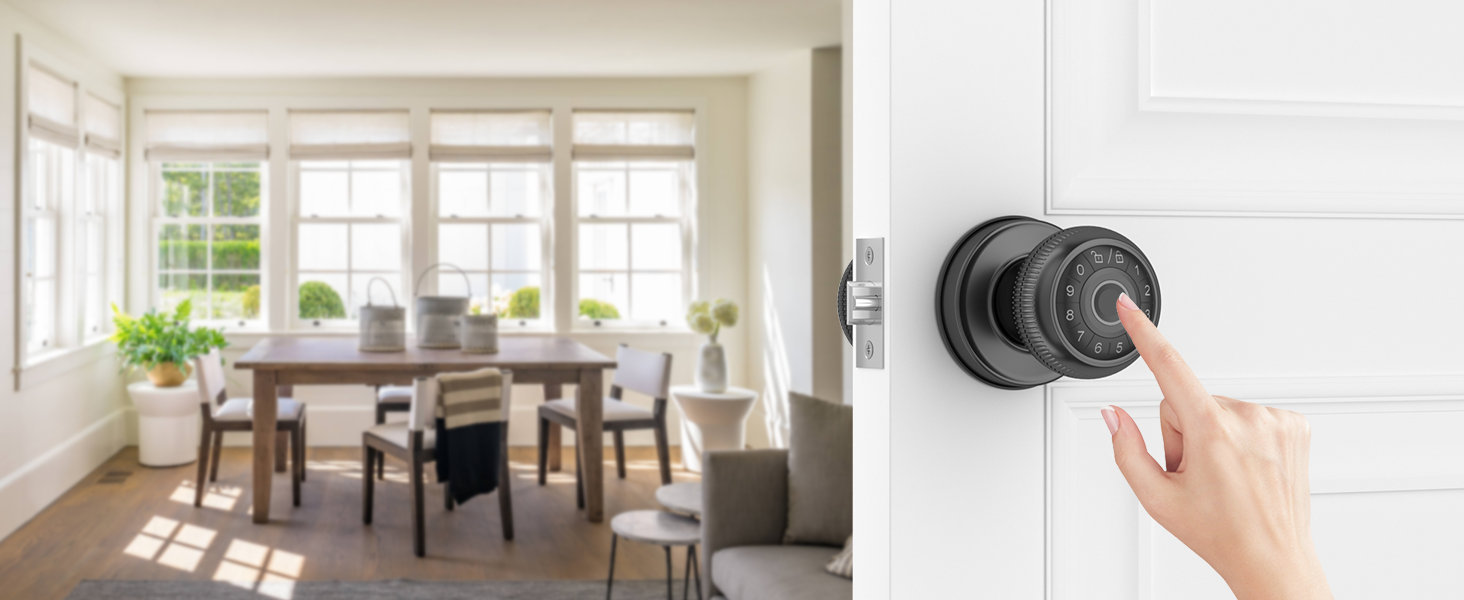
Fingerprint Unlock
- Store up to 100 fingerprints
- 0.3-second identification speed
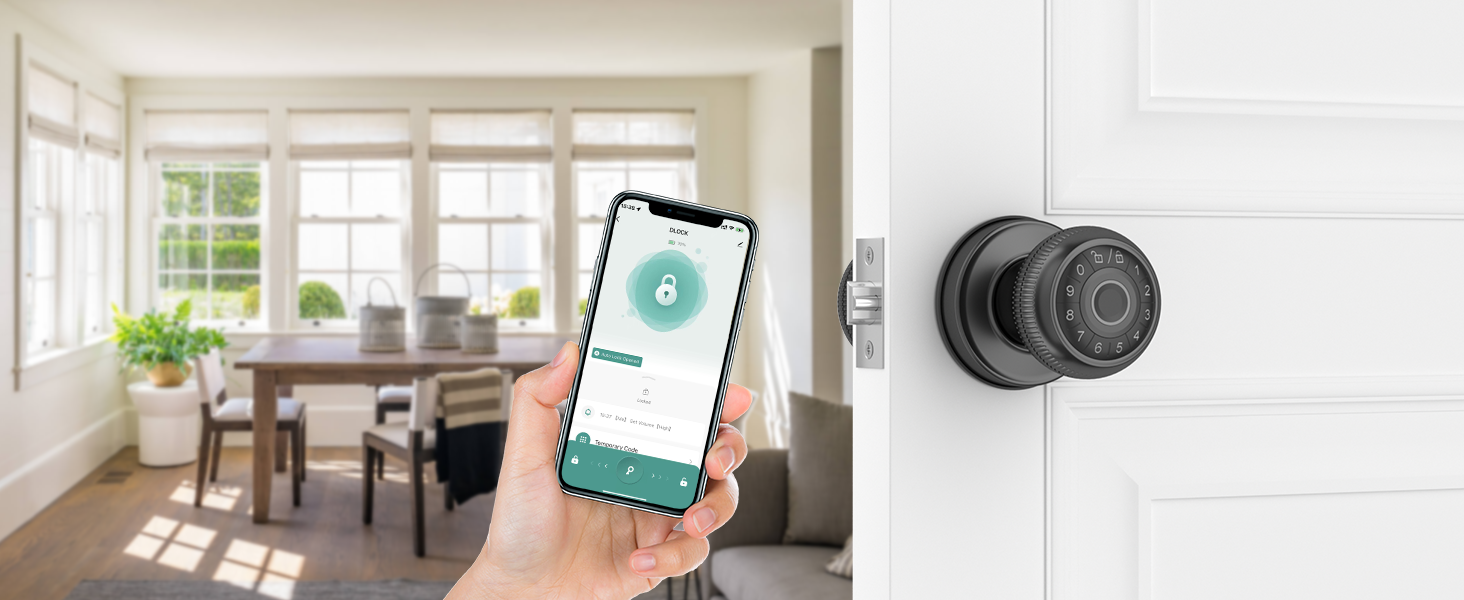
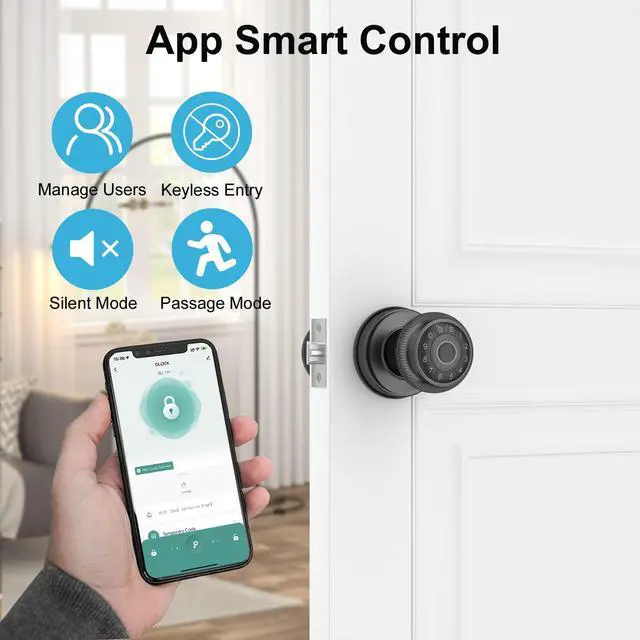
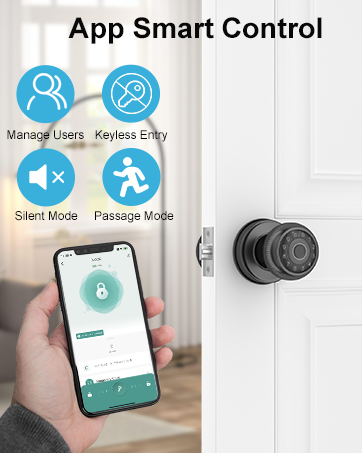
App Control
- Lock or unlock apps
- User management
- Access log monitoring
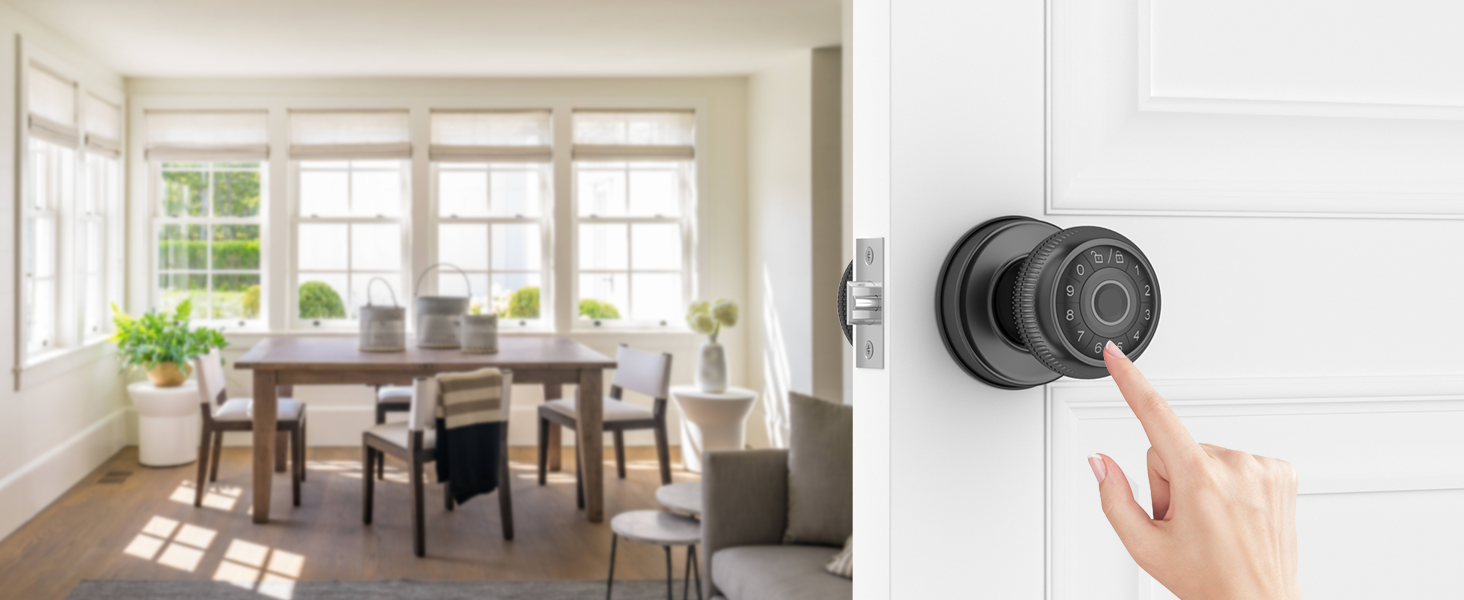
Password Unlock
- Secure access with customizable passwords
- Store up to 100 passwords
- Anti-peeping feature for added security
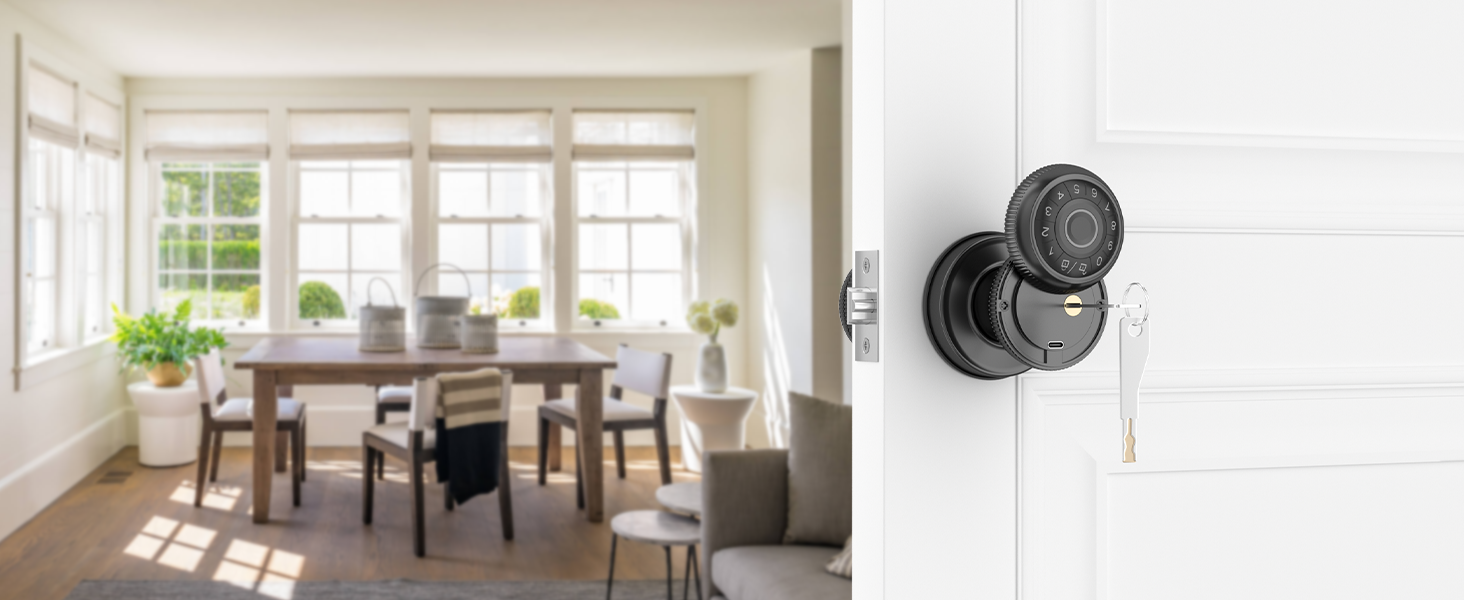
Mechanical Key Unlock
- Ensures you have a reliable alternative access method
- Always keep a backup key in accessible places
Comprehensive Security Suite and Elevate Your Remote Experience
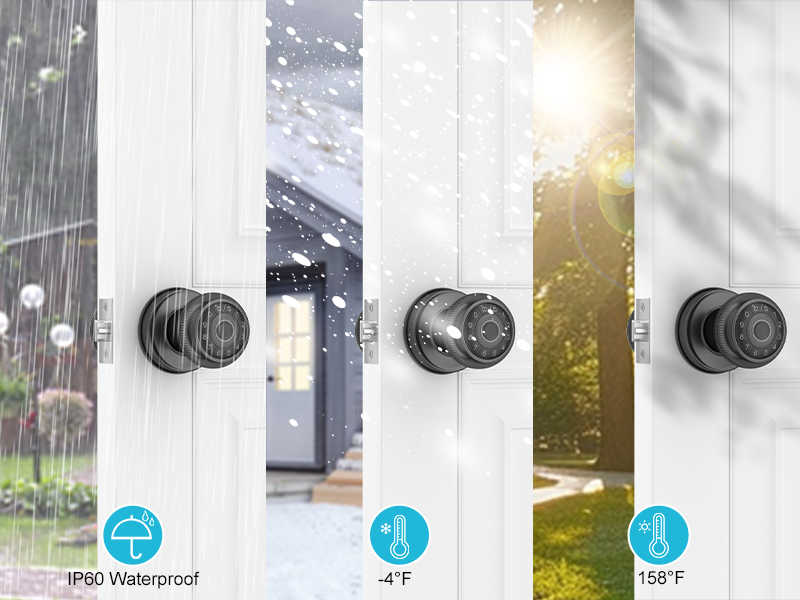
Built to Withstand Any Weather
Durable and Reliable Performance in All Conditions
• Ensures Durability: Protects the device from damage caused by rain, dust, or extreme weather conditions.
• Enhances Reliability: Maintains device functionality in harsh weather environments.
• Increases Longevity: Extends the lifespan of the device by preventing weather-related wear and tear.
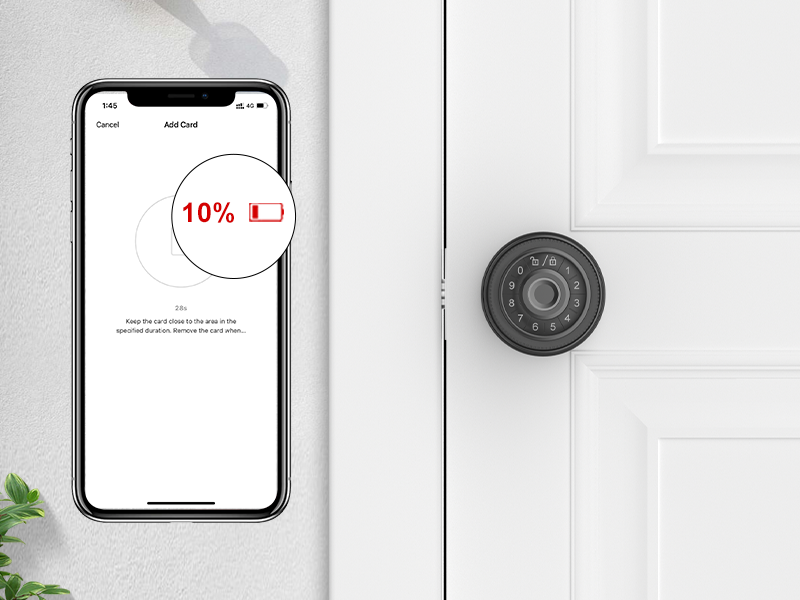
Showing Power Level In-App
Monitor and Manage Battery Status Directly from Your Device
• Prevent Sudden Shutdowns: Stay informed about battery levels to avoid unexpected power loss.
• Convenient Monitoring: Easily keep track of battery status while using other app features.
• Timely Battery Alerts: Notifies you when it’s time to replace the battery before it runs too low.
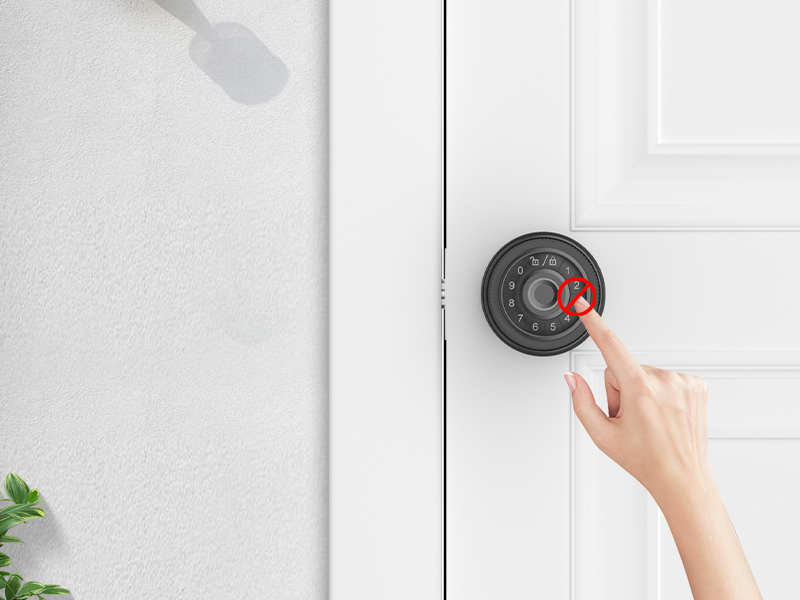
Incorrect Password Lockout
Automatic Keypad Lockout After Multiple Incorrect Password Entries
• Prevents Unauthorized Access: Locks the device after a number of incorrect passwords attempts to enhance security.
• Reduces Risk of Hacking: Helps deter unauthorized users from guessing passwords.
• Provides Controlled Access: Ensures that only legitimate users can gain entry after multiple failed attempts.
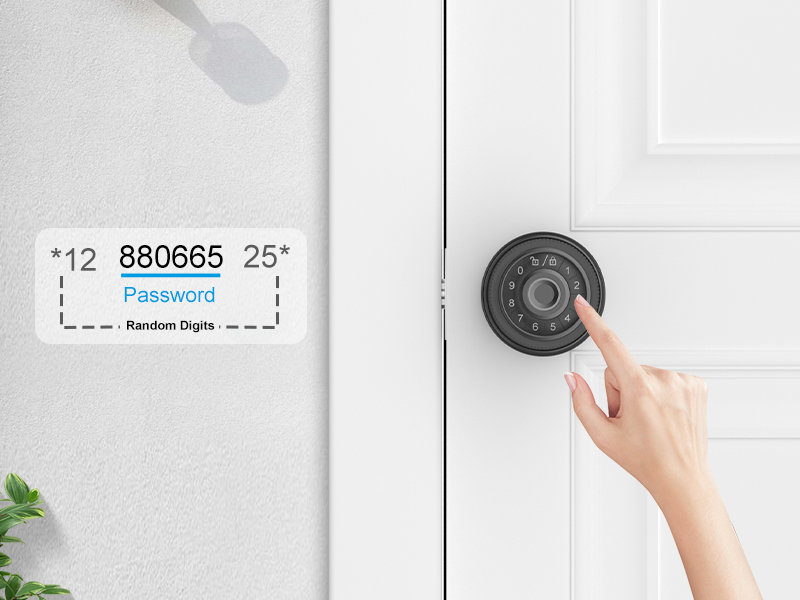
Anti-Peeping Password
Enhanced Privacy with Secure Password Entry
• Protects Privacy: Prevents others from viewing your password when you enter it.
• Enhances Security: Reduces the risk of unauthorized access by hiding your password entry.
• Boosts User Confidence: Provides peace of mind knowing your passwords are shielded from prying eyes.
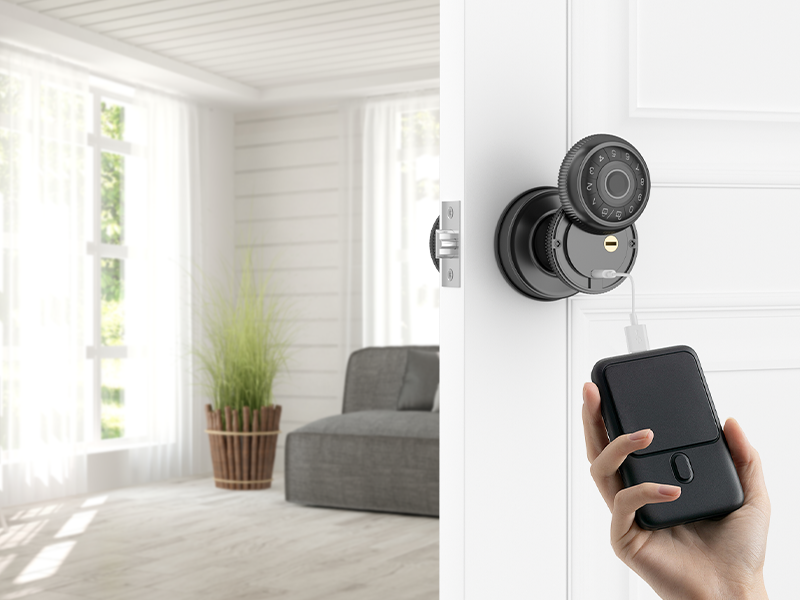
Quick Access During Power Outages with Type-C Port
Emergency Unlock with External Power Bank(Not Included)
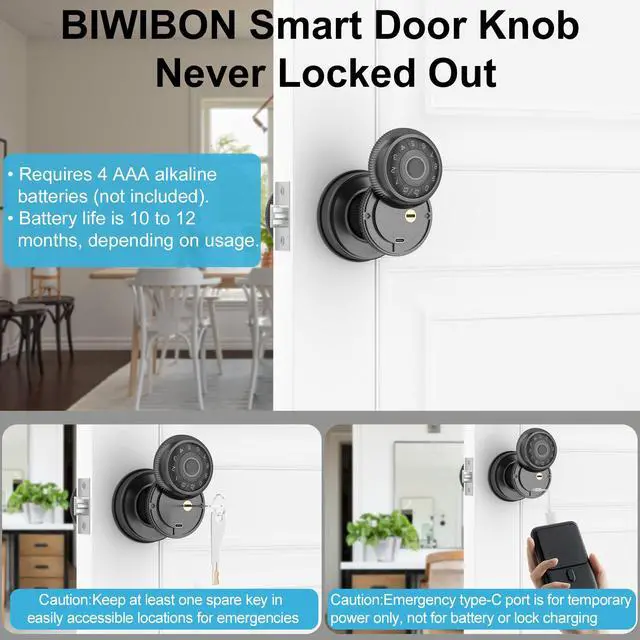
• Provides Immediate Access: Allows temporary unlocking by connecting an external power bank via the Type-C port when the battery is depleted.
• Enhances Convenience: Offers a quick and practical solution to gain entry without waiting for battery recharge.
• Ensures Security: Maintains access control even during unexpected power failures or battery issues.
Note: Type-C port is for unlock only; do not use for charging as it may damage the circuit board!
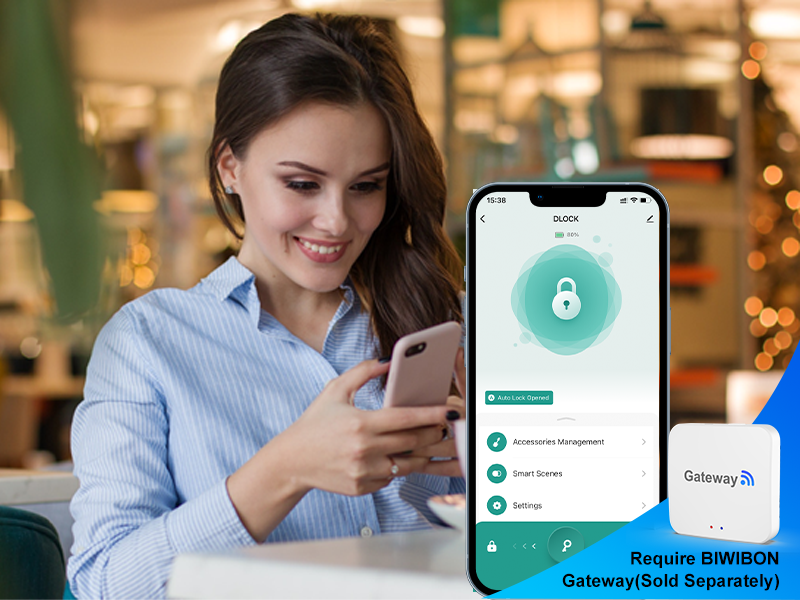
Paired with BIWIBON Gateway(Sold Separately)
Control Remotely from Anywhere
Unlock Complete Remote Access Anytime, Anywhere with the BIWIBON Gateway (Sold Separately)
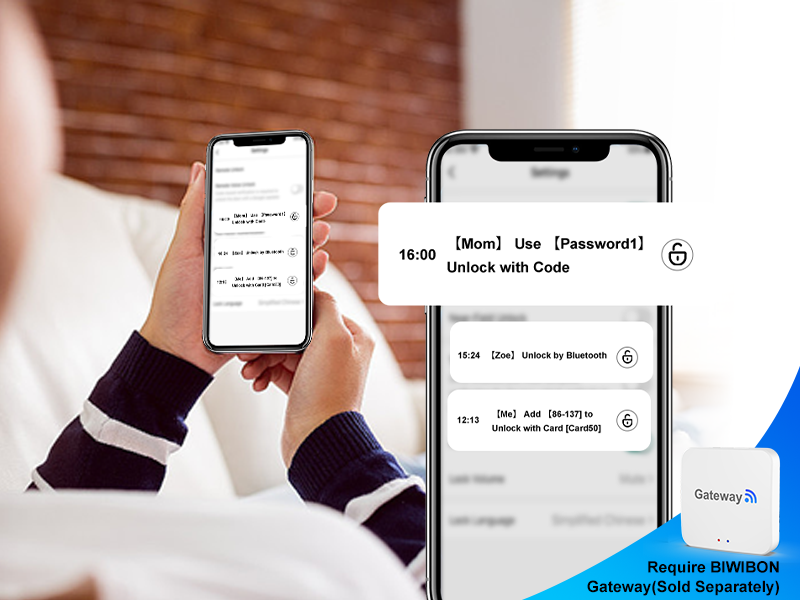
Paired with BIWIBON Gateway(Sold Separately)
Monitor Lock Status Remotely
Remotely Monitor Your Lock’s Status Anytime with the BIWIBON Gateway (Sold Separately)
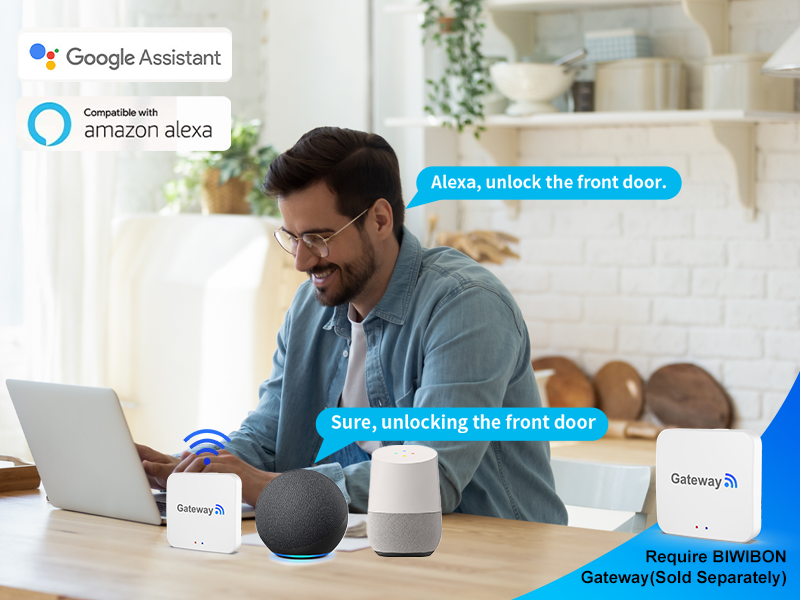
Paired with BIWIBON Gateway(Sold Separately)
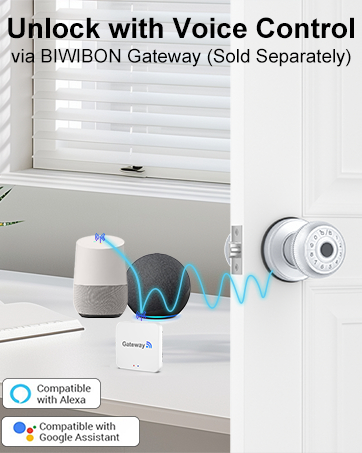
Voice-Controlled Smart Operation
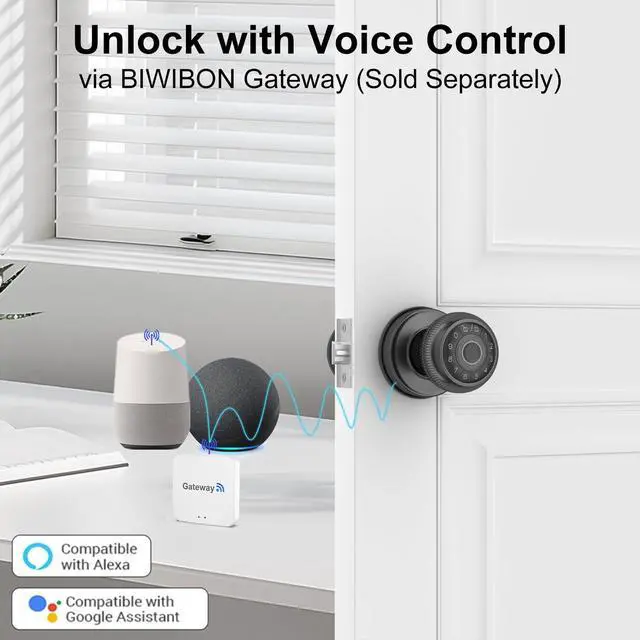
Enable Voice Control with Alexa or Google Assistant for Fingerprint Smart Door Knob Using the BIWIBON Gateway (Sold Separately)
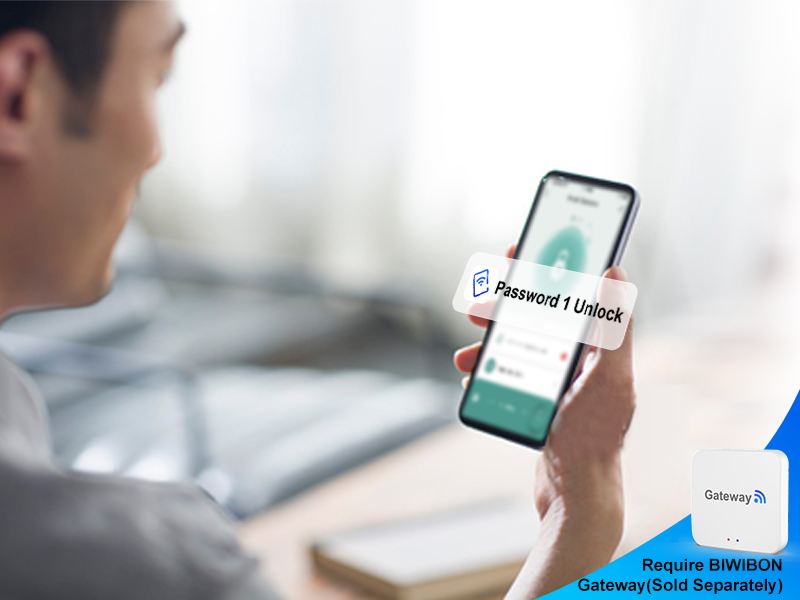
Paired with BIWIBON Gateway(Sold Separately)
Instant Remote Notifications
Receive Instant Alerts and Monitor Activity Remotely with the BIWIBON Gateway (Sold Separately)


What is the purpose of the type-c port?
The Type-C port is for emergency power only. Avoid using it for charging or direct electrical connections to prevent damage to internal components.
What type of battery should be used for this smart door knob?
Please use four AAA alkaline batteries (not included).Rechargeable batteries can be used, but avoid charging them through the Type-C port.
How to improve fingerprint recognition accuracy on your fingerprint door lock?
For optimal results, register the same fingerprint multiple times from various angles and repeat this process 2 or 3 times to ensure accurate recognition and smooth access.
Which app is compatible with this smart fingerprint door knob?
This fingerprint door knob uses the Tuya Smart or Smart Life app.
Why might the biometric door lock be accessible to anyone?
The security door knob is initially set to accept any fingerprint, making it accessible to everyone. To ensure safety, register your admin fingerprint after installation to prevent unauthorized access.
BIWIBON Smart Door Knob
Smarter and Safer Life at Your Finger Tips
Founded in 2017, BIWIBON is dedicated to innovative smart home solutions that are both affordable and user-friendly. Our dynamic R&D team and stringent quality management ensure top-notch reliability. We strive to safeguard what matters most, delivering peace of mind with cutting-edge technology. Choose BIWIBON for a trusted partner in home security and experience superior protection and convenience.
BIWIBON Smart Door Knob
BIWIBON Fingerprint Door Knob

Select the Fingerprint Door Lock for Your Needs
Fingerprint Door Lock BLK | BEC06 Smart Door Knob BLK | BEC06 Smart Door Knob SIL | Fingerprint Door Lock SIL | BIWIBON Gateway |
|---|---|---|---|---|
| Customer Reviews | ||||
| — | — | — | — | — |
| Price | ||||
| — | — | — | — | — |
| 100 Fingerprints | ||||
| ? | ? | ? | ? | ? |
| 100 Passcodes | ||||
| ? | ? | ? | ? | ? |
| Backup Keys | ||||
| ? | ? | ? | ? | ? |
| Time-Limited Code | ||||
| ? | ? | ? | ? | ? |
| Dynamic Code | ||||
| ? | ? | ? | ? | ? |
| Auto-Lock | ||||
| ? | ? | ? | ? | ? |
| Remote Control | ||||
| BIWIBON Gateway Required | BIWIBON Gateway Required | BIWIBON Gateway Required | BIWIBON Gateway Required | Yes |
| Work with Alexa/Google | ||||
| BIWIBON Gateway Required | BIWIBON Gateway Required | BIWIBON Gateway Required | BIWIBON Gateway Required | Yes |
4-in-1 Smart Door Knob Ideal for Bedrooms, Offices, Garages,Pantries, and More
Fingerprint Unlock
App Control
Password Unlock
Mechanical Key Unlock


- Store up to 100 fingerprints
- 0.3-second identification speed
- Lock or unlock apps
- User management
- Access log monitoring
- Secure access with customizable passwords
- Store up to 100 passwords
- Anti-peeping feature for added security
- Ensures you have a reliable alternative access method
- Always keep a backup key in accessible places
Comprehensive Security Suite and Elevate Your Remote Experience


Built to Withstand Any Weather
Durable and Reliable Performance in All Conditions
• Ensures Durability: Protects the device from damage caused by rain, dust, or extreme weather conditions.
• Enhances Reliability: Maintains device functionality in harsh weather environments.
• Increases Longevity: Extends the lifespan of the device by preventing weather-related wear and tear.
Showing Power Level In-App
Monitor and Manage Battery Status Directly from Your Device
• Prevent Sudden Shutdowns: Stay informed about battery levels to avoid unexpected power loss.
• Convenient Monitoring: Easily keep track of battery status while using other app features.
• Timely Battery Alerts: Notifies you when it’s time to replace the battery before it runs too low.
Incorrect Password Lockout
Automatic Keypad Lockout After Multiple Incorrect Password Entries
• Prevents Unauthorized Access: Locks the device after a number of incorrect passwords attempts to enhance security.
• Reduces Risk of Hacking: Helps deter unauthorized users from guessing passwords.
• Provides Controlled Access: Ensures that only legitimate users can gain entry after multiple failed attempts.
Anti-Peeping Password
Enhanced Privacy with Secure Password Entry
• Protects Privacy: Prevents others from viewing your password when you enter it.
• Enhances Security: Reduces the risk of unauthorized access by hiding your password entry.
• Boosts User Confidence: Provides peace of mind knowing your passwords are shielded from prying eyes.
Quick Access During Power Outages with Type-C Port
Emergency Unlock with External Power Bank(Not Included)
• Provides Immediate Access: Allows temporary unlocking by connecting an external power bank via the Type-C port when the battery is depleted.
• Enhances Convenience: Offers a quick and practical solution to gain entry without waiting for battery recharge.
• Ensures Security: Maintains access control even during unexpected power failures or battery issues.
Note: Type-C port is for unlock only; do not use for charging as it may damage the circuit board!


Paired with BIWIBON Gateway(Sold Separately)
Control Remotely from Anywhere
Unlock Complete Remote Access Anytime, Anywhere with the BIWIBON Gateway (Sold Separately)
Paired with BIWIBON Gateway(Sold Separately)
Monitor Lock Status Remotely
Remotely Monitor Your Lock’s Status Anytime with the BIWIBON Gateway (Sold Separately)
Paired with BIWIBON Gateway(Sold Separately)
Voice-Controlled Smart Operation
Enable Voice Control with Alexa or Google Assistant for Fingerprint Smart Door Knob Using the BIWIBON Gateway (Sold Separately)
Paired with BIWIBON Gateway(Sold Separately)
Instant Remote Notifications
Receive Instant Alerts and Monitor Activity Remotely with the BIWIBON Gateway (Sold Separately)


What is the purpose of the type-c port?
The Type-C port is for emergency power only. Avoid using it for charging or direct electrical connections to prevent damage to internal components.
What type of battery should be used for this smart door knob?
Please use four AAA alkaline batteries (not included).Rechargeable batteries can be used, but avoid charging them through the Type-C port.
How to improve fingerprint recognition accuracy on your fingerprint door lock?
For optimal results, register the same fingerprint multiple times from various angles and repeat this process 2 or 3 times to ensure accurate recognition and smooth access.
Which app is compatible with this smart fingerprint door knob?
This fingerprint door knob uses the Tuya Smart or Smart Life app.
Why might the biometric door lock be accessible to anyone?
The security door knob is initially set to accept any fingerprint, making it accessible to everyone. To ensure safety, register your admin fingerprint after installation to prevent unauthorized access.