




My fingerprint didn’t work well on the smart door lock or the lock sometimes failed to unlock.
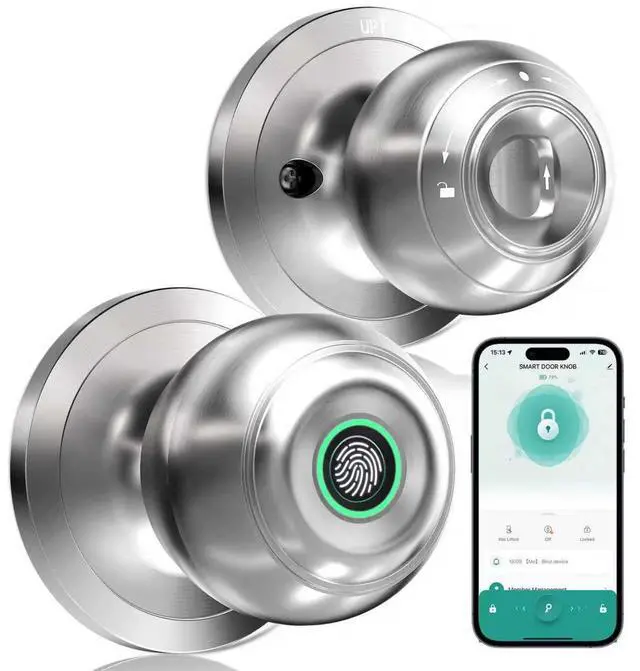
Please place your dry and clean fingers at the center of the recognition area to ensure alarger area is scanned. If issues persist, proceed to add a new fingerprint or reset the keyless entry door lock.
Why can't I lock the door?
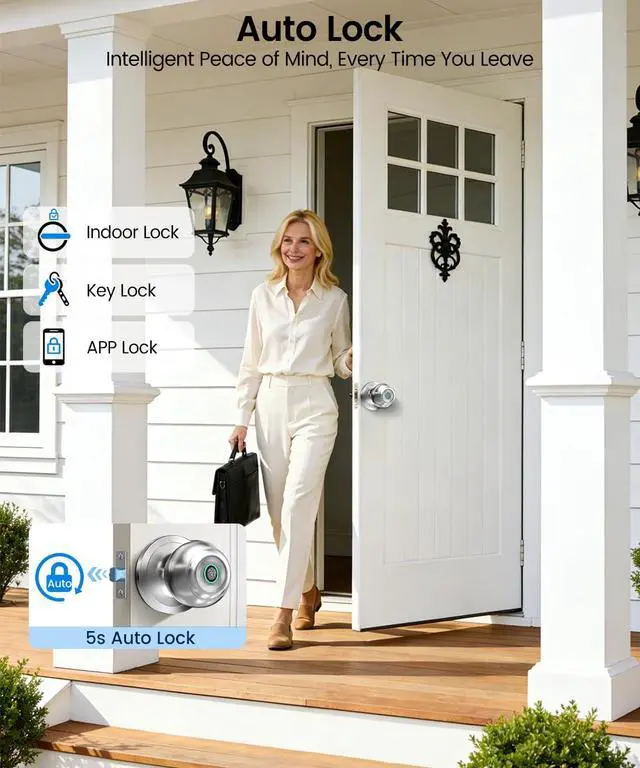
Check if you turn the Interior Knob to Passage Mode that Passage Mode is unlock Mode,you can't lock the door no matter how. You need to turn to Normal Mode which you can use the APP to lock the door or it will auto lock in 5s.
How to pair the fingerprint door knob with APP? How can I share or add a member if I don't know the account?
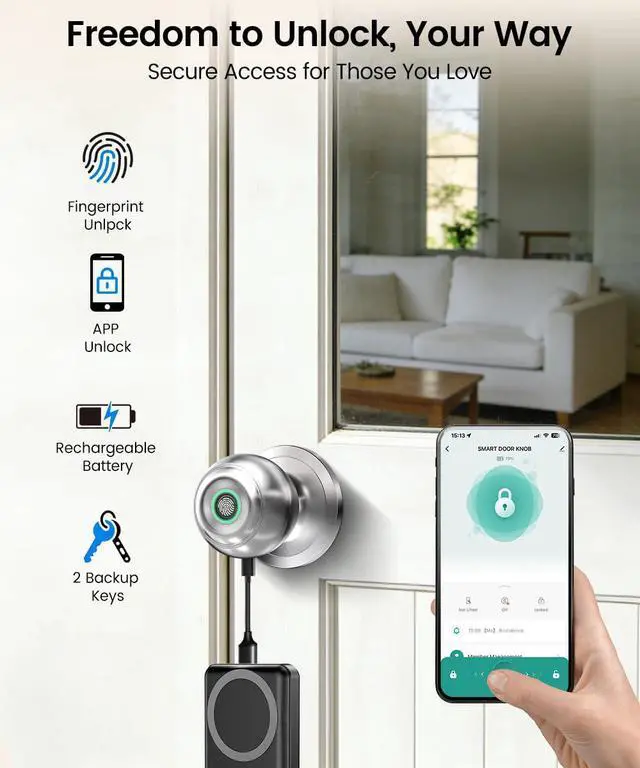
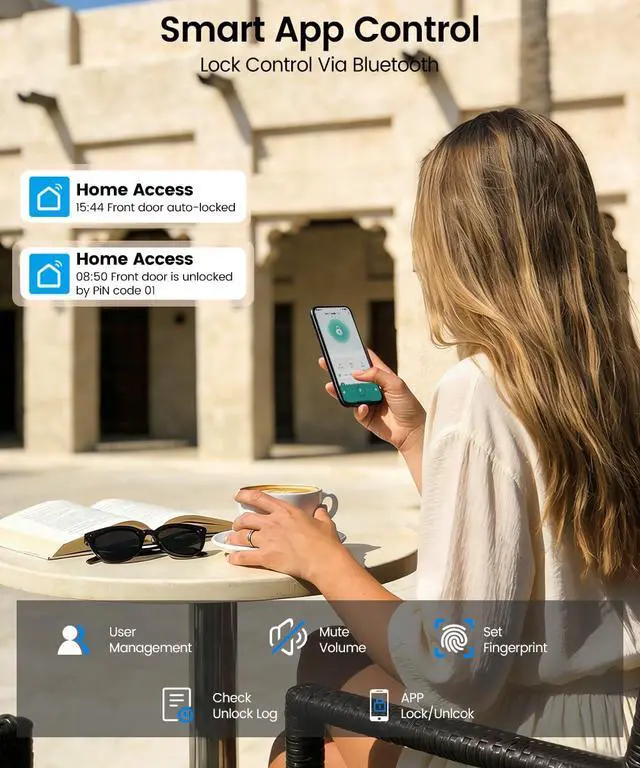
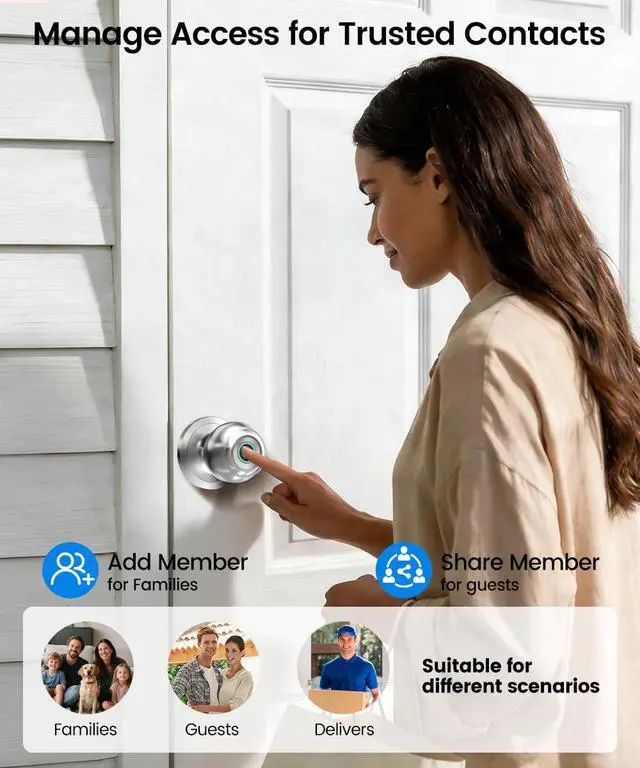
Download the app for the smart door knob. Then enable the Bluetooth and Location permission. You need to touch the fingerprint-recognized area to activate the smart door lock. New members should download the app and sign up which is the account.
What can I do when the battery of my Smart Lock dies?
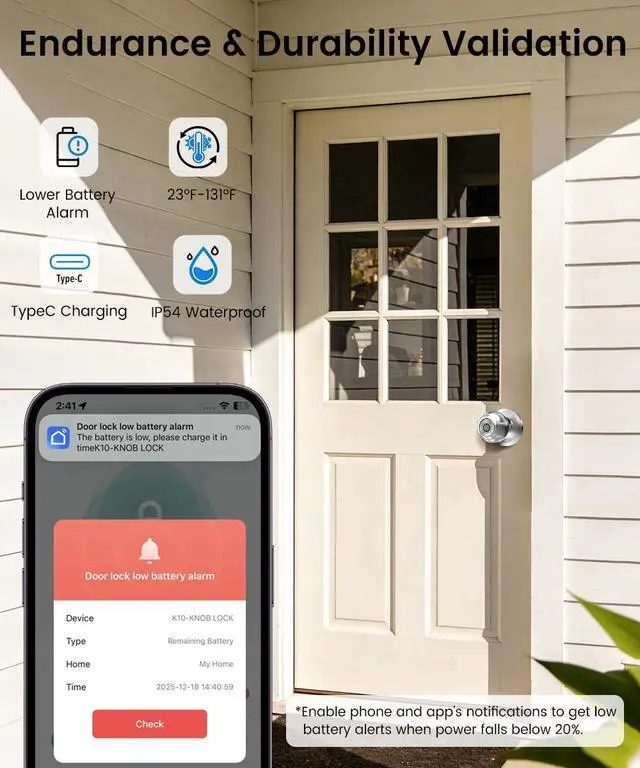
Before installation, please charge the lock for at least 3 hours. If the battery dies power the lock temporarily via its USB/Type-C port or use the backup key.Enable low-battery alerts in the app to receive warnings below 20%.
Can I use the remote control function to unlock the door?
The remote unlock can only be done by connecting the gateway, customers need to purchase the gateway separately.


My fingerprint didn’t work well on the smart door lock or the lock sometimes failed to unlock.
Please place your dry and clean fingers at the center of the recognition area to ensure alarger area is scanned. If issues persist, proceed to add a new fingerprint or reset the keyless entry door lock.
Why can't I lock the door?
Check if you turn the Interior Knob to Passage Mode that Passage Mode is unlock Mode,you can't lock the door no matter how. You need to turn to Normal Mode which you can use the APP to lock the door or it will auto lock in 5s.
How to pair the fingerprint door knob with APP? How can I share or add a member if I don't know the account?
Download the app for the smart door knob. Then enable the Bluetooth and Location permission. You need to touch the fingerprint-recognized area to activate the smart door lock. New members should download the app and sign up which is the account.
What can I do when the battery of my Smart Lock dies?
Before installation, please charge the lock for at least 3 hours. If the battery dies power the lock temporarily via its USB/Type-C port or use the backup key.Enable low-battery alerts in the app to receive warnings below 20%.
Can I use the remote control function to unlock the door?
The remote unlock can only be done by connecting the gateway, customers need to purchase the gateway separately.