


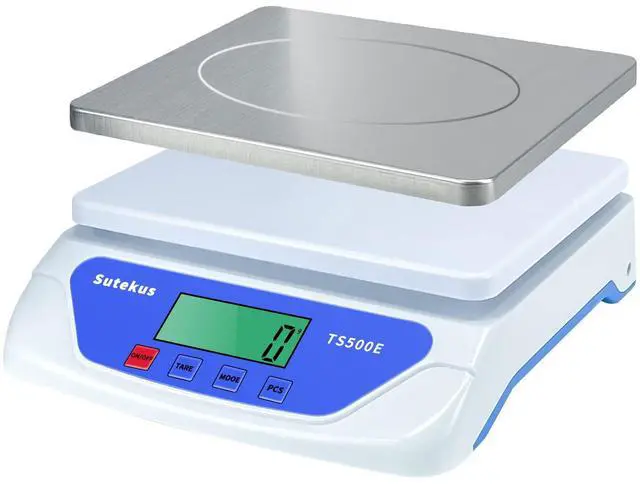


Sutekus 55lbs Digital Scale Kitchen Scale Multifunction Scales


Compact Design
Dimension: 9" x 8.6" x 2.4"
Wide Panel Surface: 8.4" x 6.9"
Weight: 1.7lbs
Product Description
- 1g / 0.05oz increments
- Range: Min 0.1oz to Max 55lbs
- Acceptable inaccuracy: ±0.1oz / ± 0.3%
- 1 minute Auto-off when no operation
- Large LCD Display: 2.5" x 0.9"
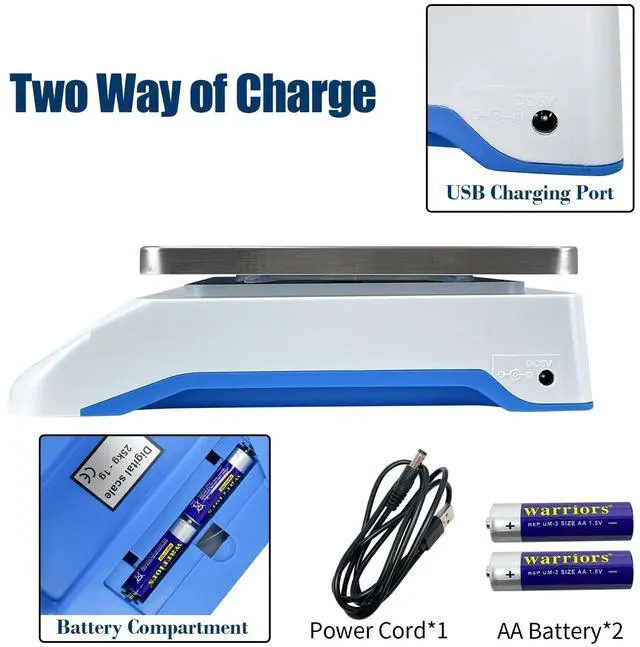
- Powered by 2 AA batteries (NOT included)

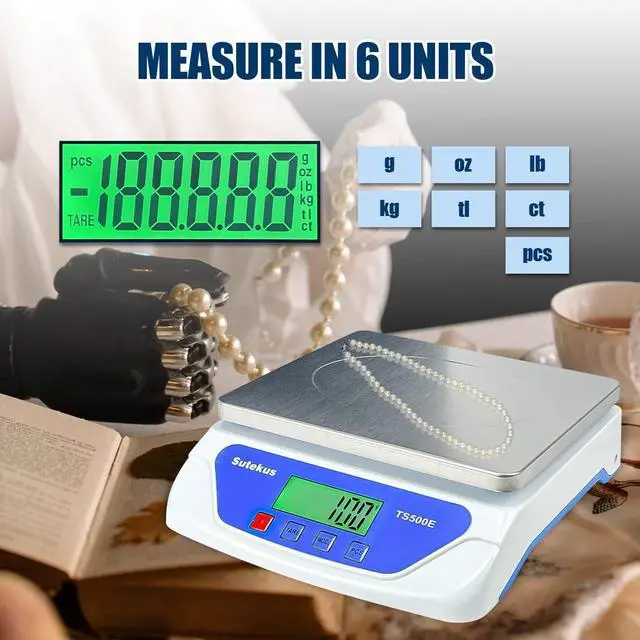
6 Units Convention
Easy to convert between 6 units with pressing "MODE" button.

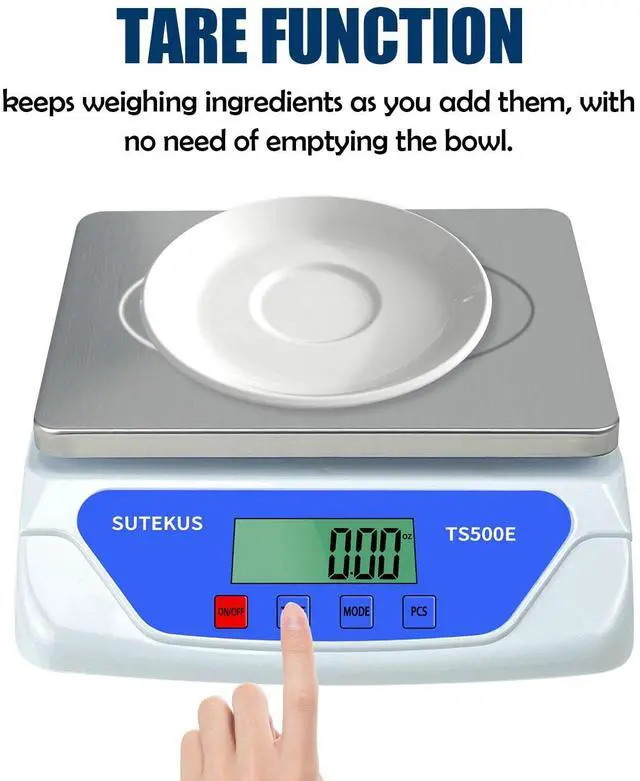
Tare Function
The "TARE" function can get you net weight of items.

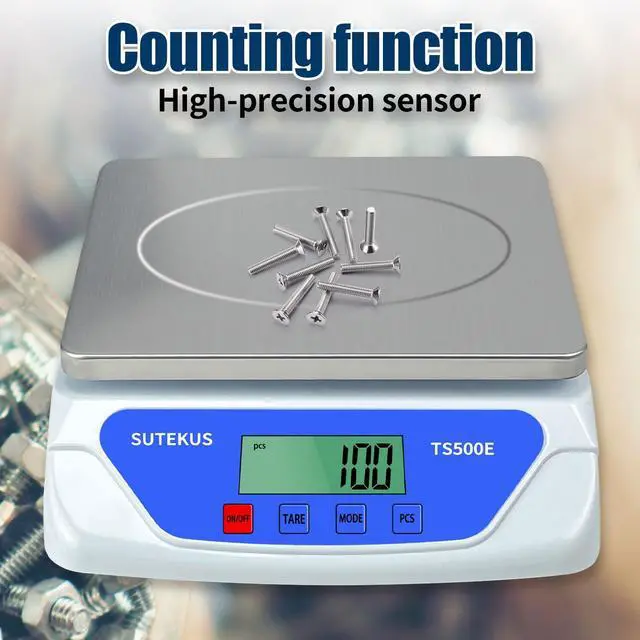
PCS Counting
Count quantity of items by pressing "PCS" button.

Easy Reading Screen
The LCD screen is angled so you can still read it even if a larger item covers the top.

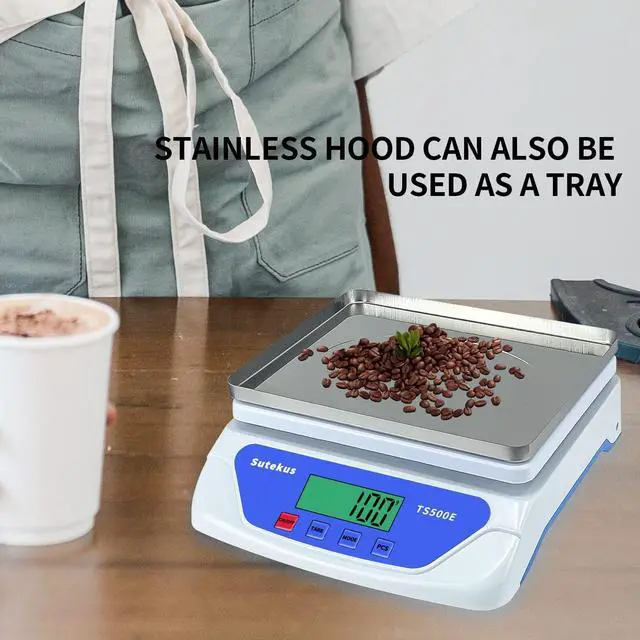
Multi-functional Stainlee Steel Tray
Detachable stainless steel weighing pan is easy to clean, saving your cleaning time.
And it can also be used as a tray/container.

PCS Counting Operation
Turn on the scale and wait till it displays "0".
A. Put 25pcs items on the panel, press and hold "PCS" button for about 4 seconds, it display "pcs" on top left screen, and "25" in the middle screen, press "PCS" again, then "25" has been set in right side of screen. Add the quantity you want to count per displayed.
B. Put 10pcs items on the panel for example, then press and hold "PCS" button for about 4 seconds, it display "pcs" on top left screen, and "25" in the middle screen, press "MODE" to switch the number to "100"(there are 4 numbers: 25/50/75/100, switch according to the quantity you put), press "PCS", then "100" has been set in right side of screen.
Add the quantity you want to count on the scale, if you want to count 100pcs items, just add the items till the scale shows "1000".
The scale will memory the last pcs counting setting, so when counting different items, you need to long press the "press" button to set.

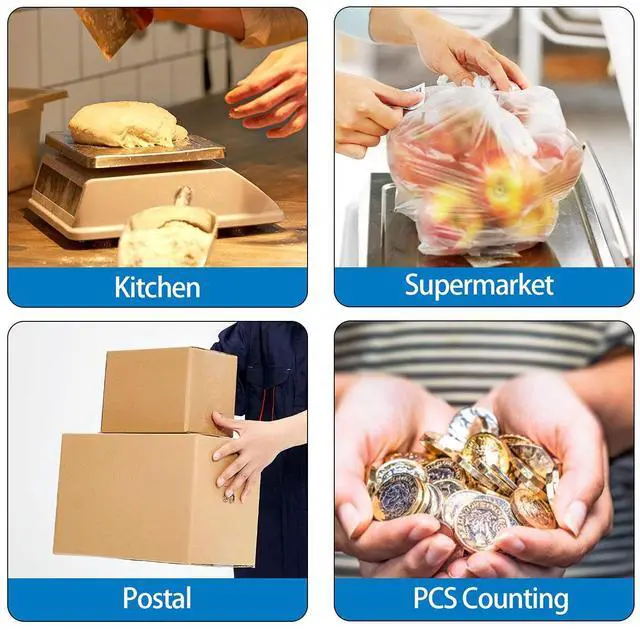
Great for home, kitchen, offices, factories, schools and more.
Sutekus 55lbs Digital Scale Kitchen Scale Multifunction Scales
Product Description
Compact Design
Dimension: 9" x 8.6" x 2.4"
Wide Panel Surface: 8.4" x 6.9"
Weight: 1.7lbs
- 1g / 0.05oz increments
- Range: Min 0.1oz to Max 55lbs
- Acceptable inaccuracy: ±0.1oz / ± 0.3%
- 1 minute Auto-off when no operation
- Large LCD Display: 2.5" x 0.9"
- Powered by 2 AA batteries (NOT included)
6 Units Convention
Easy to convert between 6 units with pressing "MODE" button.
Tare Function
The "TARE" function can get you net weight of items.
PCS Counting
Count quantity of items by pressing "PCS" button.
Easy Reading Screen
The LCD screen is angled so you can still read it even if a larger item covers the top.
Multi-functional Stainlee Steel Tray
Detachable stainless steel weighing pan is easy to clean, saving your cleaning time.
And it can also be used as a tray/container.
PCS Counting Operation
Turn on the scale and wait till it displays "0".
A. Put 25pcs items on the panel, press and hold "PCS" button for about 4 seconds, it display "pcs" on top left screen, and "25" in the middle screen, press "PCS" again, then "25" has been set in right side of screen. Add the quantity you want to count per displayed.
B. Put 10pcs items on the panel for example, then press and hold "PCS" button for about 4 seconds, it display "pcs" on top left screen, and "25" in the middle screen, press "MODE" to switch the number to "100"(there are 4 numbers: 25/50/75/100, switch according to the quantity you put), press "PCS", then "100" has been set in right side of screen.
Add the quantity you want to count on the scale, if you want to count 100pcs items, just add the items till the scale shows "1000".
The scale will memory the last pcs counting setting, so when counting different items, you need to long press the "press" button to set.
Great for home, kitchen, offices, factories, schools and more.