




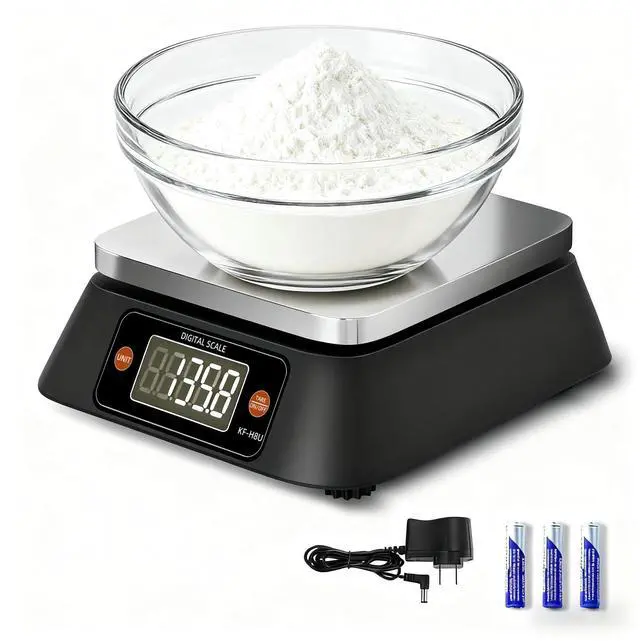


WHAT’S IN THE BOX: Food scale ,3 AA batteries, Adapter
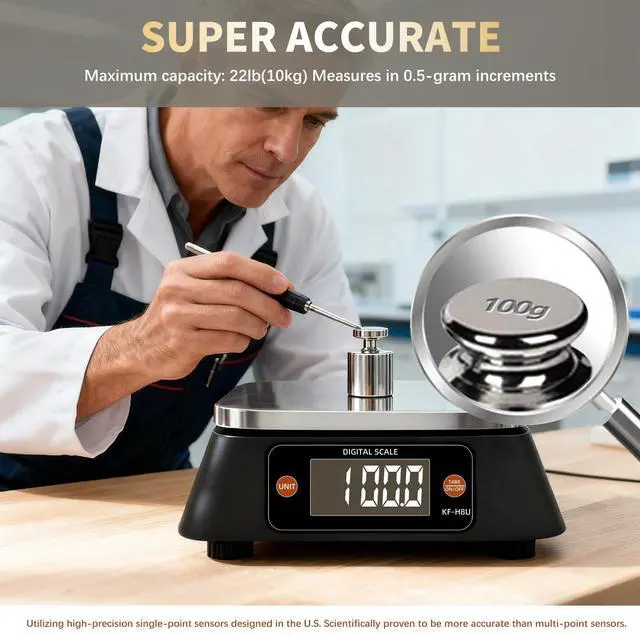
Increment: 0.5 g
Capacity: 10kg=352.7 oz (ounce)
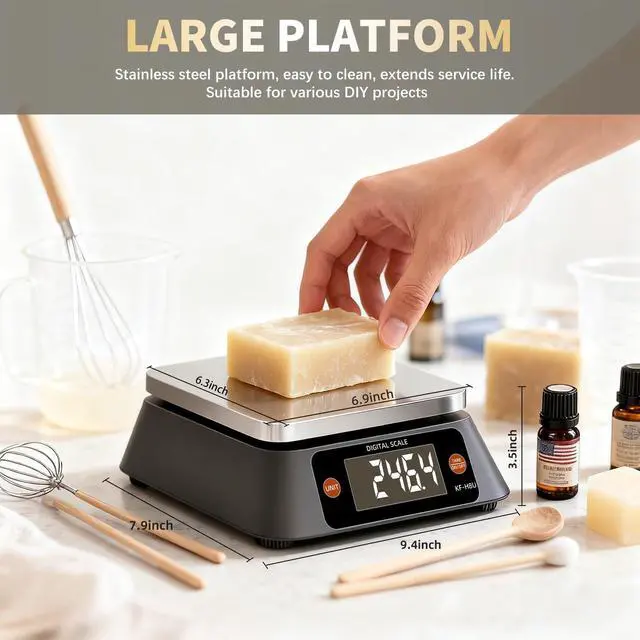
SIZE: 9.4 * 7.9 *3.5 inch PLATFORM SIZE: 6.3 * 6.9 inch
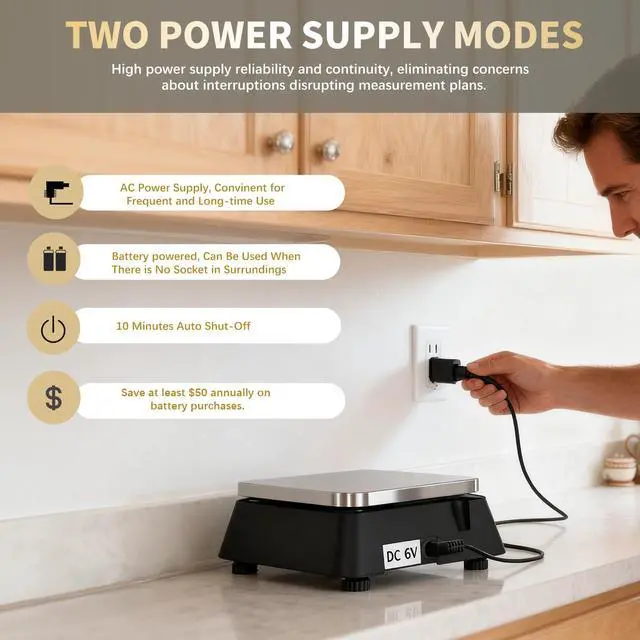
POWER: The kitchen scale need 3 AA batteries. Or you can use the adapter in the package to get long-term power supply for digital food scale. The scale will be auto-shut-off after 10 minutes idleness.
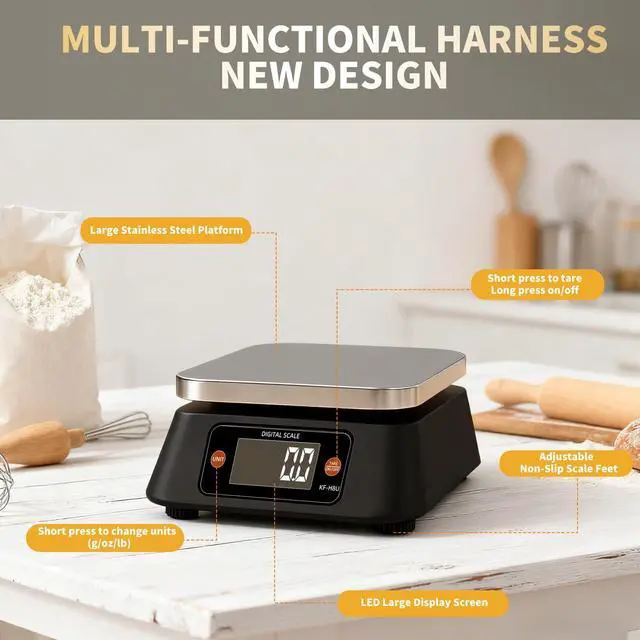
TURN ON/OFF:When the digital kitchen scale is power off ,Press the button to turn on the kitchen scales digital weight. When baking scale is power on, press the button to tare, and hold on the press the button for a while to turn off the kitchen scales.
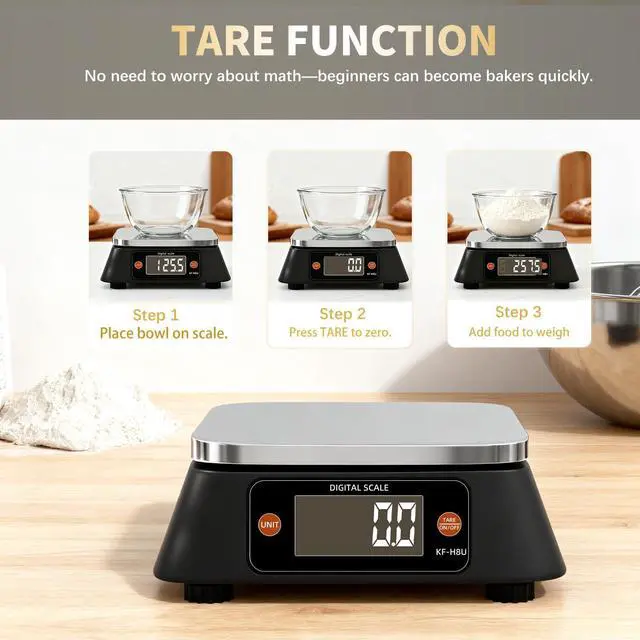
TARE FUNCTION:When you place a dish on the food scales or want to weigh a new items but don’t want to take the things you weighed before off , this function can make the kitchen food scale go back to zero.
UNITS:The large food scale has three units: gram, oz and lb. You can press the “UNIT” button to on the baker‘s scale change units.
PCS FUNCTION:Hold on the “UNIT” button for a while, then the “pcs” will twinkle and “PC 10”will show on the screen of large kitchen scale. The 10 means you should put 10 items you want to count on the commercial food scale (or you can continue press the button to choose “20” “50”,”100”), then press the “TURN ON/OFF” button. After that you can put all items you want to count on the digital baking scale, the data on the screen is the number of these items.
BAKER’S PERCENTAGE: Place the bowl on the weighing platform and press [TARE]. Add the first ingredient (flour) to the bowl.Once the 100% flour is established hold [UNIT] button for a while. Then the display will show “%” at the The bottom of the screen and “100” in the middle of the screen.Now unload the flour - 0% will appear on the display.Add the next ingredient - the % will go up accordingly until the desired %.Unload the ingredient and start the next one (repeat until you have all you ingredients weighed).Press [TARE] to clear the reading.
WHAT’S IN THE BOX: Food scale ,3 AA batteries, Adapter
Increment: 0.5 g
Capacity: 10kg=352.7 oz (ounce)
SIZE: 9.4 * 7.9 *3.5 inch PLATFORM SIZE: 6.3 * 6.9 inch
POWER: The kitchen scale need 3 AA batteries. Or you can use the adapter in the package to get long-term power supply for digital food scale. The scale will be auto-shut-off after 10 minutes idleness.
TURN ON/OFF:When the digital kitchen scale is power off ,Press the button to turn on the kitchen scales digital weight. When baking scale is power on, press the button to tare, and hold on the press the button for a while to turn off the kitchen scales.
TARE FUNCTION:When you place a dish on the food scales or want to weigh a new items but don’t want to take the things you weighed before off , this function can make the kitchen food scale go back to zero.
UNITS:The large food scale has three units: gram, oz and lb. You can press the “UNIT” button to on the baker‘s scale change units.
PCS FUNCTION:Hold on the “UNIT” button for a while, then the “pcs” will twinkle and “PC 10”will show on the screen of large kitchen scale. The 10 means you should put 10 items you want to count on the commercial food scale (or you can continue press the button to choose “20” “50”,”100”), then press the “TURN ON/OFF” button. After that you can put all items you want to count on the digital baking scale, the data on the screen is the number of these items.
BAKER’S PERCENTAGE: Place the bowl on the weighing platform and press [TARE]. Add the first ingredient (flour) to the bowl.Once the 100% flour is established hold [UNIT] button for a while. Then the display will show “%” at the The bottom of the screen and “100” in the middle of the screen.Now unload the flour - 0% will appear on the display.Add the next ingredient - the % will go up accordingly until the desired %.Unload the ingredient and start the next one (repeat until you have all you ingredients weighed).Press [TARE] to clear the reading.