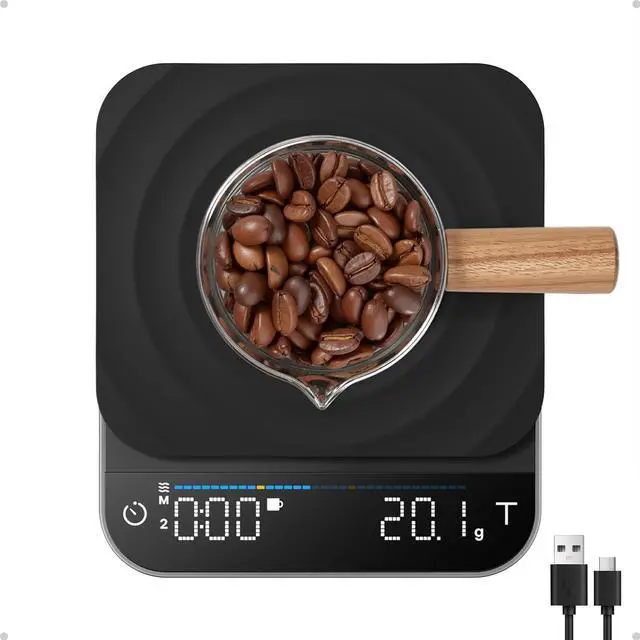
| M1/M2/M3 | Double tap the "Time Key" to switch between M1(Basic Mode)/M2(Pour-Over Mode)/M3(Espresso Mode)in Coffee Making Mode. |
|---|
| Manual Timer | Tap the "Time Key" to start timer/pause timer. |
|---|
| Auto Timer | Auto Timer is enabled in M3. |
|---|
| Tare | Tap the "Tare Key" to zero the measurement. |
|---|
| Portafilter Auto Tare | In M3(Espresso Mode ), triple tap the "Timer Key'" then the Portafilter Indicator will flash. Once you place the portafilter on the scale, the indicator will turn solid, indicating that the portafilter's weight has been recorded. Then the Portafilter will auto tare next time. |
|---|
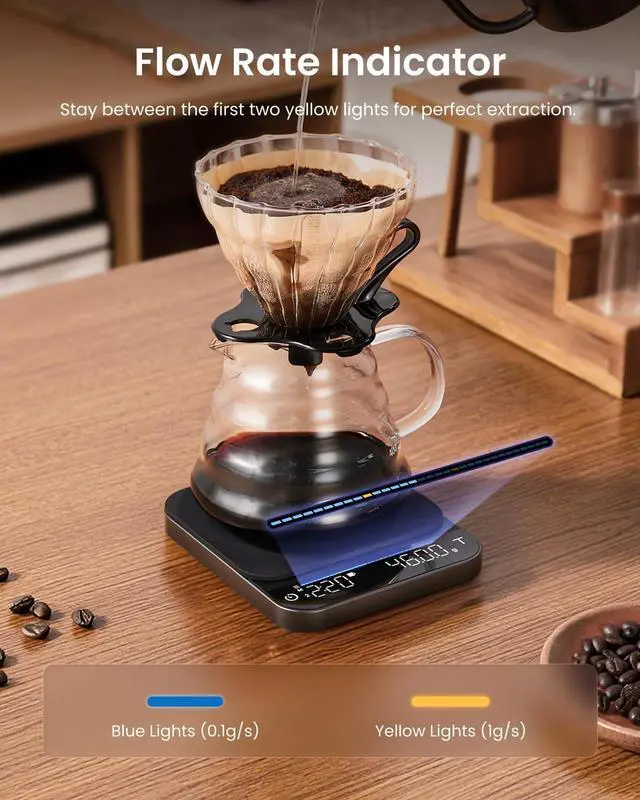
| Flow Rate Indicator | Real-time flow rate monitoring in M2&M3. |
|---|
| Weighing Mode | Double tap the "Tare Key" to switch between Coffee Making Mode and Weighing Mode. |
|---|
| Units | Tap Timer Key to switch units in Weighing Mode. |
|---|
| Silent Mode | Tap and hold Timer Key and Tare Key to enter the volume setting. Tap Timer Key to cycle through voice on/voice off. Then tap Tare Key to confirm. |
|---|
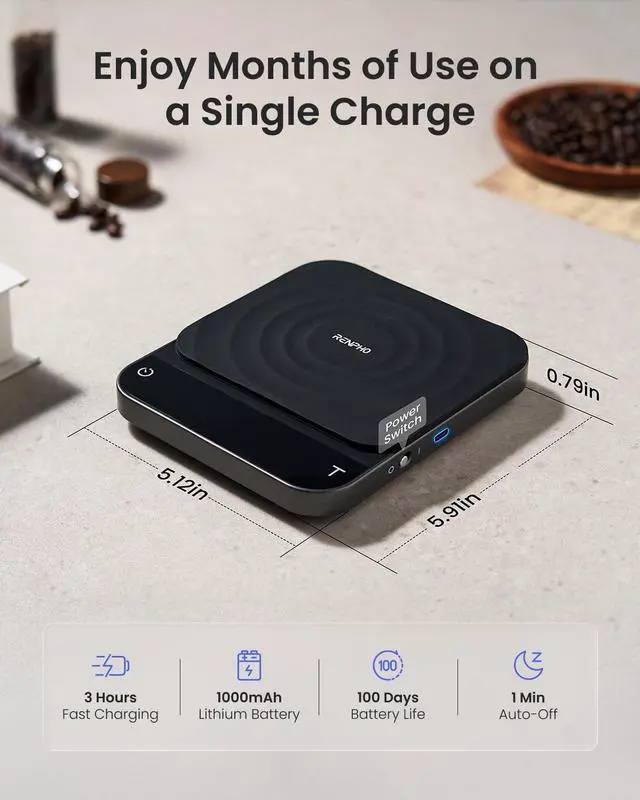
| Standby Mode | The scale enters standby mode after 1 min of inactivity and its display will turn off after 3 mins. Press and hold Tare Key to wake it up. |
|---|
| Timer Key | • Tap to start timer/pause timer in Coffee Making Mode. • Tap to change the unit (g/oz/lb:oz) in Weighing Mode. • Tap and hold to zero the timer. • Double tap to switch between M1/M2/M3 in Coffee Making Mode. • Triple tap to record auto-tare portafilter weight (only available in M3). |
|---|
| Tare Key | • Tap to zero the measurement. • Tap and hold to enter standby mode (screen off). • Double tap to switch between Coffee Making Mode and Weighing Mode. |
|---|