here!
I’m your shopping assistant for PC builds, upgrades, and everything tech.
Got questions? Ask away!
Start a conversation
here!
I’m your shopping assistant for PC builds, upgrades, and everything tech.
Got questions? Ask away!
Start a conversation



Any questions? Ask CelesteSM will help you find out quickly.


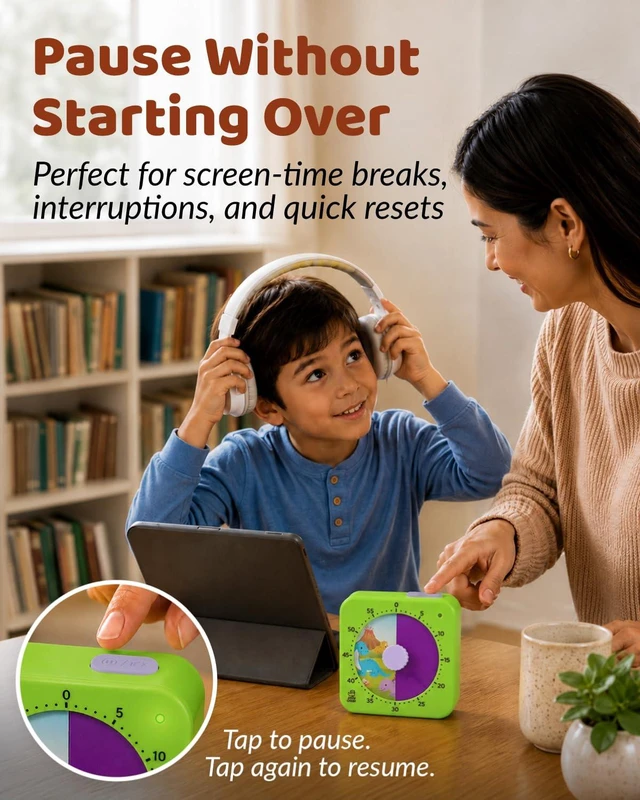
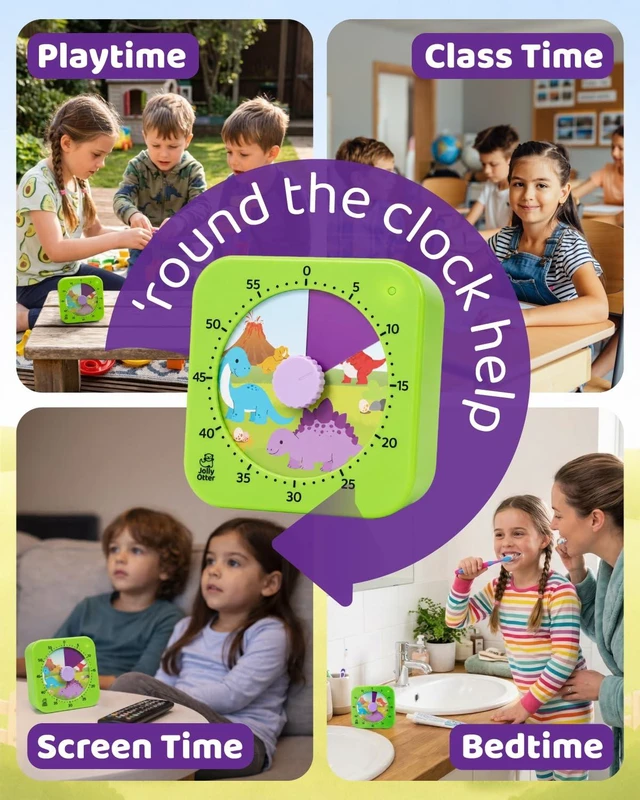
Set clear limits for TV, tablets, and games. The visual countdown helps kids see how much time is left, and the pause button makes quick breaks easier

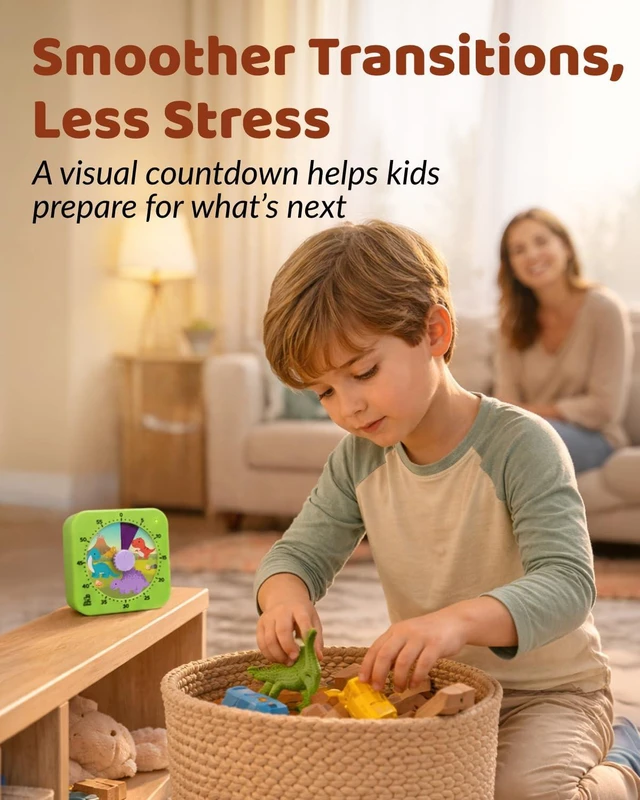
Use the timer for play sessions, cleanup, sharing turns, or activity breaks. Kids can watch the color disappear as time passes.

Helpful for brushing teeth, pajamas, reading, and wind-down time. A quiet visual countdown makes evening routines easier to follow.

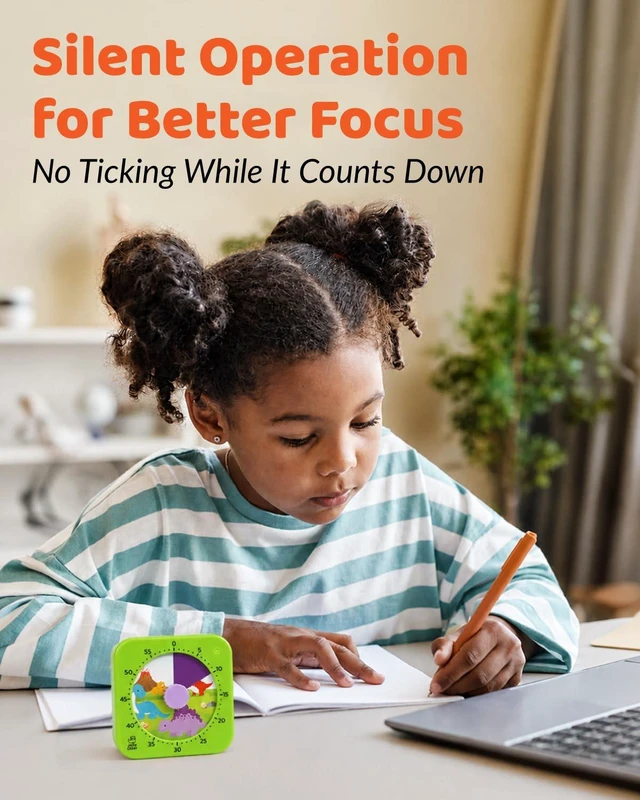
Great for classrooms, homework, reading time, and quiet work. No ticking sounds help kids stay focused while the timer counts down.
How does the Jolly Otter Visual Timer help kids understand time?
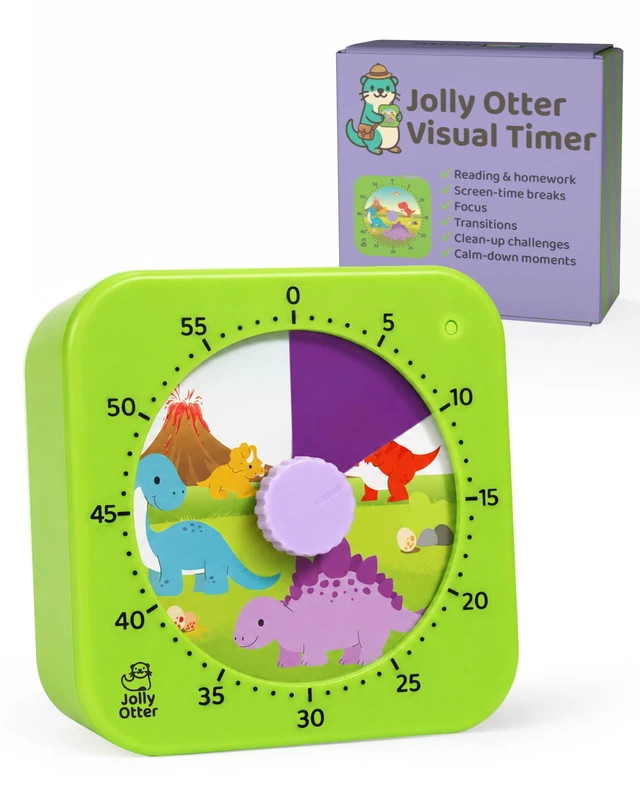
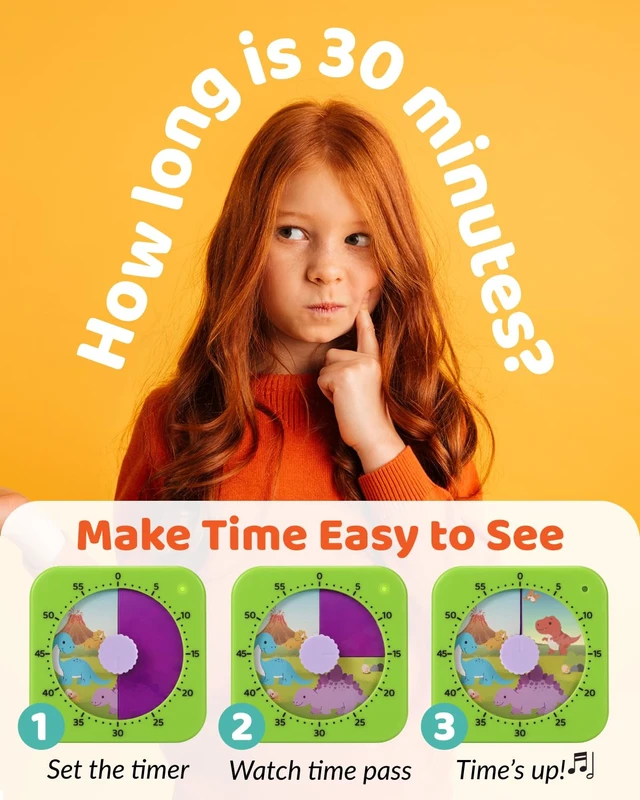
The colored disk slowly disappears as time passes, giving kids a simple visual countdown they can see and understand. It helps make abstract minutes easier to follow during routines, transitions, screen time, homework, and bedtime.
Can the timer be paused and resumed?
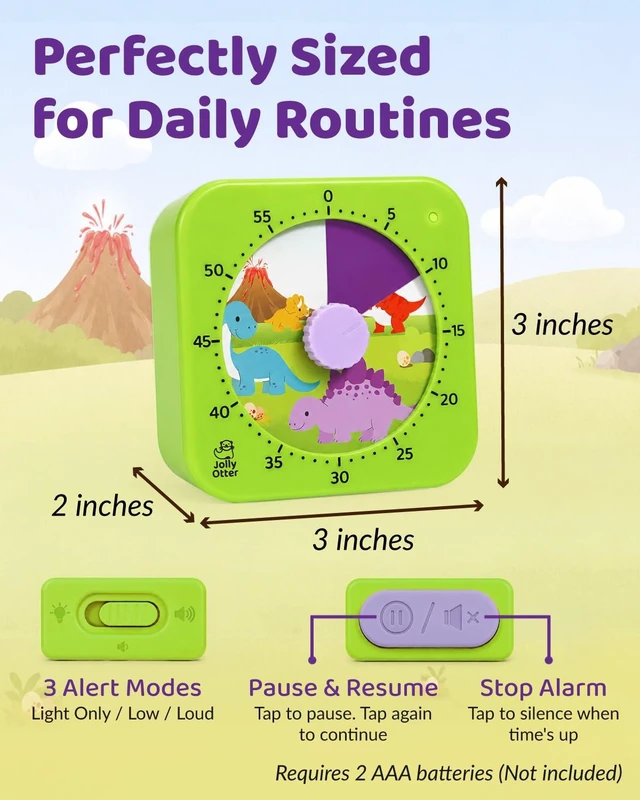
Yes. Tap the top button once to pause the countdown, then tap again to resume from where you left off. This is helpful for screen-time breaks, interruptions, bathroom breaks, or quick routine resets.
Does the timer tick while counting down?
No. The timer has no ticking sound while it counts down, making it a good fit for classrooms, homework, reading time, quiet play, and bedtime routines.
What alert options does the timer have when time is up?
You can choose light-only mode, low volume, or loud volume. When time is up, tap the button to stop the alarm.
How long can the visual timer track?
The timer can be set from 1 to 60 minutes, making it useful for short tasks, screen time, playtime, classroom activities, homework, cleanup, and bedtime routines.


Jolly Otter brings joy and whimsy to everyday life with our playful, innovative products. Perfect for families and the young at heart, our delightful range includes everything from colorful kitchenware to charming time keepers. Join us in making every moment special!

A clear visual countdown helps kids understand how much time is left, so routines feel easier for everyone.


Jolly Otter brings joy and whimsy to everyday life with our playful, innovative products. Perfect for families and the young at heart, our delightful range includes everything from colorful kitchenware to charming time keepers. Join us in making every moment special!
A clear visual countdown helps kids understand how much time is left, so routines feel easier for everyone.


Set clear limits for TV, tablets, and games. The visual countdown helps kids see how much time is left, and the pause button makes quick breaks easier
Use the timer for play sessions, cleanup, sharing turns, or activity breaks. Kids can watch the color disappear as time passes.
Helpful for brushing teeth, pajamas, reading, and wind-down time. A quiet visual countdown makes evening routines easier to follow.
Great for classrooms, homework, reading time, and quiet work. No ticking sounds help kids stay focused while the timer counts down.
How does the Jolly Otter Visual Timer help kids understand time?
The colored disk slowly disappears as time passes, giving kids a simple visual countdown they can see and understand. It helps make abstract minutes easier to follow during routines, transitions, screen time, homework, and bedtime.
Can the timer be paused and resumed?
Yes. Tap the top button once to pause the countdown, then tap again to resume from where you left off. This is helpful for screen-time breaks, interruptions, bathroom breaks, or quick routine resets.
Does the timer tick while counting down?
No. The timer has no ticking sound while it counts down, making it a good fit for classrooms, homework, reading time, quiet play, and bedtime routines.
What alert options does the timer have when time is up?
You can choose light-only mode, low volume, or loud volume. When time is up, tap the button to stop the alarm.
How long can the visual timer track?
The timer can be set from 1 to 60 minutes, making it useful for short tasks, screen time, playtime, classroom activities, homework, cleanup, and bedtime routines.