here!
I’m your shopping assistant for PC builds, upgrades, and everything tech.
Got questions? Ask away!
Start a conversation
here!
I’m your shopping assistant for PC builds, upgrades, and everything tech.
Got questions? Ask away!
Start a conversation




Any questions? Ask CelesteSM will help you find out quickly.

A Visual Countdown for Everyday Routines
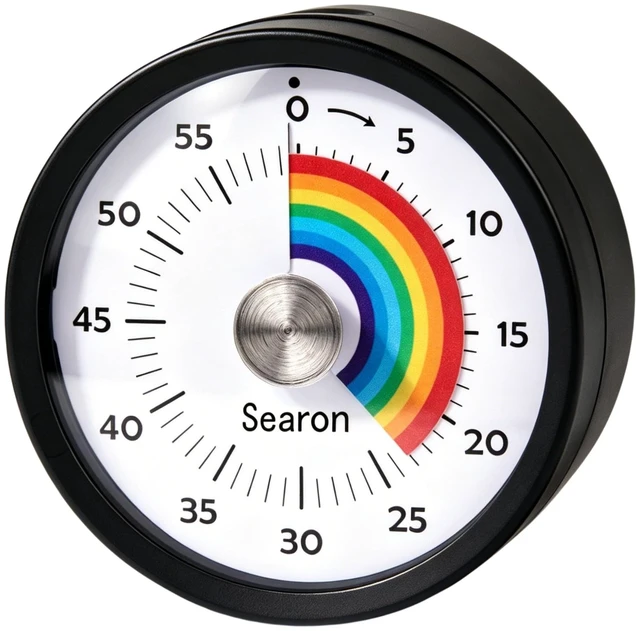
See time at a glance with the Searon 3.15-inch magnetic visual timer. Turn the blue outer dial to start a countdown of up to 60 minutes and watch the blue disk shrink. Enjoy a tick-free countdown, pause or resume with the top button, and choose Sound + LED or Silent LED alerts (up to 60 seconds). Ideal for cooking, homework, reading, classroom activities, and desk work. Attach it to a magnetic surface, stand it on its flat base, or hang it. Requires 2 AAA batteries (Not included).
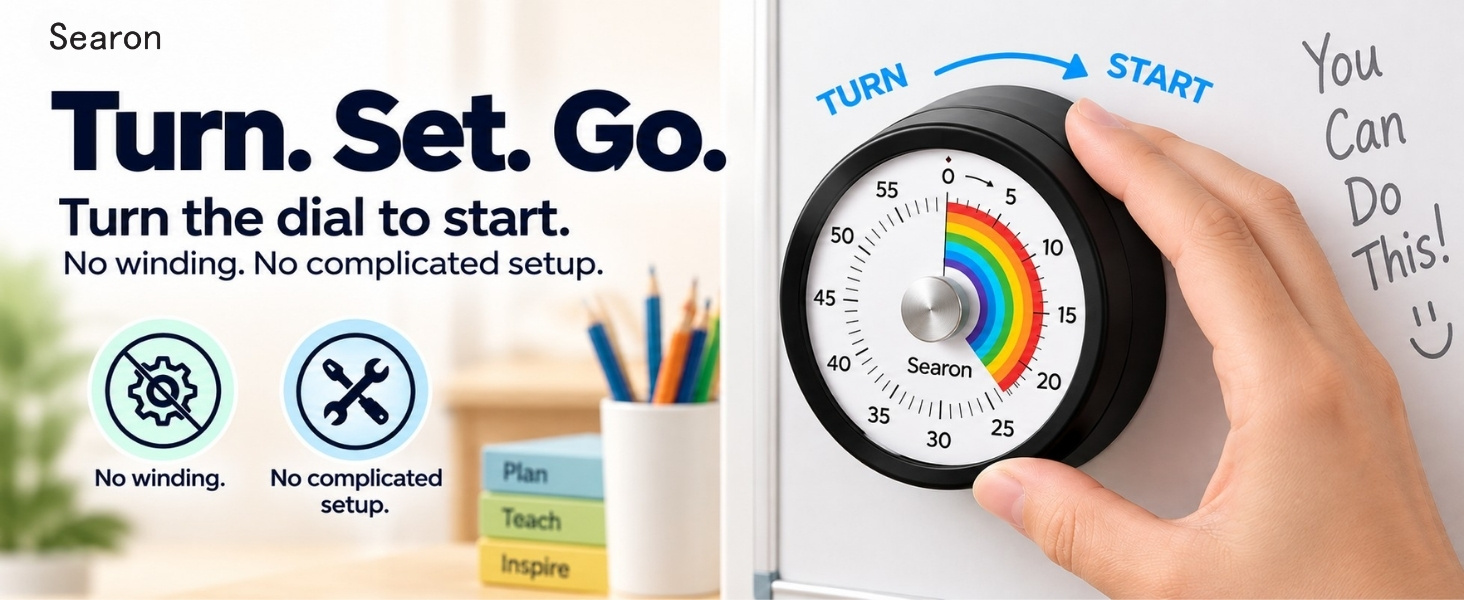
How do I start the timer and avoid accidentally pausing it?
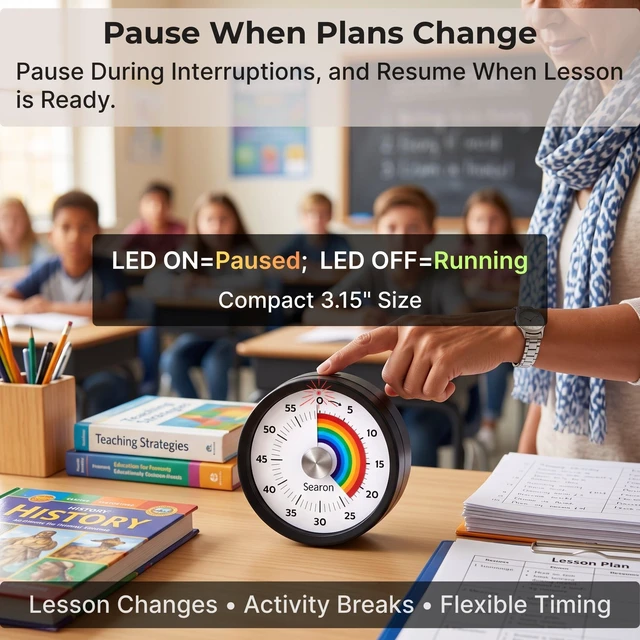
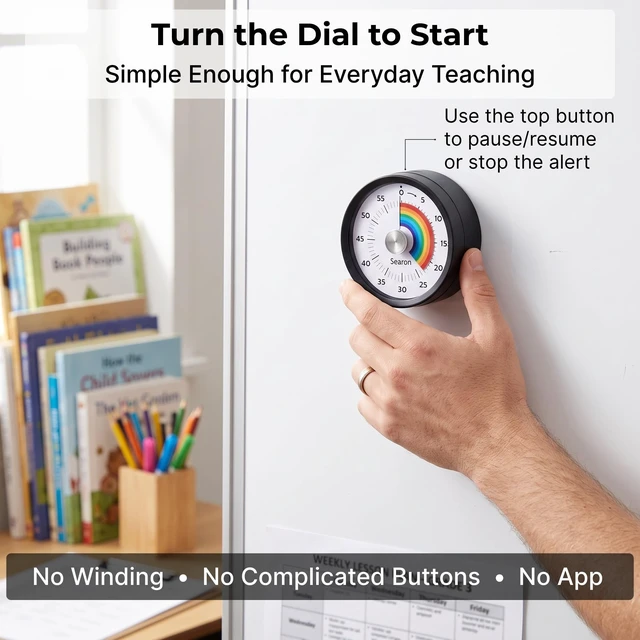
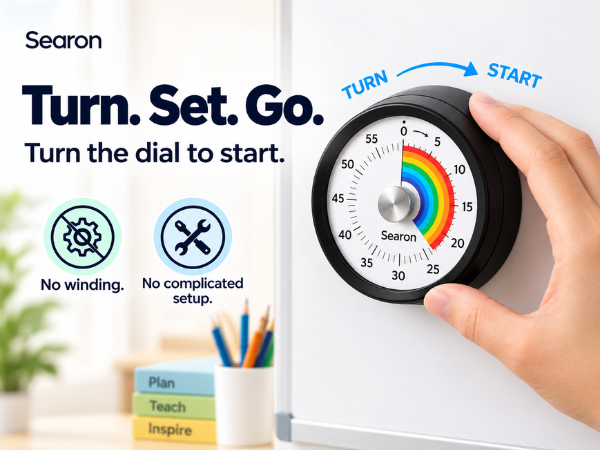
Turn the outer front rim to start, not the silver center or top button. No winding needed. The top button pauses/resumes the countdown or stops the alert. The LED stays off while counting down.
LED ON = Paused
How can teachers use this visual timer in the classroom?
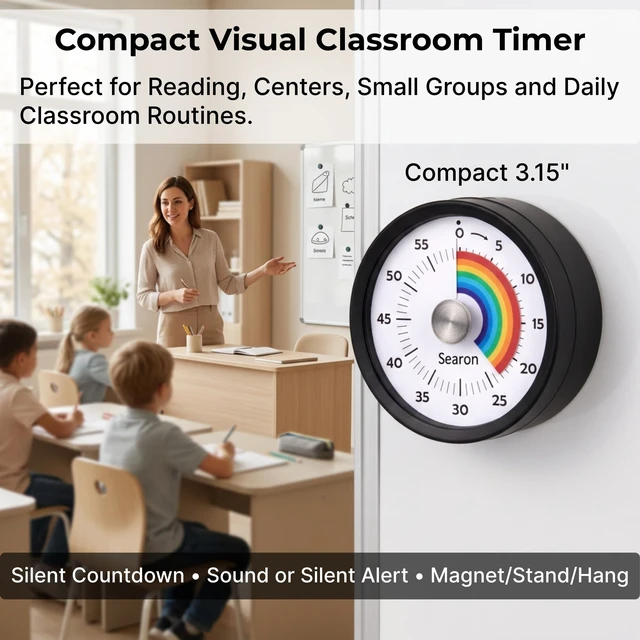
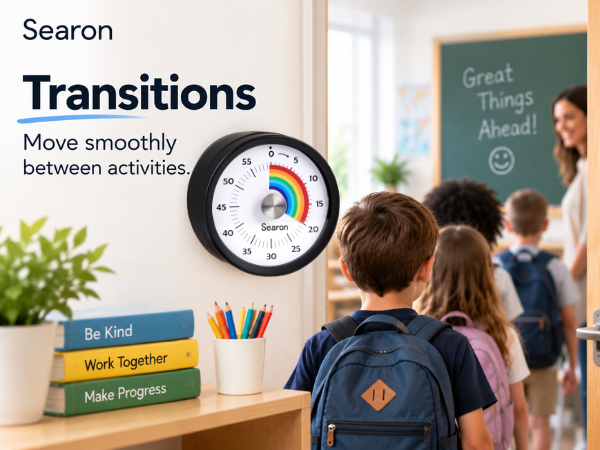
Use the 60-minute rainbow countdown for reading, independent work, small groups, transitions and tests. The compact 3.15-inch timer suits teacher desks and nearby student work areas; place it where students can see it.
Does it tick, and can I choose a silent alert?
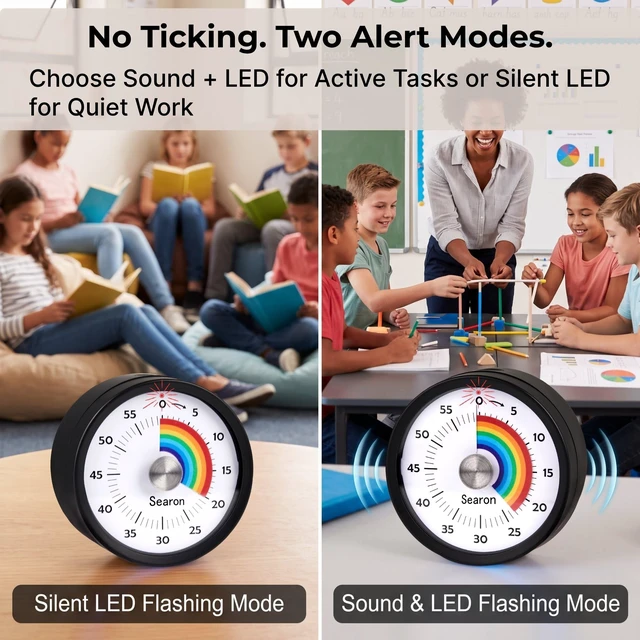
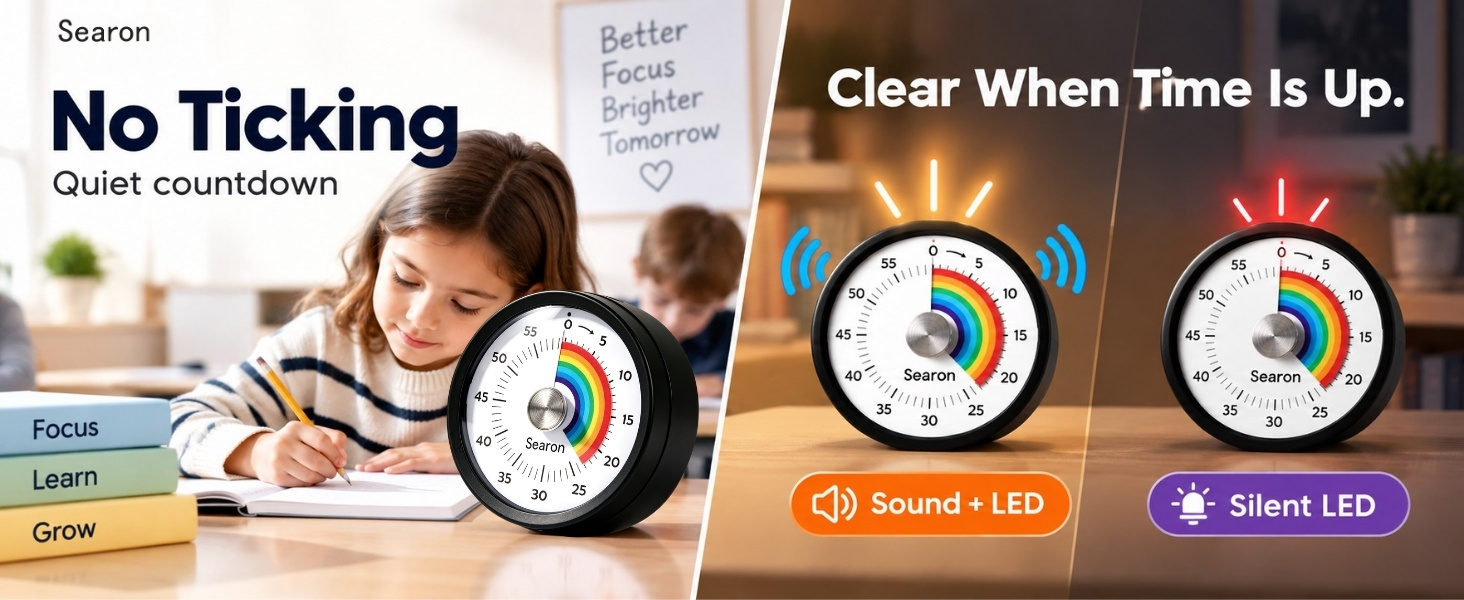
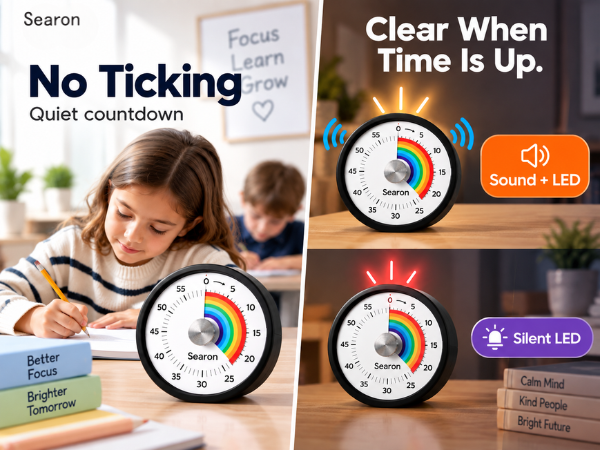
Choose Sound + LED for beeps and flashing light, or Silent LED for flashing light only. The countdown itself has no ticking in either mode. No beep? Check whether Silent LED alert mode is selected.
Can I attach it to a whiteboard or stand it on a desk?
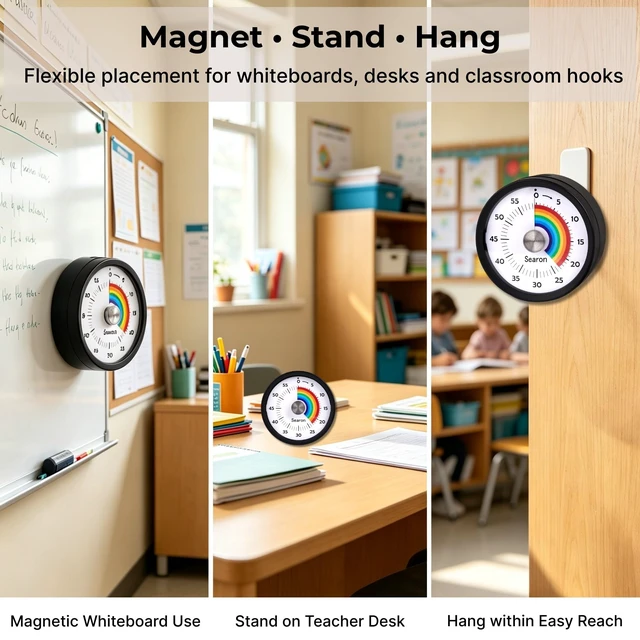
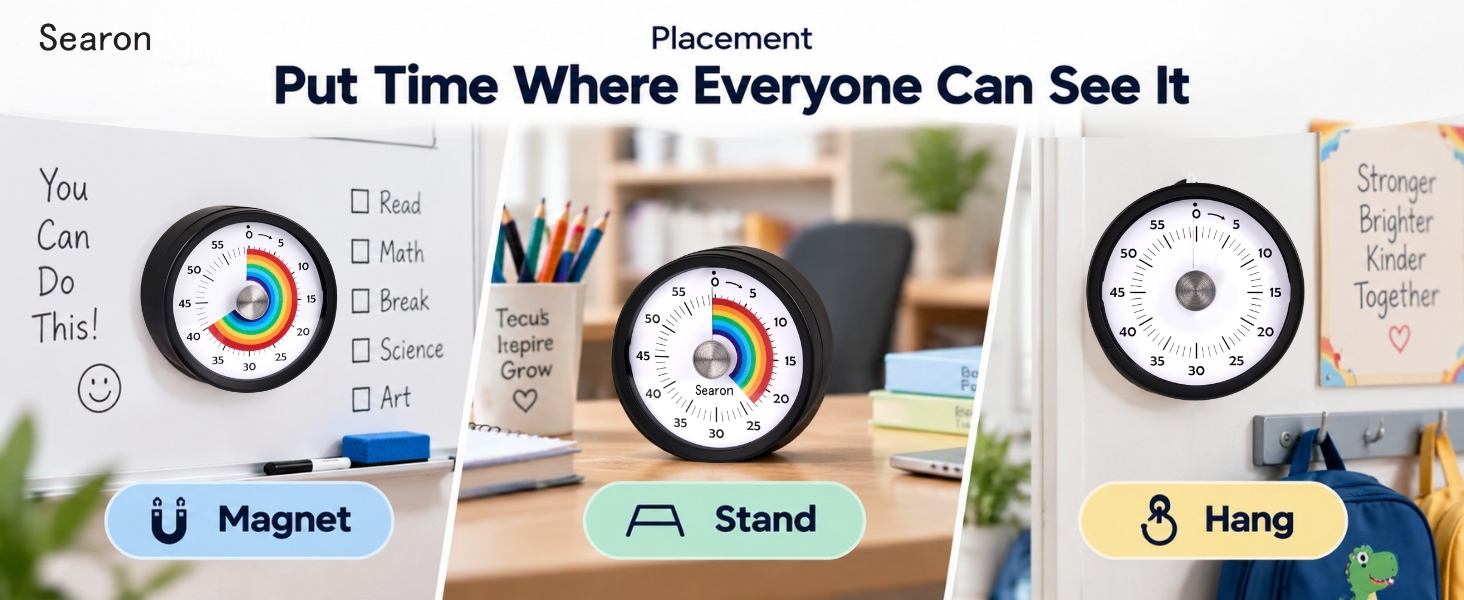
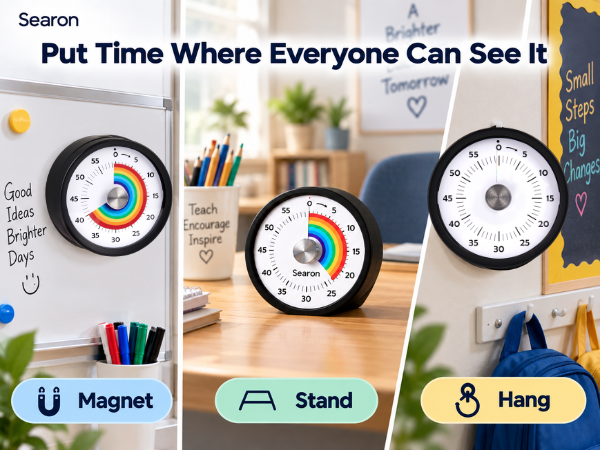
Yes. Use the magnetic back on a magnetic whiteboard or compatible metal surface, stand it directly on its flat base, or hang it using the rear Integrated hanging hole. No kickstand is needed.
Why does it beep or flash when I have not set a countdown?
Check that the outer rim was not turned accidentally. Unexpected beeping or flashing can also signal low batteries. Replace both AAA batteries, then test the countdown again.

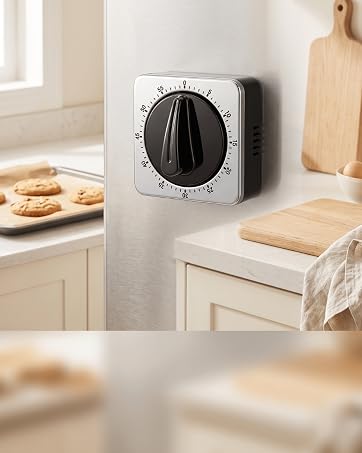
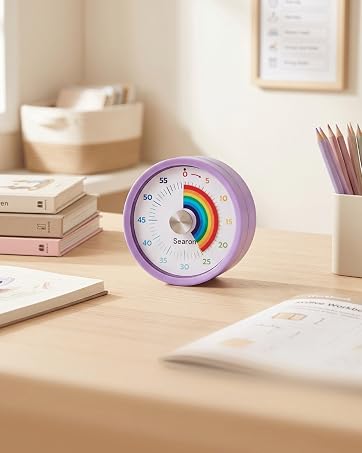
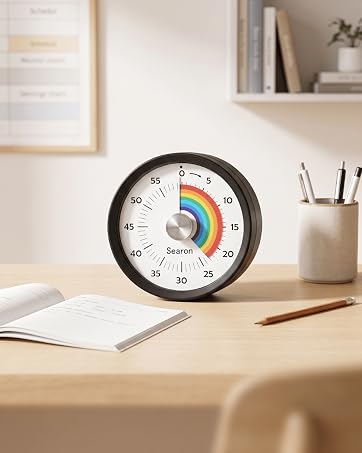
From classic mechanical timers to modern visual countdowns, Searon makes it easier to choose the right way to manage time.

At Searon, we believe there is no single right way to manage time. Some people prefer the familiar simplicity of a mechanical timer, while others want to see time count down quietly and clearly. We create practical timing solutions for cooking, family routines, classrooms, and focused work—simple to set, easy to understand, and designed around the way people actually use time.
Before each use, turn to 55–60 minutes, then back to the desired time. This fully winds the mechanism for proper ringing.
Turn the dial to start. Do not press the top button to start; it pauses or resumes the countdown. The LED may stay off while timing.
Silent mode uses a flashing LED instead of sound. Press the top button once to stop it. A beep or flash every 2 seconds signals low battery; replace both AAA batteries.

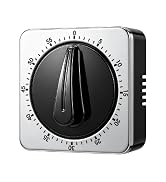
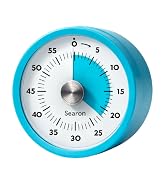
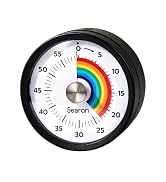
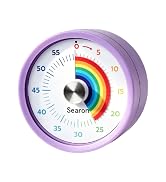
From classic mechanical timers to modern visual countdowns, Searon makes it easier to choose the right way to manage time.
At Searon, we believe there is no single right way to manage time. Some people prefer the familiar simplicity of a mechanical timer, while others want to see time count down quietly and clearly. We create practical timing solutions for cooking, family routines, classrooms, and focused work—simple to set, easy to understand, and designed around the way people actually use time.
Before each use, turn to 55–60 minutes, then back to the desired time. This fully winds the mechanism for proper ringing.
Turn the dial to start. Do not press the top button to start; it pauses or resumes the countdown. The LED may stay off while timing.
Silent mode uses a flashing LED instead of sound. Press the top button once to stop it. A beep or flash every 2 seconds signals low battery; replace both AAA batteries.






How do I start the timer and avoid accidentally pausing it?
Turn the outer front rim to start, not the silver center or top button. No winding needed. The top button pauses/resumes the countdown or stops the alert. The LED stays off while counting down.
LED ON = Paused
How can teachers use this visual timer in the classroom?
Use the 60-minute rainbow countdown for reading, independent work, small groups, transitions and tests. The compact 3.15-inch timer suits teacher desks and nearby student work areas; place it where students can see it.
Does it tick, and can I choose a silent alert?
Choose Sound + LED for beeps and flashing light, or Silent LED for flashing light only. The countdown itself has no ticking in either mode. No beep? Check whether Silent LED alert mode is selected.
Can I attach it to a whiteboard or stand it on a desk?
Yes. Use the magnetic back on a magnetic whiteboard or compatible metal surface, stand it directly on its flat base, or hang it using the rear Integrated hanging hole. No kickstand is needed.
Why does it beep or flash when I have not set a countdown?
Check that the outer rim was not turned accidentally. Unexpected beeping or flashing can also signal low batteries. Replace both AAA batteries, then test the countdown again.