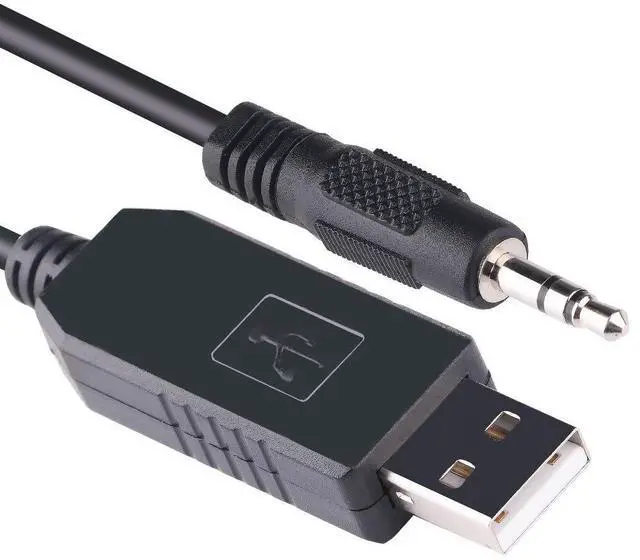
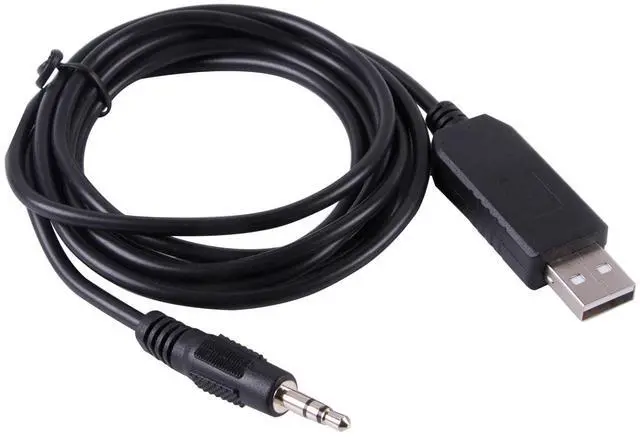
USB to 3.5MM Audio Jack AJ Serial Cable for FreeSAT V8 Super Satellite Receiver Freesat IPTV Decoder Upgrade
Flash RS232 Cable Length: 1.8M tr
Color Black Internal Chip: FTDI
FT231XS Supported OS: - Windows 11, 10, 8.1, 8, Vista, 7, XP - Windows 98, 98SE, ME, 2000, - Server 2003, XP, Server 2008 and server 2012 R2 - Windows XP Embedded - Windows CE 4.2, 5.0 and 6.0 - Mac OS 8/9, OS-X - Linux 2.4 and greater - Android(J2xx / D2xx only) First of all, please make sure that your computer has the FT231XS chip serial port driver installed. Generally, when your computer is connected to the Internet, it will automatically recognize and automatically install the FT231XS chip serial port driver. But in case your computer does not automatically install the serial port driver, you must install it manually. On how to install, you can search on google. Or refer to the following website:
https: //ftdichip. com/document/installation-guides/ It only for box don't bootup. You can try to force upgrade mode if the box can show Boot load. Please read the guide before using the tool.
Steps: The computer and the machine are connected to the RS232 line USB upgrades, No check TFTP, YES check All Code
1. Download the firmware, (the
file is named: flash. bin), and put it in the U disk and directory
2. Insert the USB port of the machineU disk format FAT32
3. Connect the serial port -> select the platform -> press ok -> restart the box
TFTP steps: The computer and the machine are connected to the RS232 line TFTP upgrades, YES check TFTP, YES check All Code 1. The box is connected to the network via a LAN cable and is in the same local area network as your PC Then select the firmware to be updated
2. Connect the serial port -> select the platform -> press ok -> restart the box





 here!
here!