• $20.88
  • Free 45-day Returns
  • Ships from China.
    Price alert
    Shop it at NeweggBusiness.

    Meet Your Seller

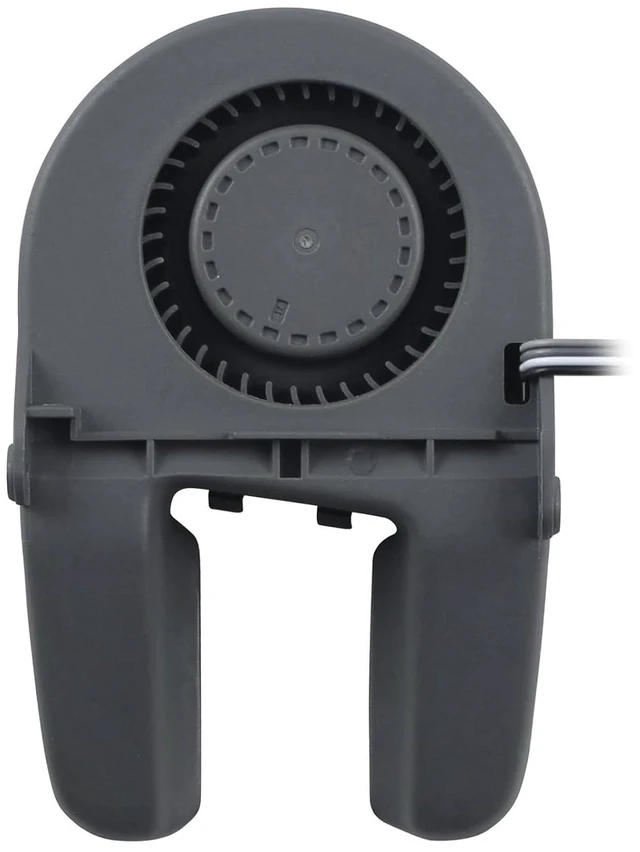
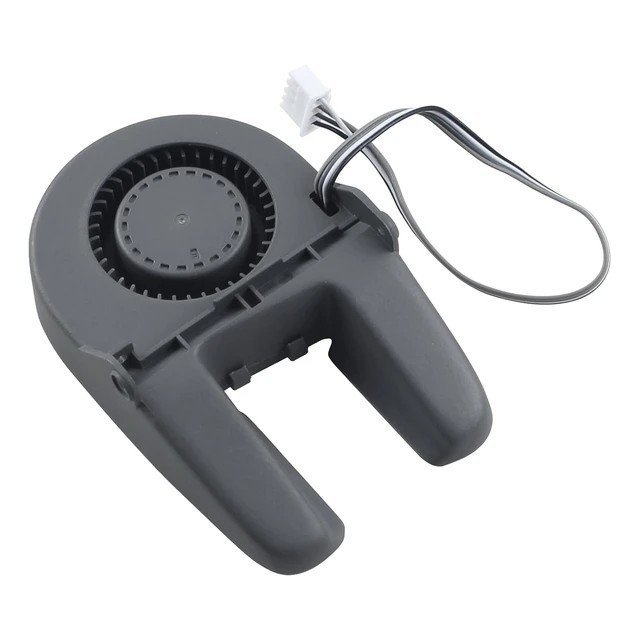
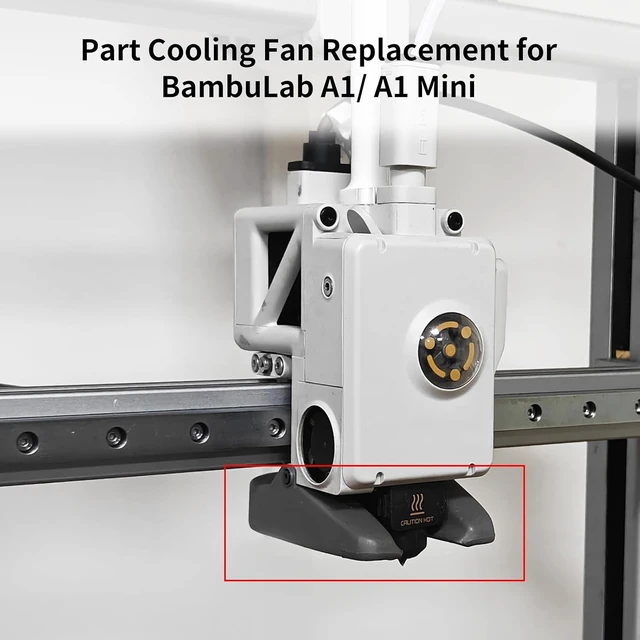
    5015 Part Cooling Fan Replacement for BambuLab A1/ A1 Mini

    • Compatible with Bamboo A1 Series 3D printers. Not support P1P/P1S/P2S/X1/X1C/X1-carbon H2D, please check before purchase
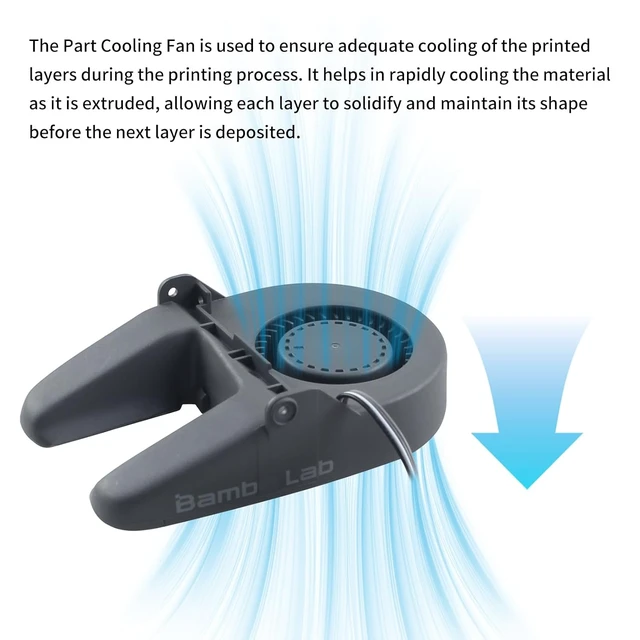
    • The Part Cooling Fan is used to ensure adequate cooling of the printed layers during the printing process. It helps in rapidly cooling the material as it is extruded, allowing each layer to solidify and maintain its shape before the next layer is deposited
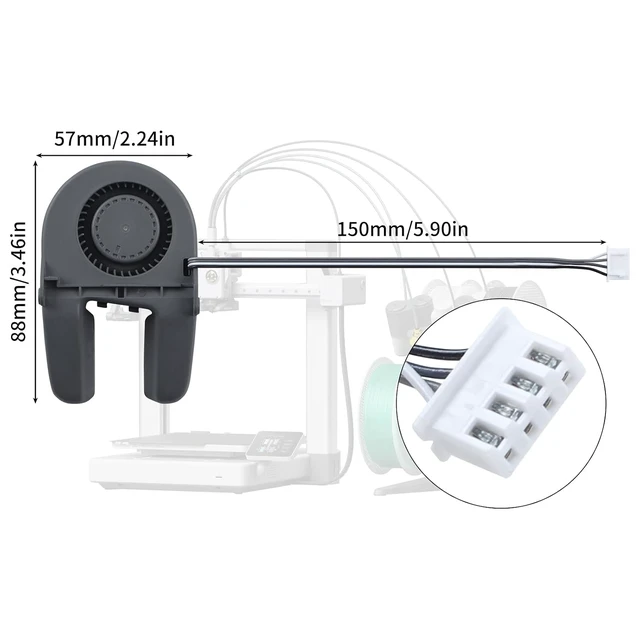
    • Size: 50x50x15mm/1.97*1.97*0.59in, balance between high air volume and low noise, delivering superior airflow to maintain stable printing condition
    • When to Use: The Part Cooling Fan has been damaged by wrapped in plastic due to a print failure. The Part Cooling Fan is generating noise during operation
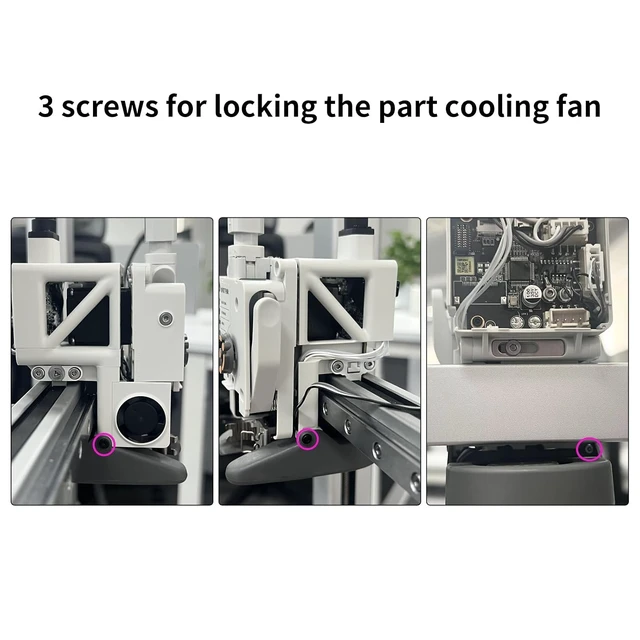
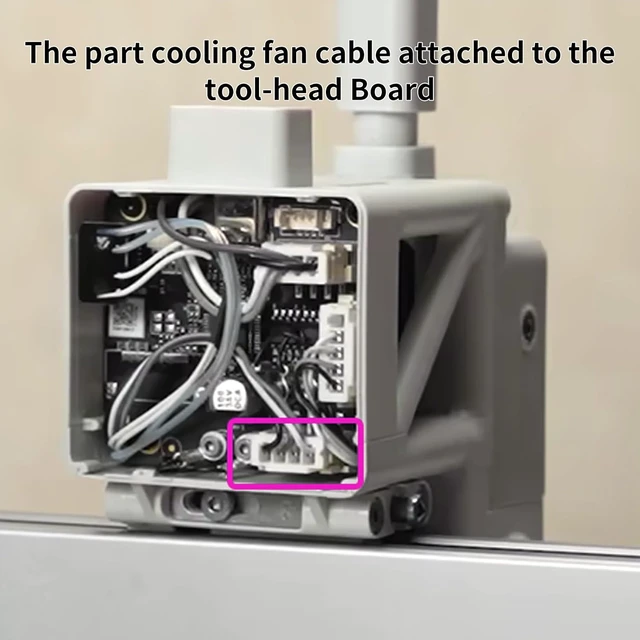
    • Easy to install, firstly remove the tool-head rear housing, remove the part cooling fan cable attached to the TH Board, and tool-head front cover, discount hotend and hotend print head screw, finally remove the part cooling fan, directly replace new. Learn more about Part Cooling Fan Replacement guide - A1 on Wikii
    +
    +
    Overview
    Specs
    Reviews

    Any questions? Ask CelesteSM will help you find out quickly.

    1. Compatible with Bamboo A1 Series 3D printers. Not support P1P/P1S/P2S/X1/X1C/X1-carbon H2D, please check before purchase
    2. The Part Cooling Fan is used to ensure adequate cooling of the printed layers during the printing process. It helps in rapidly cooling the material as it is extruded, allowing each layer to solidify and maintain its shape before the next layer is deposited
    3. Size: 50x50x15mm/1.97*1.97*0.59in, balance between high air volume and low noise, delivering superior airflow to maintain stable printing condition
    4. When to Use: The Part Cooling Fan has been damaged by wrapped in plastic due to a print failure. The Part Cooling Fan is generating noise during operation
    5. Easy to install, firstly remove the tool-head rear housing, remove the part cooling fan cable attached to the TH Board, and tool-head front cover, discount hotend and hotend print head screw, finally remove the part cooling fan, directly replace new. Learn more about Part Cooling Fan Replacement guide - A1 on Wikii


    Warranty & Returns

    Warranty, Returns, And Additional Information

    Warranty

    • Please contact the Seller directly for warranty information. Warranty information may also be found on the Manufacturer's website.
    • CONTACT

    Return Policies

    • Return for refund within: 45 days
    • Return for replacement within: 30 days
    • This item is covered by TechDen Return Policy

    Manufacturer Contact Info

    LOADING...