




 here!
I’m your shopping assistant for PC builds, upgrades, and everything tech.
Got questions? Ask away!
Start a conversation
here!
I’m your shopping assistant for PC builds, upgrades, and everything tech.
Got questions? Ask away!
Start a conversation



Any questions? Ask CelesteSM will help you find out quickly.
Designed for Bambu Lab High-Speed Printing
Bambu Lab's X1 and P1 series printers push print speeds far beyond conventional FDM machines. At these velocities, inadequate cooling directly translates to layer adhesion failures, stringing, and poor surface finish especially in PLA and PETG.
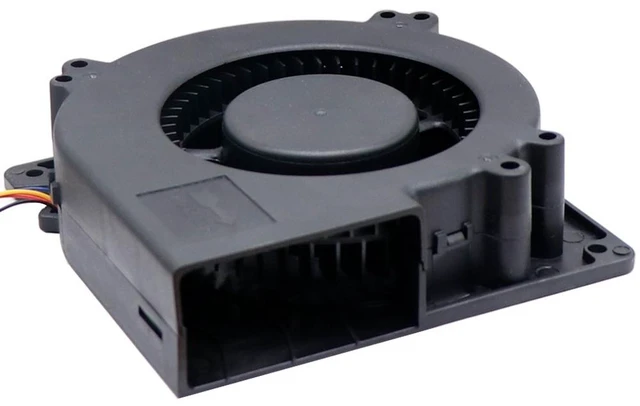
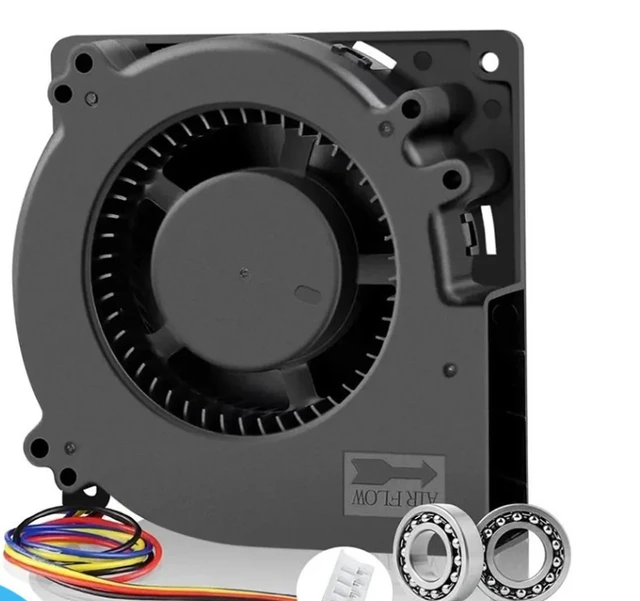
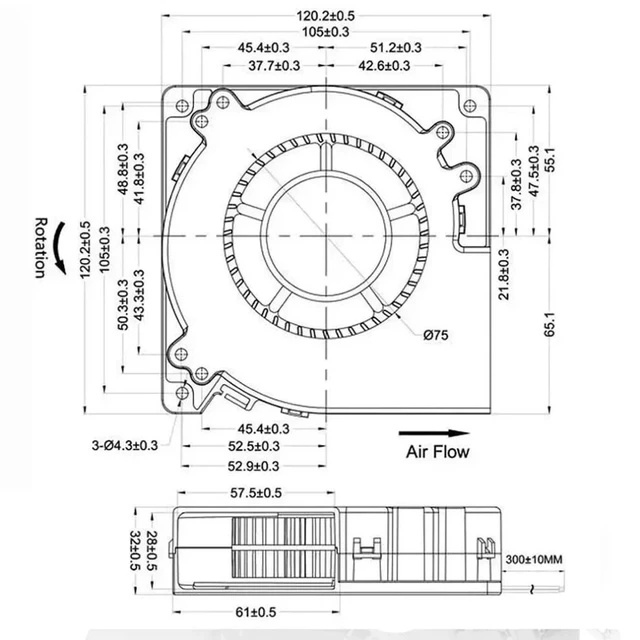
This 12032 replacement blower fan is built to restore the focused, high-static-pressure airflow that Bambu Lab's toolhead design demands. The centrifugal (squirrel cage) impeller generates directed airflow rather than the diffuse output of axial fans, targeting both the heat break zone and freshly deposited filament layers simultaneously.
When to Replace Your Fan
- Fan noise has increased noticeably over baseline
- Bambu Studio or Handy app displays fan RPM warnings or errors
- Print quality has degraded: increased stringing, drooping overhangs, layer separation
- Fan blade shows physical damage or wobble
Installation in 3 Steps
1. Power off the printer and remove the toolhead side cover.
2. Disconnect the original fan connector from the toolhead board.
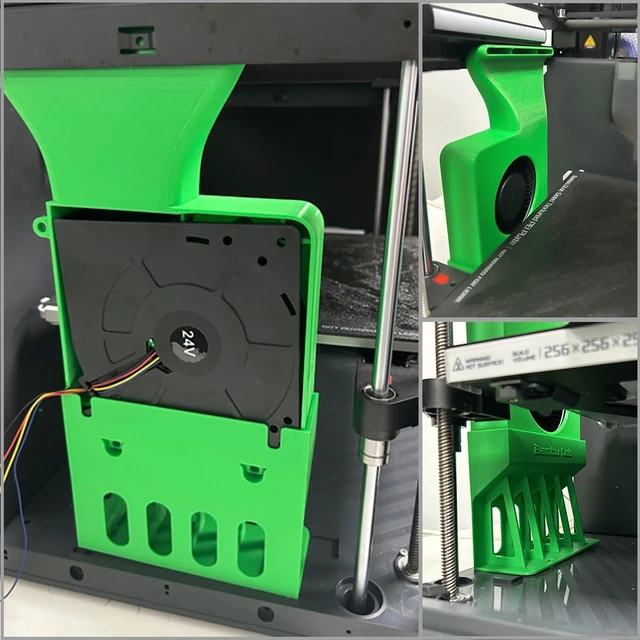
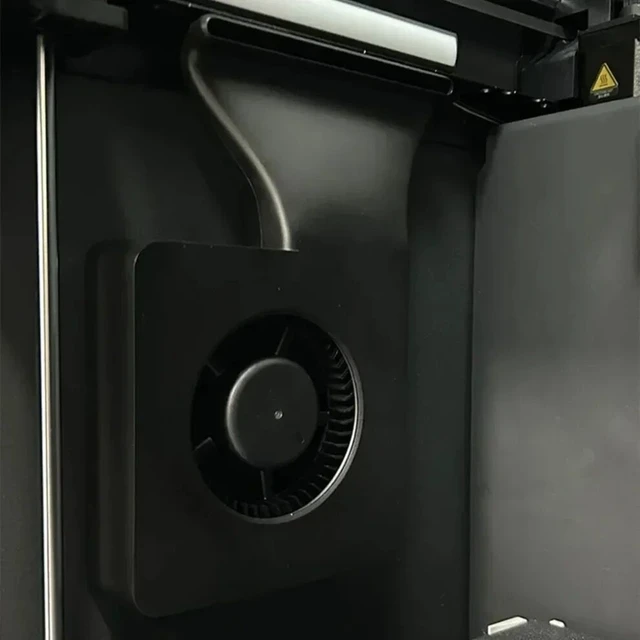
3. Connect this replacement fan and secure the housing. Resume printing.
No firmware modification or tools beyond a standard screwdriver are required.
Compatibility Notice
Verify your printer model before purchase. Compatible with Bambu Lab X1 / X1C / X1E / P1P / P1S / A1 / A1 Mini / M24S series. Not compatible with third-party 3D printer brands unless specifications match.


