




 here!
here!
I’m your shopping assistant for PC builds, upgrades, and everything tech.
Got questions? Ask away!
Start a conversation
here!
I’m your shopping assistant for PC builds, upgrades, and everything tech.
Got questions? Ask away!
Start a conversation



Any questions? Ask CelesteSM will help you find out quickly.


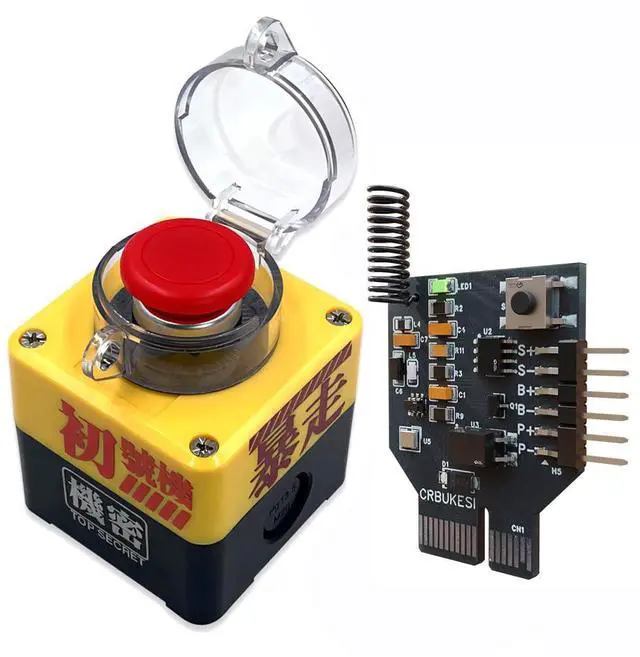
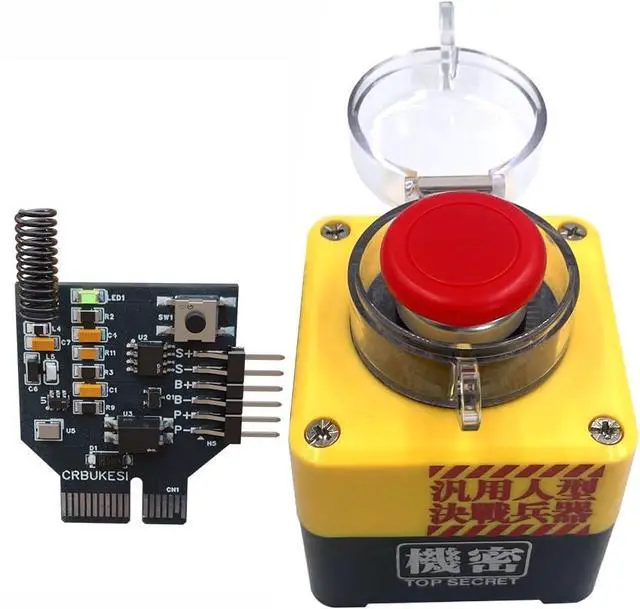
Enjoy a fun and easy DIY experience! Our wireless PC power button kit includes all essential components:
Everything you need to build and install your desktop power switch quickly and easily — no extra tools required!

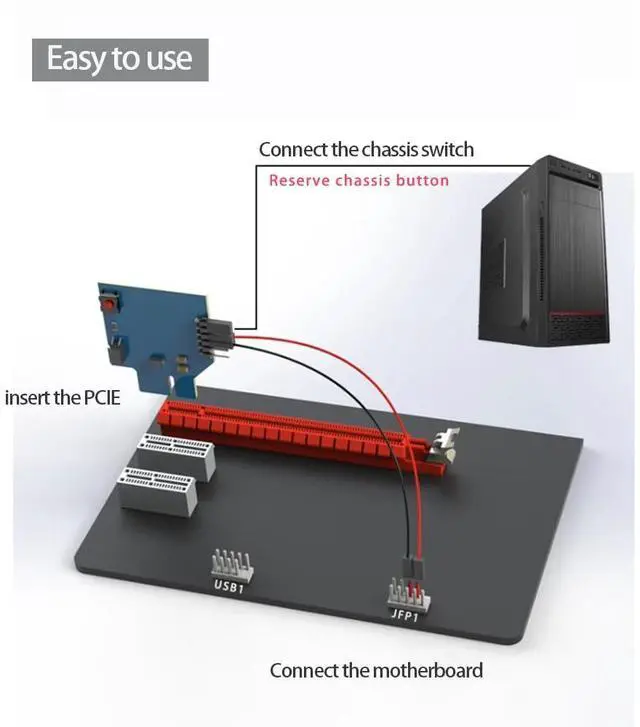
To install the receiver board, your desktop motherboard must have at least one available PCIe slot. Please check before purchasing.

This product is designed for desktop computers only. It cannot be installed or used on notebook or laptop computers.

You need basic experience with computer assembly to correctly connect the receiver to the motherboard’s power switch pins.
Please refer to the installation guide.

Connecting cables incorrectly may cause a short circuit.
Always connect the signal cable to the Power SW pins (not the Power LED pins)
Please carefully verify the jumper position before powering on.

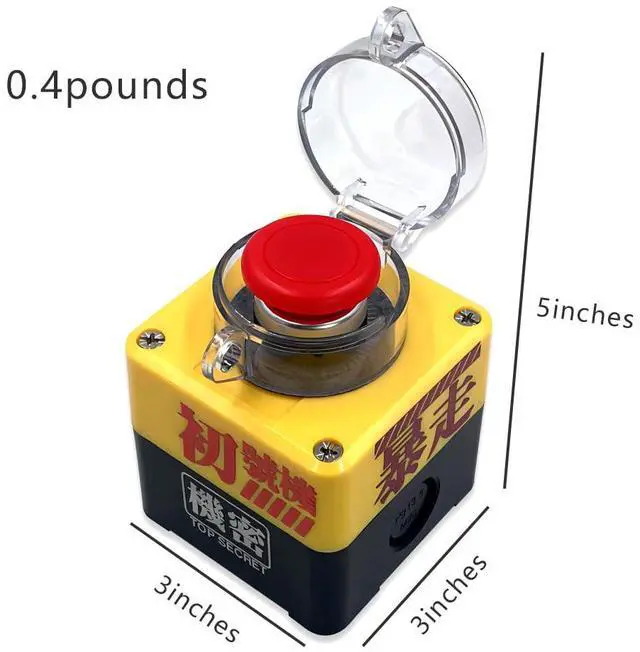
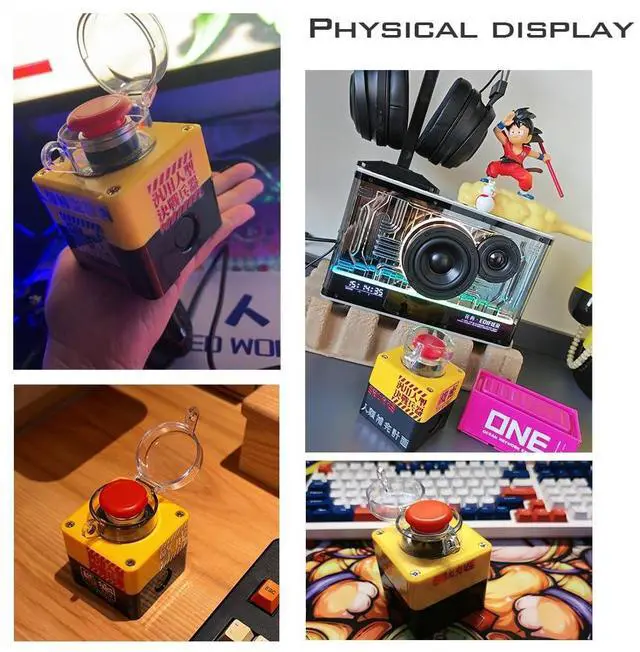
Add a playful touch to your workspace! This emergency-style button is not just a cool ornament — it remotely powers your PC ON or OFF with a single press.

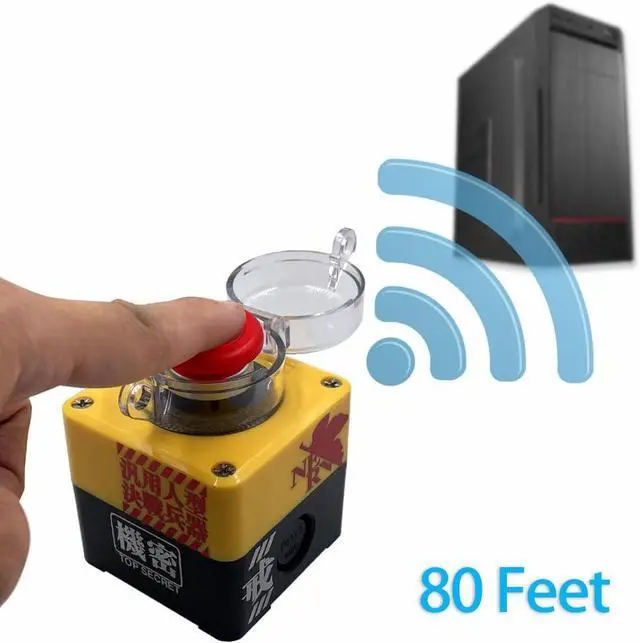
Control your computer from over 80 feet away with reliable 2.4GHz wireless technology. Even with multiple devices nearby, each switch operates independently without signal interference.

Designed with low-power circuitry, the receiver board offers a battery life of up to 1–2 years. Enjoy reliable performance without frequent battery replacements.
Upgrade your workspace with a fun and powerful wireless PC power button. Easy to install, reliable to use — make your setup smarter today!
Enjoy a fun and easy DIY experience! Our wireless PC power button kit includes all essential components:
Everything you need to build and install your desktop power switch quickly and easily — no extra tools required!
To install the receiver board, your desktop motherboard must have at least one available PCIe slot. Please check before purchasing.
This product is designed for desktop computers only. It cannot be installed or used on notebook or laptop computers.
You need basic experience with computer assembly to correctly connect the receiver to the motherboard’s power switch pins.
Please refer to the installation guide.
Connecting cables incorrectly may cause a short circuit.
Always connect the signal cable to the Power SW pins (not the Power LED pins)
Please carefully verify the jumper position before powering on.
Add a playful touch to your workspace! This emergency-style button is not just a cool ornament — it remotely powers your PC ON or OFF with a single press.
Control your computer from over 80 feet away with reliable 2.4GHz wireless technology. Even with multiple devices nearby, each switch operates independently without signal interference.
Designed with low-power circuitry, the receiver board offers a battery life of up to 1–2 years. Enjoy reliable performance without frequent battery replacements.
Upgrade your workspace with a fun and powerful wireless PC power button. Easy to install, reliable to use — make your setup smarter today!


