Your Browsing History
- Free 30-day Returns
$16.89
Ships from China.
Meet Your Seller
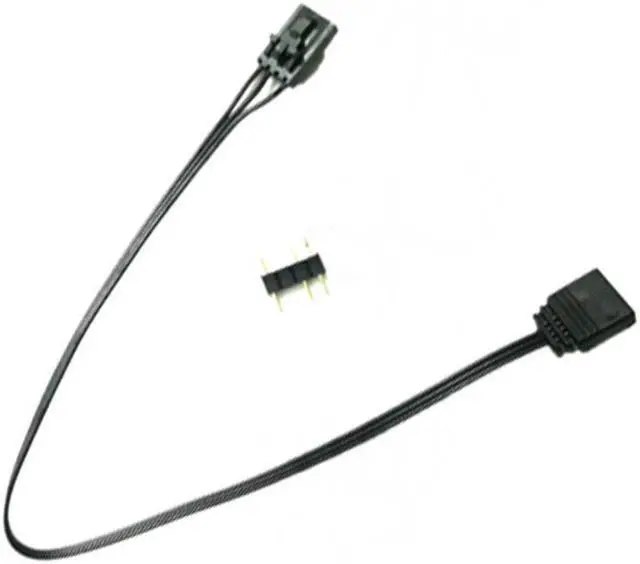
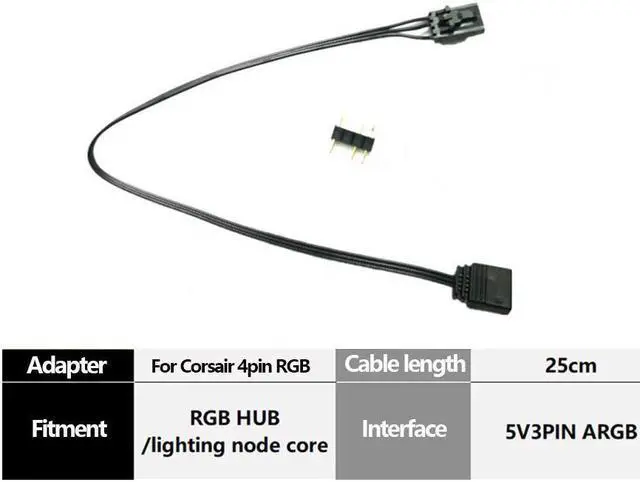
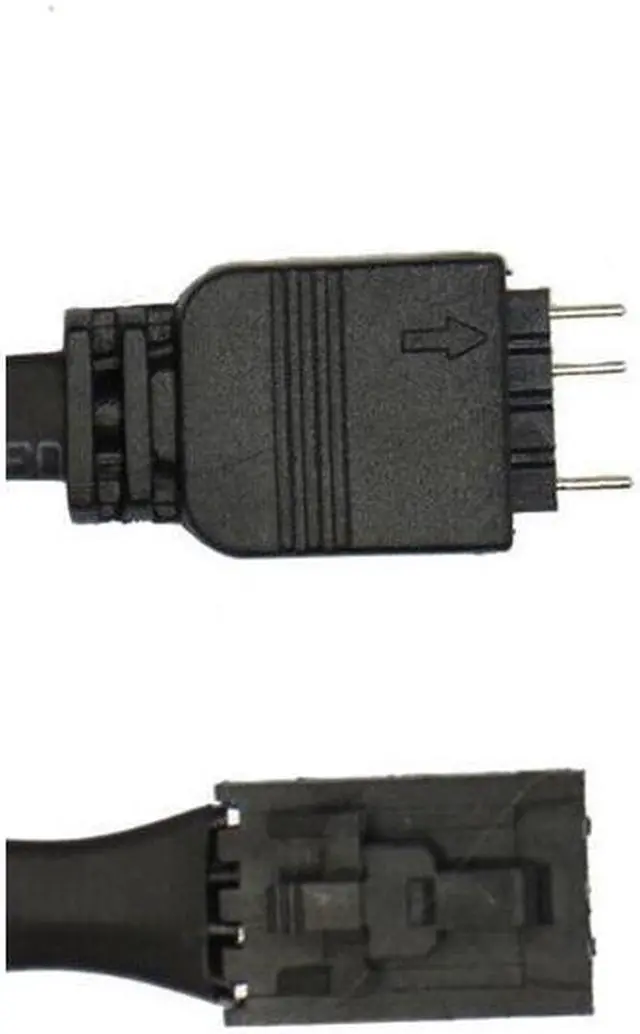
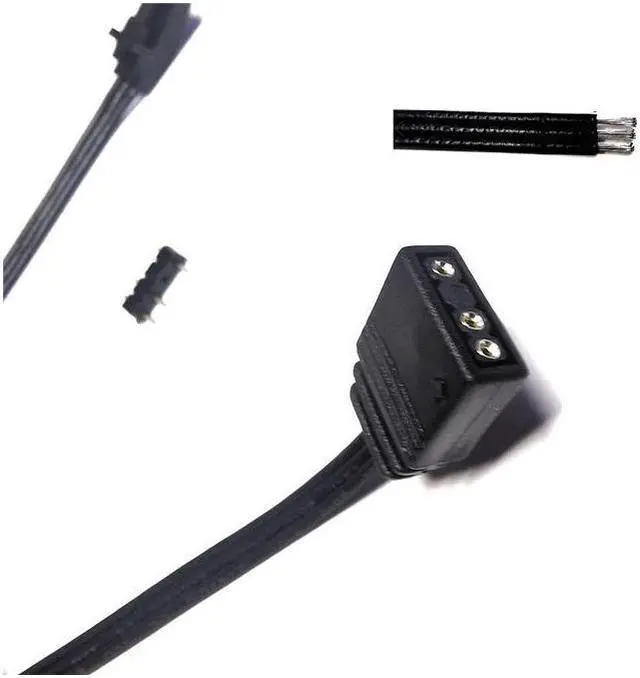
Adapter cable For Corsair RGB Fan (4-pin) to Asus Aura/MSI Mystic Light Addressable RGB
Limited time offer, ends 08/07 By Electronics store
- Packing includes:
- 1 x Conversion cable
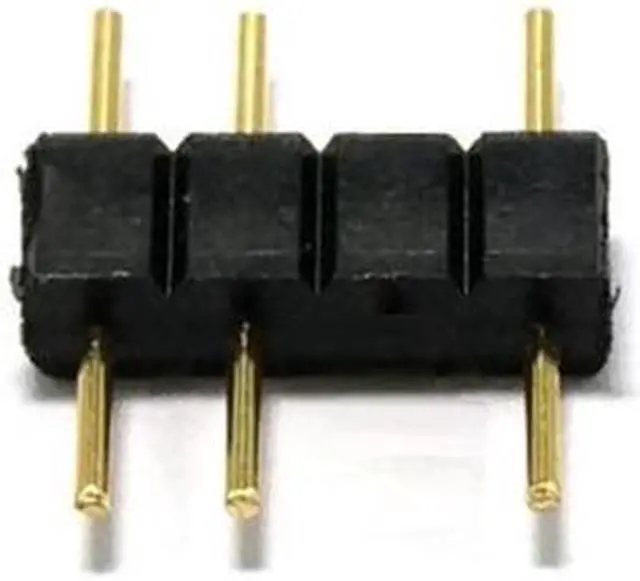
- 1 x Male 3Pin socket
+
+
Overview
Specs
Reviews
Any questions? Our AI beta will help you find out quickly.
Try me now
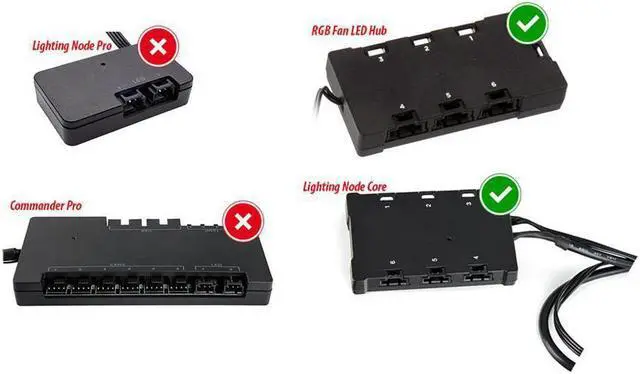
1) This adapter only works with a Lighting Node Core or RGB Fan LED Hub. It will not connect to a Ligthing Node Pro or for Commander Pro (though they may control the Fan Hub. ) It also will not work for new Commander Core that comes for Capellix AIO coolers. 2) If your device does not have its own power source, you need to make sure that the current draw on a single Hub or Lighting Node Core is limited to approximately 4.5A ( 22.5W ). This will come out to roughly 120 RGB LEDs.
However you may need to check the specifications of any LEDs that you connect. If you exceed the limit, you may overload the SATA power connector. 3) You'll have to configure your devices in iCue based on the number of LEDs. You can choose from HD (12 LEDs), LL (16 LEDs), ML (4 LEDs), SP-PRO (8 LEDs), QL (34 LEDs) fans or RGB Strips (10 LEDs). Do not configure them as SP-RGB fans! You'll need to count the number of LEDs on your devices and then configure the lighting channel to have the same (or slightly greater) number of LEDs.
4) This will not allow you to control your motherboard or GPU LEDs. Those aren't controlled by connecting wires. This will only control 5V Addressable RGB LEDs. 5) This will not allow you to control 12V (4-pin) analog LEDs. They operate on a different protocol and are incompatible. You can use for Solarity Tech ArrRGB DAC to control 12V (4-pin) analog LEDs.
Voltage: 5V
Cable length: 25cm
Wiring: 5V3Pin
A-RGB Packing includes: 1 x Conversion cable 1 x Male 3Pin socket

However you may need to check the specifications of any LEDs that you connect. If you exceed the limit, you may overload the SATA power connector. 3) You'll have to configure your devices in iCue based on the number of LEDs. You can choose from HD (12 LEDs), LL (16 LEDs), ML (4 LEDs), SP-PRO (8 LEDs), QL (34 LEDs) fans or RGB Strips (10 LEDs). Do not configure them as SP-RGB fans! You'll need to count the number of LEDs on your devices and then configure the lighting channel to have the same (or slightly greater) number of LEDs.
4) This will not allow you to control your motherboard or GPU LEDs. Those aren't controlled by connecting wires. This will only control 5V Addressable RGB LEDs. 5) This will not allow you to control 12V (4-pin) analog LEDs. They operate on a different protocol and are incompatible. You can use for Solarity Tech ArrRGB DAC to control 12V (4-pin) analog LEDs.
Specifications
: Brand new and premium qualityVoltage: 5V
Cable length: 25cm
Wiring: 5V3Pin
A-RGB Packing includes: 1 x Conversion cable 1 x Male 3Pin socket
Warranty & Returns
Warranty, Returns, And Additional Information
Warranty
- Please contact the Seller directly for warranty information. Warranty information may also be found on the Manufacturer's website.
- CONTACT
Return Policies
- Return for refund within: 30 days
- Return for replacement within: 30 days
- This item is covered by Electronics store Return Policy
Manufacturer Contact Info
- For a directory of all our manufacturers, please click below.
- Manufacturers Directory
LOADING...