

Your Browsing History

Meet Your Seller

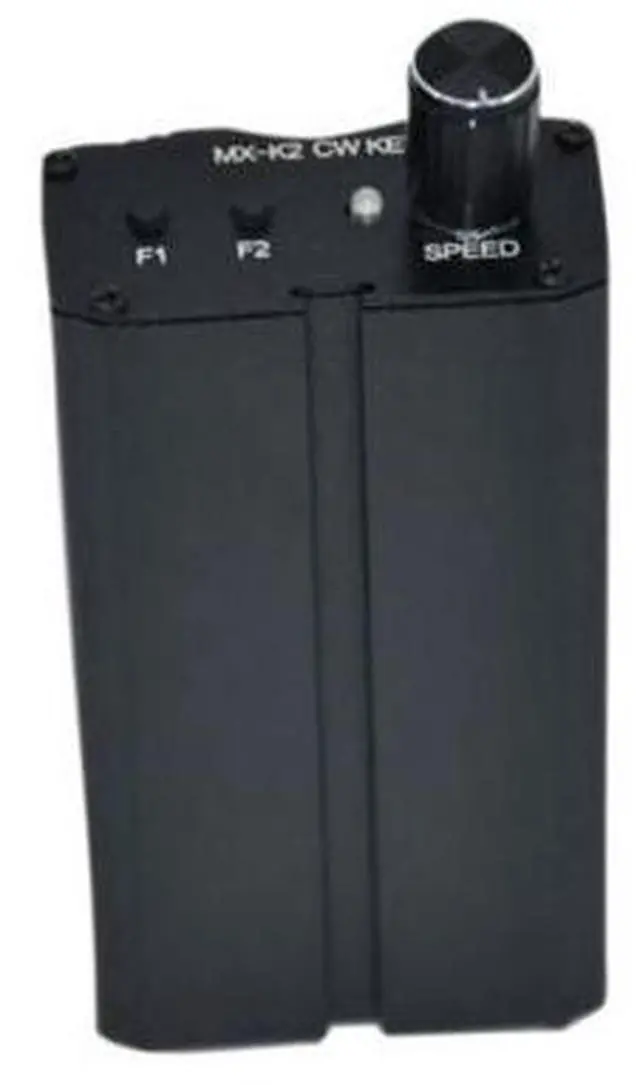
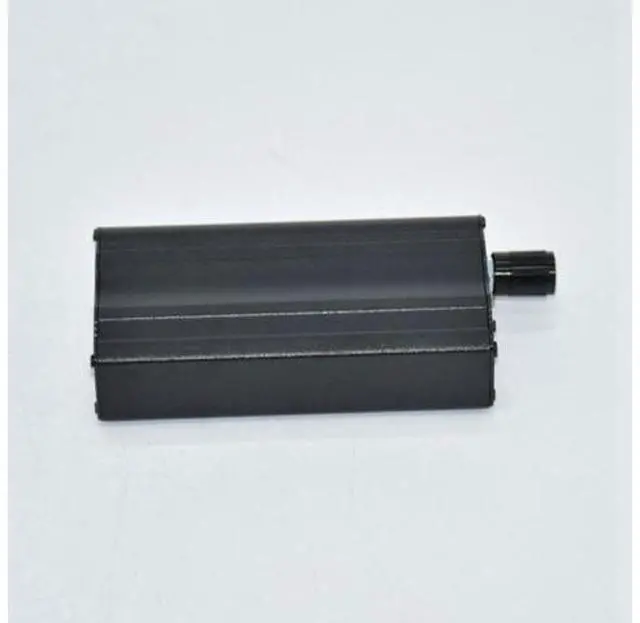
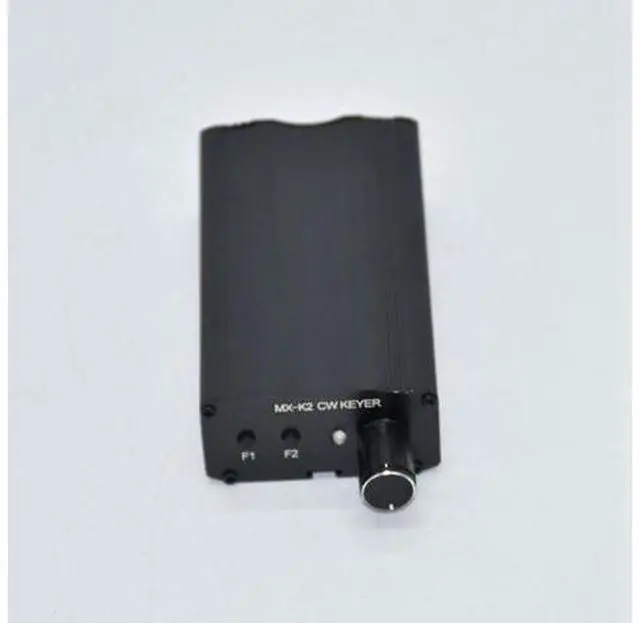
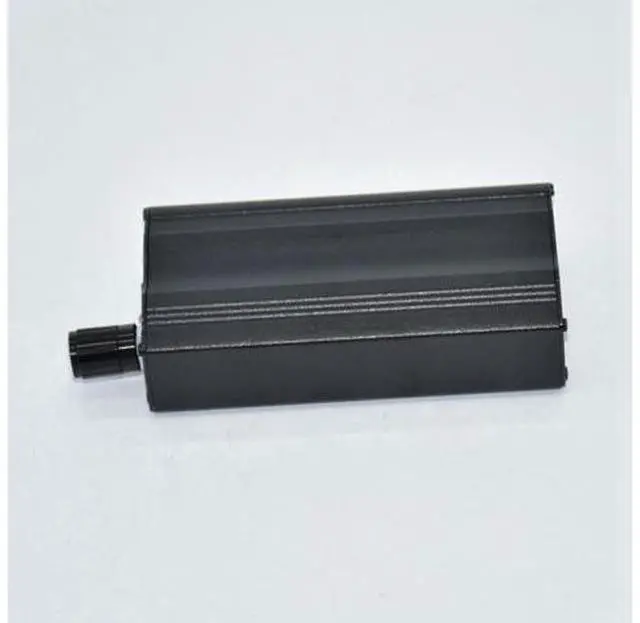


MX-K2 CW Auto Memory Key Contoller Morse Code Keyer For Ham Radio Amplifier
Limited time offer, ends 09/28 By Warm Cozy Harbor
- MX-K2 CW Auto Memory Key Contoller Morse Code Keyer For Ham Radio Amplifier
+
+
Overview
Specs
Reviews

Any questions? Our AI mode will help you find out quickly.
Try me now
Origin: CN (Origin) MX-K2 CW Auto Memory Key Contoller Morse Code Keyer For Ham Radio
Amplifier J1: buzzer mute;
L/R: di/da or da/di F1 key can remember 60 words, and it has power-off protection fuction. F2 key can remember 50 words, it doesn't protect the data when the power fails. R3 key is for speed control, speed getting fast when the value of R3 getting down.
Record: Keep pressing on F1 /F2 for more then half second, you will hear 'M', now it records CW automatically. When it is all done, press F1/ f2, you will hear "S". It will remind you by "F" if you exceed the volume, and the extra par. It will noe be recorded.
Message: Every message can not only be storaged by a long memory, it also can be separate into several parts by inputing EOM (End of Message) at the end of every segmentation.
Play the segmentations: If you want play the second segmentation, just press the memory key 2 times; if you want the third one, then press the key 3times, et cetera.
Command mode: press F1 AND F2 at the same time, you will hear "C", now it is under the mode of command
End command mode: press F1 and F2 at same time again, or you can input "D" by pressing the auto key When you use the auto key, PIC
will make a judgement: you will hear "R" for the right command, and "? " for invalid command.
"A": turn off the memory of long-short voice.
"B": turn on the memory of long-short voice. This is the most common command.
"C" and "E": Repeat play. it will stop automatically after playing 255 times under t
Amplifier J1: buzzer mute;
L/R: di/da or da/di F1 key can remember 60 words, and it has power-off protection fuction. F2 key can remember 50 words, it doesn't protect the data when the power fails. R3 key is for speed control, speed getting fast when the value of R3 getting down.
Record: Keep pressing on F1 /F2 for more then half second, you will hear 'M', now it records CW automatically. When it is all done, press F1/ f2, you will hear "S". It will remind you by "F" if you exceed the volume, and the extra par. It will noe be recorded.
Message: Every message can not only be storaged by a long memory, it also can be separate into several parts by inputing EOM (End of Message) at the end of every segmentation.
Play the segmentations: If you want play the second segmentation, just press the memory key 2 times; if you want the third one, then press the key 3times, et cetera.
Command mode: press F1 AND F2 at the same time, you will hear "C", now it is under the mode of command
End command mode: press F1 and F2 at same time again, or you can input "D" by pressing the auto key When you use the auto key, PIC
will make a judgement: you will hear "R" for the right command, and "? " for invalid command.
"A": turn off the memory of long-short voice.
"B": turn on the memory of long-short voice. This is the most common command.
"C" and "E": Repeat play. it will stop automatically after playing 255 times under t
Warranty & Returns
Warranty, Returns, And Additional Information
Warranty
- Please contact the Seller directly for warranty information. Warranty information may also be found on the Manufacturer's website.
- CONTACT
Return Policies
- Return for refund within: 30 days
- Return for replacement within: 30 days
- This item is covered by Warm Cozy Harbor Return Policy
Manufacturer Contact Info
- For a directory of all our manufacturers, please click below.
- Manufacturers Directory
LOADING...