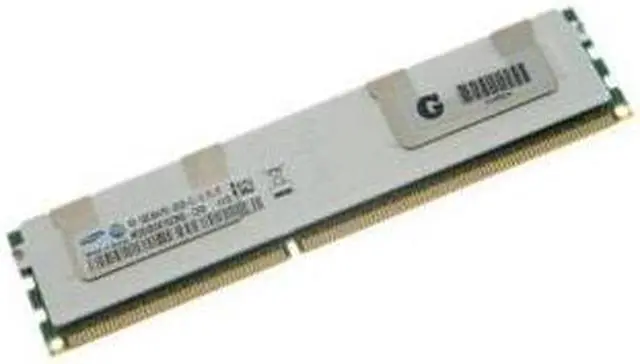
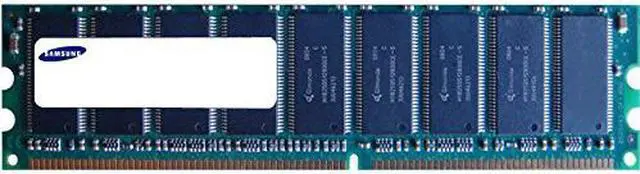
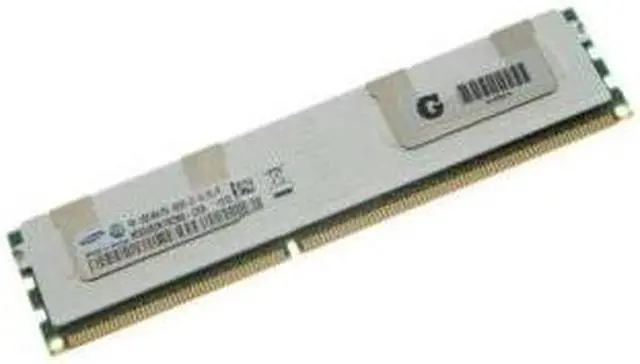
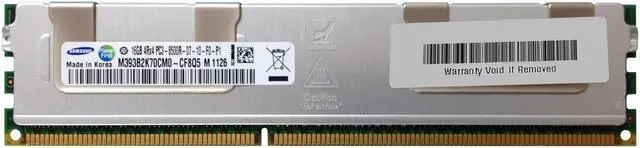
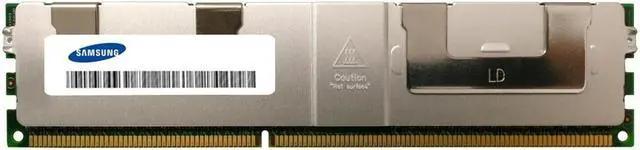
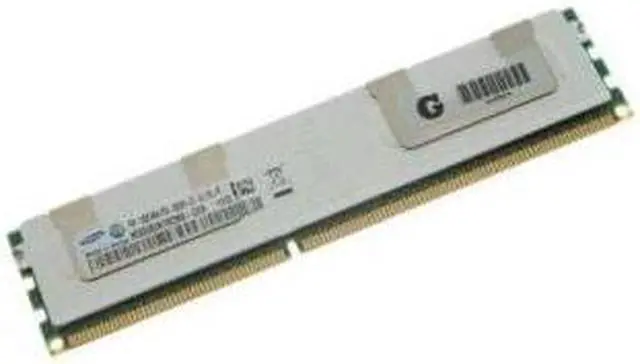
The Samsung M393B2K70Cm0-Cf8Q5 is a server memory module for IT teams and server owners seeking this exact model for a system where compatibility has been confirmed.
Recommended For
- Operators extending the life of a legacy DDR3 server can use this 16GB registered ECC module when the server supports this specific RDIMM type and configuration.
- Homelab builders running compatible older server platforms can consider it for memory expansion in virtualization, NAS, or test systems, provided the system supports 4-rank x4 registered DDR3 DIMMs.
- Server refurbishers replacing a failed or missing stick can use it when matching the exact part or a system-qualified equivalent is more important than upgrading to a newer memory generation.
- Maintainers of older server fleets can consider it as a spare for systems that use 16GB, 240-pin DDR3-1066 ECC registered modules; confirm the server’s supported rank and memory population rules first.
Real-World Use Scenarios
- Adding memory to a compatible older server: an administrator can use the module to increase available RAM for existing server workloads; the system must support DDR3 registered ECC memory and this module’s rank and capacity.
- Expanding a legacy virtualization host: in a supported server, adding compatible modules can provide room for more or larger virtual machines before the host runs short of memory; the outcome depends on the full system configuration.
- Building or maintaining a home lab on older server hardware: the module can help increase memory for several self-hosted services or test environments running together, provided the server supports this specific registered DIMM type.
- Increasing memory in a compatible file or NAS server: additional installed capacity can leave more RAM available for the operating system and services, but it does not by itself guarantee faster storage transfers.
- Replacing a failed or mismatched module in an older server: using a compatible replacement can restore the intended memory configuration; check the server’s supported capacity, rank, speed, and module type before installation.
Spec Summary
| Attribute | Value |
|---|
| Best For | Server memory applications |
|---|
| Brand | Samsung |
|---|




 here!

 Hot Seller