




 5 in 1 Out HDMI Switch |  4K 60Hz HDMI Switch 5 in 1 Out, 5 Port HDMI Switcher Box 5x1 with Remote Cont... |  3 in 1 Out HDMI Switch 8K 60Hz |  8 in 1 Out HDMI Switch |  2 in 4 Out HDMI Switch Splitter | |
|---|---|---|---|---|---|
| Customer Reviews | — | — | — | — | — |
| Price | — | — | — no data | — | — |
| Monitor Connection Type | HDMI | HDMI | HDMI | HDMI | HDMI |
| Maximum Resolution | 4K@30Hz | 4K@60Hz | 8K@60Hz | 4K@30Hz | 4K@30Hz |
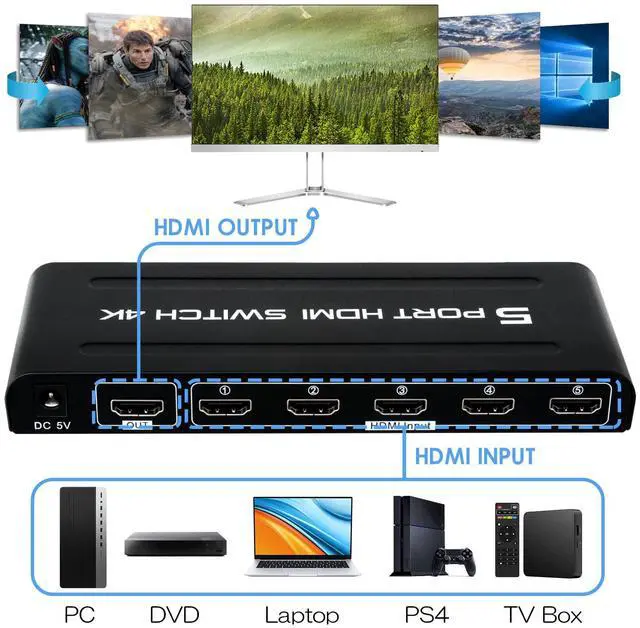
| Input Ports | Max 5 Computers | Max 5 Computers | Max 3 Computers | Max 8 Computers | Max 2 Computers |
| Output Ports | 1*HDMI | 1*HDMI | 1*HDMI | 1*HDMI | 4*HDMI + 1*3.5mm and SPDIF audio out |
| Feature | 5 Computers Share 1 monitor | 5 Computers Share 1 monitor | 3 Computers Share 1 monitor | 8 Computers Share 1 monitor | 2 Computers Share 4 monitor |


--Instructions for automatic signal detection and tracking
- When the user inserts an input port, the switcher will automatically track and identify and switch to the port.
- When the user's input port reaches 2 or more trails, and the user dial-out the screen port that displays the work, the switcher will skip to the next online port in order.
- When all ports are plugged into the device, unplug any port and the device will automatically detect and switch to the plugged port.
NOTE:
1. When you use it, you can check whether the connection cable is good, make sure the device is in the correct working condition, and determine whether the monitor has been switched to HDMI mode.
2.The HDMI switcher needs to be set up or configured correctly before use. Please refer to the switcher's instruction manual or the manufacturer's recommendations to ensure that the switcher parameters are set correctly.

5 Connections, 1 Click

--Features:
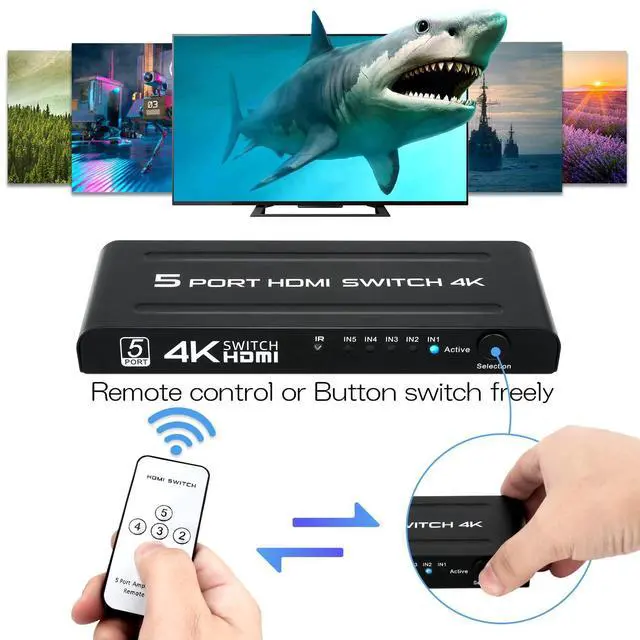
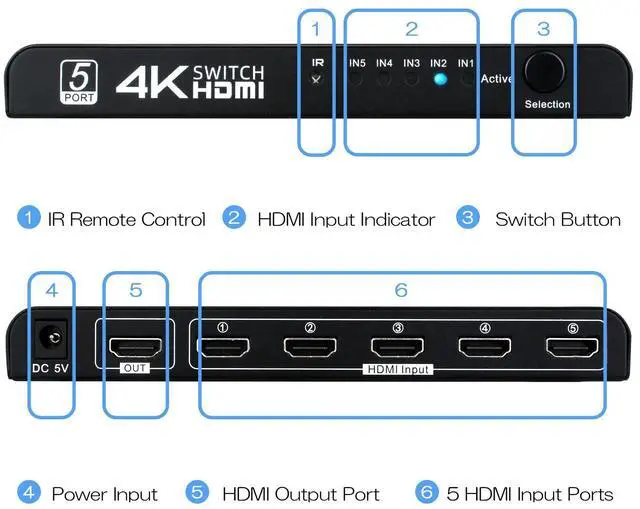
- 5 Port HDMI video switcher input 5 channel HDMI HD video to the switcher, according to user needs, the video switch output to a monitor, there are remote control switch and button switch 2 ways for users to use, convenient and fast!
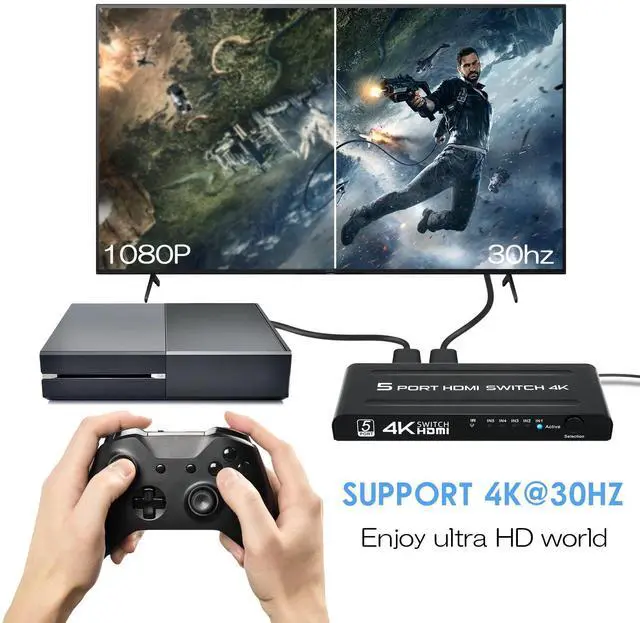
- Maximum supported resolution: 3840*2160 @30Hz
- Supported HDMI input cable length: = 5 M (16.4ft)
- Supported HDMI output cable length: = 25 M (82ft)
- Video refresh rate: 24/29/30/59/60 Hz
- HDMI input/output port: 19 PIN HDMI
- HDMI operating temperature: -20~50?
NOTE:
1.HDMI switches are not compatible with specific devices or sources. So make sure the switcher supports the device to be connected and is compatible with the monitor or TV.
2. For desktop computers and discrete graphics cards, make sure the HDMI cable is connected to the HDMI output port of the graphics card, not the HDMI port of the motherboard. For laptops, an HDMI cable is required to connect the computer to the switcher and make sure that the correct display mode (e.g. copy mode) is selected.

Switching Ways
- Button switch
- Remote control
- Automatic signal detection

Wide Use
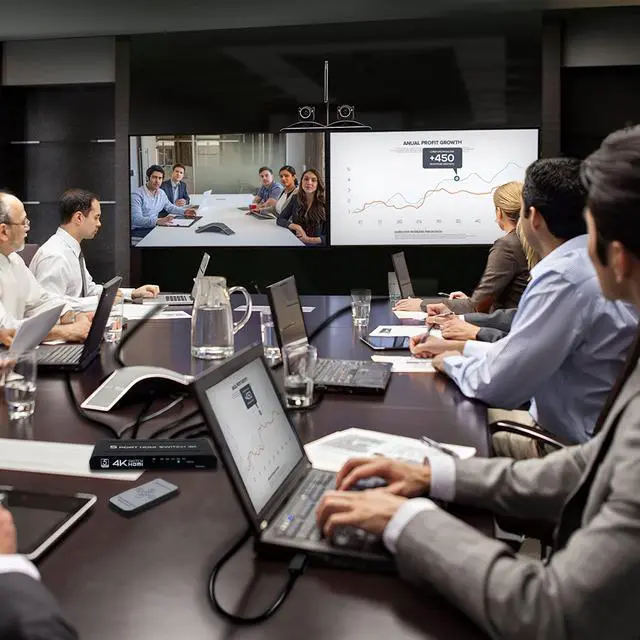
- Widely used in all kinds of multimedia, advertising, conference, financial securities and other fields, such as multimedia computer demonstration, video teaching, public video broadcast system.

What‘s in the box?
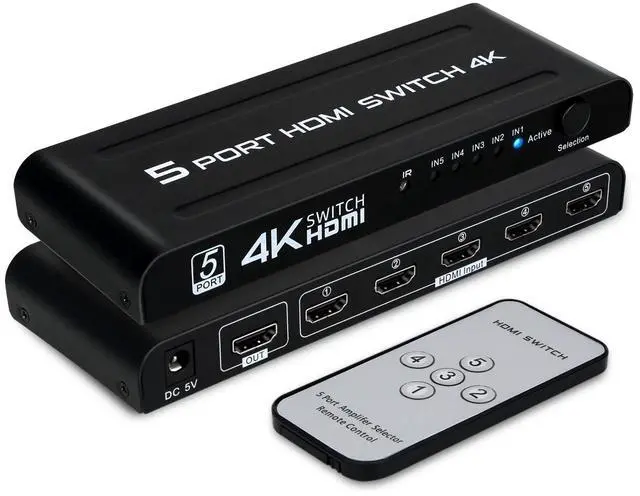
- 5 in 1 out HDMI Switch
- Remote Control
- User Manual
- Power Adapter

DGODRT offer product with superior feature at affordable prices.
With the philosophy we have obtained customers' trust from all market.
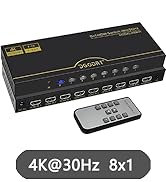
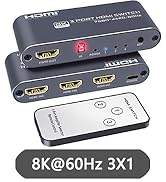
3/5/8 Port HDMI Switch
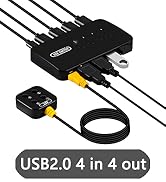
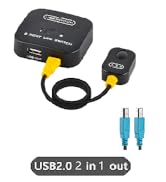
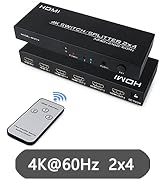
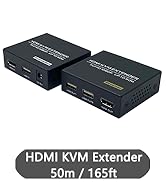
2/4 Port USB Switch & Extender
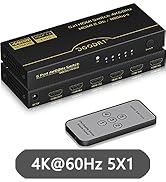
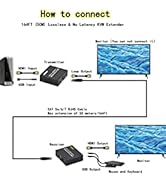
5 Port HDMI Switch & Extender

As a professional audio video products manufacturer, DGODRT was established in 2012.
We have been pursuing to provide products with excellent functions at reasonable prices.
With this philosophy, we have obtained the trust of most customers in the market.
5 in 1 Out HDMI Switch | 4K 60Hz HDMI Switch 5 in 1 Out, 5 Port HDMI Switcher Box 5x1 with Remote Cont... | 3 in 1 Out HDMI Switch 8K 60Hz | 8 in 1 Out HDMI Switch | 2 in 4 Out HDMI Switch Splitter | |
|---|---|---|---|---|---|
| Customer Reviews | — | — | — | — | — |
| Price | — | — | — no data | — | — |
| Monitor Connection Type | HDMI | HDMI | HDMI | HDMI | HDMI |
| Maximum Resolution | 4K@30Hz | 4K@60Hz | 8K@60Hz | 4K@30Hz | 4K@30Hz |
| Input Ports | Max 5 Computers | Max 5 Computers | Max 3 Computers | Max 8 Computers | Max 2 Computers |
| Output Ports | 1*HDMI | 1*HDMI | 1*HDMI | 1*HDMI | 4*HDMI + 1*3.5mm and SPDIF audio out |
| Feature | 5 Computers Share 1 monitor | 5 Computers Share 1 monitor | 3 Computers Share 1 monitor | 8 Computers Share 1 monitor | 2 Computers Share 4 monitor |
--Instructions for automatic signal detection and tracking
- When the user inserts an input port, the switcher will automatically track and identify and switch to the port.
- When the user's input port reaches 2 or more trails, and the user dial-out the screen port that displays the work, the switcher will skip to the next online port in order.
- When all ports are plugged into the device, unplug any port and the device will automatically detect and switch to the plugged port.
NOTE:
1. When you use it, you can check whether the connection cable is good, make sure the device is in the correct working condition, and determine whether the monitor has been switched to HDMI mode.
2.The HDMI switcher needs to be set up or configured correctly before use. Please refer to the switcher's instruction manual or the manufacturer's recommendations to ensure that the switcher parameters are set correctly.
5 Connections, 1 Click
--Features:
- 5 Port HDMI video switcher input 5 channel HDMI HD video to the switcher, according to user needs, the video switch output to a monitor, there are remote control switch and button switch 2 ways for users to use, convenient and fast!
- Maximum supported resolution: 3840*2160 @30Hz
- Supported HDMI input cable length: = 5 M (16.4ft)
- Supported HDMI output cable length: = 25 M (82ft)
- Video refresh rate: 24/29/30/59/60 Hz
- HDMI input/output port: 19 PIN HDMI
- HDMI operating temperature: -20~50?
NOTE:
1.HDMI switches are not compatible with specific devices or sources. So make sure the switcher supports the device to be connected and is compatible with the monitor or TV.
2. For desktop computers and discrete graphics cards, make sure the HDMI cable is connected to the HDMI output port of the graphics card, not the HDMI port of the motherboard. For laptops, an HDMI cable is required to connect the computer to the switcher and make sure that the correct display mode (e.g. copy mode) is selected.
Switching Ways
- Button switch
- Remote control
- Automatic signal detection
Wide Use
- Widely used in all kinds of multimedia, advertising, conference, financial securities and other fields, such as multimedia computer demonstration, video teaching, public video broadcast system.
What‘s in the box?
- 5 in 1 out HDMI Switch
- Remote Control
- User Manual
- Power Adapter
DGODRT offer product with superior feature at affordable prices.
With the philosophy we have obtained customers' trust from all market.
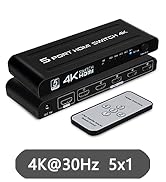
3/5/8 Port HDMI Switch
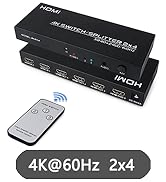
2/4 Port USB Switch & Extender
5 Port HDMI Switch & Extender
As a professional audio video products manufacturer, DGODRT was established in 2012.
We have been pursuing to provide products with excellent functions at reasonable prices.
With this philosophy, we have obtained the trust of most customers in the market.
