




If you run out of HDMI ports on TV or receiver, and tired of swapping HDMI cables to switch the game consoles. This HDMI switch with remote control is a great solution for you.
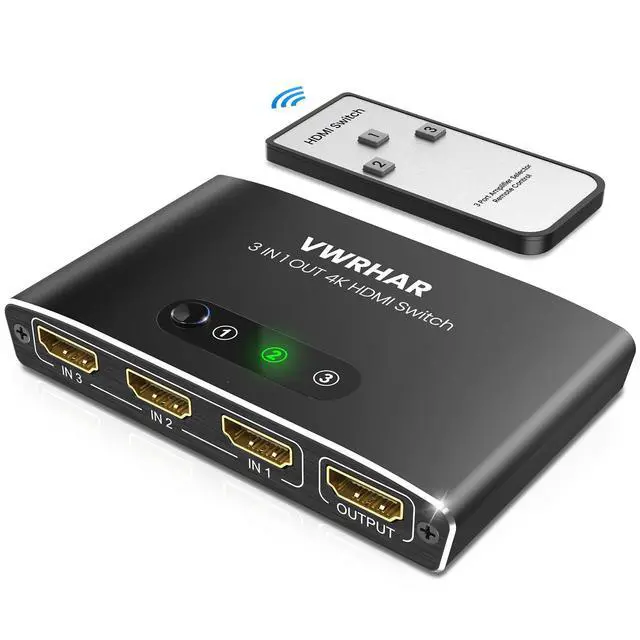
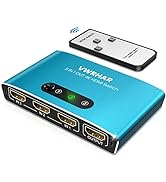
VWRHAR 3-Port HDMI switch can connect 3 video devices to 1 display without lose in video quality. With the remote control, you can easy to switch sources without having to leave the comfort of your couch or bed.

HDMI Switch 3 In 1 Out
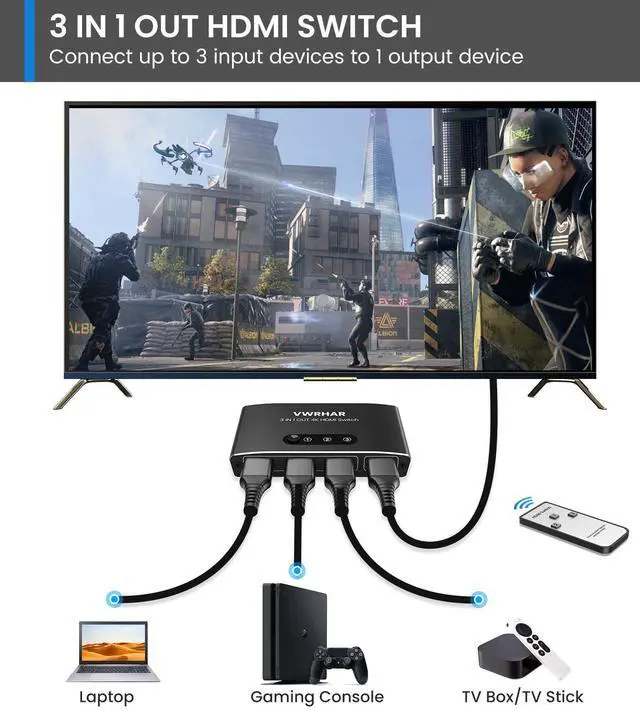
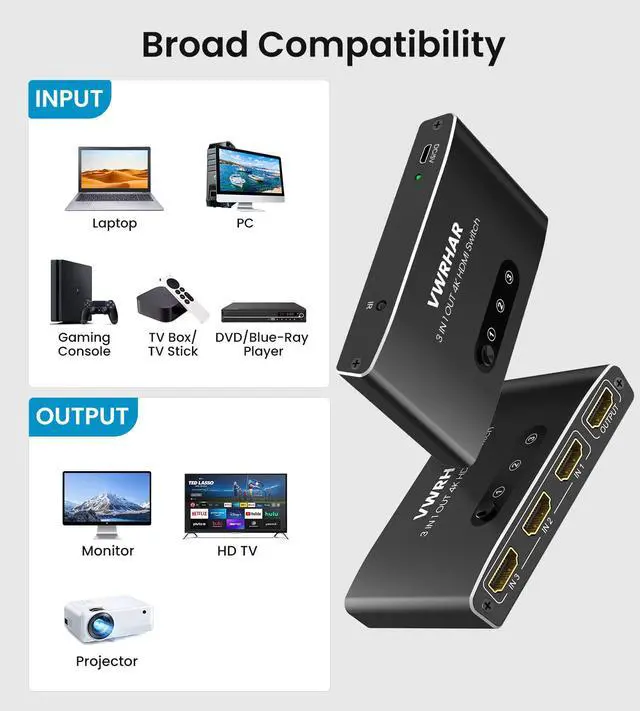
1. Input Port: 3x standard HDMI
Ensure that your input device (e.g., Xbox, TV stick, PS4) is connected to one of the input ports (IN1, IN2, or IN3).
2. Output Port: 1x standard HDMI
Connect your output device (e.g., DTV, Display) to the output port (OUT).
After powering on, the indicator light for the active channel will illuminate.

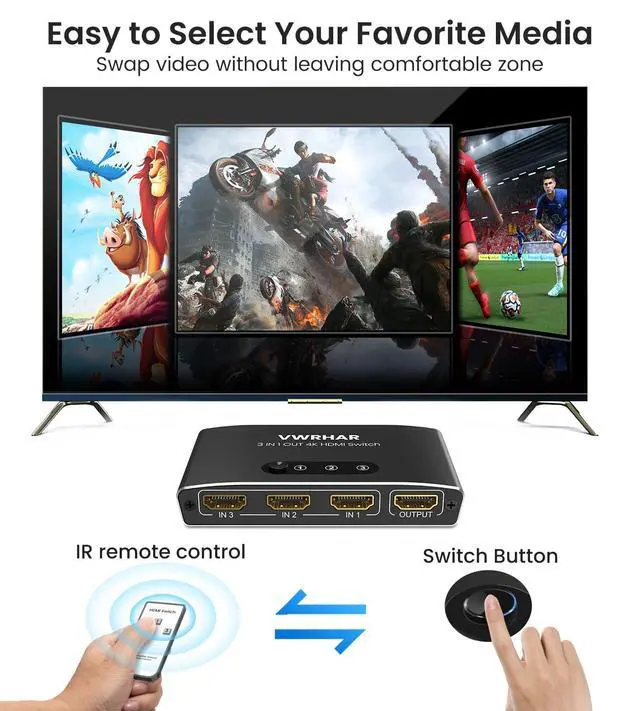
Three Switching Methods
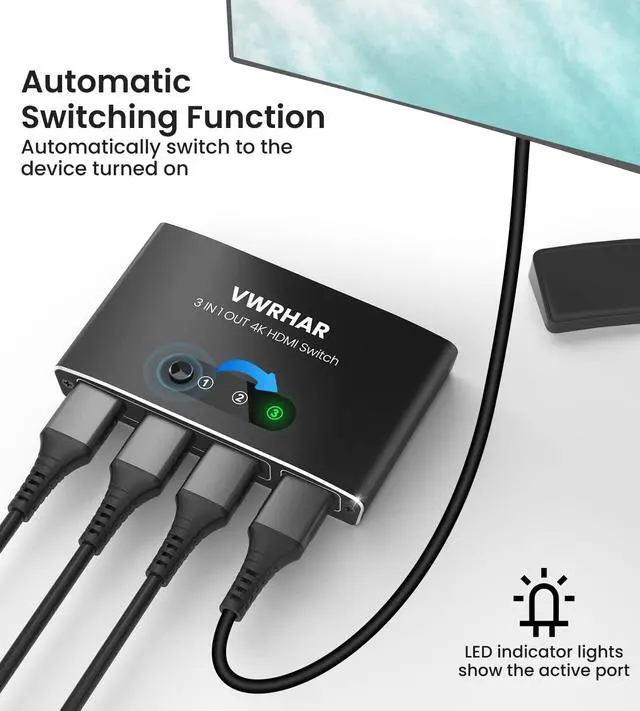
- Auto Switch: automatically switch to newly turned on device.
- Manual Switch: switch video signals at a push of button.
- Remote Control: swap video sources without leaving a comfortable couch.

Wide-Range Compatibility
- Compatible with Blu-ray players, DVD players, gaming consoles (Xbox 360, PS3, PS4, PS5, Nintendo Switch, etc), Receivers, Apple TV, Fire TV stick, Roku Stick, cable and satellite boxes, PC, Laptop, etc.
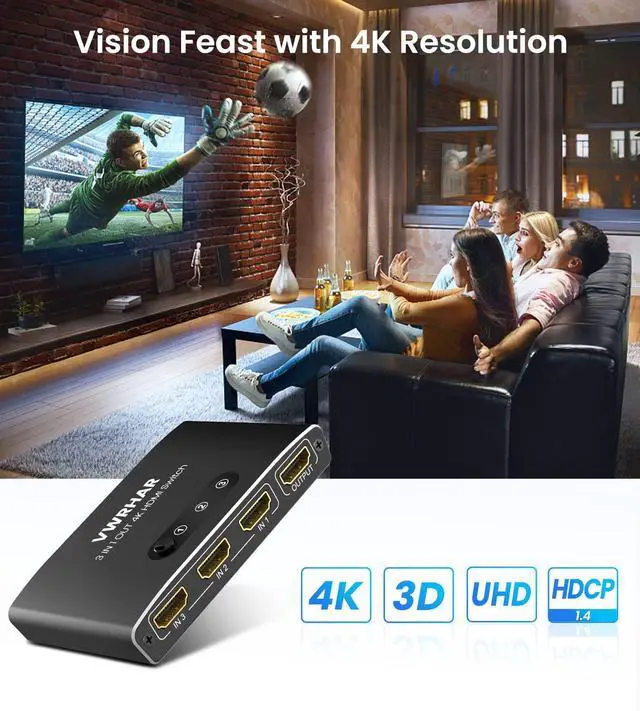
- Supports resolution at 4K(3840*2160)@60Hz, 2K@60Hz, 1080P@120Hz, 3D, UHD and backward compatible with lower resolution.

Premium Aluminum
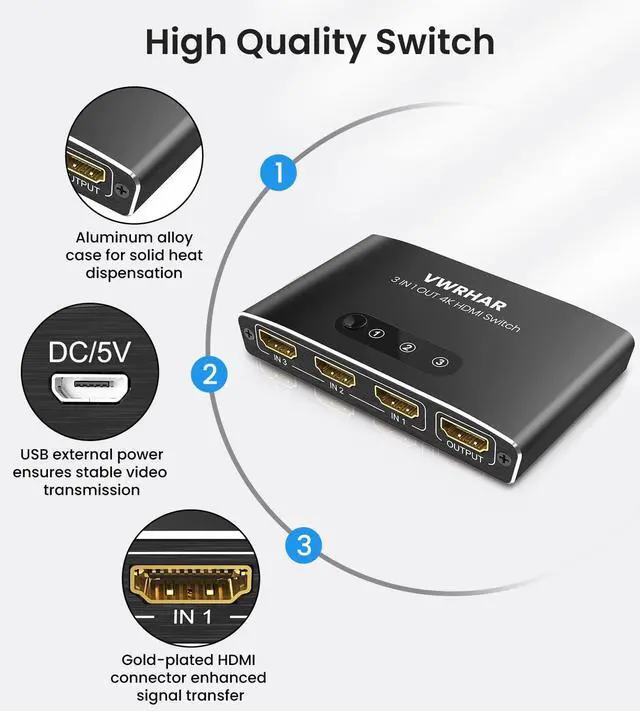
- Constructed with aluminum alloy for solid heat dispensation.
- Connector plated with gold for an enhanced signal transfer.

Compact Size
- Size: 10cm x 6cm x 1.7cm; Portable and compact design, save your space on your media center.
- LED indicator lights show which connected device is selected for use.

Plug and Play
- Extra power supply(5V 1A) needed when power-hungry devices are connected, to ensure stable video transmission and better performance. (Adapter not included)
- Package Contains:
- 1x 3-port HDMI Switch
- 1x Remote Control
- 1x Micro USB Power Cable
- 1x User Manual
Auto Switching Feature:
1. Automatically switch to the new device turned on.
2. Sense input signals automatically and switch from one active input source to the next in whatever order they are plugged in.
Warm Tips:
1. If your input device (such as PS4 Pro) runs 4K, please LOWER the resolution from 2160P-RGB to 2160P-YUV420, or to1080P.
2. For PS5, please go into settings and change the 4K Video Transfer Rate to either -1 or -2.
3. If you need to transmit a 4K 60Hz signal, make sure to use HDMI 2.0 or higher cables with the input cable being under 3.3 feet in length and the total length not exceeding 6.6 feet.
 8k HDMI 2.1 Switch |  HDMI Switch with with Pigtail HDMI Cable |  HDMI Switch 4K@60Hz |  HDMI Switch with Remote | |
|---|---|---|---|---|
| HDMI | HDMI 2.1 | HDMI1.4/2.0 | HDMI1.4/2.0 | HDMI1.4/2.0 |
| Max Resolution | 8k@60hz/4k@120hz | 4k@30hz | 4K@60Hz | 4k@60hz |
| Switch Method | Button | Button/Automatic | Button | Remote/Button/Automatic |
| LED Indicator | ? | ? | ? | ? |



If you run out of HDMI ports on TV or receiver, and tired of swapping HDMI cables to switch the game consoles. This HDMI switch with remote control is a great solution for you.
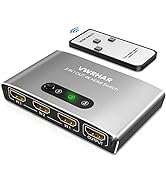
VWRHAR 3-Port HDMI switch can connect 3 video devices to 1 display without lose in video quality. With the remote control, you can easy to switch sources without having to leave the comfort of your couch or bed.
HDMI Switch 3 In 1 Out
1. Input Port: 3x standard HDMI
Ensure that your input device (e.g., Xbox, TV stick, PS4) is connected to one of the input ports (IN1, IN2, or IN3).
2. Output Port: 1x standard HDMI
Connect your output device (e.g., DTV, Display) to the output port (OUT).
After powering on, the indicator light for the active channel will illuminate.
Three Switching Methods
- Auto Switch: automatically switch to newly turned on device.
- Manual Switch: switch video signals at a push of button.
- Remote Control: swap video sources without leaving a comfortable couch.
Wide-Range Compatibility
- Compatible with Blu-ray players, DVD players, gaming consoles (Xbox 360, PS3, PS4, PS5, Nintendo Switch, etc), Receivers, Apple TV, Fire TV stick, Roku Stick, cable and satellite boxes, PC, Laptop, etc.
- Supports resolution at 4K(3840*2160)@60Hz, 2K@60Hz, 1080P@120Hz, 3D, UHD and backward compatible with lower resolution.
Premium Aluminum
- Constructed with aluminum alloy for solid heat dispensation.
- Connector plated with gold for an enhanced signal transfer.
Compact Size
- Size: 10cm x 6cm x 1.7cm; Portable and compact design, save your space on your media center.
- LED indicator lights show which connected device is selected for use.
Plug and Play
- Extra power supply(5V 1A) needed when power-hungry devices are connected, to ensure stable video transmission and better performance. (Adapter not included)
- Package Contains:
- 1x 3-port HDMI Switch
- 1x Remote Control
- 1x Micro USB Power Cable
- 1x User Manual
Auto Switching Feature:
1. Automatically switch to the new device turned on.
2. Sense input signals automatically and switch from one active input source to the next in whatever order they are plugged in.
Warm Tips:
1. If your input device (such as PS4 Pro) runs 4K, please LOWER the resolution from 2160P-RGB to 2160P-YUV420, or to1080P.
2. For PS5, please go into settings and change the 4K Video Transfer Rate to either -1 or -2.
3. If you need to transmit a 4K 60Hz signal, make sure to use HDMI 2.0 or higher cables with the input cable being under 3.3 feet in length and the total length not exceeding 6.6 feet.
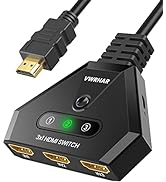
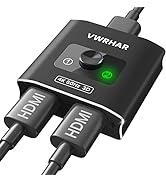
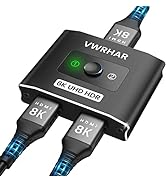
8k HDMI 2.1 Switch | HDMI Switch with with Pigtail HDMI Cable | HDMI Switch 4K@60Hz | HDMI Switch with Remote | |
|---|---|---|---|---|
| HDMI | HDMI 2.1 | HDMI1.4/2.0 | HDMI1.4/2.0 | HDMI1.4/2.0 |
| Max Resolution | 8k@60hz/4k@120hz | 4k@30hz | 4K@60Hz | 4k@60hz |
| Switch Method | Button | Button/Automatic | Button | Remote/Button/Automatic |
| LED Indicator | ? | ? | ? | ? |
More Choices
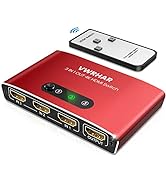
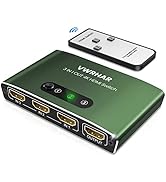
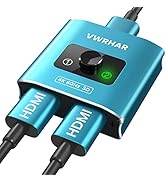
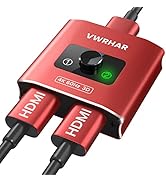
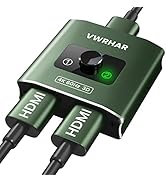
Multiple Colour
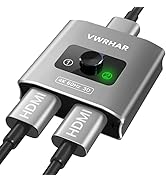
Multiple Colour
