




 POC HDMI Extender |  Wireless USB C HDMI Transmitter and Receiver 164ft |  Wireless HDMI Transmitter and Receiver 100ft |  usb extender over cat6 328ft |  hdmi extender over cat6 200ft |  HDMI KVM Fiber Extender 12.4 miles | |
|---|---|---|---|---|---|---|
| Customer Reviews | — | — | — | — | — | — |
| Price | — | — no data | — | — no data | — no data | — |
| Input | HDMI | USB C | HDMI | USB | HDMI | HDMI |
| Output | HDMI | HDMI &VGA | HDMI | USB | HDMI | HDMI |
| Extend distance | 165ft | 165ft | 100ft | 328ft | 200ft | 12.4 miles |
| Connected ways | CAT 6/7/8 | Wireless | Wireless | CAT 6/7/8 | CAT 6/7/8 | LC-LC signal fiber cable |

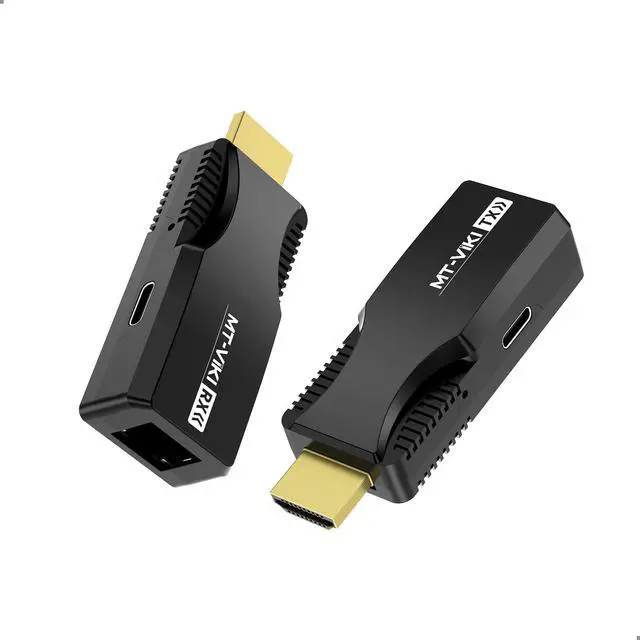
MT-VIKI POC HDMI Extender over CAT6/7 cable, MT-ED01S
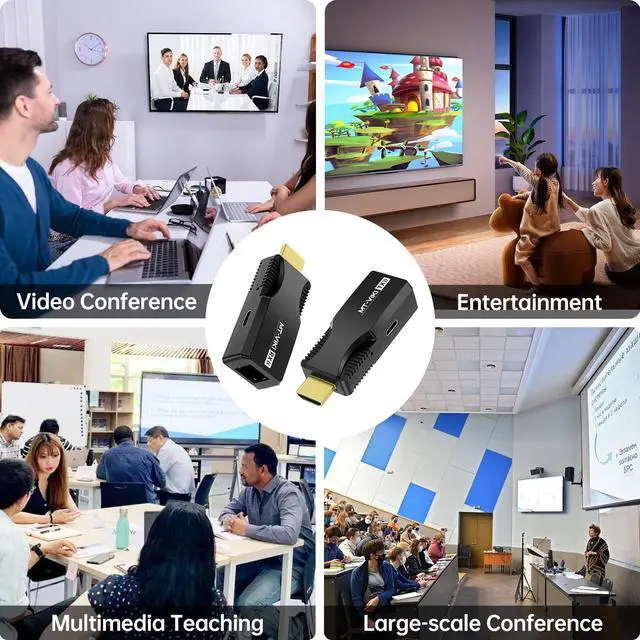
- If you want to enjoy your favorite movies in Full HD or give a presentation on a large screen, our HDMI extender ensures reliable signal transmission. Extend your HDMI signal with ease and enjoy improved flexibility in the placement of your HDMI devices.
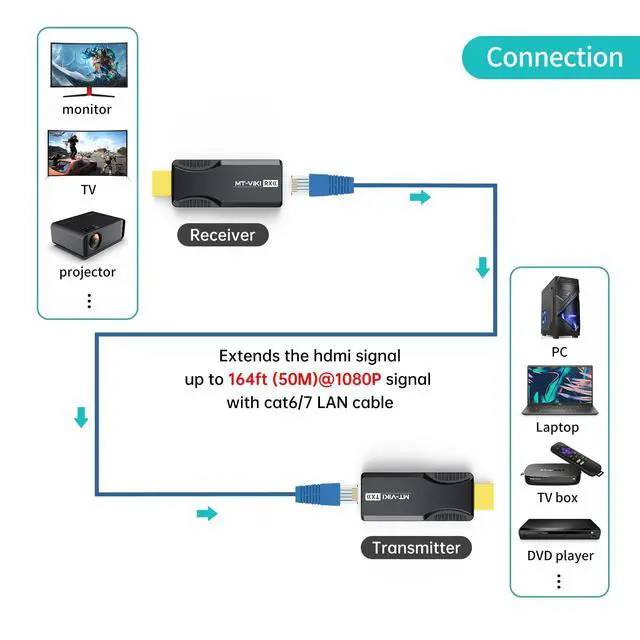
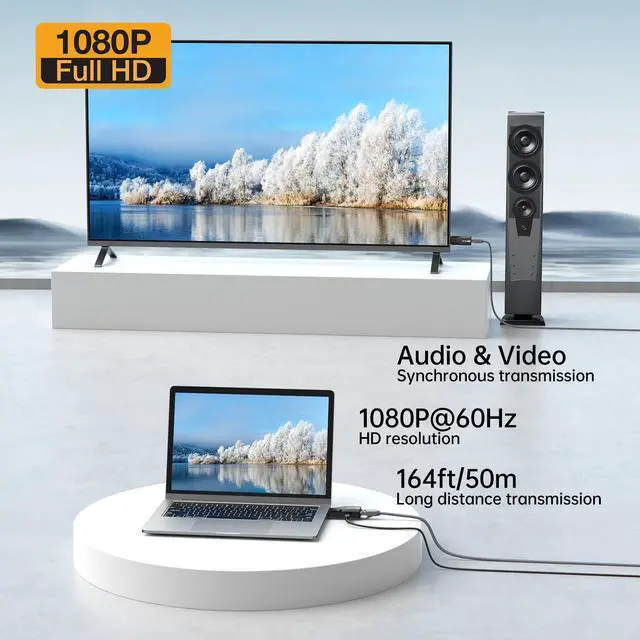
- This HDMI extender over CAT6 Cable can extend the 1080P HDMI signal up to 50 meters over CAT6 and higher network cables.
- Supports the EDID learning function.
- Widely used in security surveillance, railroad transportation, broadcasting and television, home entertainment, education and training, etc.

Plug und Play
Plug and play
ESD static protection

50m Extension
This HDMI network cable extender can extend the 1080P HDMI signal up to 50 meters over CAT6 and higher network cables.

POC power supply on one side
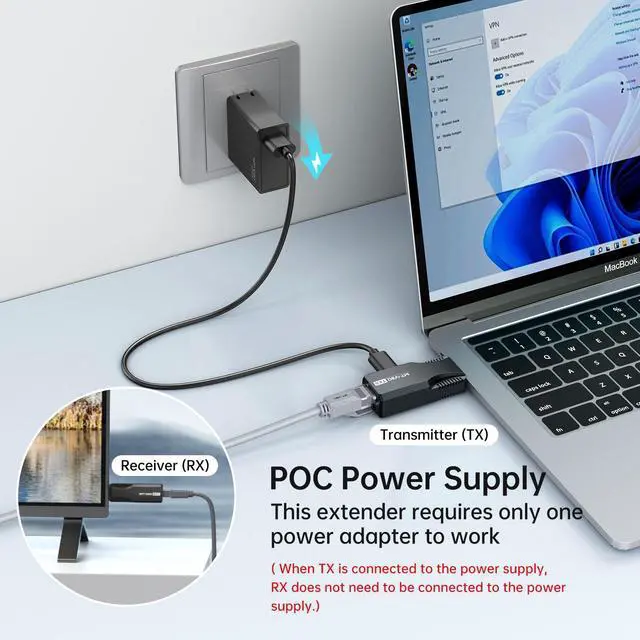
Power can be supplied on the transmitter or receiver side via a USB-C power cable.

EDID function
1920x1080@60Hz
Bandwidth 1.65Gbps
HDMI 1.3
HDCP 1.2

Small and light
Product material: plastic tray

Package
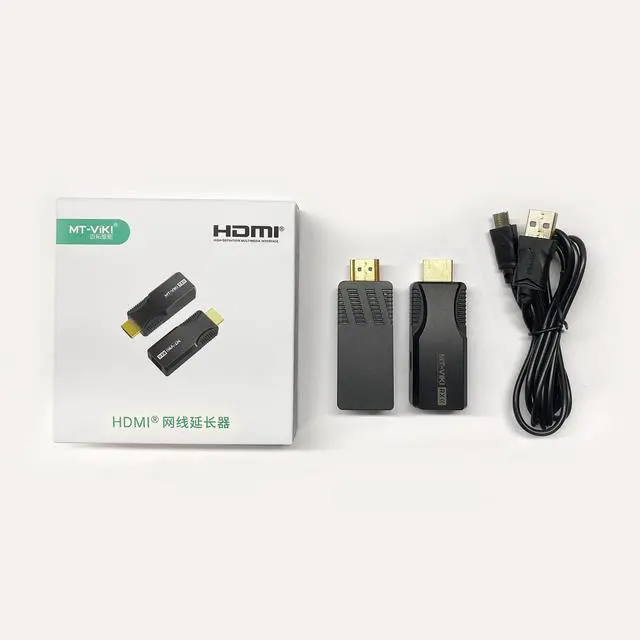
1x transmitter
1x receiver
1x USB-C power cable
EDID learning function
Can easily solve for you non-standard HDMI interface or incompatible display between the monitor projector, TV display problems, can be easily achieved on the HDMI and DVI display devices between the compatible
Steps to learn the EDID
1. connect the transmitter to the monitor and turn it on.
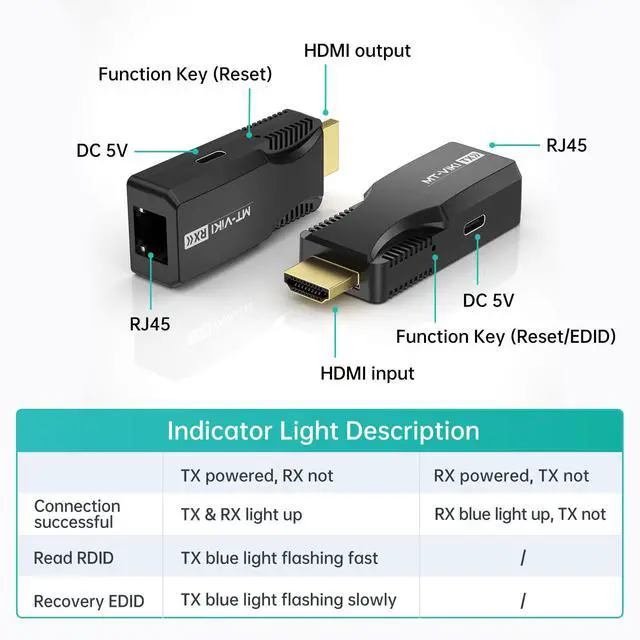
2. long press the function button of the transmitter for more than 3 seconds, the blue light flashes and stops, start the transmitter is the new EDID
Steps to restore the default EDID
1. first turn on the transmitter without HDMI or HDMI on the signal source
2. press the function button of the transmitter for more than 3 seconds, the blue indicator light flashes slowly
3. release the button until the indicator light stops flashing, and then unplug the power cord to restore the default EDID (3DTV).
Reset: Press the function button of the transmitter/receiver, the screen will be restored after a black screen.



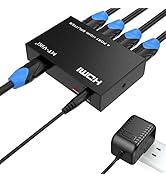

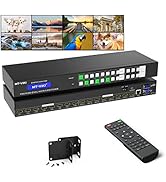
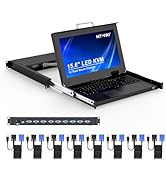
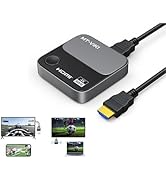
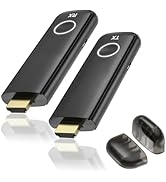
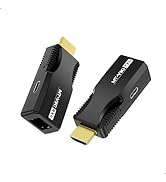
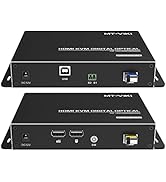
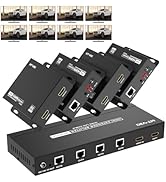
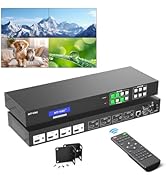
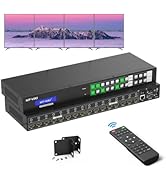
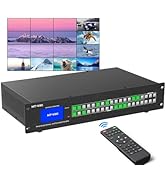
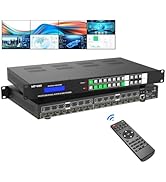
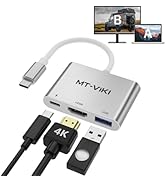
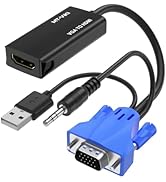
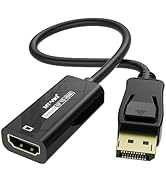
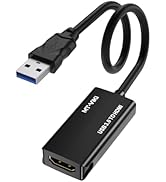
POC HDMI Extender | Wireless USB C HDMI Transmitter and Receiver 164ft | Wireless HDMI Transmitter and Receiver 100ft | usb extender over cat6 328ft | hdmi extender over cat6 200ft | HDMI KVM Fiber Extender 12.4 miles | |
|---|---|---|---|---|---|---|
| Customer Reviews | — | — | — | — | — | — |
| Price | — | — no data | — | — no data | — no data | — |
| Input | HDMI | USB C | HDMI | USB | HDMI | HDMI |
| Output | HDMI | HDMI &VGA | HDMI | USB | HDMI | HDMI |
| Extend distance | 165ft | 165ft | 100ft | 328ft | 200ft | 12.4 miles |
| Connected ways | CAT 6/7/8 | Wireless | Wireless | CAT 6/7/8 | CAT 6/7/8 | LC-LC signal fiber cable |
MT-VIKI POC HDMI Extender over CAT6/7 cable, MT-ED01S
- If you want to enjoy your favorite movies in Full HD or give a presentation on a large screen, our HDMI extender ensures reliable signal transmission. Extend your HDMI signal with ease and enjoy improved flexibility in the placement of your HDMI devices.
- This HDMI extender over CAT6 Cable can extend the 1080P HDMI signal up to 50 meters over CAT6 and higher network cables.
- Supports the EDID learning function.
- Widely used in security surveillance, railroad transportation, broadcasting and television, home entertainment, education and training, etc.
Plug und Play
Plug and play
ESD static protection
50m Extension
This HDMI network cable extender can extend the 1080P HDMI signal up to 50 meters over CAT6 and higher network cables.
POC power supply on one side
Power can be supplied on the transmitter or receiver side via a USB-C power cable.
EDID function
1920x1080@60Hz
Bandwidth 1.65Gbps
HDMI 1.3
HDCP 1.2
Small and light
Product material: plastic tray
Package
1x transmitter
1x receiver
1x USB-C power cable
EDID learning function
Can easily solve for you non-standard HDMI interface or incompatible display between the monitor projector, TV display problems, can be easily achieved on the HDMI and DVI display devices between the compatible
Steps to learn the EDID
1. connect the transmitter to the monitor and turn it on.
2. long press the function button of the transmitter for more than 3 seconds, the blue light flashes and stops, start the transmitter is the new EDID
Steps to restore the default EDID
1. first turn on the transmitter without HDMI or HDMI on the signal source
2. press the function button of the transmitter for more than 3 seconds, the blue indicator light flashes slowly
3. release the button until the indicator light stops flashing, and then unplug the power cord to restore the default EDID (3DTV).
Reset: Press the function button of the transmitter/receiver, the screen will be restored after a black screen.
MT-VIKI Exhibiting in all around the world
Hot-sale in MT-VIKI
Wireless/ HDMI Extender
Fiber/HDMI Matrix Extender
4K/8K 2/4/8/16 Port Splitter
Matrix & Video wall
HDMI Matrix Video Wall
HDMI/DP KVM Switch
VGA/HDMI/CAT6/IP LCD KVM
Adapter/Converter