






FAQ
Comparison of Android Box Series Products
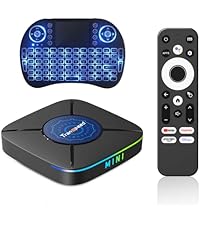 Android TV Box K8 Mini | 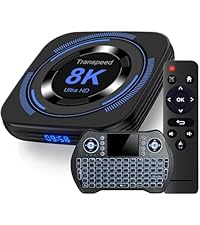 Android TV Box 8K H618 | 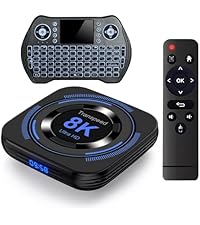 Android TV Box 8K H618 | 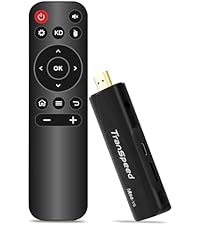 Transpeed TV Stick 4K | |
|---|---|---|---|---|
Customer Reviews | — | — | — | — |
Price | — | — | — | — |
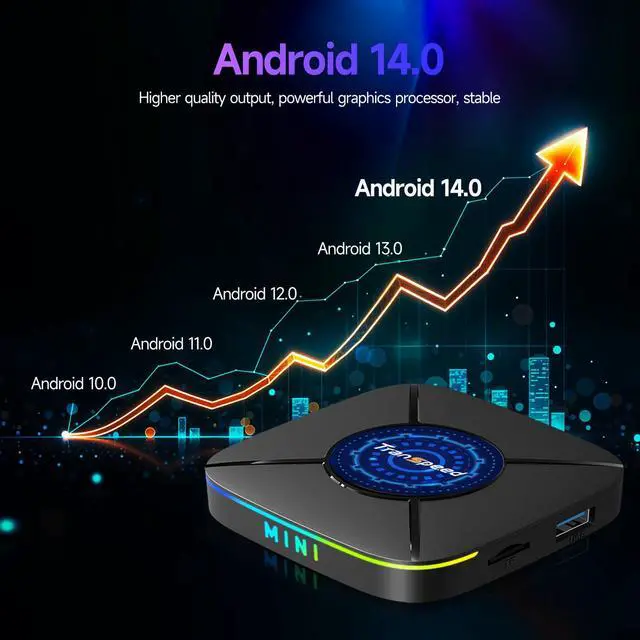
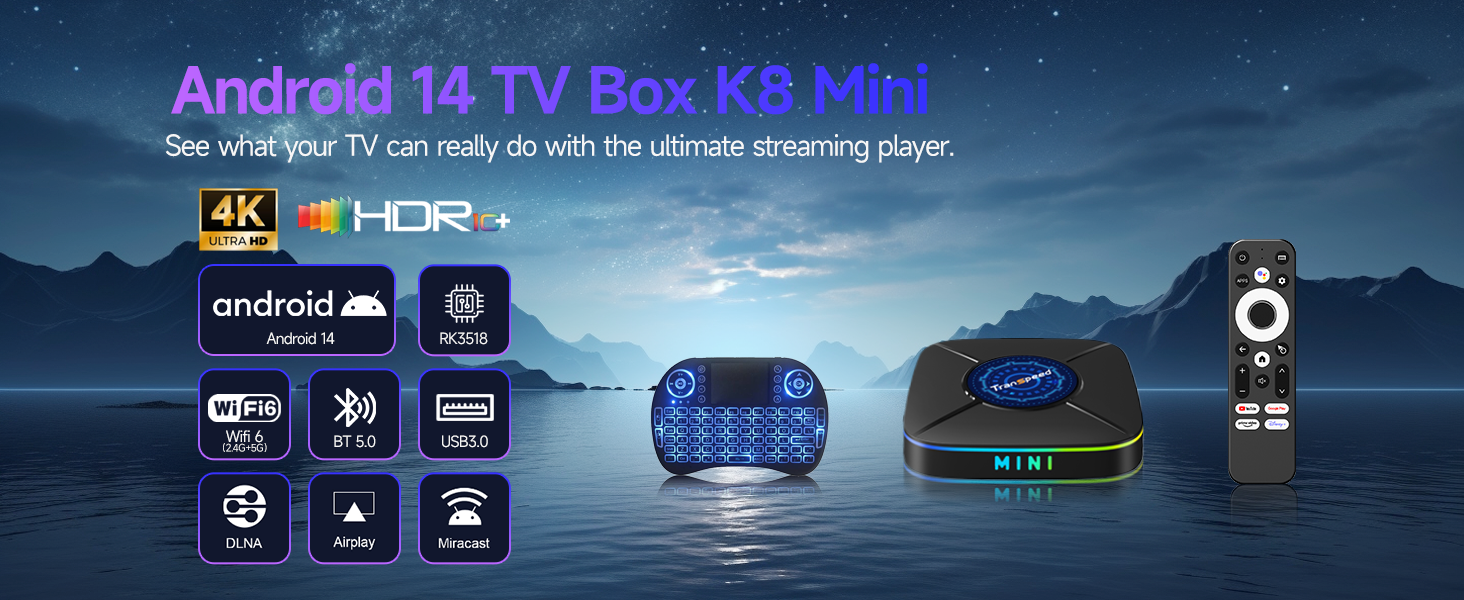
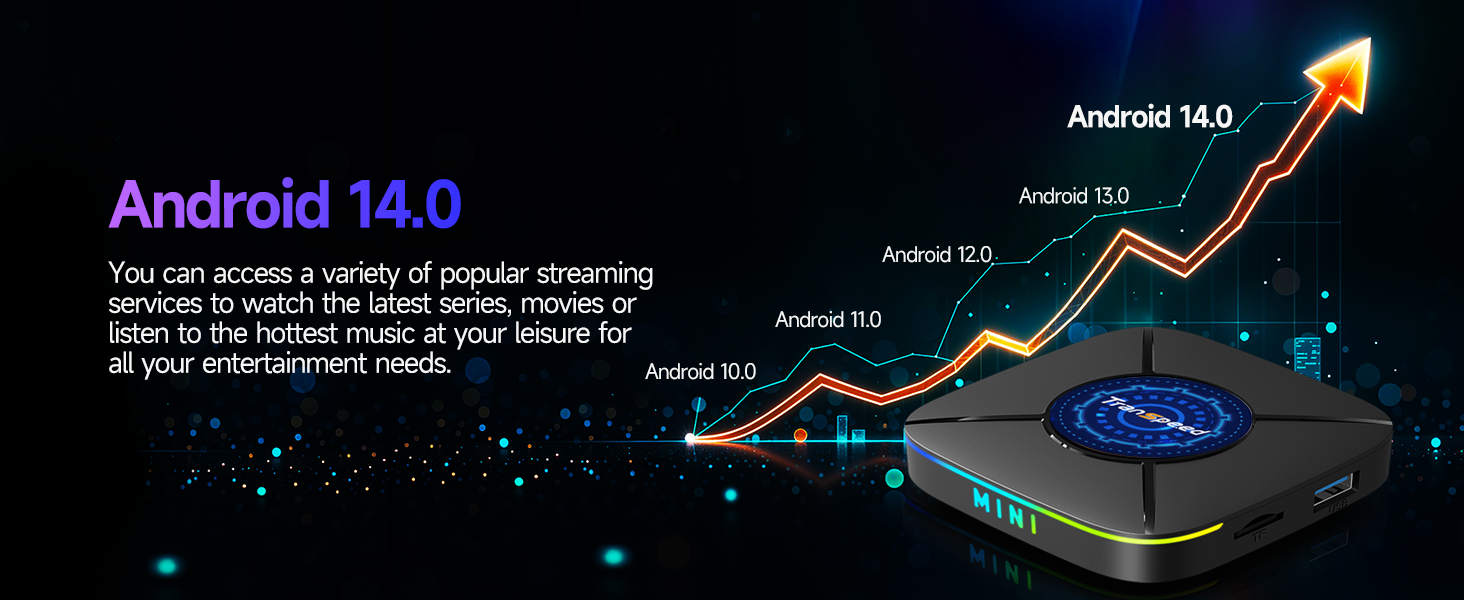
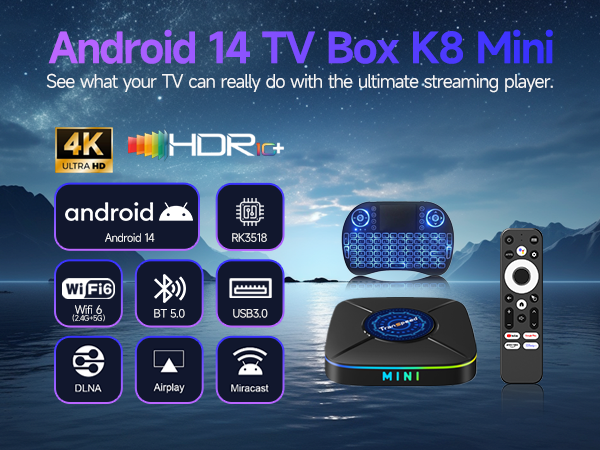
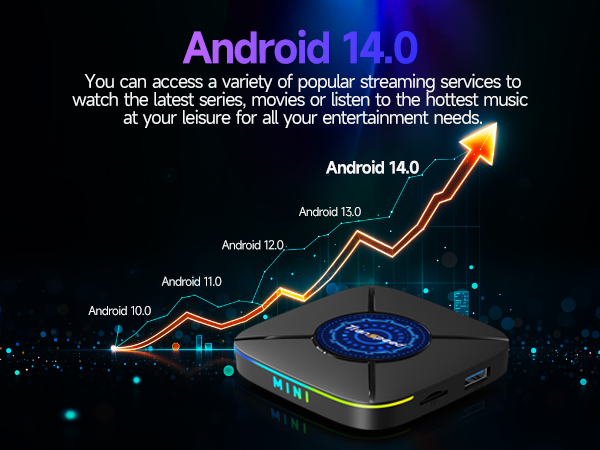
Operating system | Android 14.0 | Android 12.0 | Android 12.0 | Android 11.0 |
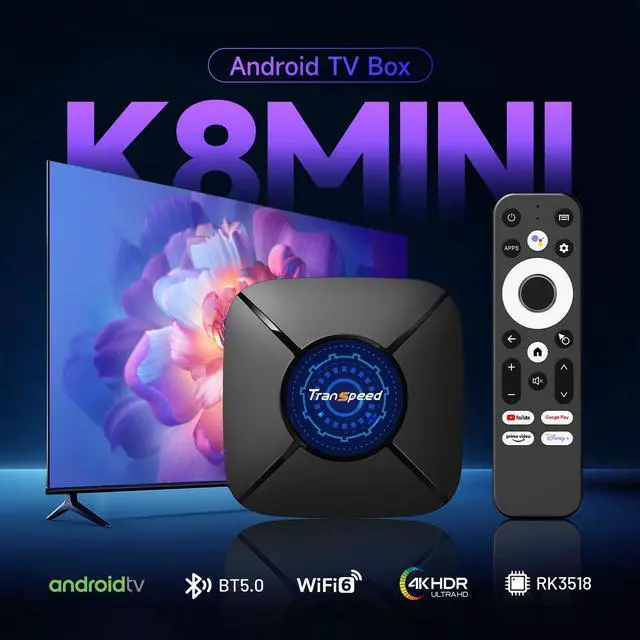
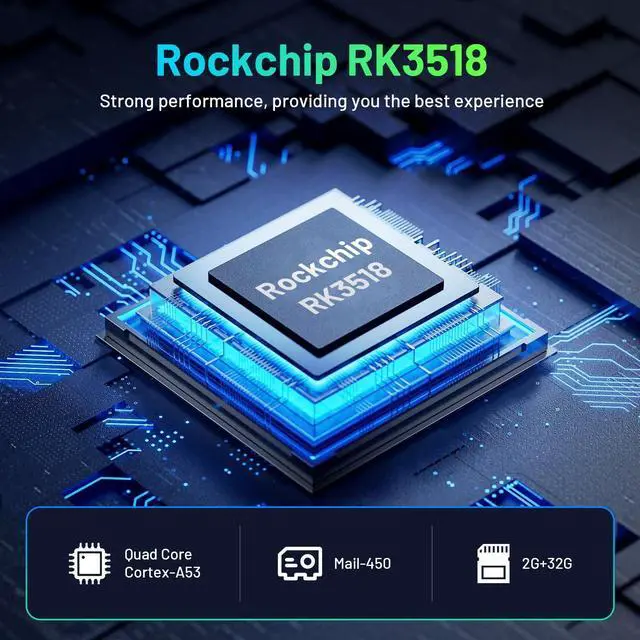
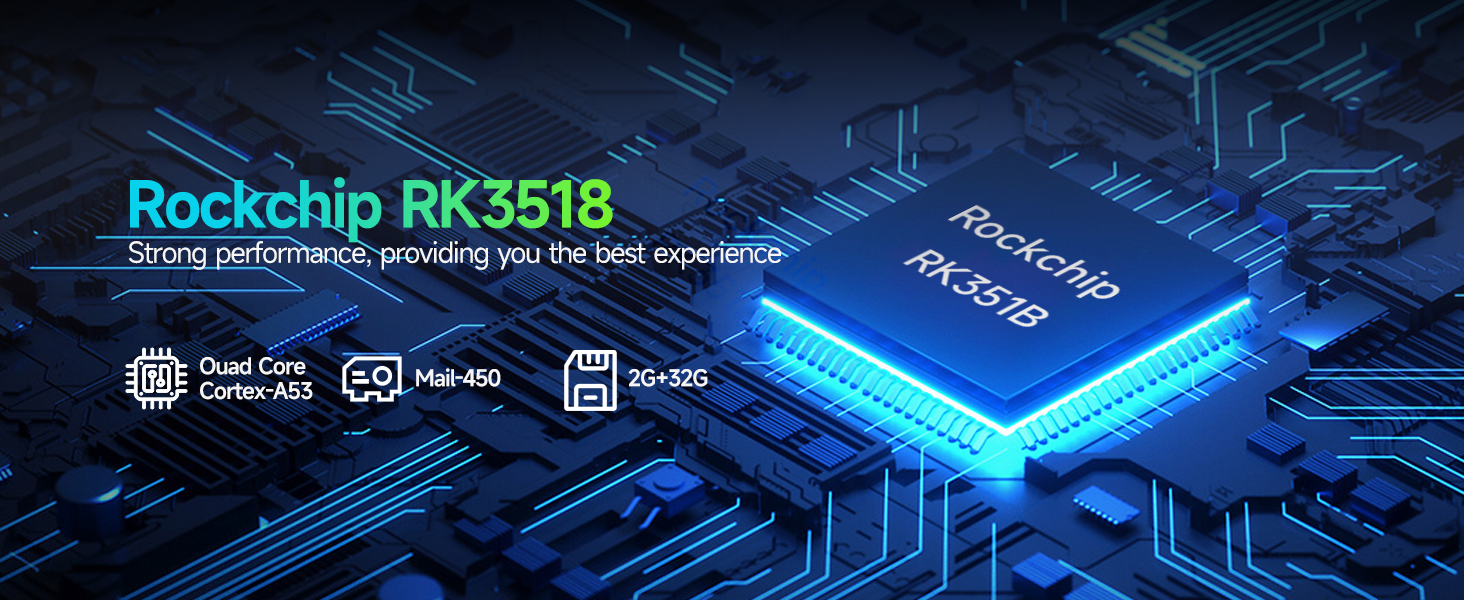
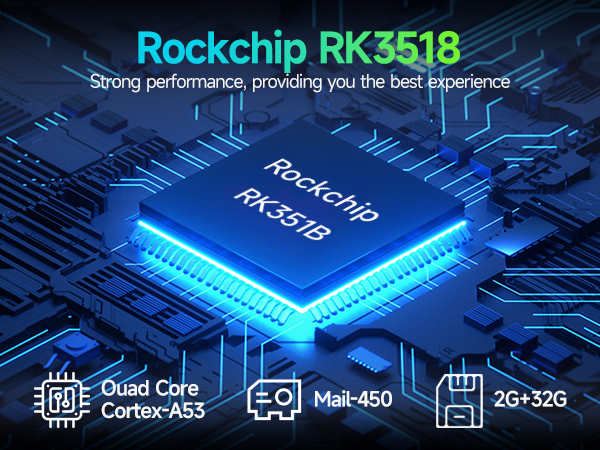
CPU | Rk3518 | H618 | H618 | M98 |
GPU | Mali-450 | Mail-G31 | Mail-G31 | G31 |
Storage | 2GB RAM +32GB ROM | 4GB RAM + 32GB ROM | 2GB RAM +16GB ROM | 1GB RAM +8GB ROM |
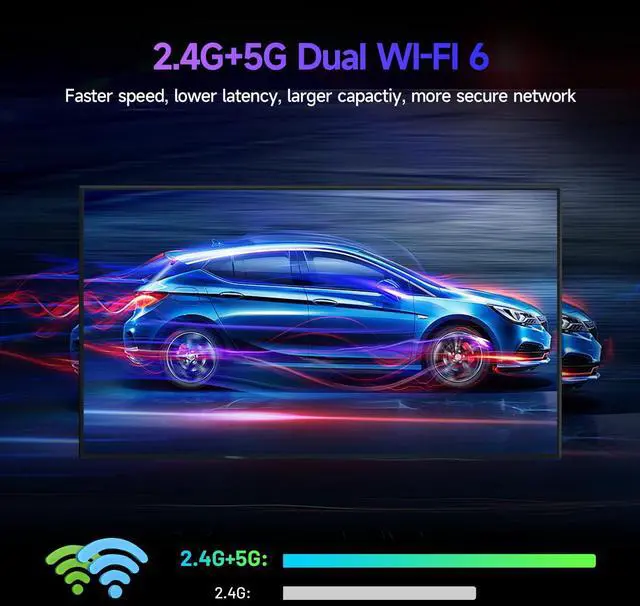
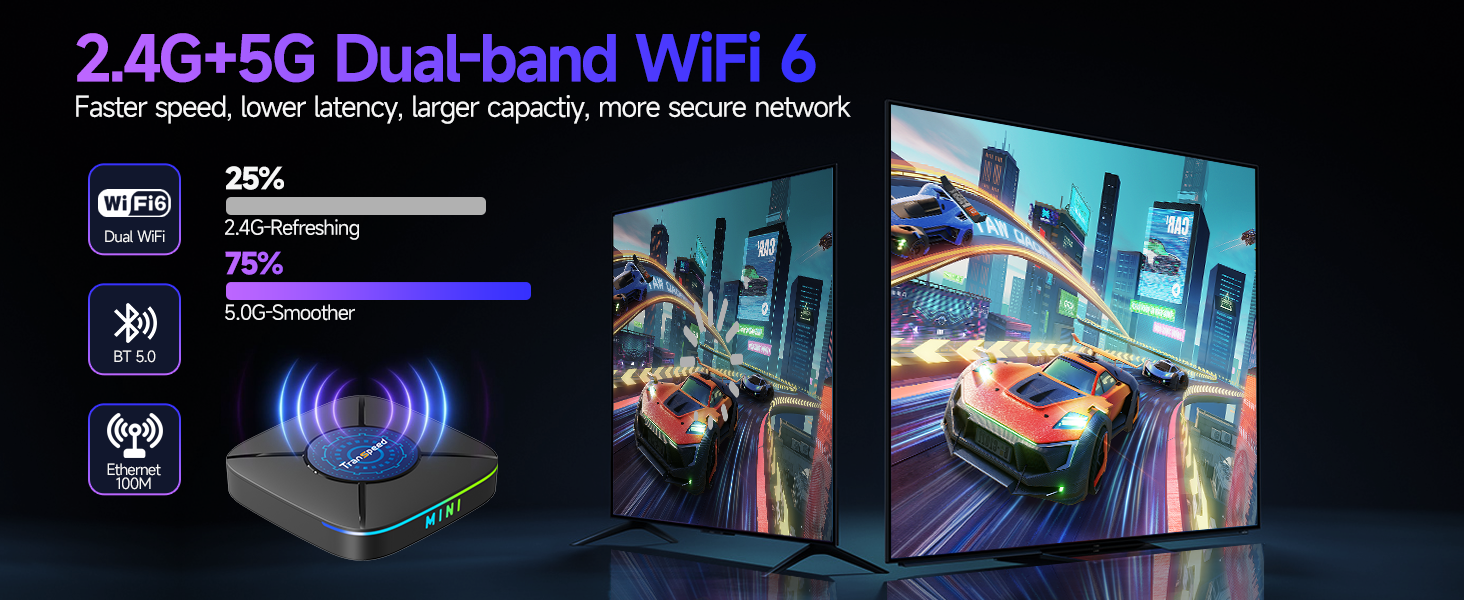
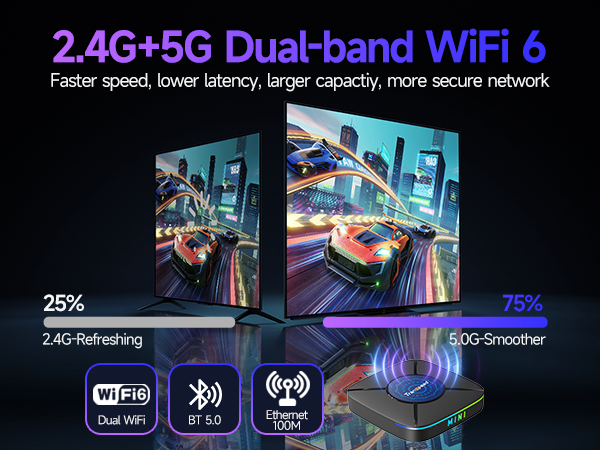
WiFi | WiFi 6 (2.4G&5.0G) | WiFi 5 (2.4G&5.8G) | WiFi 5 (2.4G&5.8G) | 2.4G&5.0G WiFi |
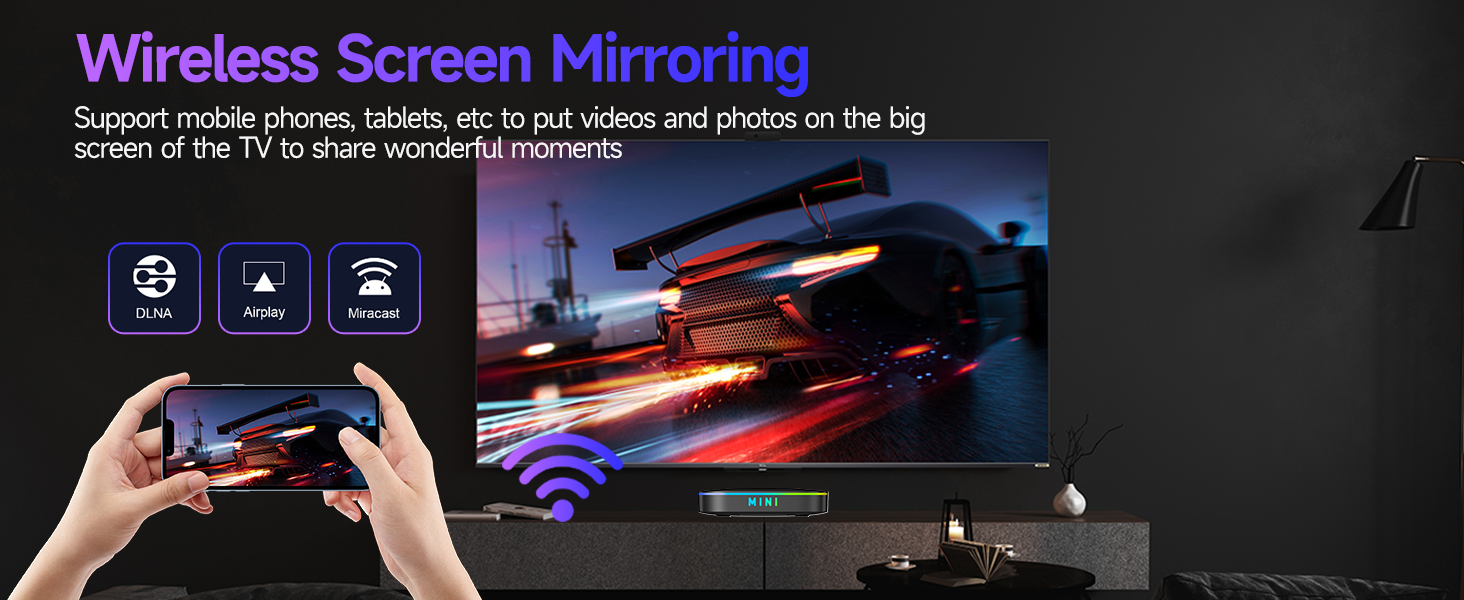
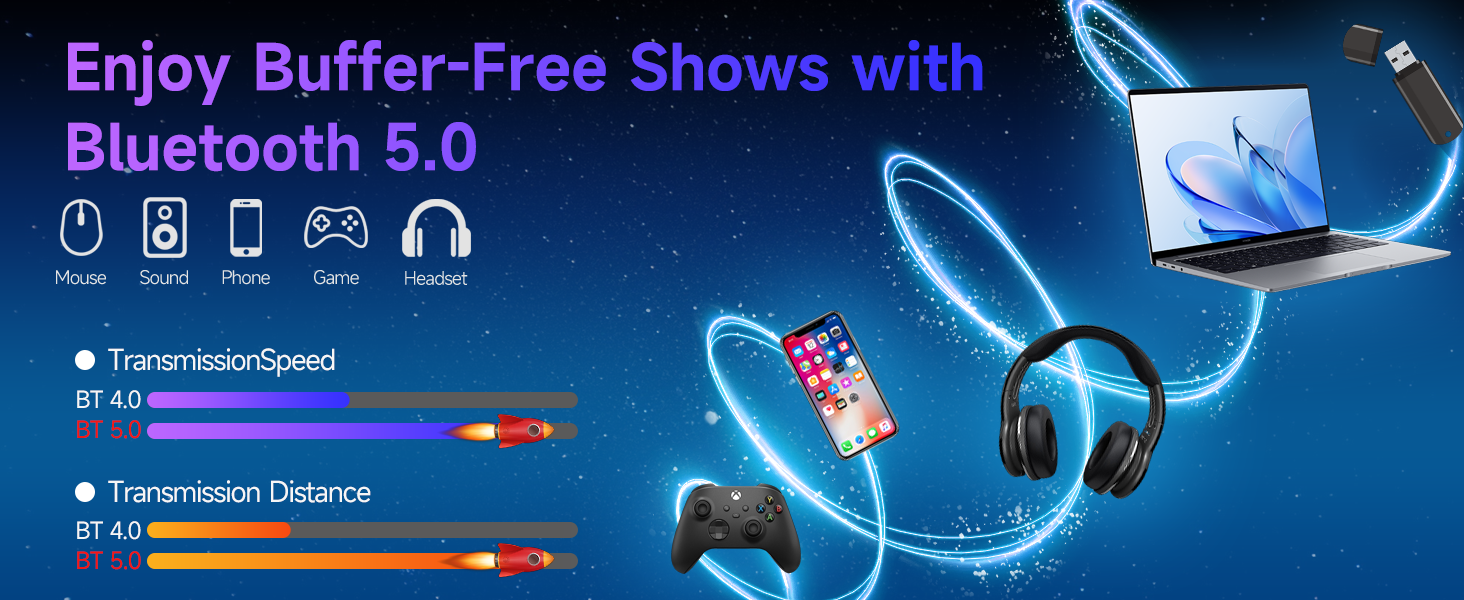
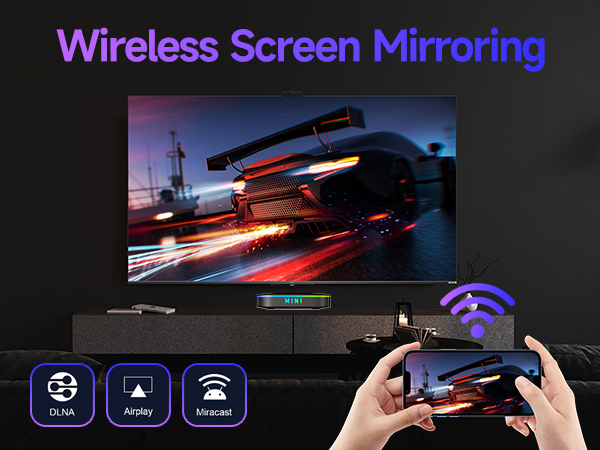
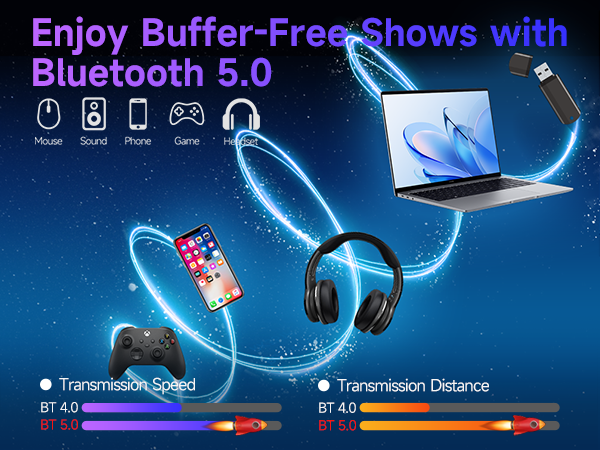
Wireless | BT5.0, Screen Mirror | BT5.0, Screen Mirror | BT5.0, Screen Mirror | BT4.0 |
USB | 1*USB 3.0 | 2*USB 2.0 | 2*USB 2.0 | USB 2.0 |
Ethernet LAN | ? | ? | ? | ? |
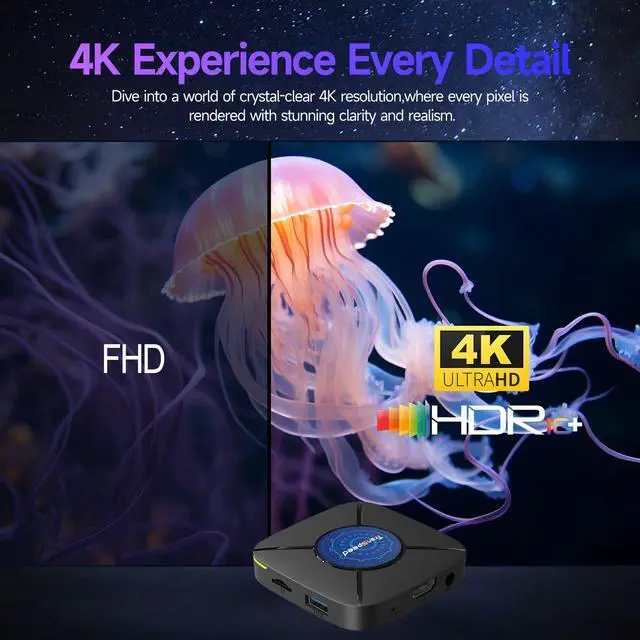
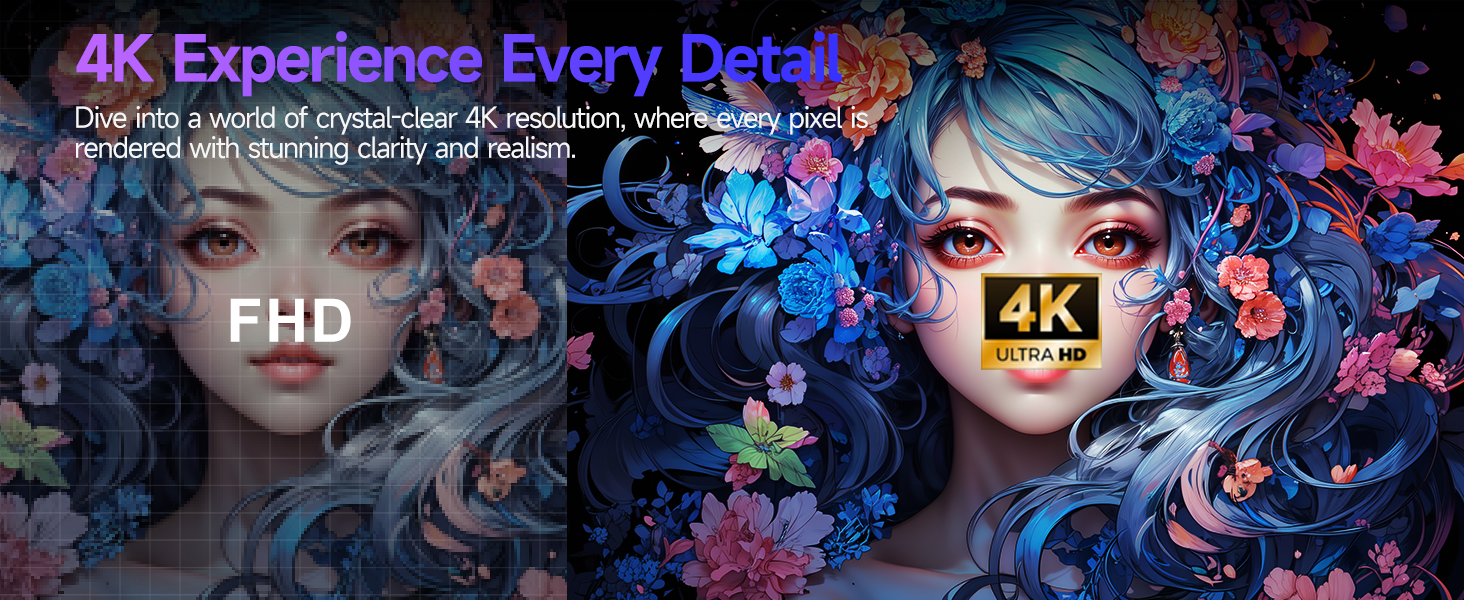
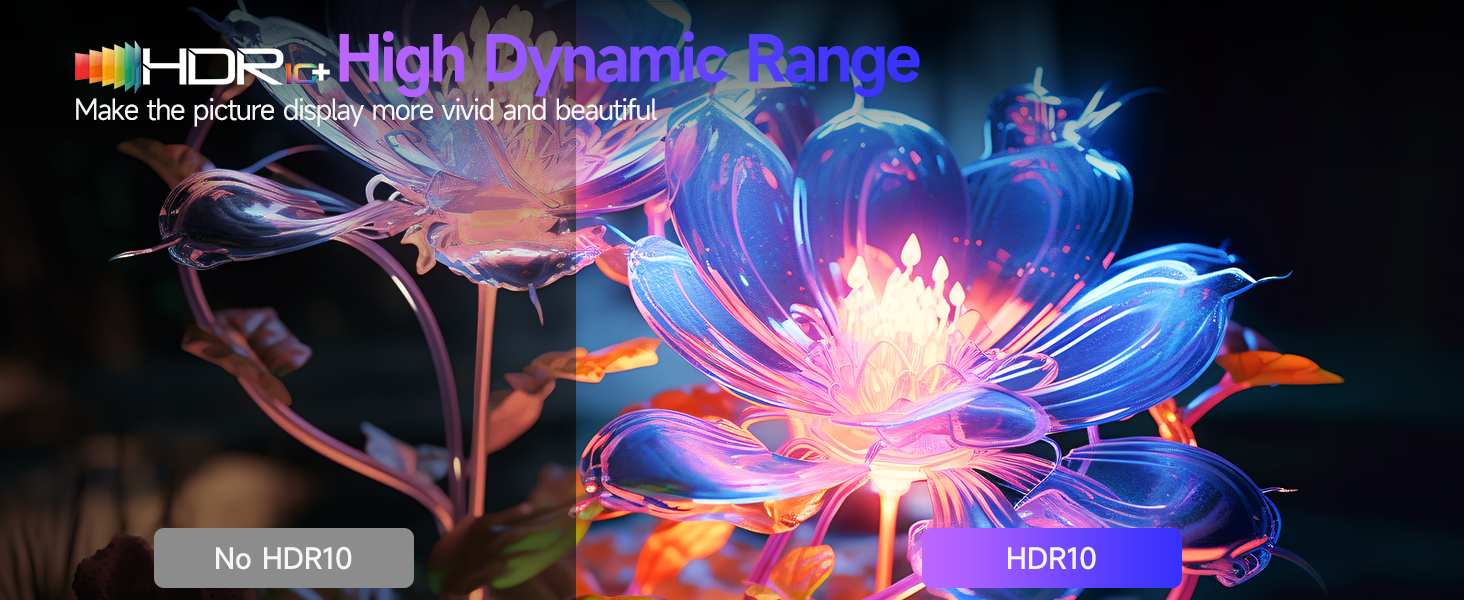
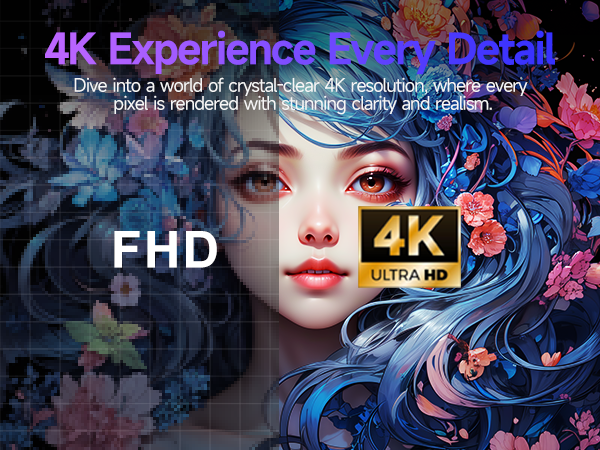
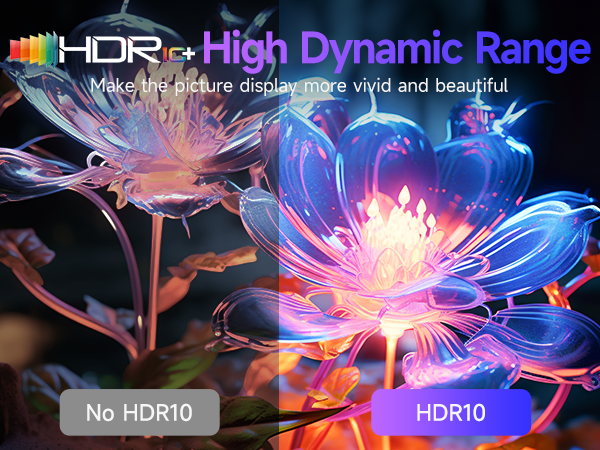
Feature | 4K UHD & HDR10+ | 6K 8K + 3D | 6K 8K + 3D | 4K |
Backlit keyboard | ? | ? | ? | ? |

Transpeed is an energetic and enthusiastic electronics company. Our story is straightforward yet brimming with dreams: we dedicate ourselves to crafting high-quality electronic products that enhance your life, making it more convenient, enjoyable, and fulfilling.
Over the years, our mission has remained steadfast: to enrich and improve your daily experiences.
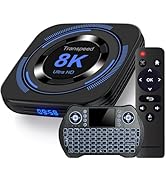
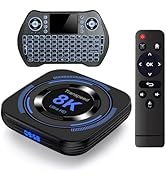
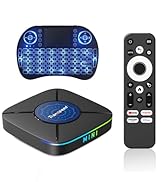
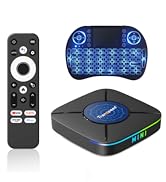
Android TV Box

FAQ
| Cannot connect to WiFi?? | 1.Disconnect the Ethernet cable. 2. Enable "Automatic date & time" in Settings. 3. Restart your router and box. If unresolved, perform a factory reset. |
|---|---|
| Ethernet not working?? | First, disable Wi-Fi. Then, check if the Ethernet cable is plugged in firmly. If the issue persists, try a factory reset. |
| Can't connect to phone hotspot | Restart the box's Wi-Fi and try again. If recognized but can't connect, perform a factory reset or try a different phone. |
| Disney+ app is unavailable? | The latest APK is available through the built-in "FOTA Update" app (in "My Apps") to restore functionality after an update. |
| Using remote tooperate Netflix | The pre-installed version is for mobile. A TV-optimized version is available via a simple OTA update (Settings > Device Preferences > System Update). |
| Prime Video is hard to use | The mobile version may require a keyboard or mouse for easy navigation. We recommend using an external device. |
| Downloaded app won't work | Go to Settings > Apps, select the app, and change its "Model" to "Normal". Alternatively, try a different app store. |
| How to fix system bugs | Update the system via My apps > FOTA Updateor perform a factory reset to resolve most software issues. |
| Google account login failed | Please perform a factory reset (Settings > Device Preferences > About > Factory Reset) and try logging in again. |
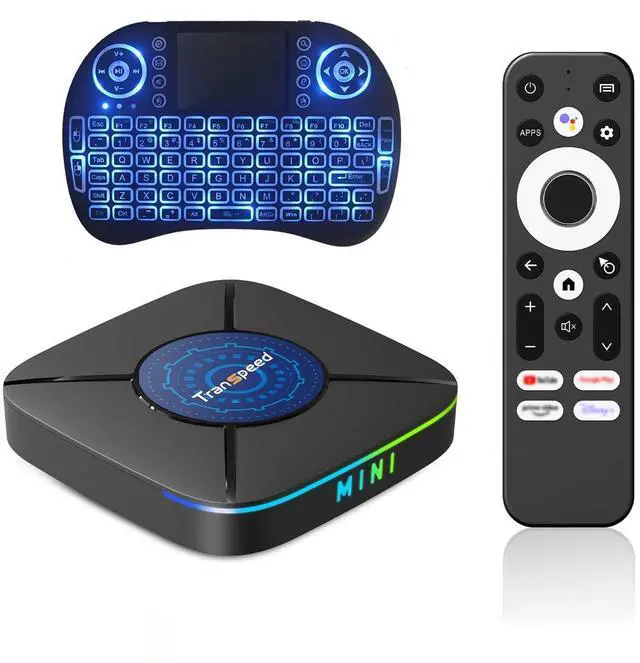
| Keyboard not working | ( yellow light ) Press and hold FN, then press FN+F1. Release when blue LED flashes, then insert the USB receiver. |
| Remote doesn't control an app | Some apps (e.g., Netflix) are designed for touch. Use a mini-keyboard or mouse for navigation. |
Comparison of Android Box Series Products
Android TV Box K8 Mini | Android TV Box 8K H618 | Android TV Box 8K H618 | Transpeed TV Stick 4K |
|---|---|---|---|
| Customer Reviews | |||
| — | — | — | — |
| Price | |||
| — | — | — | — |
| Operating system | |||
| Android 14.0 | Android 12.0 | Android 12.0 | Android 11.0 |
| CPU | |||
| Rk3518 | H618 | H618 | M98 |
| GPU | |||
| Mali-450 | Mail-G31 | Mail-G31 | G31 |
| Storage | |||
| 2GB RAM +32GB ROM | 4GB RAM + 32GB ROM | 2GB RAM +16GB ROM | 1GB RAM +8GB ROM |
| WiFi | |||
| WiFi 6 (2.4G&5.0G) | WiFi 5 (2.4G&5.8G) | WiFi 5 (2.4G&5.8G) | 2.4G&5.0G WiFi |
| Wireless | |||
| BT5.0, Screen Mirror | BT5.0, Screen Mirror | BT5.0, Screen Mirror | BT4.0 |
| USB | |||
| 1*USB 3.0 | 2*USB 2.0 | 2*USB 2.0 | USB 2.0 |
| Ethernet LAN | |||
| ? | ? | ? | ? |
| Feature | |||
| 4K UHD & HDR10+ | 6K 8K + 3D | 6K 8K + 3D | 4K |
| Backlit keyboard | |||
| ? | ? | ? | ? |
Transpeed is an energetic and enthusiastic electronics company. Our story is straightforward yet brimming with dreams: we dedicate ourselves to crafting high-quality electronic products that enhance your life, making it more convenient, enjoyable, and fulfilling.
Over the years, our mission has remained steadfast: to enrich and improve your daily experiences.
Android TV Box