





ANDROID TV BOX
THOUSANDS OF PEOPLE'S CHOICE

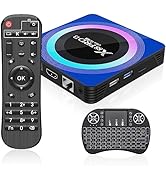
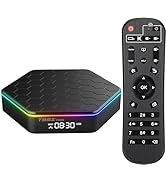
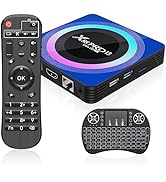
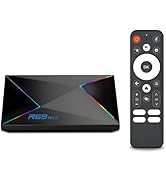
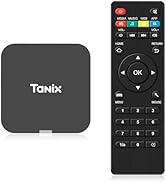
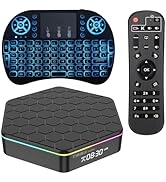
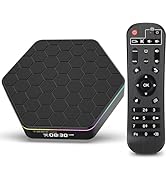
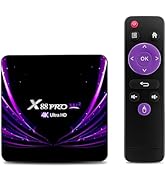
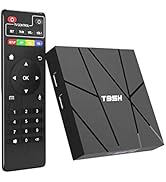
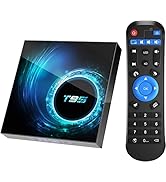
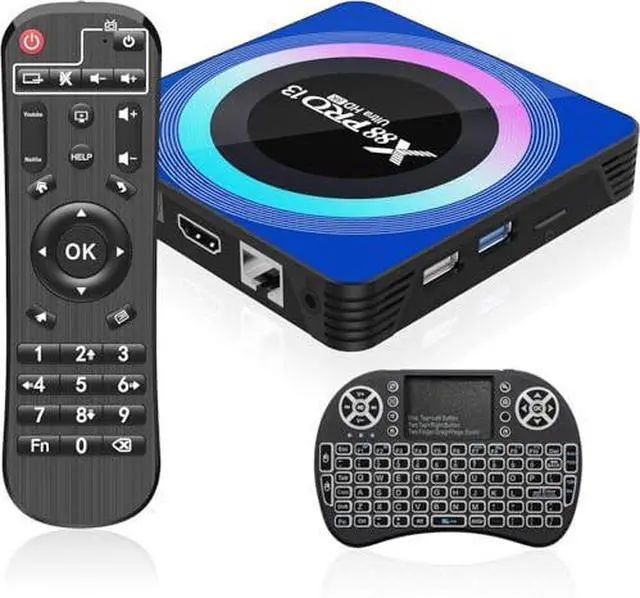
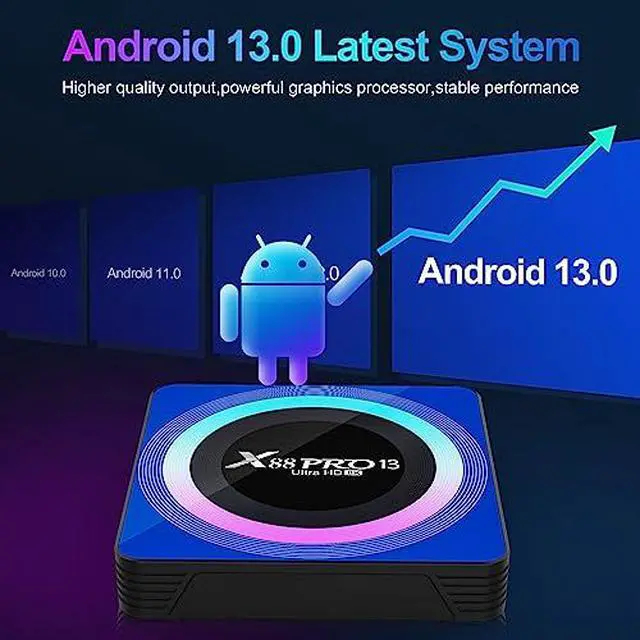
Sidiwen 2024 Android 13.0 TV BOX 4GB 64GB
- If you experience network connection issue, please check whether the Ethernet or router work normally. If you choose WiFi as network connection, the distance between the tv box and the router is advised shorter as possible.
- If you experience some issues with application incompatibility, please let us know. We will soon respond and provide available solution for you.
- Please make sure connecting the HDMI cable correctly between the tv box and tv, incorrect connection might cause screen frozen or abnormal display.
- If you're not sure whether your tv is compatible with this tv box, please contact Sidiwen for confirmation.
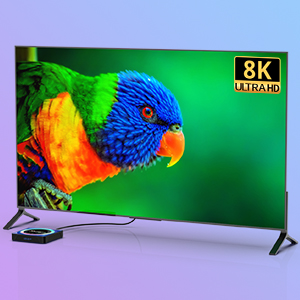
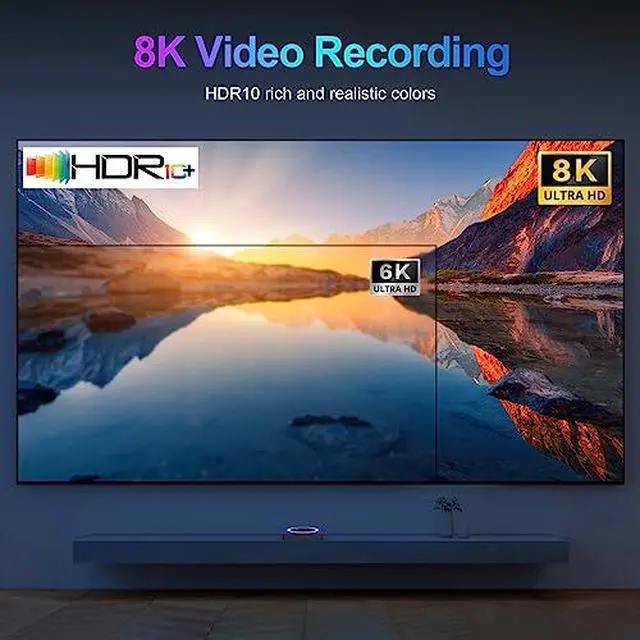
8K Ultra HD
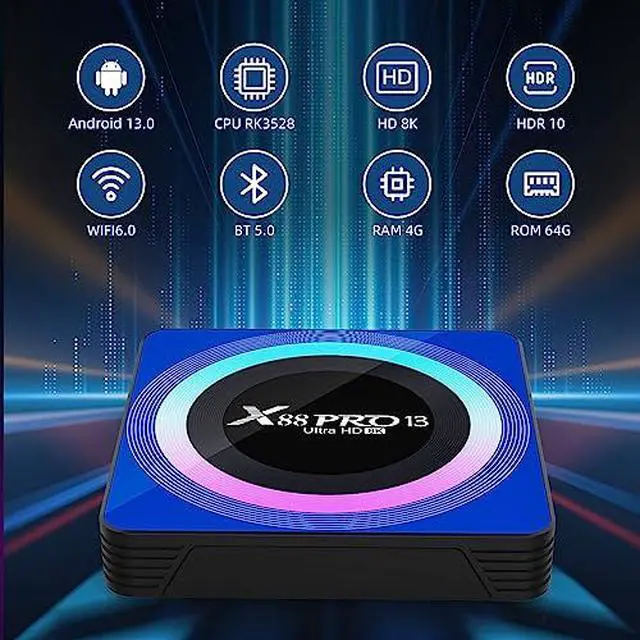
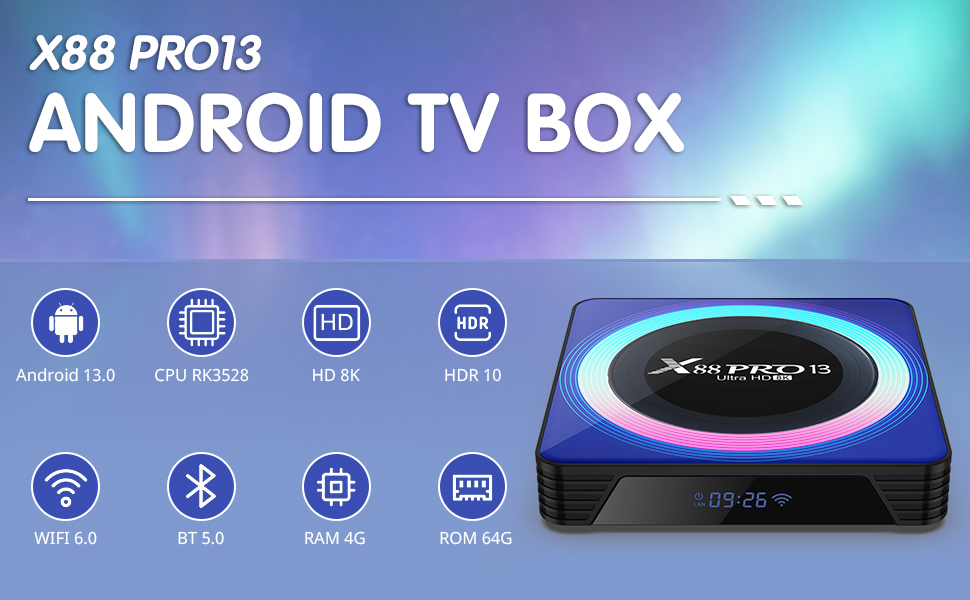
Android13 box supports 8K Ultra HD output. Besides, the HDR10+ and H.265 image process technology greatly improves user experience.
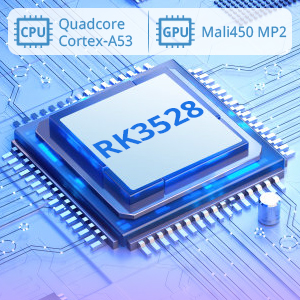
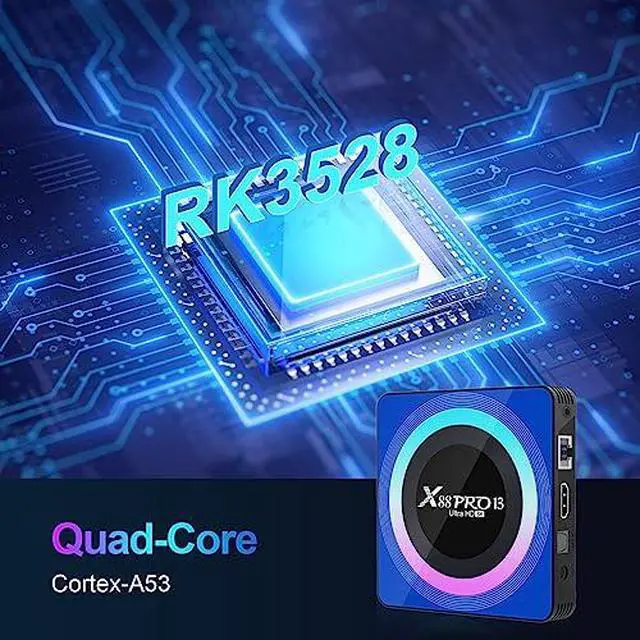
Powerful RK3528 Chipset
With RK3528 Quad-Core Cortex-A53 CPU, Android tv box 13.0 provides users better experience by its faster running speed and professional image processing ability.
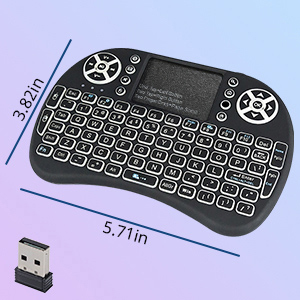
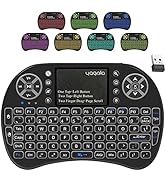
2.4GHz Wireless Keyboard
Android tv box comes with a 2.4GHz wireless backlit keyboard, which support multi-touch gestures and scrolling bar. Once connected the tv box with this keyboard, you could control the box more efficiently.
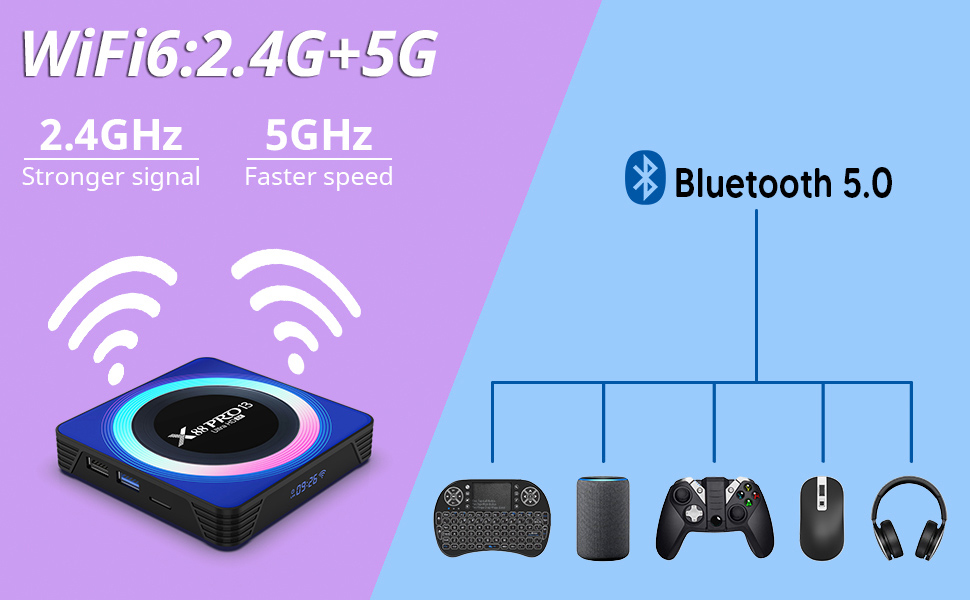
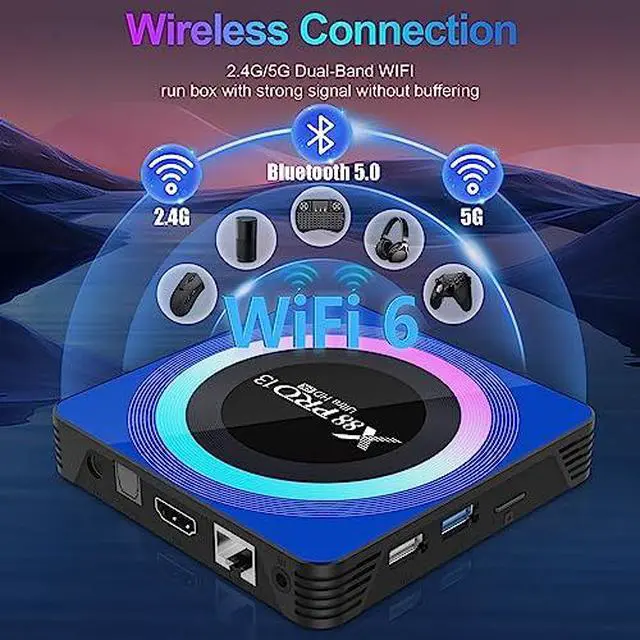
2.4G/5G WiFi 6 & BT 5.0 Function
- Android tv box support 2.4G/5G dual band WiFi, which ensures stable network connection for better experience while watching videos, listening to music, or browsing.
- Enhanced bluetooth 5.0 function allows you connecting external devices for more fun, you could connect keyboard, mouse, speaker or headset through the BT function.
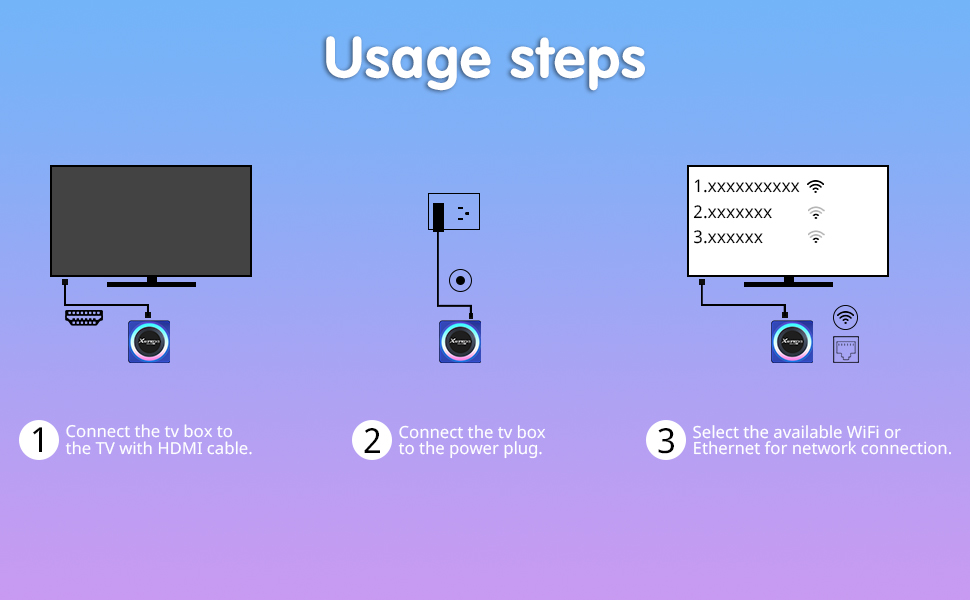
Easy set up with 3 steps:
- Connect the tv box to your tv with HDMI cable
- Connect the tv box to the power plug
- Select available WiFi or Ethernet for network connection
-
- Network connection: Ensure your network is normal. Also be aware that not connecting Ethernet and WiFi at the same time, please only choose either WiFi or Ethernet for network.
- Trouble shooting: You could try fix issues by restoring factory settings through this path: Settings/Device Preferences/Factory reset
 4GB/32GB |  2GB/16GB | 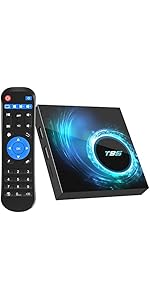 4GB/32GB | 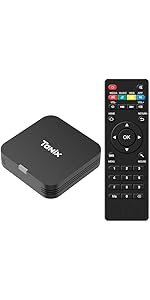 2GB/16GB | 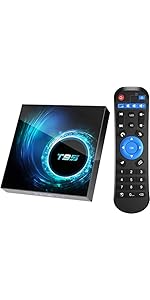 4GB/128GB | 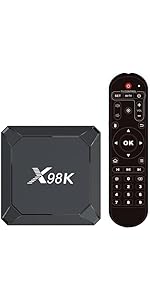 4GB/32GB | |
|---|---|---|---|---|---|---|
| Customer Reviews | — | — | — | — | — | — |
| Price | — no data | — | — no data | — | — no data | — no data |
| Android OS | Android 11.0 | Android 10.0 | Android 10.0 | Android 10.0 | Android 10.0 | Android 13.0 |
| CPU | S905W2 | H313 | H616 | H313 | H616 | RK3528A |
| WiFi | 2.4G/5.0G WiFi | 2.4G WiFi | 2.4G/ 5.0G WiFi | 2.4G WiFi | 2.4G/ 5.0G WiFi | 2.4G/ 5.0G WiFi |
| Ethernet | 10M/100M | no data | 10/100M | 10/100M | 100M | |
| Bluetooth | BT 5.0 | no data | BT 5.0 | no data | BT 5.0 | BT 5.0 |
Sidiwen 2024 Android 13.0 TV BOX 4GB 64GB
- If you experience network connection issue, please check whether the Ethernet or router work normally. If you choose WiFi as network connection, the distance between the tv box and the router is advised shorter as possible.
- If you experience some issues with application incompatibility, please let us know. We will soon respond and provide available solution for you.
- Please make sure connecting the HDMI cable correctly between the tv box and tv, incorrect connection might cause screen frozen or abnormal display.
- If you're not sure whether your tv is compatible with this tv box, please contact Sidiwen for confirmation.
8K Ultra HD
Android13 box supports 8K Ultra HD output. Besides, the HDR10+ and H.265 image process technology greatly improves user experience.
Powerful RK3528 Chipset
With RK3528 Quad-Core Cortex-A53 CPU, Android tv box 13.0 provides users better experience by its faster running speed and professional image processing ability.
2.4GHz Wireless Keyboard
Android tv box comes with a 2.4GHz wireless backlit keyboard, which support multi-touch gestures and scrolling bar. Once connected the tv box with this keyboard, you could control the box more efficiently.
2.4G/5G WiFi 6 & BT 5.0 Function
- Android tv box support 2.4G/5G dual band WiFi, which ensures stable network connection for better experience while watching videos, listening to music, or browsing.
- Enhanced bluetooth 5.0 function allows you connecting external devices for more fun, you could connect keyboard, mouse, speaker or headset through the BT function.
Easy set up with 3 steps:
- Connect the tv box to your tv with HDMI cable
- Connect the tv box to the power plug
- Select available WiFi or Ethernet for network connection
-
- Network connection: Ensure your network is normal. Also be aware that not connecting Ethernet and WiFi at the same time, please only choose either WiFi or Ethernet for network.
- Trouble shooting: You could try fix issues by restoring factory settings through this path: Settings/Device Preferences/Factory reset
4GB/32GB | 2GB/16GB | 4GB/32GB | 2GB/16GB | 4GB/128GB | 4GB/32GB | |
|---|---|---|---|---|---|---|
| Customer Reviews | — | — | — | — | — | — |
| Price | — no data | — | — no data | — | — no data | — no data |
| Android OS | Android 11.0 | Android 10.0 | Android 10.0 | Android 10.0 | Android 10.0 | Android 13.0 |
| CPU | S905W2 | H313 | H616 | H313 | H616 | RK3528A |
| WiFi | 2.4G/5.0G WiFi | 2.4G WiFi | 2.4G/ 5.0G WiFi | 2.4G WiFi | 2.4G/ 5.0G WiFi | 2.4G/ 5.0G WiFi |
| Ethernet | 10M/100M | no data | 10/100M | 10/100M | 100M | |
| Bluetooth | BT 5.0 | no data | BT 5.0 | no data | BT 5.0 | BT 5.0 |
ANDROID TV BOX
THOUSANDS OF PEOPLE'S CHOICE
Sidiwen is delicated to provide our customers with the latest technology TV Box. Sidiwen TV Box is liked by thousands of people not only in Canada, US but also in other countries.
Hot Sale Series
Newest TV Box Android
Sidiwen Android TV BOX
TV BOX & Accessory