








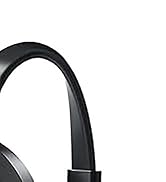
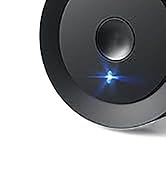
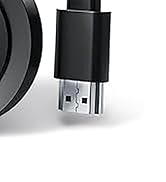
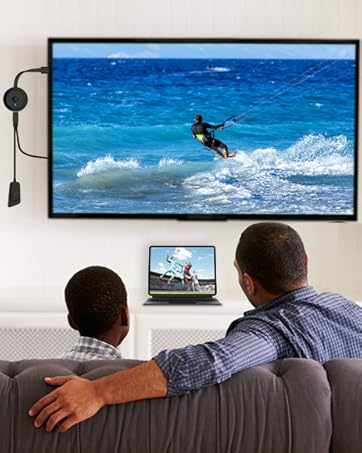
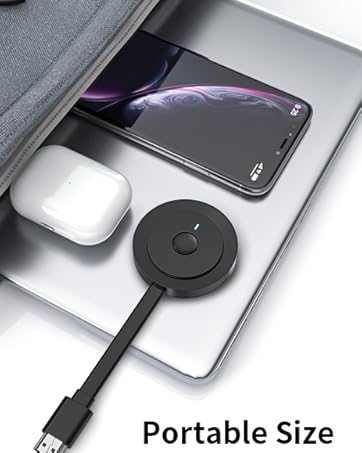

Drymokini Wireless Display Adapter allows seamless screen mirroring from your phone, tablet, or computer to your TV. It supports multiple resolutions, including 4K x 2K@30Hz, 1080P@60Hz, 1080P@30Hz, 3D, and 720P. Enjoy quality video and audio casting with friends and family. The extend mode lets you cast videos to your TV while continuing to use your device.


- High-definition resolution up to 4K for crystal-clear visuals
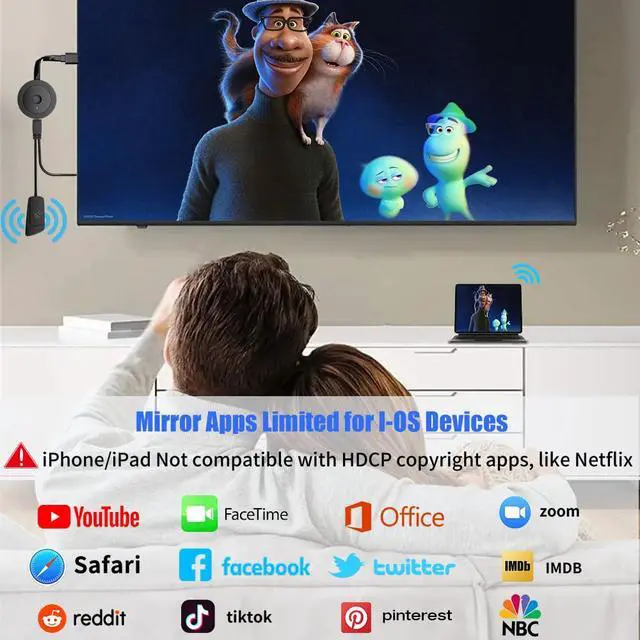
- Supports mirroring from i-Phones, i-Pads, MacBooks, Android smartphones, and PCs
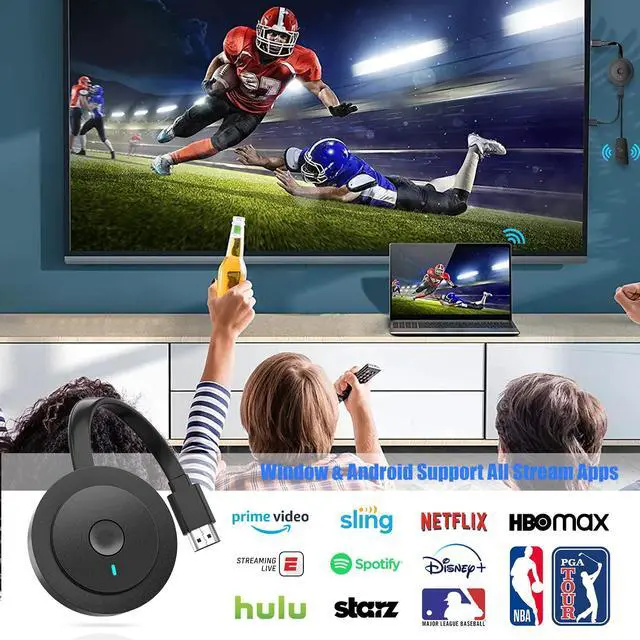
- Seamless display of videos, images, games, websites, slideshows, and more on HDMI-equipped TVs, projectors, monitors, and displays
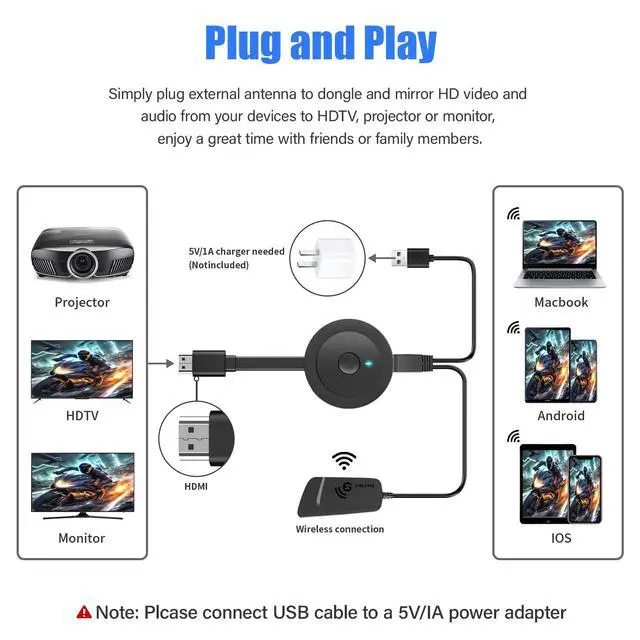
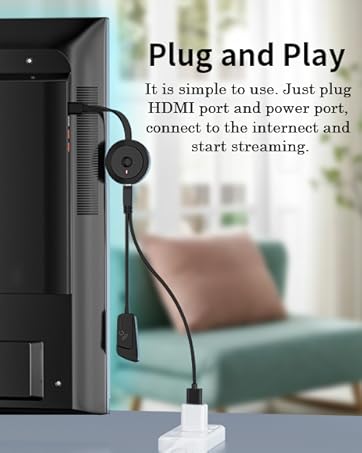
- Plug-and-play functionality for easy setup and cable-free HD movie experiences
- External antenna for enhanced signal reception and larger, clearer screens
- Compatibility with iOS, Android, Mac, and Windows systems
- Supports MiraCast, Airplay, and DLNA modes for versatile connectivity options
- Ideal for sharing photos, hosting meetings, gaming, video calls, and creating home theaters
- Thoughtful gift for special occasions like Christmas, New Year, birthdays, parties, graduations, and more
- Enhances connectivity and entertainment possibilities for a wide range of activities


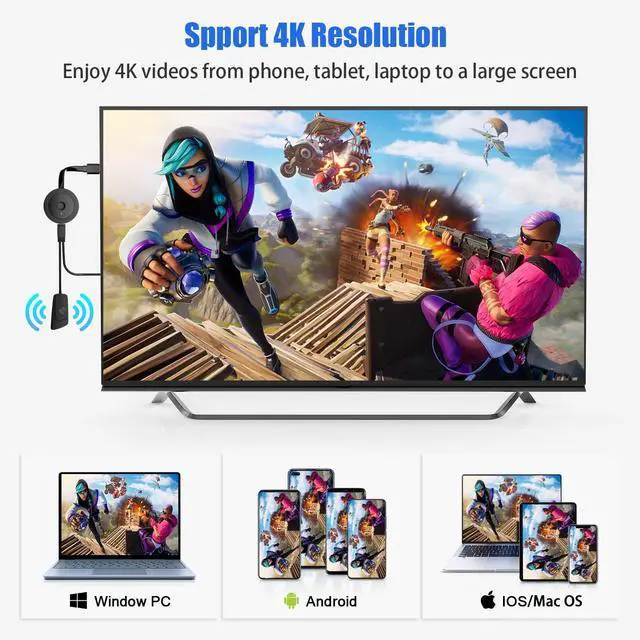
Stunning 4K Resolution
This 4K Wireless HDMI Dongle supports most resolutions, including 4K x 2K@30hz, 1080P @60hz,1080P @30hz, 3D /720P, you can share most luxurious video and audio with your friends or families via the connection of router and devices.

Wireless Function
- For iOS: iPhone 17/17 Pro/17 Pro Max/16/15/14/13/12/11/11 Pro/11 Pro Max/X/8P/8/7/6; iPad 9/8/7/6/5; iPad Air/Pro/mini
- For Mac OS: MacBook Pro ,MacBook Air 13.3 and more
- For Android: Android 4.2+ smartphone / tablet
- For Windows: Windows 8.1/10
Support device that has the wireless function.

Mirror & Extend Modes
Mirror Mode duplicates your main screen content for seamless presentations and content sharing. Extend Mode expands your display for multitasking efficiency.

How to Connect?
- Plug external antenna to wireless HDMI dongle, then connect dongle to TV and plug USB cable to a power adapter or TV USB port.
- Depends on your device's system:
- Android devices: Search Screen Mirroring on the phone's setting, select AMB-XXXX, then done.
- Window devices: Press "win+K", select AMB-XXXX, then done.
- iOS/Mac OS devices:
- Go to your deivce's network setting, find WiFi name: AMB-XXXX, and enter password:12345678.
- Launch browser on your iPhone to access the IP address "192.168.203.1"
- Click "Internet"---Choose your router's account---Enter password.
- Tap screen mirroring, select AMB-XXXX as a target, then done.

Drymokini Wireless Display Adapter allows seamless screen mirroring from your phone, tablet, or computer to your TV. It supports multiple resolutions, including 4K x 2K@30Hz, 1080P@60Hz, 1080P@30Hz, 3D, and 720P. Enjoy quality video and audio casting with friends and family. The extend mode lets you cast videos to your TV while continuing to use your device.
- High-definition resolution up to 4K for crystal-clear visuals
- Supports mirroring from i-Phones, i-Pads, MacBooks, Android smartphones, and PCs
- Seamless display of videos, images, games, websites, slideshows, and more on HDMI-equipped TVs, projectors, monitors, and displays
- Plug-and-play functionality for easy setup and cable-free HD movie experiences
- External antenna for enhanced signal reception and larger, clearer screens
- Compatibility with iOS, Android, Mac, and Windows systems
- Supports MiraCast, Airplay, and DLNA modes for versatile connectivity options
- Ideal for sharing photos, hosting meetings, gaming, video calls, and creating home theaters
- Thoughtful gift for special occasions like Christmas, New Year, birthdays, parties, graduations, and more
- Enhances connectivity and entertainment possibilities for a wide range of activities
Stunning 4K Resolution
This 4K Wireless HDMI Dongle supports most resolutions, including 4K x 2K@30hz, 1080P @60hz,1080P @30hz, 3D /720P, you can share most luxurious video and audio with your friends or families via the connection of router and devices.
Wireless Function
- For iOS: iPhone 17/17 Pro/17 Pro Max/16/15/14/13/12/11/11 Pro/11 Pro Max/X/8P/8/7/6; iPad 9/8/7/6/5; iPad Air/Pro/mini
- For Mac OS: MacBook Pro ,MacBook Air 13.3 and more
- For Android: Android 4.2+ smartphone / tablet
- For Windows: Windows 8.1/10
Support device that has the wireless function.
Mirror & Extend Modes
Mirror Mode duplicates your main screen content for seamless presentations and content sharing. Extend Mode expands your display for multitasking efficiency.
How to Connect?
- Plug external antenna to wireless HDMI dongle, then connect dongle to TV and plug USB cable to a power adapter or TV USB port.
- Depends on your device's system:
- Android devices: Search Screen Mirroring on the phone's setting, select AMB-XXXX, then done.
- Window devices: Press "win+K", select AMB-XXXX, then done.
- iOS/Mac OS devices:
- Go to your deivce's network setting, find WiFi name: AMB-XXXX, and enter password:12345678.
- Launch browser on your iPhone to access the IP address "192.168.203.1"
- Click "Internet"---Choose your router's account---Enter password.
- Tap screen mirroring, select AMB-XXXX as a target, then done.
4K Wireless Display Adapter
